
Ex Compressum Mod untuk Minecraft 1.21.1, 1.16.5
Addon Ex Nihilo yang mengurangi grind dengan menambahkan palu terkompresi dan alat otomatisasi.
 NeoForge
 Fabric
 Forge
ForgeTentang mod Ex Compressum
Ex Compressum adalah addon Ex Nihilo yang menyediakan alat untuk mengurangi penggilingan awal di skyblock dengan cara yang seimbang.
Di Minecraft 1.10.2, ini mendukung Ex Nihilo Omnia serta Ex Nihilo Adscensio.
Di Minecraft 1.12, ini mendukung Ex Nihilo: Creatio.
Di Minecraft 1.20.1, ini mendukung Ex Nihilo: Sequentia, Ex Deorum dan Fabricae Ex Nihilo.

Di Minecraft 1.21.1, ini mendukung Ex Nihilo: Sequentia dan Ex Deorum.
Di Minecraft 26.1 dan versi di atasnya, ini mendukung Ex Deorum.
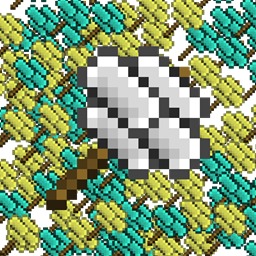
- Compressed Hammer untuk memecah Compressed Block menjadi sembilan versi hancurnya (misalnya Compressed Gravel -> 9 Sand)
- Compressed Crook yang empat kali lebih cepat daripada crook biasa, tetapi hanya dua kali lebih tahan lama
- Heavy Sieve untuk menyaring compressed block secara langsung, dengan sedikit kehilangan efisiensi
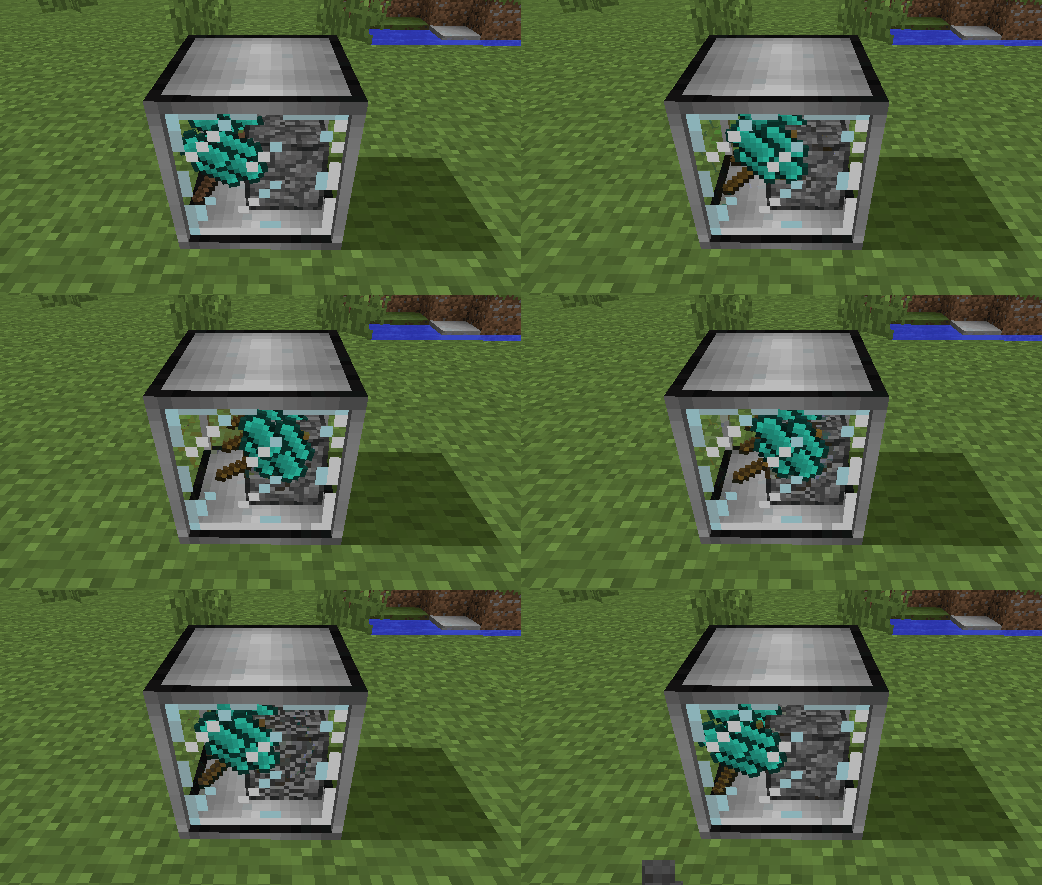
- Auto Compressor untuk secara otomatis memampatkan item menjadi block (misalnya Broken Ores menjadi Ore Gravel)
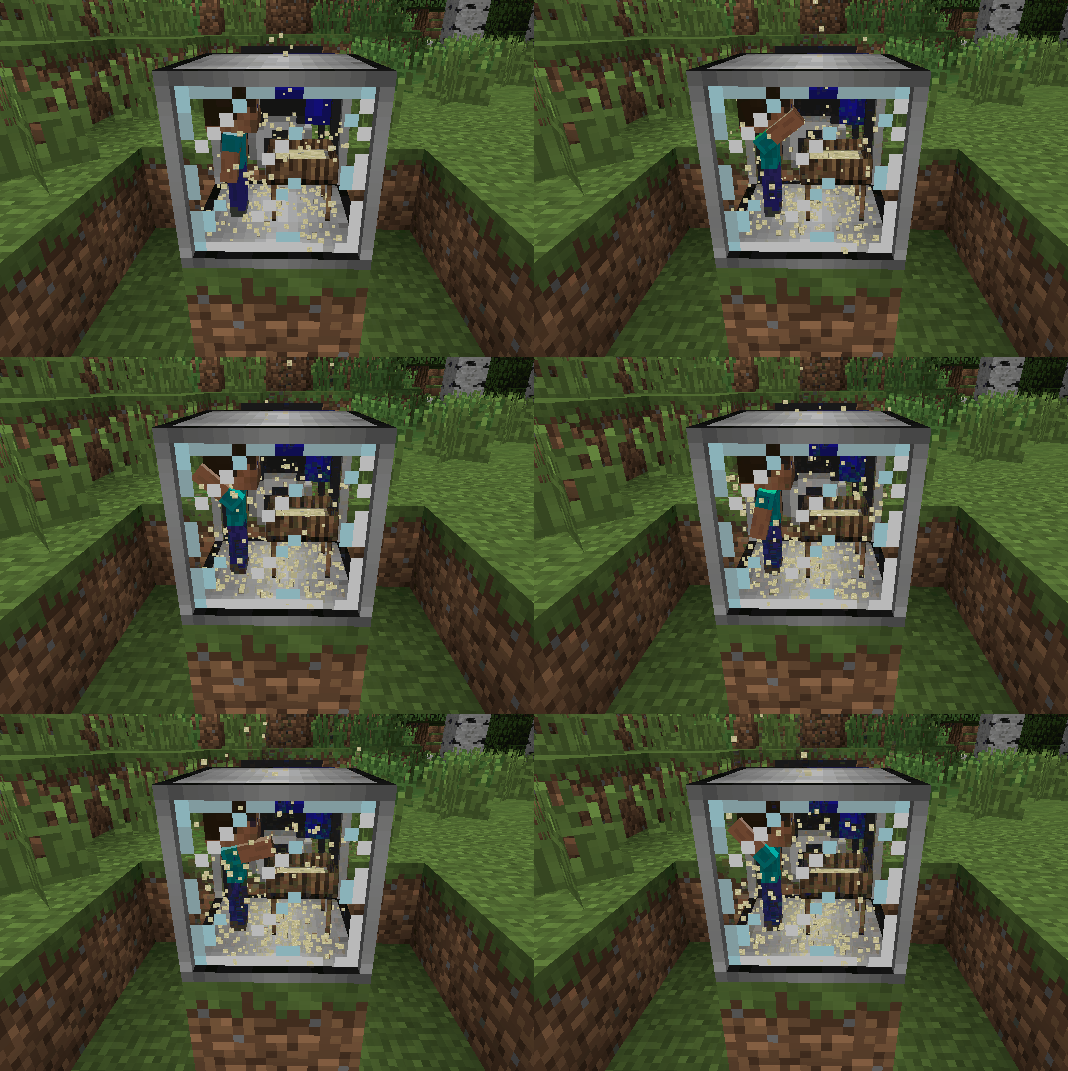
- Auto Sieve dan Auto Hammer
- Wooden Crucible untuk mengekstrak air dari tanaman, sebagai alternatif hujan
- Umpan hewan yang dapat ditempatkan untuk memunculkan sapi, babi, ayam, domba, ocelot dan serigala di luar biome alaminya
Cara memasang Ex Compressum
With Millida Launcher
Install Millida Launcher
The launcher is free: download it at millida.net/launcher and sign in with any nickname.
Click “Install” on this page
The launcher opens and installs the mod for Minecraft 1.16.3–26.2 on Fabric, Forge or NeoForge automatically.
Launch the game
A profile with it appears in the launcher: click “Play”.
Manually
Install Fabric, Forge or NeoForge
The loader must match the game version of the mod file, for example Minecraft 26.2. After installing it, a separate profile appears in your launcher.
Download the file for your version
In the version list above, pick the file excompressum-neoforge-26.2-26.2.0.1.jar (702 KB) for your game version and loader.
Put it in the mods folder
The folder is inside .minecraft (Windows: %appdata%\.minecraft\mods). If it does not exist, create it.
Launch the loader profile
Open “Mods” in the main menu: Ex Compressum should be in the list.
Versi
Dengan dependensi
| Minecraft | Loader | File | Tanggal | Tindakan |
|---|---|---|---|---|
| 26.2 | NeoForge | excompressum-neoforge-26.2-26.2.0.1.jar702 KB 1 | ||
| 26.2 | Fabric | excompressum-fabric-26.2-26.2.0.1.jar722 KB 3 | ||
| 1.21.1 | Forge | excompressum-forge-1.21.1-21.1.15.0.jar672 KB 3 | ||
| 1.18.2 | Forge | excompressum-forge-1.18.2-5.0.3.jar704 KB | ||
| 1.16.5 | — | ExCompressum_1.16.5-4.0.4.jar699 KB | ||
| 1.16.3 | — | ExCompressum_1.16.5-4.0.2.jar694 KB |
FAQ
Which Minecraft versions does Ex Compressum work on?
There are files for 26.2, 1.21.1, 1.18.2, 1.16.5, 1.16.4, 1.16.3. The newest is 26.2.
Is Ex Compressum for Forge or Fabric?
There are files for Fabric: 26.2, for Forge: 1.18.2–1.21.1 and for NeoForge: 26.2.
Does Ex Compressum need other mods?
The author lists no required dependencies: the Fabric, Forge or NeoForge loader is enough.
Where can I download Ex Compressum safely?
On this page: the file excompressum-neoforge-26.2-26.2.0.1.jar (702 KB) is stored on Millida’s server, with no link shorteners. SHA-1 checksum: de77552c53b58cd5b4002f9af0ec3ec2208044ec.
Ulasan
Jadilah yang pertama menilai Ex Compressum


