

 NeoForge
 Fabric
 Quilt
 Forge
Entity Model Features
Tentang
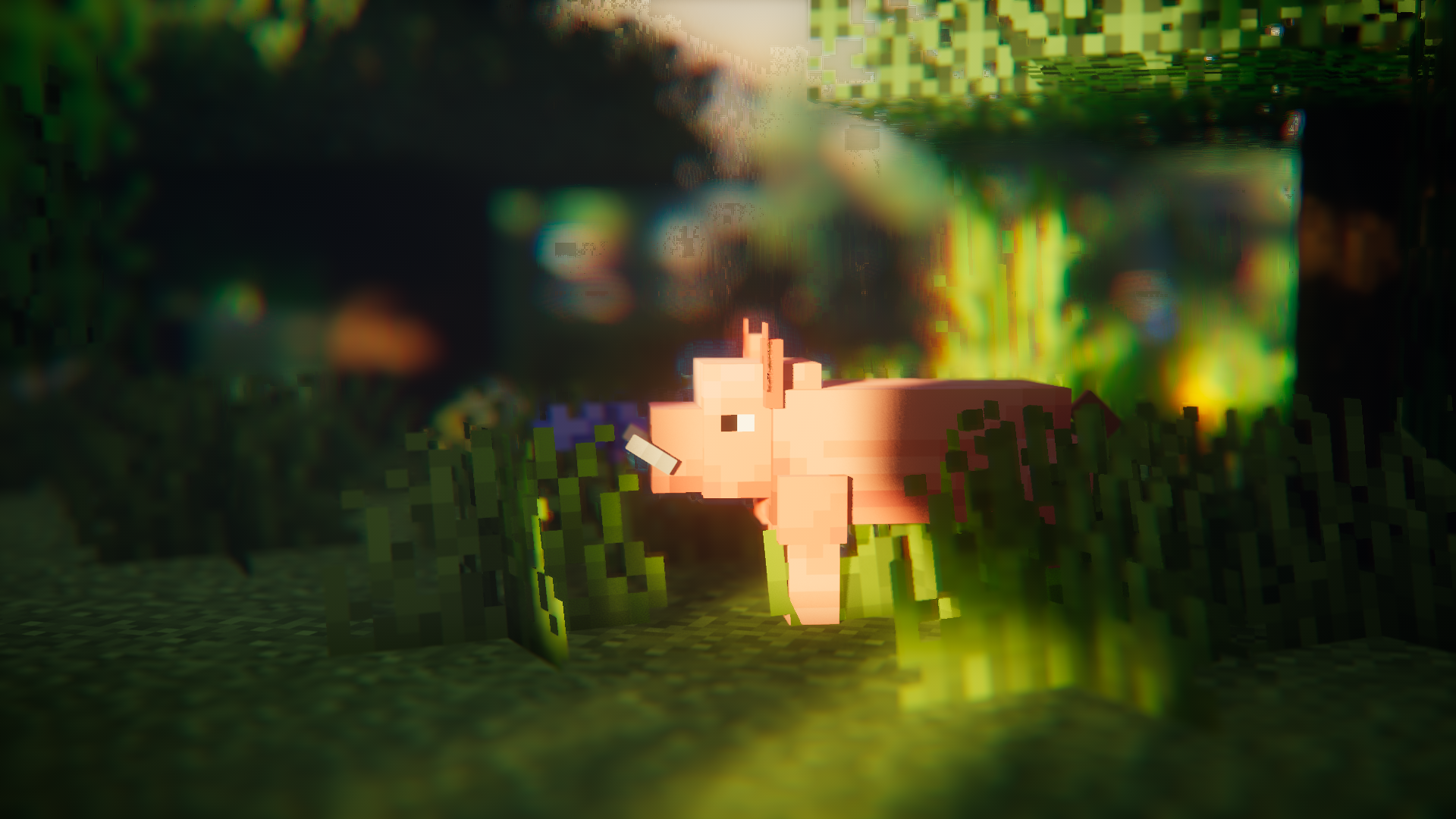
Entity Model Features (EMF) adalah mod Fabric, Forge, & NeoForge yang menambahkan dukungan untuk Custom Entity Models (CEM) milik OptiFine.
dirancang untuk siapa saja yang ingin menggunakan fitur resource pack CEM tetapi juga menggunakan mod alternatif OptiFine seperti Sodium, Continuity, atau ETF.

Mod yang Diperlukan
Mohon juga pasang mod di bawah ini jika memungkinkan, mod yang sudah jelas seperti Sodium tidak disebutkan.
Tentu saja EMF TIDAK kompatibel dengan CEM milik dorianpb dan OptiFine / OptiFabric.

Diperlukan
- Entity Texture Features (ETF): EMF menggunakan beberapa fitur dari mod saya yang lain, ETF, jadi mod ini diperlukan. (terutama digunakan untuk mendukung fitur random model, layar config, dan memungkinkan tekstur yang diatur dalam model bervariasi seperti di OptiFine)
Sangat direkomendasikan
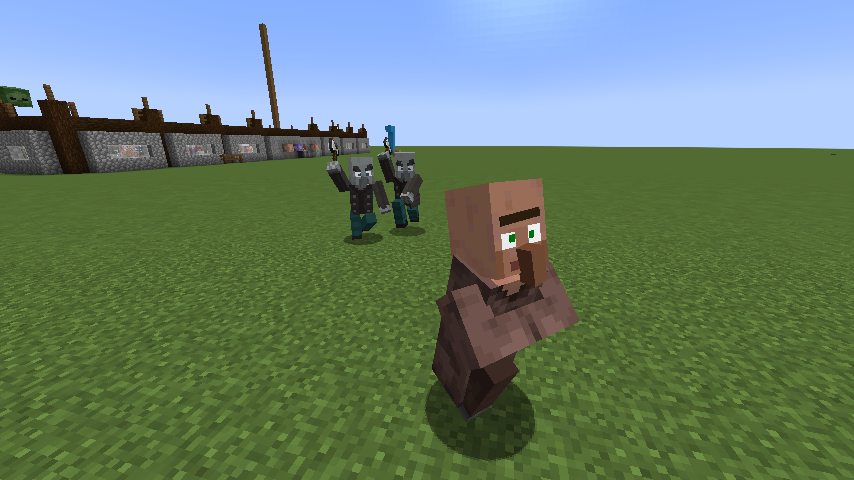
- Entity Culling: Mod ini sangat membantu mengurangi lag rendering entity, bahkan lebih baik daripada entity culling bawaan Sodium. Ini sangat bermanfaat saat menggunakan pack yang berat animasi seperti Fresh Animations.
Fresh Animations?
Ya.
ini berfungsi :)
Unduh Fresh Animations
Fitur & perbedaan dengan OptiFine & Bug yang Diketahui
Halaman detail fitur yang selalu diperbarui : Fitur & perbedaan dengan Optifine
Changelog
Anda dapat menemukan changelog di sini.
Butuh bantuan atau punya pertanyaan?
Anda dapat menghubungi saya di Discord (lebih disukai) atau membuka issue di GitHub.
Cara memasang [EMF] Entity Model Features
With Millida Launcher
Install Millida Launcher
The launcher is free: download it at millida.net/launcher and sign in with any nickname.
Click “Install” on this page
The launcher opens and installs the mod for Minecraft 1.18–26.3 on Fabric, Forge, NeoForge or Quilt automatically, together with its dependencies: [ETF] Entity Texture Features.
Launch the game
A profile with it appears in the launcher: click “Play”.
Manually
Install Fabric, Forge, NeoForge or Quilt
The loader must match the game version of the mod file, for example Minecraft 26.3. After installing it, a separate profile appears in your launcher.
Download the file for your version
In the version list above, pick the file entity_model_features-3.3.12-26.3-neoforge.jar (650 KB) for your game version and loader.
Put it in the mods folder
The folder is inside .minecraft (Windows: %appdata%\.minecraft\mods). If it does not exist, create it. Required dependencies go there too: [ETF] Entity Texture Features.
Launch the loader profile
Open “Mods” in the main menu: [EMF] Entity Model Features should be in the list.
[EMF] Entity Model Features works on the player’s side only: there is no need to install it on a server.
Versi
Dengan dependensi
| Minecraft | Loader | File | Tanggal | Tindakan |
|---|---|---|---|---|
| 26.3 | NeoForge | 26.3650 KB 277 | ||
| 26.3 | Fabric, Quilt | 26.3650 KB 775 | ||
| 26.2 | NeoForge | 26.2650 KB 110 | ||
| 26.2 | Fabric, Quilt | 26.2650 KB 395 | ||
| 26.1.2 | NeoForge | 26.1.2650 KB 31 | ||
| 26.1.2 | Fabric, Quilt | 26.1.2650 KB 112 | ||
| 1.21.10 | NeoForge | 1.21.10655 KB 8 | ||
| 1.21.10 | Forge | 1.21.10833 KB 10 |
Yang dibutuhkan untuk menjalankan
Konten yang membutuhkannya
Ulasan
Jadilah yang pertama menilai [EMF] Entity Model Features


