
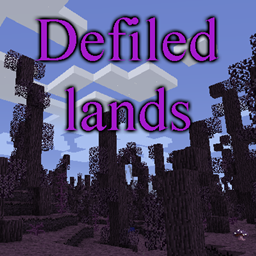
Defiled Lands Mod untuk Minecraft 1.12.2
Menambahkan biome tercemar berbahaya yang penuh dengan bahaya dan harta unik
- unduhan
- 2 unduhan
- dilihat
- 21 dilihat
- Diperbarui
- Diperbarui 20.10.2026
- 1.12 — 1.12.2
 Forge
Forge
Tentang mod Defiled Lands
Presentasi
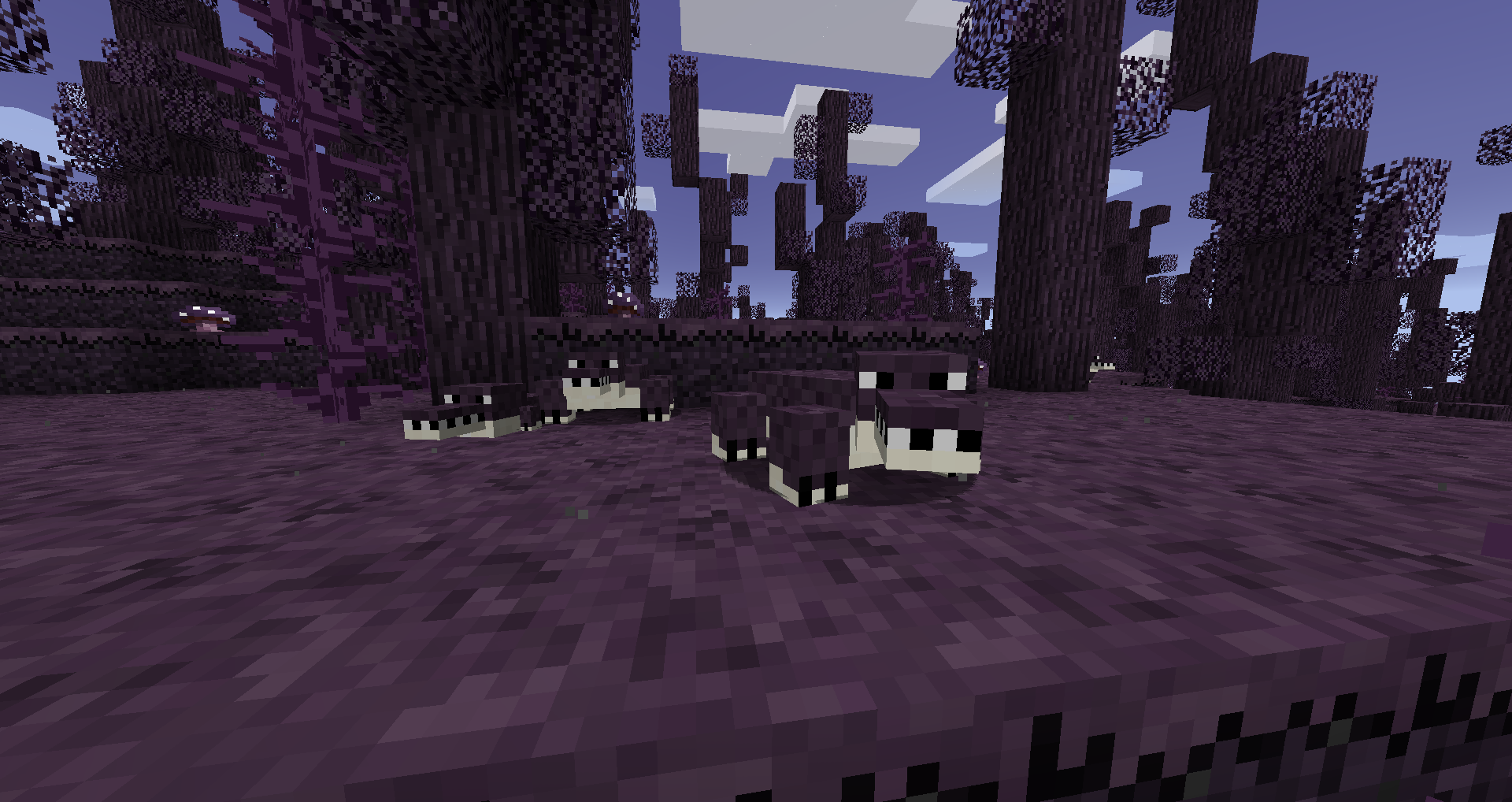
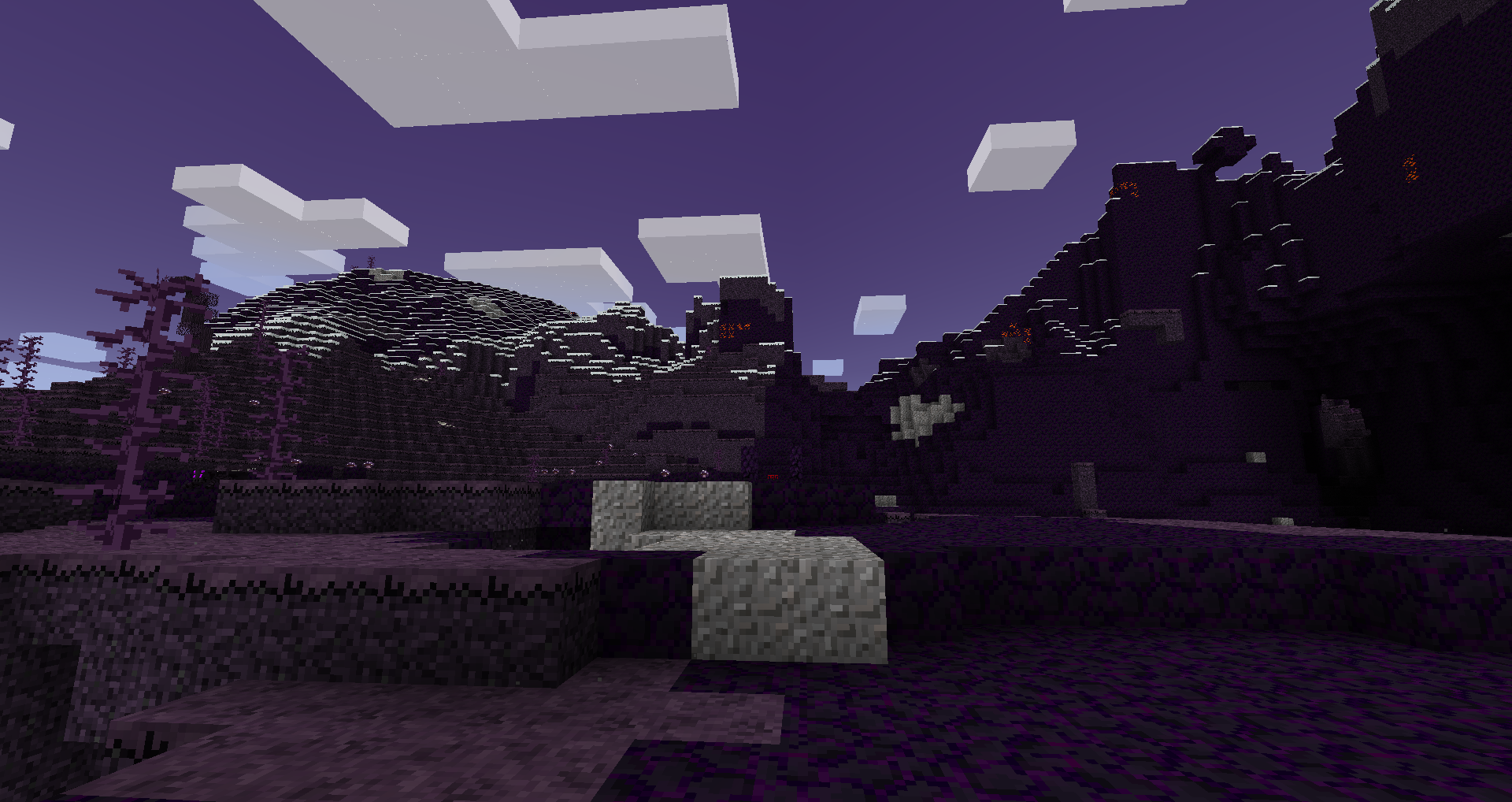
Mod ini menambahkan berbagai biome tercemar yang muncul di dunia, dengan kumpulan makhluk berbahaya, tanaman, dan harta uniknya sendiri.
Biome ini akan secara aktif mengubah blok yang ditempatkan di dalamnya, dan juga akan berisi sumber daya unik. Sumber daya tersebut dapat digunakan untuk membuat alat yang unik dan kuat, serta mencapai pertarungan bos untuk mendapatkan alat yang lebih unik.
Informasi terperinci dapat ditemukan di wiki
FAQ:
T: Apakah defiled lands menyebar?
J: Ya, tetapi tidak pernah lebih dari beberapa blok dari batas alaminya, kecuali kamu mengubah konfigurasinya.
T: Bagaimana cara menghentikan defiled lands agar tidak menyebar?
J: Defiled lands tidak akan menyebar lebih dari sekitar 3 blok dari batas alaminya, kecuali kamu mengubah konfigurasinya. Bahkan, blok tercemar apa pun yang ditempatkan di luar defiled lands alami tidak akan menyebar.
T: Bisakah saya menggunakan blok tercemar untuk dekorasi?
J: Ya, selama kamu berada di luar biome tercemar alami. Jika kamu berada di dalamnya, blok tersebut akan menyebar dan kamu mungkin tidak menginginkannya.
T: Apakah ini kompatibel dengan <mod biome lain>?
J: Ya, ini kompatibel dengan sebagian besar mod penambah biome lainnya, termasuk BOP.
Terima kasih khusus
- Rhodox karena mengizinkan saya menggunakan aset yang dimodifikasi dari Painterly Pack
- McJty atas tutorial modding-nya
Cara memasang Defiled Lands
With Millida Launcher
Install Millida Launcher
The launcher is free: download it at millida.net/launcher and sign in with any nickname.
Click “Install” on this page
The launcher opens and installs the mod for Minecraft 1.12–1.12.2 on Forge automatically.
Launch the game
A profile with it appears in the launcher: click “Play”.
Manually
Install Forge
The loader must match the game version of the mod file, for example Minecraft 1.12.2. After installing it, a separate profile appears in your launcher.
Download the file for your version
In the version list above, pick the file defiledlands-1.12.2-1.4.3.jar (762 KB) for your game version.
Put it in the mods folder
The folder is inside .minecraft (Windows: %appdata%\.minecraft\mods). If it does not exist, create it.
Launch the loader profile
Open “Mods” in the main menu: Defiled Lands should be in the list.
Minecraft 1.12.2 runs on Java 8: with a different Java version the game may close right after launch.
Versi
Dengan dependensi
| Minecraft | Loader | File | Tanggal | Tindakan |
|---|---|---|---|---|
| 1.12.2 | Forge | defiledlands-1.12.2-1.4.3.jar762 KB 2 | ||
| 1.12.2 | — | defiledlands-1.12.2-1.4.1.jar770 KB | ||
| 1.12.1 | — | defiledlands-1.12.1-0.3.0.jar695 KB | ||
| 1.12 | — | defiledlands-1.12-0.1.3.jar655 KB |
FAQ
Which Minecraft versions does Defiled Lands work on?
There are files for 1.12.2, 1.12.1, 1.12. The newest is 1.12.2.
Is Defiled Lands for Forge or Fabric?
Only for Forge: 1.12.2. There are no files for Fabric or NeoForge: a mod for another loader will not start.
Does Defiled Lands need other mods?
The author lists no required dependencies: the Forge loader is enough.
Which Java does Defiled Lands need?
Minecraft 1.12.2 runs on Java 8. If the game closes right after launch, the usual cause is the wrong Java version in the profile settings.
Where can I download Defiled Lands safely?
On this page: the file defiledlands-1.12.2-1.4.3.jar (762 KB) is stored on Millida’s server, with no link shorteners. SHA-1 checksum: a5590fd607602a9f44b5d9c0511ee7756cd99591.
Ulasan
Jadilah yang pertama menilai Defiled Lands


