

 Forge
 Fabric
Tentang mod Dave's Building Extended
Check out my other Minecraft Mods HERE
The continuation of this mod can be found HERE
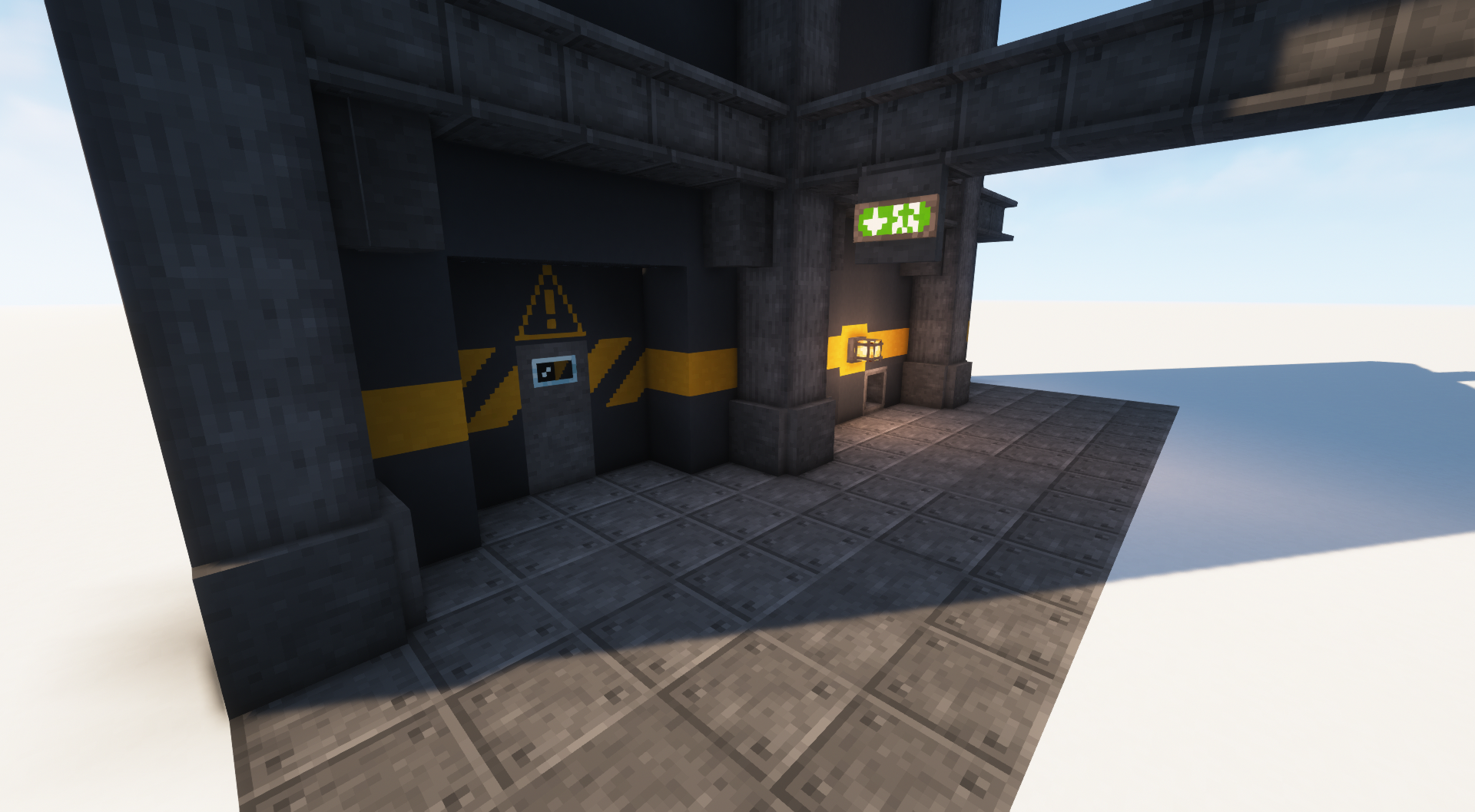
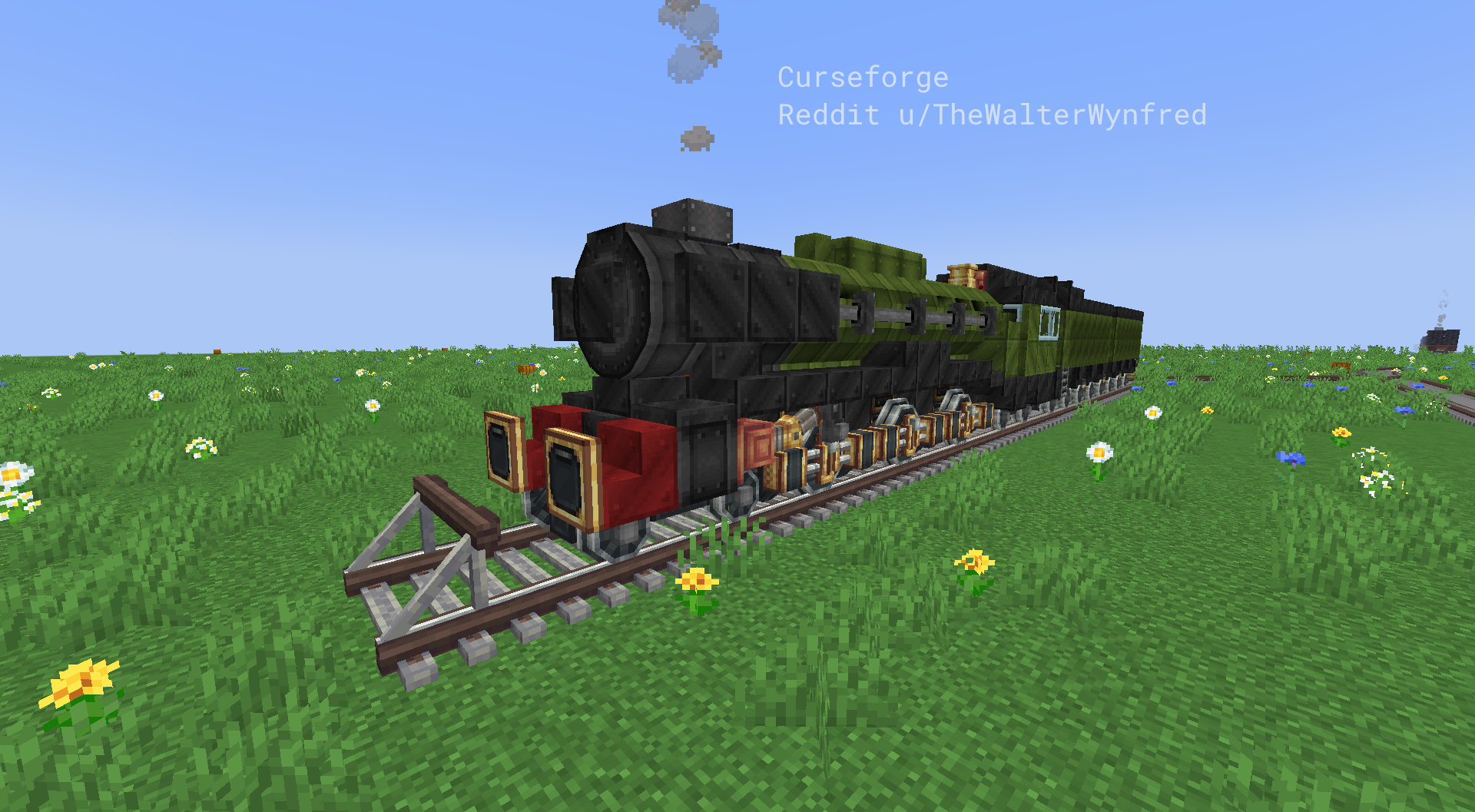
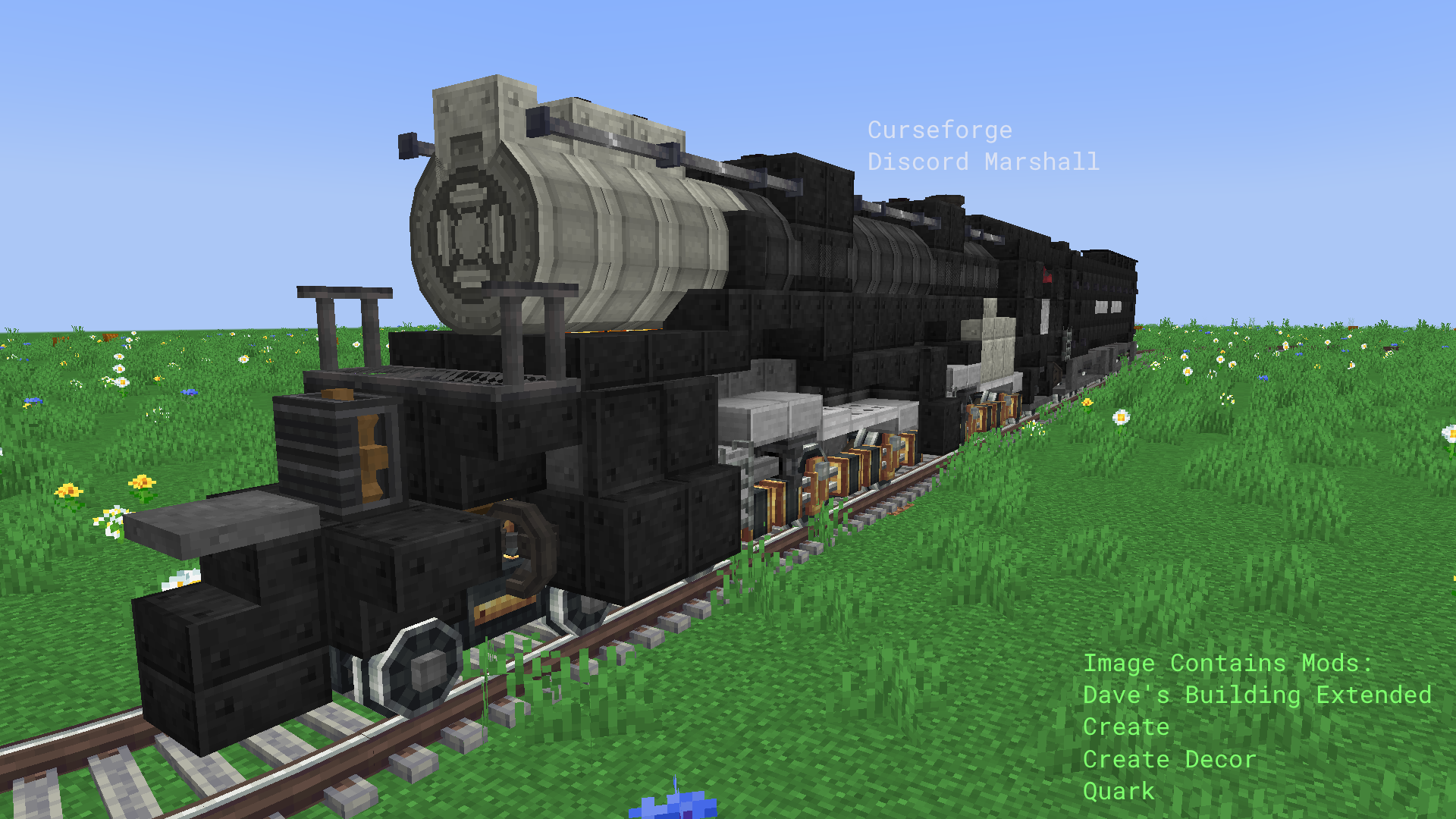
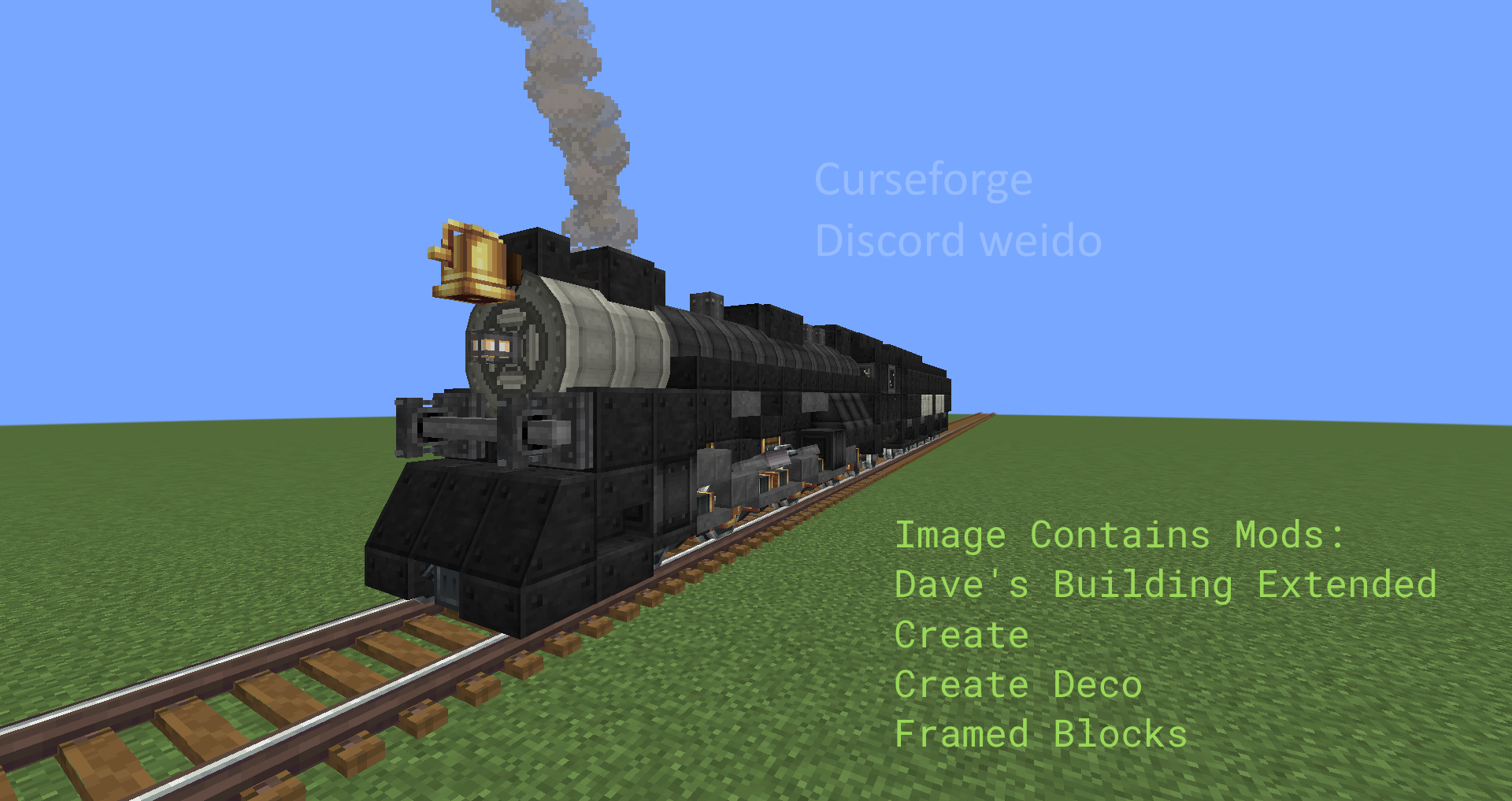
Dave’s Building Extended is yet another a Building Mod, with several building blocks for Factories aswell as Trains and also adding in several ambience related system. It was created with other Mods in mind like Create and JEI. All Textures are based on vanilla textures causing a vanilla friendly aesthetic.
It is recommended to install GoProne to use Vents, Windowlogging and Double Slabs are compatible with this mod
If you'd like to use the mod in any modpack, even outside of curseforge, just do it, but if possible at least link back to this site, thanks!
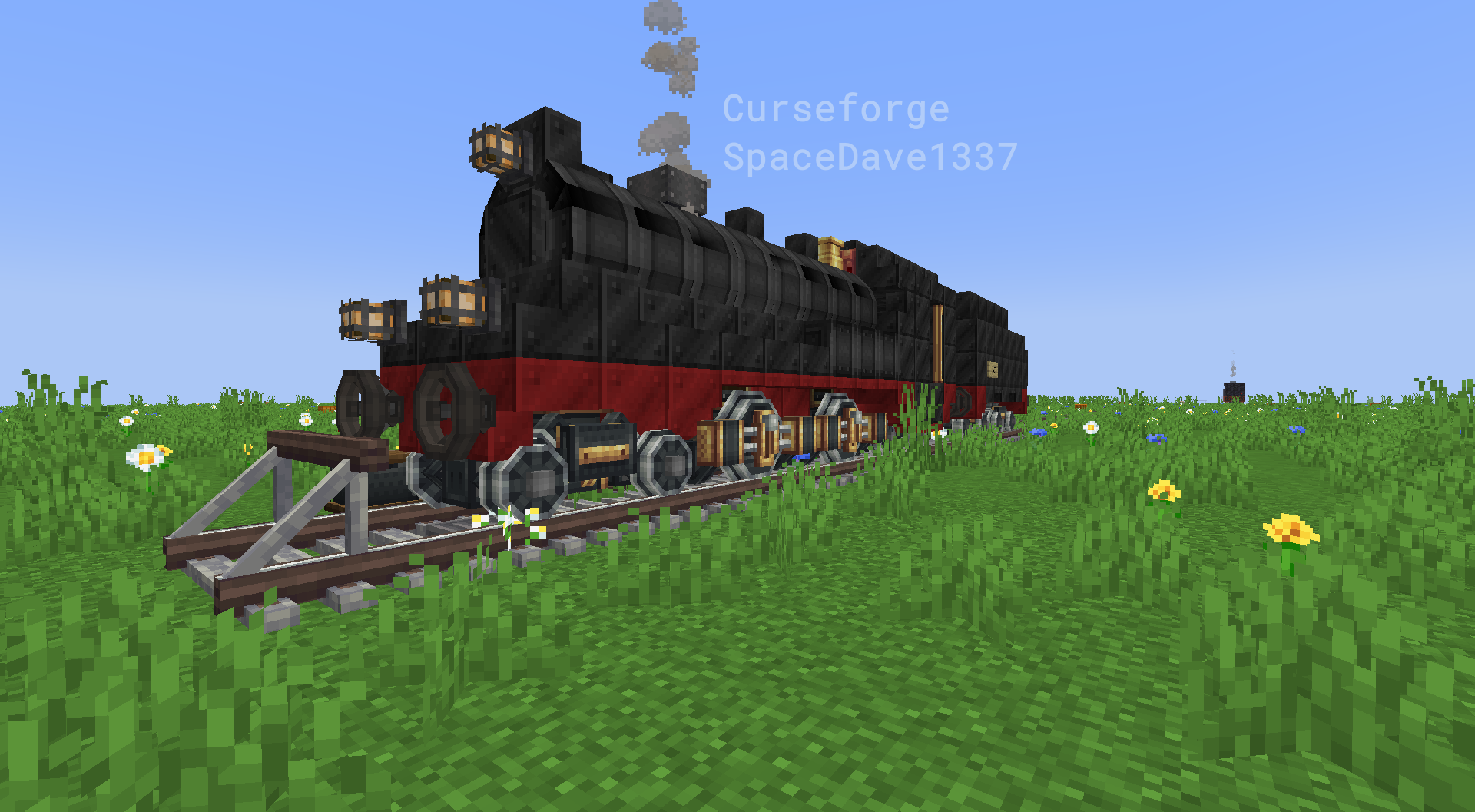
Showcase:
Cara memasang Dave's Building Extended
With Millida Launcher
Install Millida Launcher
The launcher is free: download it at millida.net/launcher and sign in with any nickname.
Click “Install” on this page
The launcher opens and installs the mod for Minecraft 1.19.2–1.20.1 on Fabric or Forge automatically.
Launch the game
A profile with it appears in the launcher: click “Play”.
Manually
Install Fabric or Forge
The loader must match the game version of the mod file, for example Minecraft 1.20.1. After installing it, a separate profile appears in your launcher.
Download the file for your version
In the version list above, pick the file [1.20.1]davesbuilds.jar (2.8 MB) for your game version and loader.
Put it in the mods folder
The folder is inside .minecraft (Windows: %appdata%\.minecraft\mods). If it does not exist, create it.
Launch the loader profile
Open “Mods” in the main menu: Dave's Building Extended should be in the list.
Minecraft 1.20.1 runs on Java 17: with a different Java version the game may close right after launch.
Versi
Dengan dependensi
| Minecraft | Loader | File | Tanggal | Tindakan |
|---|---|---|---|---|
| 1.19.4 | Fabric | davespacemod-0.0.1-1.19.4.jar46.2 KB | ||
| 1.19.2 | Forge | dbExtended-1.19.2-6.0.1.jar3.7 MB 1 | ||
| 1.20.1 | Forge | [1.20.1]davesbuilds.jar2.8 MB | ||
| 1.19.2 | Forge | dbExtended-1.19-5.1.jar3.3 MB |
FAQ
Which Minecraft versions does Dave's Building Extended work on?
There are files for 1.20.1, 1.19.4, 1.19.2. The newest is 1.20.1.
Is Dave's Building Extended for Forge or Fabric?
There are files for Fabric: 1.19.4 and for Forge: 1.19.2–1.20.1. There are no files for NeoForge: a mod for another loader will not start.
Does Dave's Building Extended need other mods?
The author lists no required dependencies: the Fabric or Forge loader is enough.
Which Java does Dave's Building Extended need?
Minecraft 1.20.1 runs on Java 17. If the game closes right after launch, the usual cause is the wrong Java version in the profile settings.
How do I download Dave's Building Extended?
With Millida Launcher: it installs Dave's Building Extended into a modpack by itself, for the right game version and loader. The launcher is free.
Ulasan
Jadilah yang pertama menilai Dave's Building Extended


