

Configured (Fabric) Mod untuk Minecraft 1.19.3
Library konfigurasi dengan menu dalam game yang dibuat secara otomatis!
- dilihat
- 13 dilihat
- Diperbarui
- Diperbarui 18.10.2026
- 1.19.3
 Fabric
Deprecated
This project page is now deprecated. Fabric versions for Minecraft 1.20.4+ can be downloaded from the main project page. This page will stay available for modpacks and legacy versions.



📖 About:
Configured for Fabric is a mod that provides a simple and straight forward configuration library for developers to easily enable customisation of their mod for players. Configured not only focuses on a high quality library for developers, it also creates a rich experience for players by automatically generating a modern and easy-to-use config GUI for any mods utilising this library. No need to spend hours creating your own GUI, this library will take care of it for you!
Note: To access any config GUI generated by Configured, you will need to install either

Catalogue (Fabric) or Mod Menu
✅ Features:
- The easiest configuration library you will use, bringing powerful features with little code. (See below for example)
- Server to client synchronized configurations. Allows a server
- Automatically generates a configuration menu for your config. No extra work needed!
- Provides a rich experience for players by allowing in-game editing with a modern and intuitive GUI.
- Personalise the background texture for any your configurations to create a themed experience.
- (Advanced) An optional API to allow other configuration libraries to utilise the automatic configuration GUI feature when installed.
📦 Developers:
TODO, however you can take a look at a real example of Configured's SimpleConfig API being used for Goblin Traders (Fabric)
📷 Screenshots:
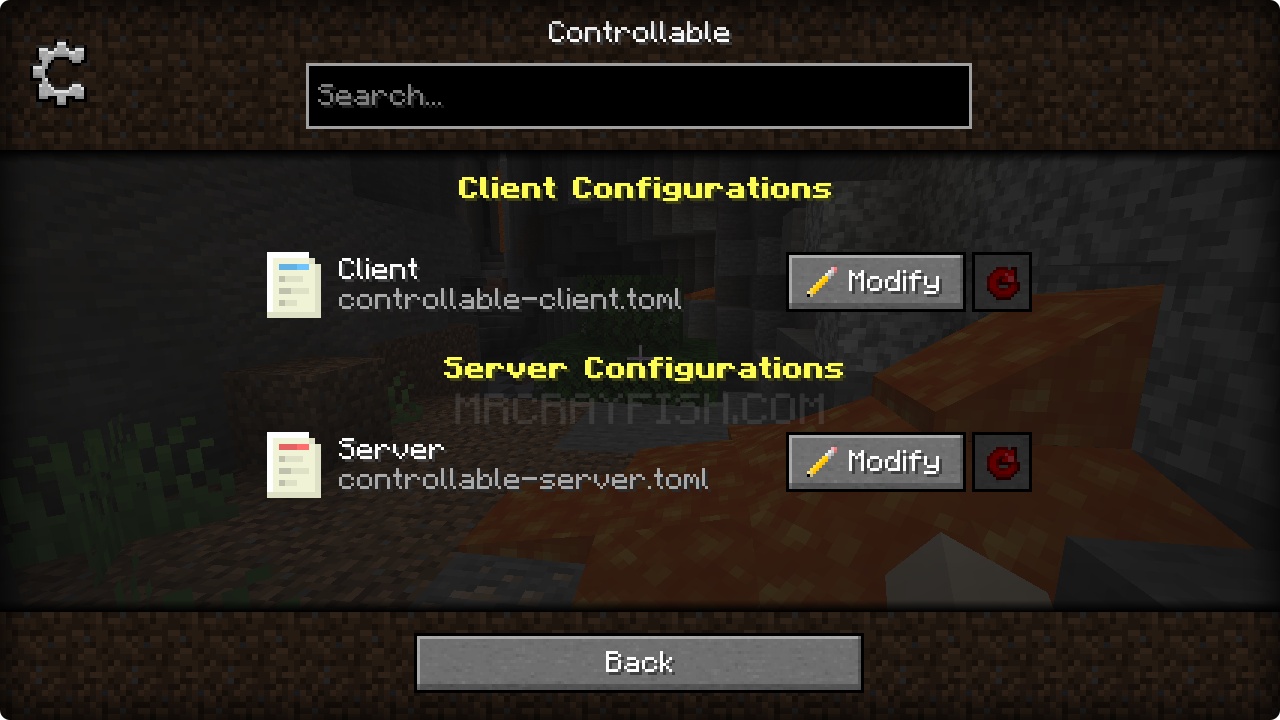
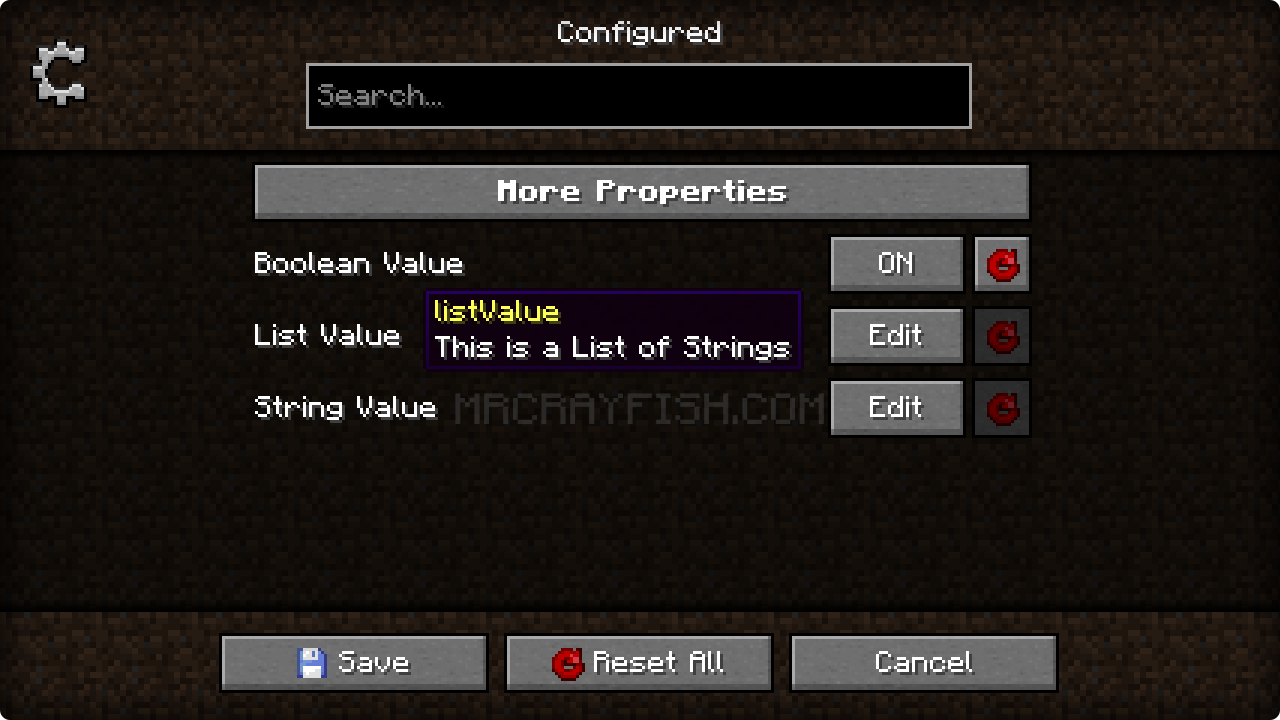
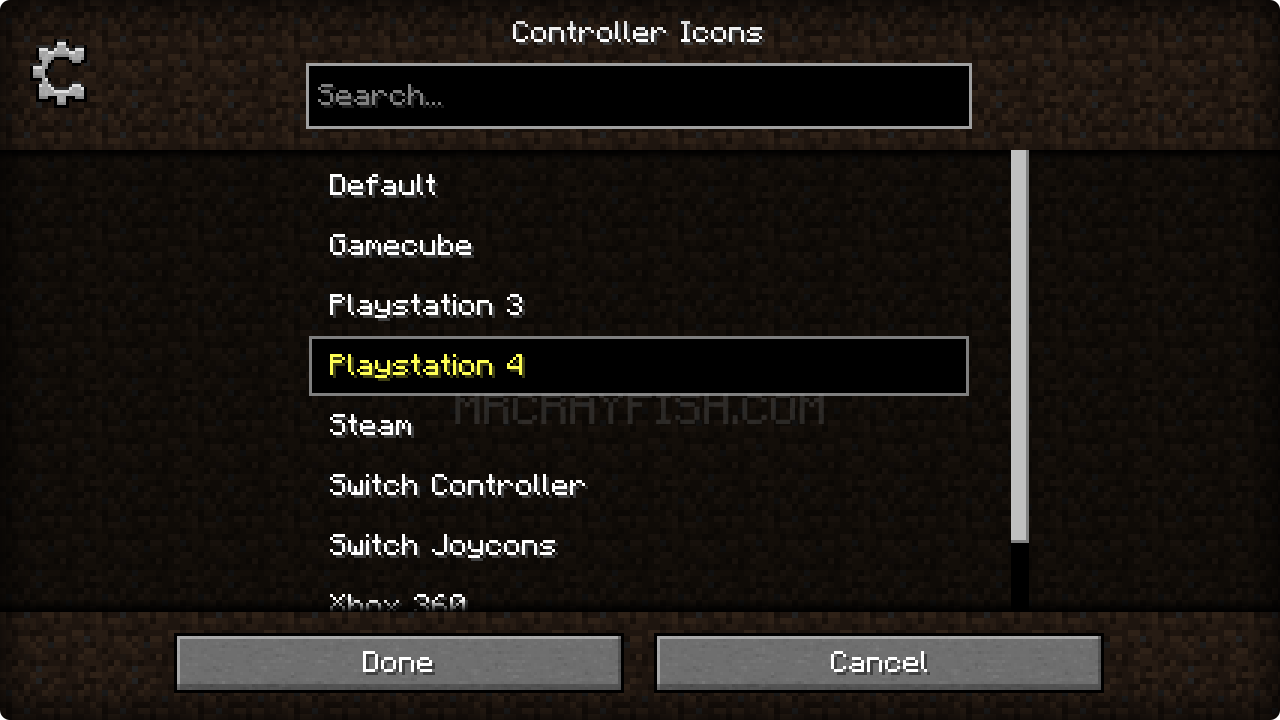
🙋‍♀️ Need Support or Want to Follow Mod Development:
The comment section isn't great for support, which is why MrCrayfish recommends you join the Discord community. You can get help installing and configuring mods, resolving crashes and more! Plus you'll also get access to news about mod updates and development (before anywhere else!). Click the banner below to join 🔽
Cara memasang Configured (Fabric)
With Millida Launcher
Install Millida Launcher
The launcher is free: download it at millida.net/launcher and sign in with any nickname.
Click “Install” on this page
The launcher opens and installs the mod for Minecraft 1.19.3 on Fabric automatically.
Launch the game
A profile with it appears in the launcher: click “Play”.
Manually
Install Fabric
The loader must match the game version of the mod file, for example Minecraft 1.19.3. After installing it, a separate profile appears in your launcher.
Download the file for your version
In the version list above, pick the file configured-fabric-2.1.0-1.19.3.jar (522 KB) for your game version.
Put it in the mods folder
The folder is inside .minecraft (Windows: %appdata%\.minecraft\mods). If it does not exist, create it.
Launch the loader profile
Open “Mods” in the main menu: Configured (Fabric) should be in the list.
Minecraft 1.19.3 runs on Java 17: with a different Java version the game may close right after launch.
Versi
Dengan dependensi
| Minecraft | Loader | File | Tanggal | Tindakan |
|---|---|---|---|---|
| 1.19.3 | Fabric | Configured 2.1.0522 KB |
FAQ
Which Minecraft versions does Configured (Fabric) work on?
Only Minecraft 1.19.3: there are no files for other versions.
Is Configured (Fabric) for Forge or Fabric?
Only for Fabric: 1.19.3. There are no files for Forge or NeoForge: a mod for another loader will not start.
Does Configured (Fabric) need other mods?
The author lists no required dependencies: the Fabric loader is enough.
Which Java does Configured (Fabric) need?
Minecraft 1.19.3 runs on Java 17. If the game closes right after launch, the usual cause is the wrong Java version in the profile settings.
Where can I download Configured (Fabric) safely?
On this page: the file configured-fabric-2.1.0-1.19.3.jar (522 KB) is stored on Millida’s server, with no link shorteners. SHA-1 checksum: b2a8b5e614a4a2bc990eb5af76d4b6f7016632db.
Ulasan
Jadilah yang pertama menilai Configured (Fabric)


