

Configuration Mod untuk Minecraft 26.3
Library konfigurasi untuk manajemen config yang mudah
 NeoForge
 Fabric
 Forge
ForgeKonfigurasi
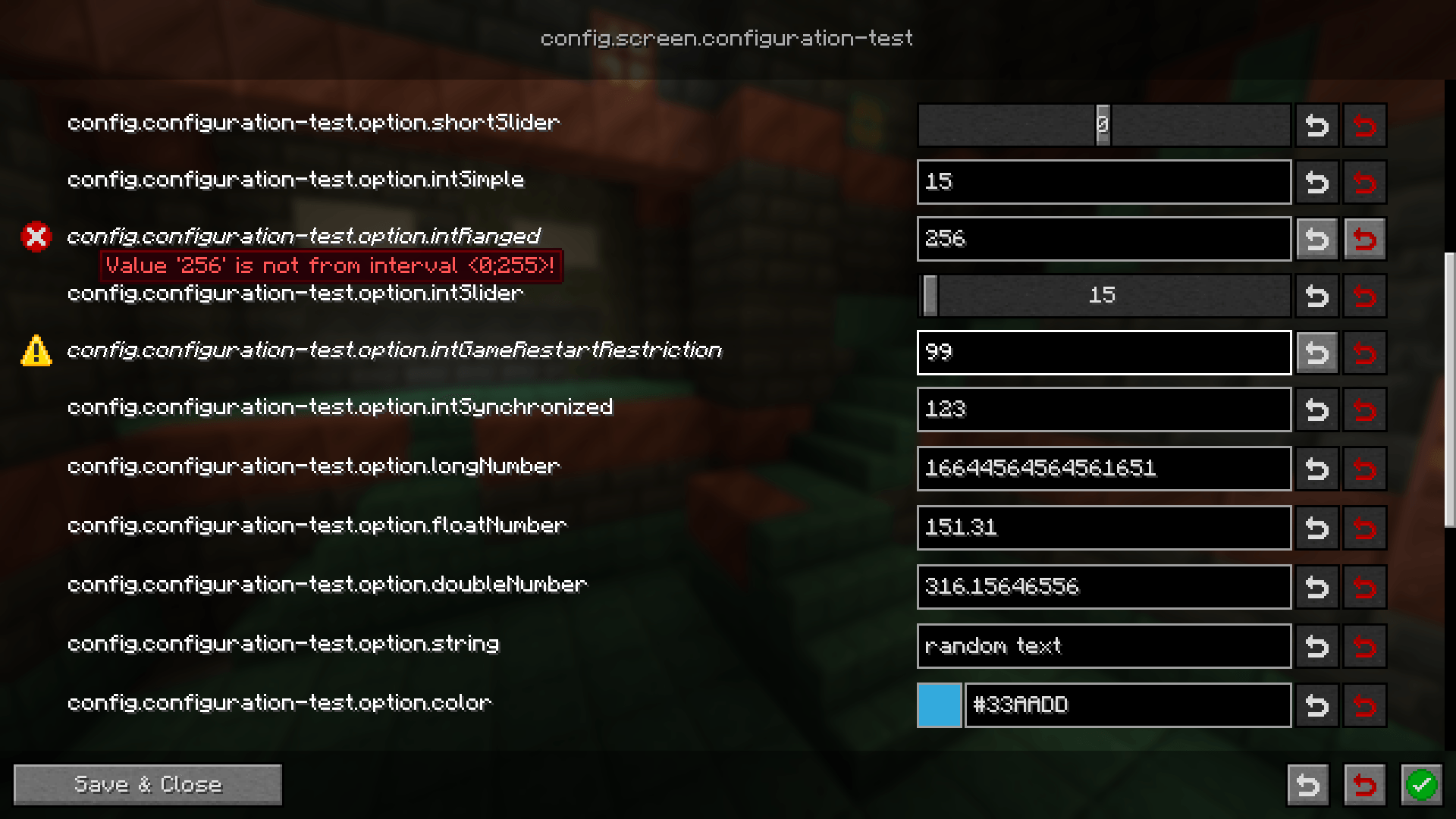
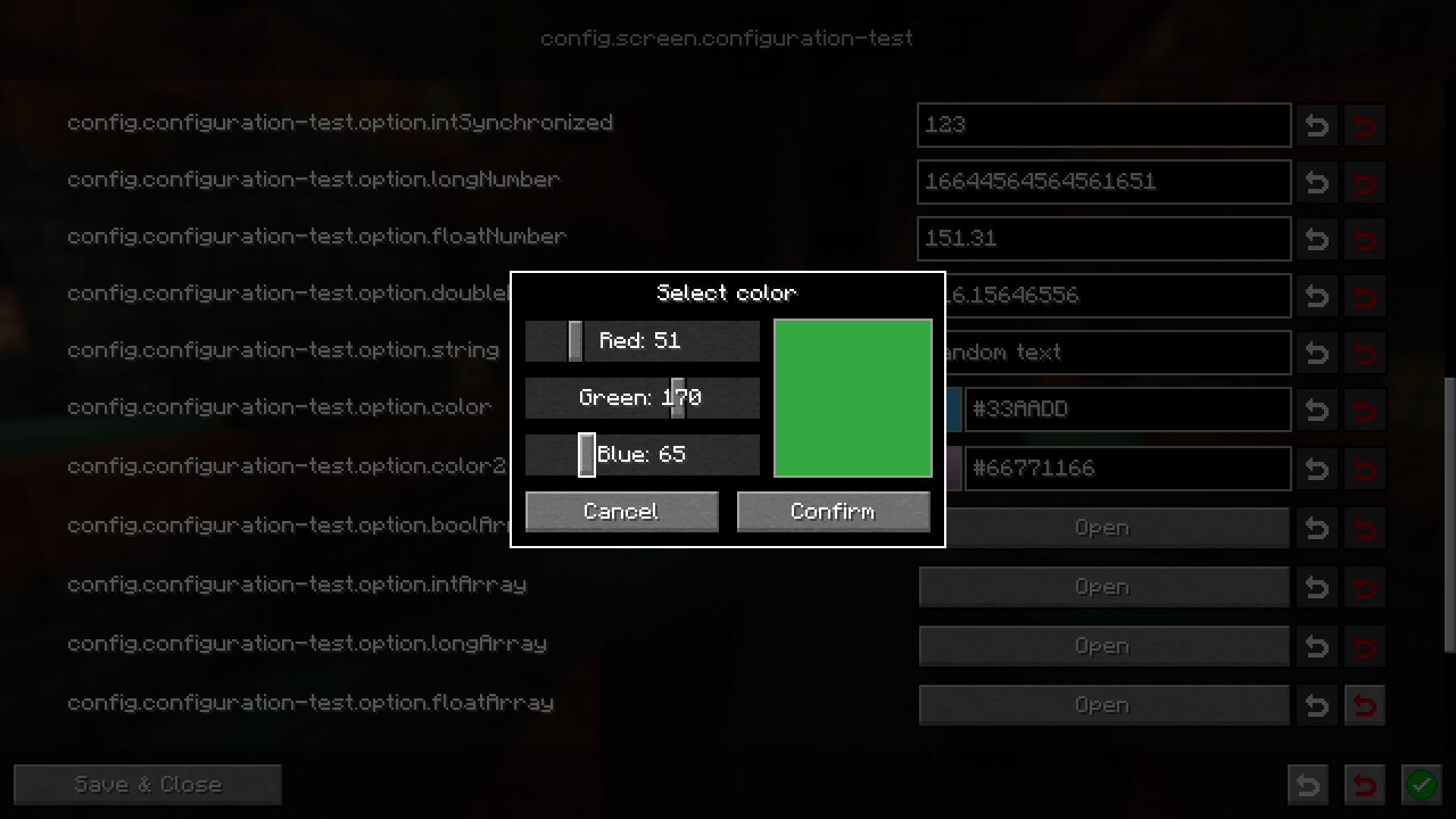
Pustaka konfigurasi ringan yang bertujuan menyederhanakan pembuatan konfigurasi di antara berbagai mod loader sekaligus ramah pengguna. Setiap konfigurasi dilengkapi UI yang dibuat secara prosedural untuk pengeditan. Bagi pengembang, tersedia banyak atribut yang memungkinkan Anda menangani kasus umum seperti sinkronisasi ke pengguna atau misalnya mewajibkan restart game sebelum menerapkan konfigurasi yang diubah
Wiki
Panduan Pengguna Panduan Pengembang
Discord
Butuh bantuan? Anda dapat bergabung dengan server Discord kami dan bertanya di sana
Pelaporan bug / Permintaan Fitur
Jika Anda menemukan masalah terkait mod ini atau memiliki ide fitur baru, silakan buat issue di GitHub untuk itu. Anda dapat mengikuti tab Issues di halaman ini
Cara memasang Configuration
With Millida Launcher
Install Millida Launcher
The launcher is free: download it at millida.net/launcher and sign in with any nickname.
Click “Install” on this page
The launcher opens and installs the mod for Minecraft 1.21.11–26.3 on Fabric, Forge or NeoForge automatically.
Launch the game
A profile with it appears in the launcher: click “Play”.
Manually
Install Fabric, Forge or NeoForge
The loader must match the game version of the mod file, for example Minecraft 26.3. After installing it, a separate profile appears in your launcher.
Download the file for your version
In the version list above, pick the file configuration-neoforge-4.1.4+26.3.jar (441 KB) for your game version and loader.
Put it in the mods folder
The folder is inside .minecraft (Windows: %appdata%\.minecraft\mods). If it does not exist, create it.
Launch the loader profile
Open “Mods” in the main menu: Configuration should be in the list.
Versi
Dengan dependensi
| Minecraft | Loader | File | Tanggal | Tindakan |
|---|---|---|---|---|
| 26.3 | NeoForge | configuration-neoforge-4.1.4+26.3441 KB | ||
| 26.3 | Fabric | configuration-fabric-4.1.4+26.3446 KB | ||
| 1.21.11 | Forge | configuration-forge-1.21.11-4.1.0445 KB |
FAQ
Which Minecraft versions does Configuration work on?
There are files for 26.3, 1.21.11. The newest is 26.3.
Is Configuration for Forge or Fabric?
There are files for Fabric: 26.3, for Forge: 1.21.11 and for NeoForge: 26.3.
Does Configuration need other mods?
The author lists no required dependencies: the Fabric, Forge or NeoForge loader is enough.
Where can I download Configuration safely?
On this page: the file configuration-neoforge-4.1.4+26.3.jar (441 KB) is stored on Millida’s server, with no link shorteners. SHA-1 checksum: 9b43d4452ee280f8b3e42ed24e0082a4db48b39d.
Ulasan
Jadilah yang pertama menilai Configuration


