

Tentang mod Classy Hats
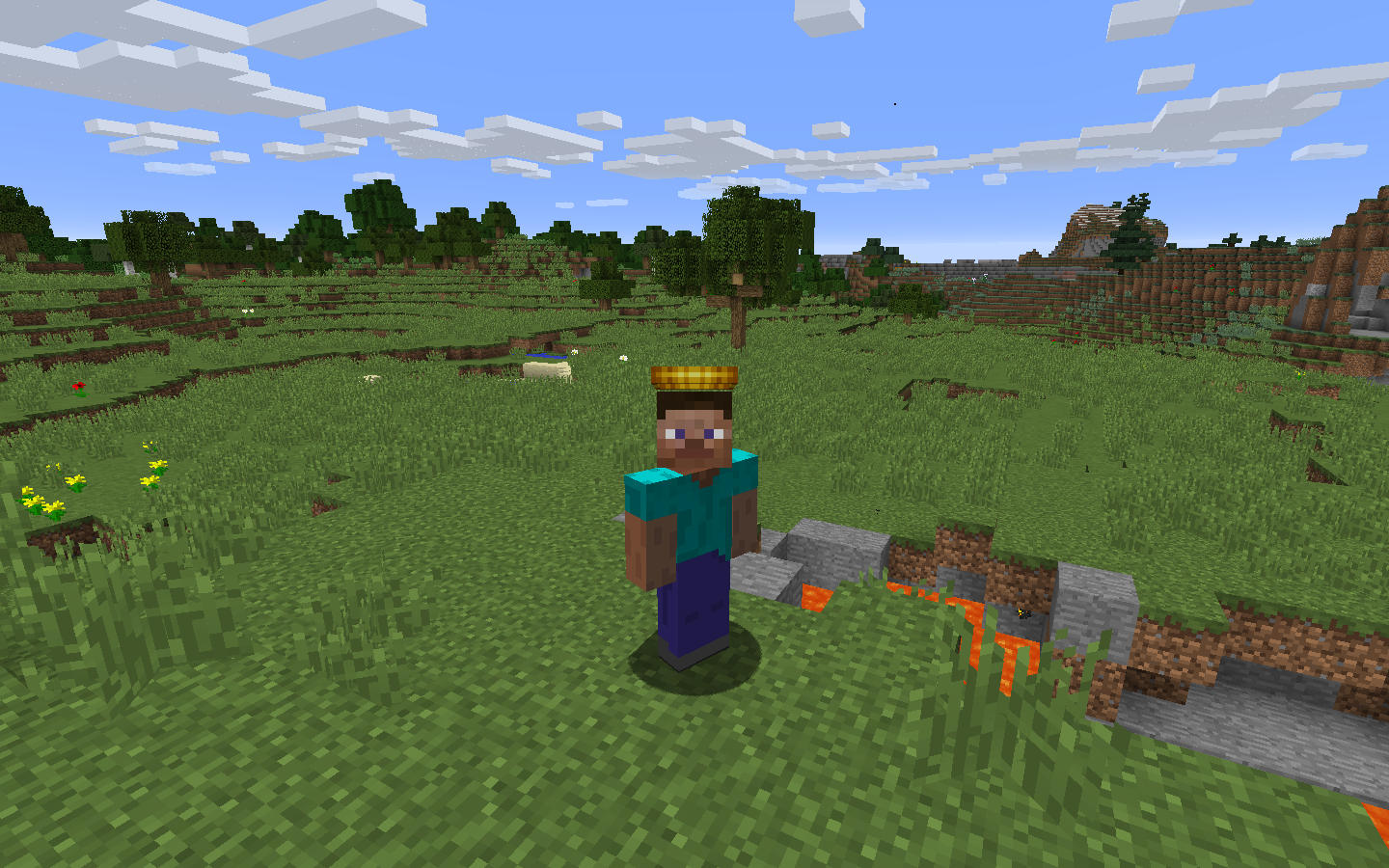
Mod ini menambahkan topi! Untuk kepalamu!
Dengan menggunakan inventaris topi (H) kamu dapat memakai topi, dan mengakses hingga 1000 slot penyimpanan. Topi akan muncul di loot, dari bos, dan jarang pada mob, membuatnya menjadi tantangan untuk dikumpulkan! Gayai dirimu sesukamu, dan waspadai topi Elusive, 20x lebih langka daripada topi biasa.
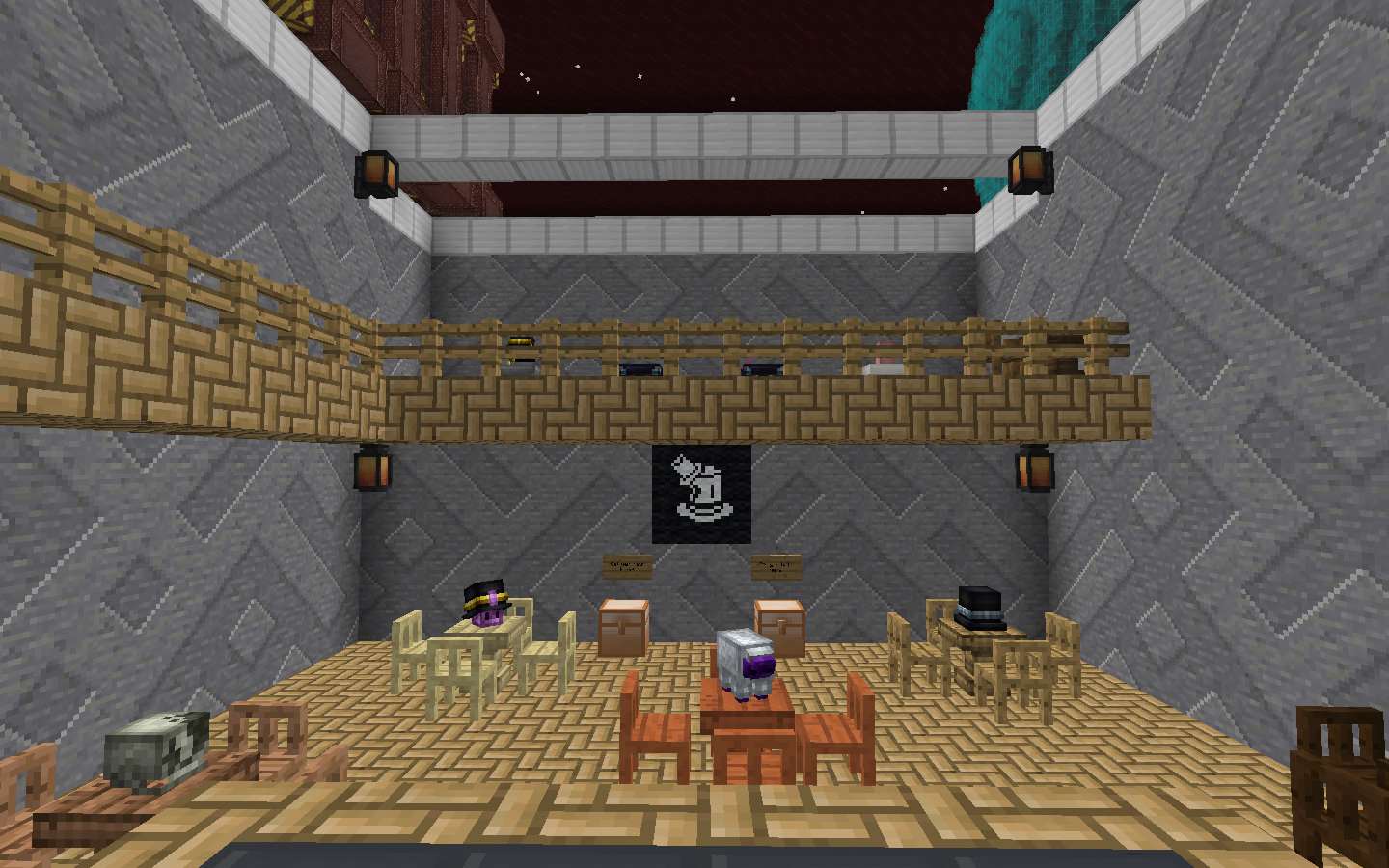
Simpan topimu di stand! Tampilannya keren, dan bisa diposisikan seperti kepala mob.
Ini juga dilengkapi dengan konfigurasi yang kuat, memungkinkan siapa saja membuat topi mereka sendiri untuk modpack mereka dengan aset kustom mereka sendiri!
Fitur tambahan adalah Phantom Thread, item yang memungkinkanmu menyembunyikan armormu, agar topimu lebih terlihat. Dibuat dengan murah, cukup gabungkan dengan armor di meja crafting untuk membuat armormu tak terlihat.
Cara memasang Classy Hats
With Millida Launcher
Install Millida Launcher
The launcher is free: download it at millida.net/launcher and sign in with any nickname.
Click “Install” on this page
The launcher opens and installs the mod for Minecraft 1.12.2 automatically.
Launch the game
A profile with it appears in the launcher: click “Play”.
Manually
Download the file for your version
In the version list above, pick the file classyhats-1.6.0.jar (318 KB) for your game version.
Put it in the mods folder
The folder is inside .minecraft (Windows: %appdata%\.minecraft\mods). If it does not exist, create it.
Launch the loader profile
Open “Mods” in the main menu: Classy Hats should be in the list.
Minecraft 1.12.2 runs on Java 8: with a different Java version the game may close right after launch.
Versi
Dengan dependensi
| Minecraft | Loader | File | Tanggal | Tindakan |
|---|---|---|---|---|
| 1.12.2 | — | classyhats-1.6.0.jar318 KB | ||
| 1.12.2 | — | ClassyHats-1.4.jar295 KB |
FAQ
Which Minecraft versions does Classy Hats work on?
Only Minecraft 1.12.2: there are no files for other versions.
Which Java does Classy Hats need?
Minecraft 1.12.2 runs on Java 8. If the game closes right after launch, the usual cause is the wrong Java version in the profile settings.
Where can I download Classy Hats safely?
On this page: the file classyhats-1.6.0.jar (318 KB) is stored on Millida’s server, with no link shorteners. SHA-1 checksum: 8c7f05c8fbd2cc1dbbb591310cfde12d8b5fabbc.
Ulasan
Jadilah yang pertama menilai Classy Hats


