
 NeoForge
Tentang mod Chroma Carvings
Chroma Carvings menghadirkan sentuhan penuh warna pada musim seram Minecraft dengan memperkenalkan labu ukir berwarna, jack o'lantern, dan snow golem yang serasi, menghidupkan kembali kreasi bertema Halloween atau lanskap bersalju Anda.
Fitur
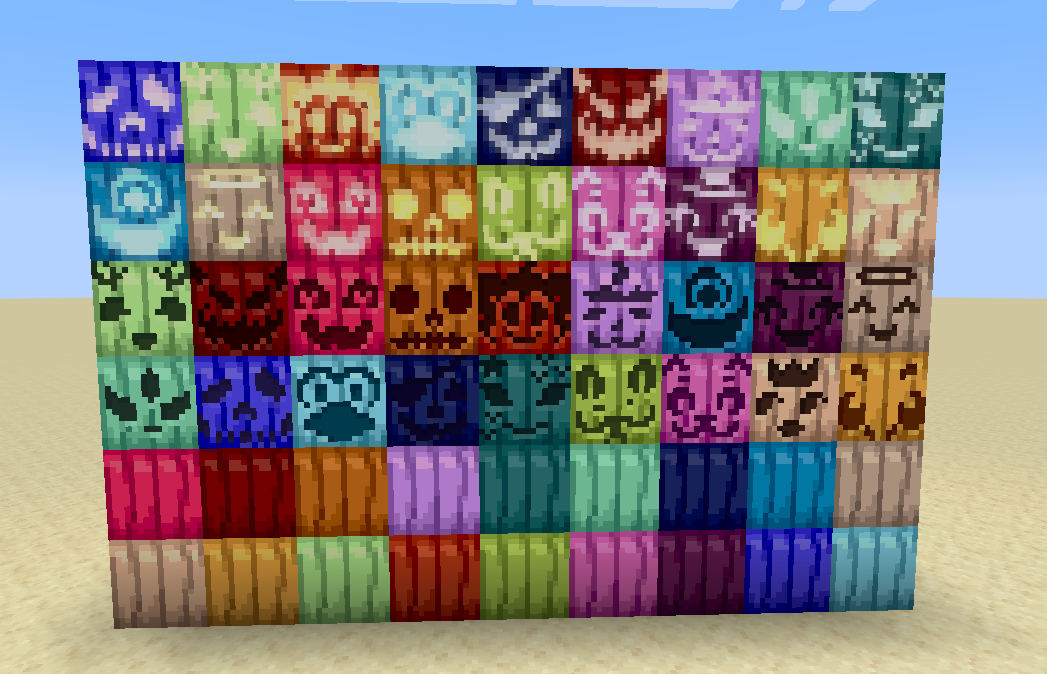
Labu Ukir Berwarna
- Buat labu ukir dalam 16 warna berbeda menggunakan labu ukir apa pun dan pewarna pilihan Anda.
- Tempatkan sebagai blok dekoratif atau kenakan sebagai helm untuk nuansa scarecrow yang penuh warna.
- Setiap labu ukir berwarna tetap mempertahankan kemampuan aslinya untuk digunakan dalam crafting atau sebagai penutup kepala.
Jack O'Lantern Berwarna
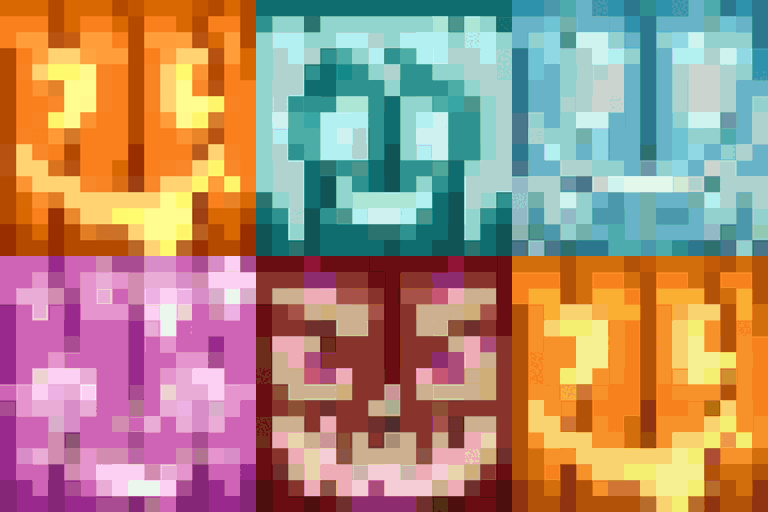
- Terangi dunia Anda dengan jack o'lantern dalam semua 16 warna yang dapat diwarnai.
- Buat dengan menggabungkan labu ukir berwarna dengan obor atau menggunakan jack o'lantern apa pun dan pewarna.
Snow Golem Berwarna
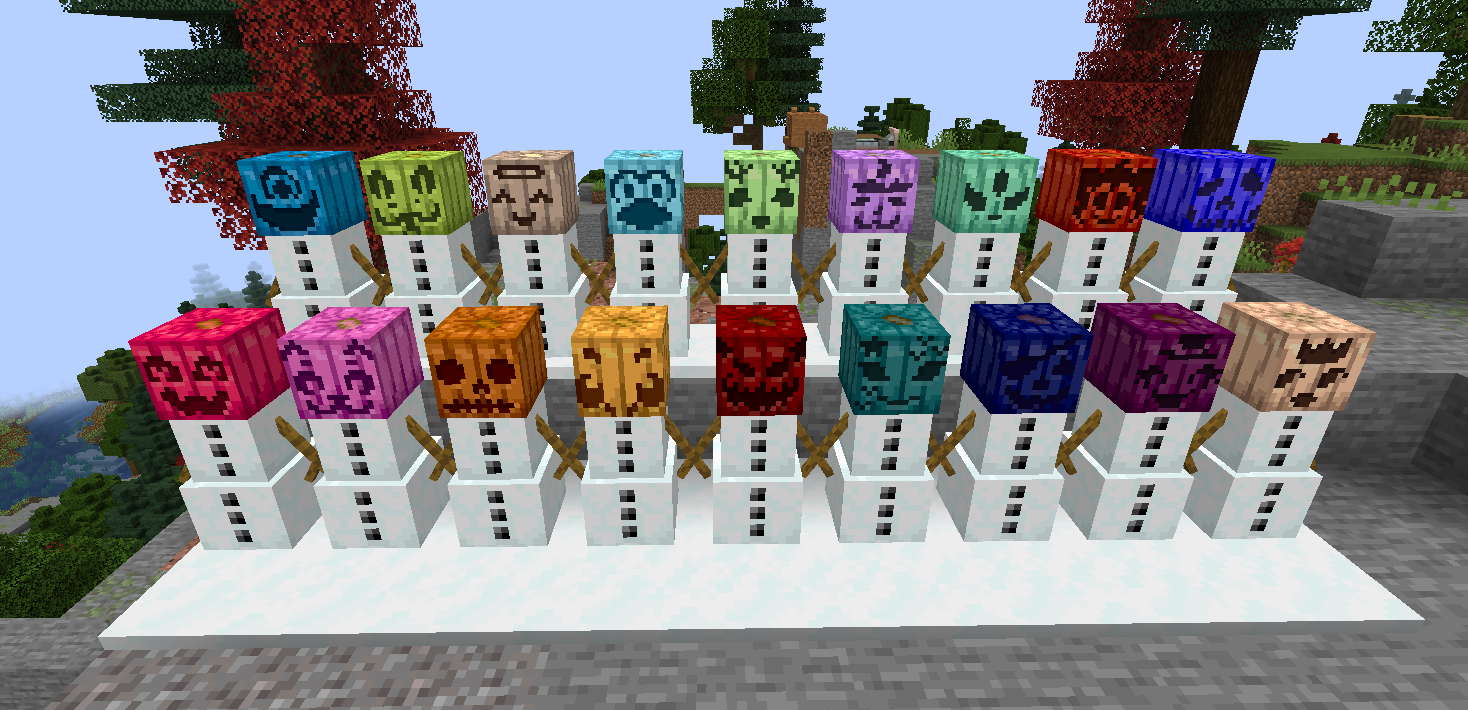
- Buat snow golem dengan labu ukir berwarna sebagai kepalanya untuk tampilan unik yang penuh warna.
- Snow golem berwarna berfungsi sama seperti snow golem biasa, meninggalkan jejak salju dan menyerang mob hostile.
- Sempurna untuk membangun pasukan musim dingin yang penuh warna atau menghias bioma bersalju.
Kompatibilitas
- Pasang Dyenamics and Friends untuk lebih banyak warna labu!
Cerahkan dunia Minecraft Anda dengan Chroma Carvings hari ini!
Untuk dukungan atau masukan, datanglah ke Discord saya
Cara memasang Chroma Carvings
With Millida Launcher
Install Millida Launcher
The launcher is free: download it at millida.net/launcher and sign in with any nickname.
Click “Install” on this page
The launcher opens and installs the mod for Minecraft 1.21.1 on NeoForge automatically.
Launch the game
A profile with it appears in the launcher: click “Play”.
Manually
Install NeoForge
The loader must match the game version of the mod file, for example Minecraft 1.21.1. After installing it, a separate profile appears in your launcher.
Download the file for your version
In the version list above, pick the file chromacarvings-1.21.1-0.2.0.jar (263 KB) for your game version.
Put it in the mods folder
The folder is inside .minecraft (Windows: %appdata%\.minecraft\mods). If it does not exist, create it.
Launch the loader profile
Open “Mods” in the main menu: Chroma Carvings should be in the list.
Minecraft 1.21.1 runs on Java 21: with a different Java version the game may close right after launch.
Versi
Dengan dependensi
| Minecraft | Loader | File | Tanggal | Tindakan |
|---|---|---|---|---|
| 1.21.1 | NeoForge | chromacarvings-1.21.1-0.2.0.jar263 KB |
FAQ
Which Minecraft versions does Chroma Carvings work on?
Only Minecraft 1.21.1: there are no files for other versions.
Is Chroma Carvings for Forge or Fabric?
Only for NeoForge: 1.21.1. There are no files for Forge or Fabric: a mod for another loader will not start.
Does Chroma Carvings need other mods?
The author lists no required dependencies: the NeoForge loader is enough.
Which Java does Chroma Carvings need?
Minecraft 1.21.1 runs on Java 21. If the game closes right after launch, the usual cause is the wrong Java version in the profile settings.
Where can I download Chroma Carvings safely?
On this page: the file chromacarvings-1.21.1-0.2.0.jar (263 KB) is stored on Millida’s server, with no link shorteners. SHA-1 checksum: b791809827bfd4e3d28fc208815d92bfed92c602.
Ulasan
Jadilah yang pertama menilai Chroma Carvings


