
Camerapture Mod untuk Minecraft 1.20.1, 1.21.1
Ambil foto menggunakan kamera yang berfungsi, tunjukkan ke pemain lain dan gantung di dinding Anda dalam bingkai foto!
 Fabric
 NeoForge
 Quilt
Quilt Forge
ForgeTentang mod Camerapture
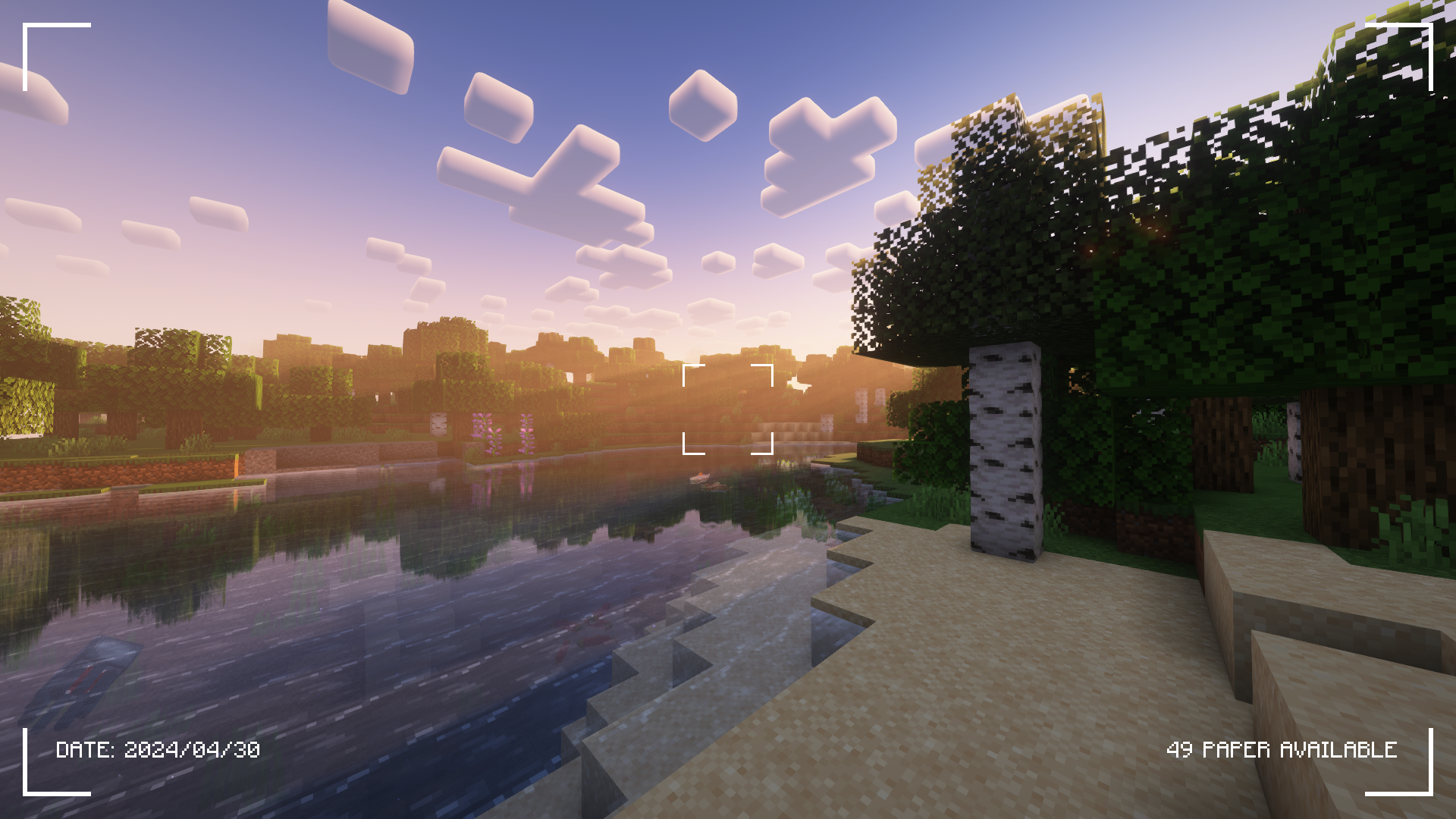
Lihat tab Galeri untuk lebih banyak tangkapan layar!
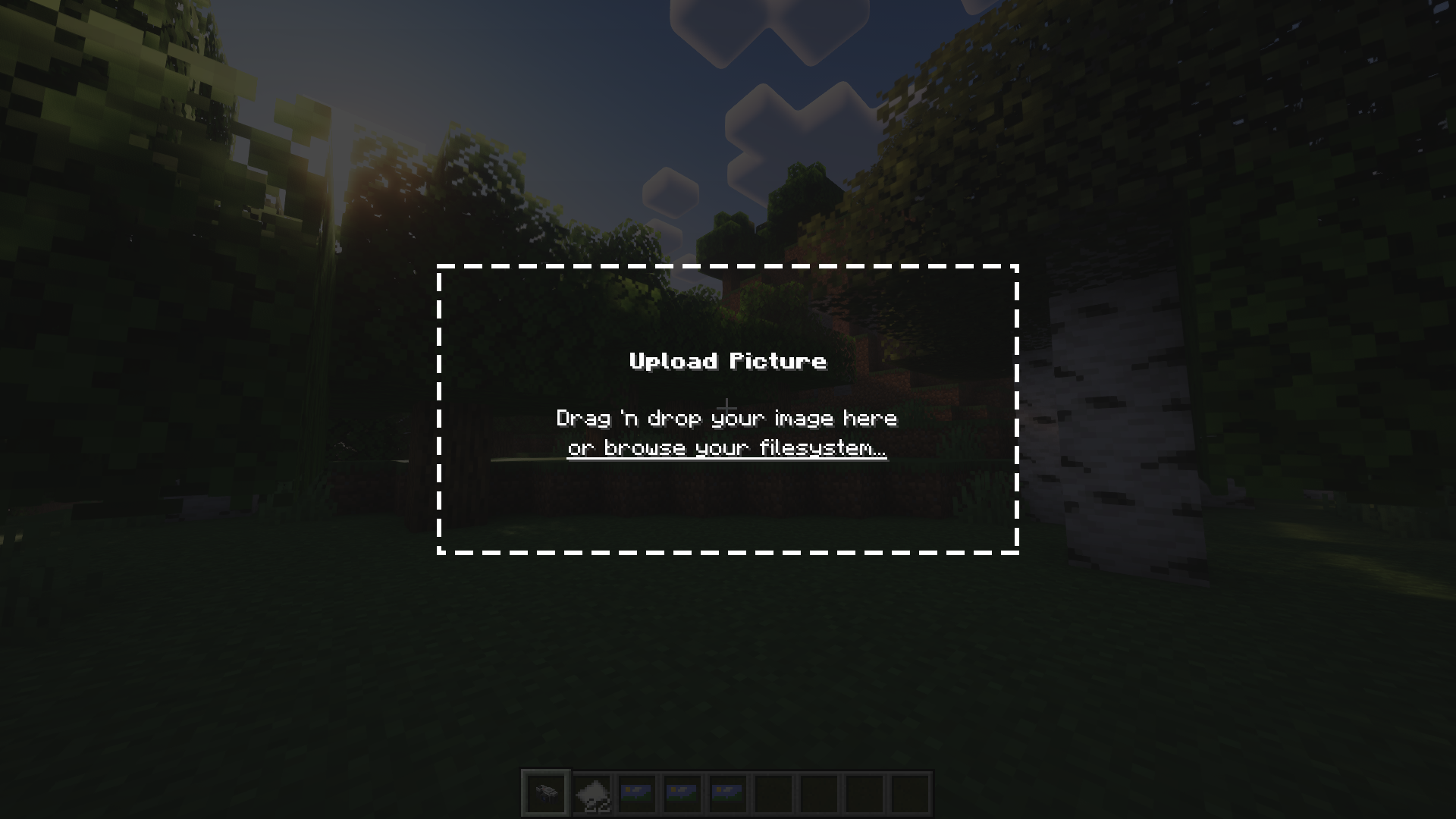
Camerapture adalah mod kamera / gambar untuk Fabric! Mod ini menambahkan kamera yang berfungsi dan dapat mengambil gambar asli dari apa yang kamu lihat di dalam game. Kamu juga dapat mengunggah gambar kustom menggunakan kamera! Gambar-gambar ini dapat dibagikan dengan pemain lain dan dipajang di dinding untuk dilihat semua orang.
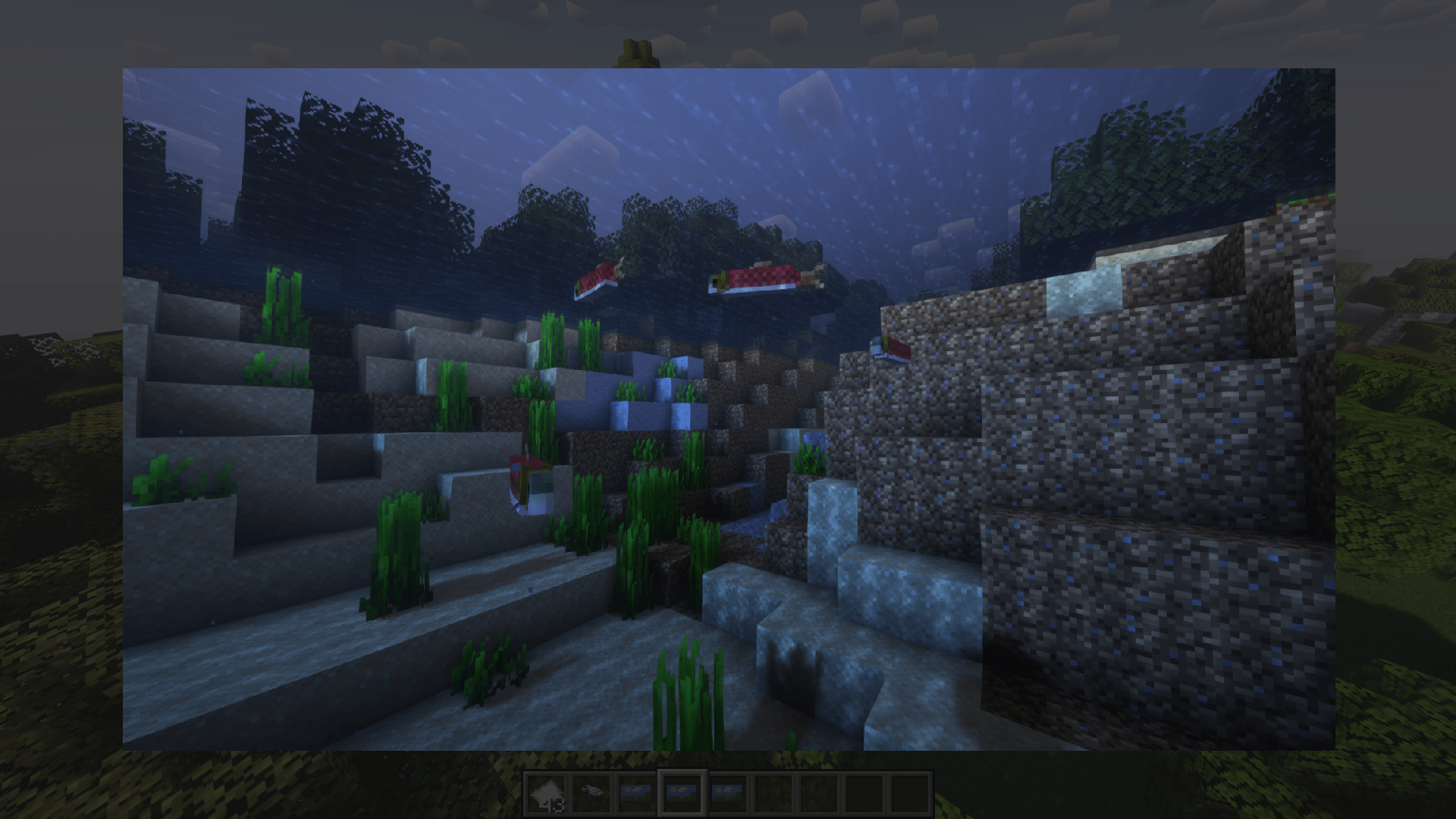
Bagaimana cara kerjanya?
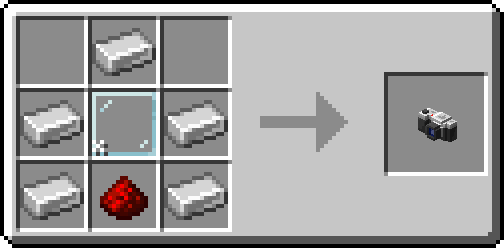
Setelah membuat kameramu, taruh beberapa kertas di inventarismu dan mulailah memotret!
Kamu dapat memajang gambar di dinding dengan sneak + klik kanan. Untuk mengubah ukuran bingkai gambar, cukup sneak + klik kanan lagi pada gambarnya!
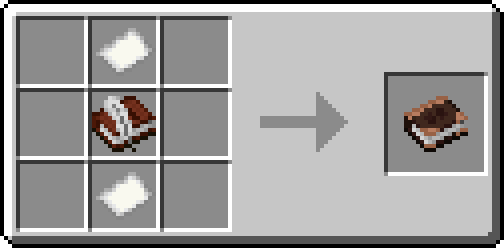
Alternatifnya, buat album dan kumpulkan gambar-gambarmu ke dalam satu buku!
Kredit
- henkelmax karena telah membuat Camera Mod untuk Forge yang digunakan di QSMP, karena telah menjadi inspirasi utama mod ini.
- Semua orang hebat di server origins kami karena telah luar biasa dan sabar kepadaku <3
Cara memasang Camerapture
With Millida Launcher
Install Millida Launcher
The launcher is free: download it at millida.net/launcher and sign in with any nickname.
Click “Install” on this page
The launcher opens and installs the mod for Minecraft 1.20–26.3 on Fabric, Forge, NeoForge or Quilt automatically.
Launch the game
A profile with it appears in the launcher: click “Play”.
Manually
Install Fabric, Forge, NeoForge or Quilt
The loader must match the game version of the mod file, for example Minecraft 26.3. After installing it, a separate profile appears in your launcher.
Download the file for your version
In the version list above, pick the file camerapture-1.10.15+mc26.3.jar (2.3 MB) for your game version and loader.
Put it in the mods folder
The folder is inside .minecraft (Windows: %appdata%\.minecraft\mods). If it does not exist, create it.
Launch the loader profile
Open “Mods” in the main menu: Camerapture should be in the list.
Versi
Dengan dependensi
| Minecraft | Loader | File | Tanggal | Tindakan |
|---|---|---|---|---|
| 26.3 | Fabric, NeoForge, Quilt | 1.10.15 - Minecraft 26.32.3 MB 18 | ||
| 1.20.1 | Forge, NeoForge | 1.10.12 - Forge 1.20.12.1 MB 10 | ||
| 1.21.11 | NeoForge | 1.10.12 - NeoForge 1.21.111.9 MB 1 | ||
| 1.20.1 | Fabric, Quilt | 1.7.0-alpha - Fabric 1.20.13.3 MB 8 | ||
| 1.20.1 | NeoForge, Forge | 1.7.0-alpha - Forge 1.20.13.5 MB | ||
| 1.21 | NeoForge | 1.7.0-alpha - NeoForge 1.21.13.3 MB 6 |
FAQ
Which Minecraft versions does Camerapture work on?
There are files for 26.3, 1.21.11, 1.21.1, 1.21, 1.20.1, 1.20. The newest is 26.3.
Is Camerapture for Forge or Fabric?
There are files for Fabric: 1.20–26.3, for Forge: 1.20–1.20.1, for NeoForge: 1.20–26.3 and for Quilt: 1.20–26.3.
Does Camerapture need other mods?
The author lists no required dependencies: the Fabric, Forge, NeoForge or Quilt loader is enough.
Where can I download Camerapture safely?
On this page: the file camerapture-1.10.15+mc26.3.jar (2.3 MB) is stored on Millida’s server, with no link shorteners. SHA-1 checksum: 48489e23ebd921c9dd95bbbc8eb713bf9b566a10.
Ulasan
Jadilah yang pertama menilai Camerapture


