

Blahaj - Replushed Mod untuk Minecraft 26.2
Menambahkan boneka Blåhaj populer dari ikea serta koleksi boneka lainnya
 NeoForge
 Fabric
Tentang mod Blahaj - Replushed
Mod yang menambahkan mainan lembut hiu IKEA BLÅHAJ dan bantal roti raksasa sebagai item.
- Saat kamu membuat atau mengganti nama boneka, nama penggunamu akan terlampir padanya.
- Kamu bisa meletakkan bonekanya!
- Mod ini diperlukan di server dan klien.
Konten
Pratinjau Item Resep
Mainan Lembut Hiu
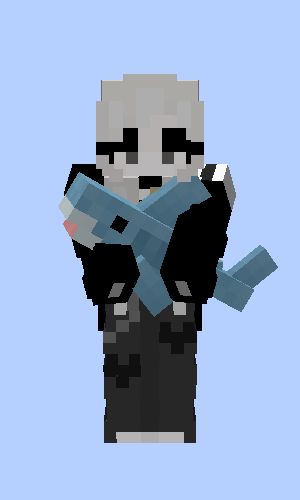
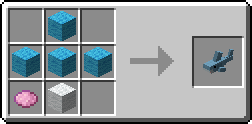
Mainan Hiu Abu-abu
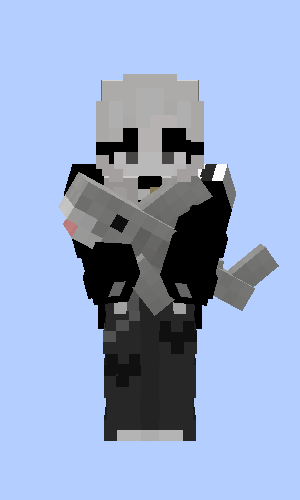
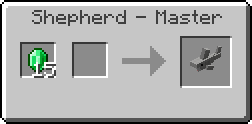
Mainan Lembut Paus Biru
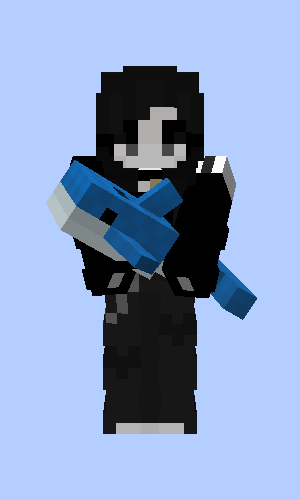
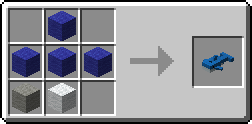
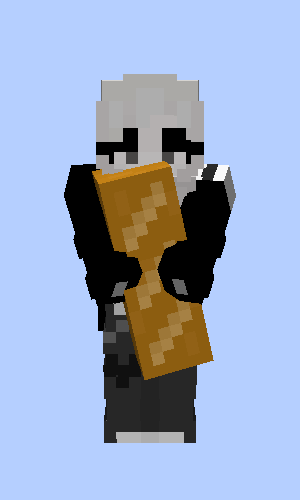
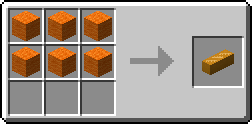
Bantal Roti
Beruang Coklat
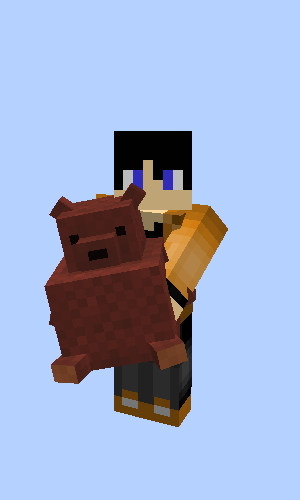
Hadiah dari Fletcher, Tukang Daging dan Tukang Kulit saat kamu menyelamatkan desa
Hiu Pride oleh musicalskele!
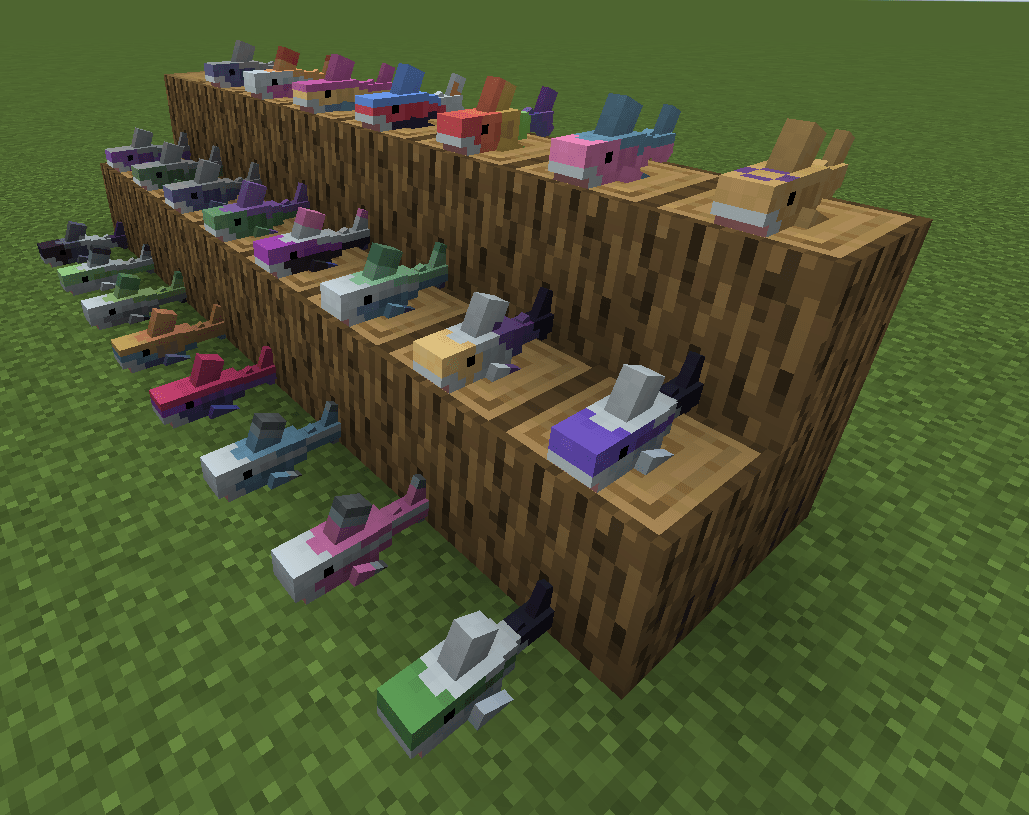
Versi Quilt Asli
Ini adalah port dari Hibiii/Blahaj asli: Mainan lembut BLÅHAJ, mod hiu, 16px. Jika kamu pengguna Quilt pada <=1.20.1 gunakan versi mereka saja dan ucapkan terima kasih! 😄
Lisensi
- Mod ini - seperti aslinya - dilisensikan di bawah Unlicense. Jangan ragu untuk mempelajarinya dan memasukkannya ke dalam proyekmu sendiri.
- Ikon proyek ini adalah Blobhaj oleh Heatherhorns, dan dilisensikan di bawah Creative Commons Attribution 4.0 International License.
- Sebagian besar gambar dalam game berasal dari pembuat asli Hibiii.
Cara memasang Blahaj - Replushed
With Millida Launcher
Install Millida Launcher
The launcher is free: download it at millida.net/launcher and sign in with any nickname.
Click “Install” on this page
The launcher opens and installs the mod for Minecraft 26.2 on Fabric or NeoForge automatically.
Launch the game
A profile with it appears in the launcher: click “Play”.
Manually
Install Fabric or NeoForge
The loader must match the game version of the mod file, for example Minecraft 26.2. After installing it, a separate profile appears in your launcher.
Download the file for your version
In the version list above, pick the file blahaj-replushed-4.0.0+26.2.jar (170 KB) for your game version and loader.
Put it in the mods folder
The folder is inside .minecraft (Windows: %appdata%\.minecraft\mods). If it does not exist, create it.
Launch the loader profile
Open “Mods” in the main menu: Blahaj - Replushed should be in the list.
Versi
Dengan dependensi
| Minecraft | Loader | File | Tanggal | Tindakan |
|---|---|---|---|---|
| 26.2 | NeoForge | blahaj-replushed-4.0.0+26.2.jar170 KB | ||
| 26.2 | Fabric | 4.0.0+26.2173 KB |
FAQ
Which Minecraft versions does Blahaj - Replushed work on?
Only Minecraft 26.2: there are no files for other versions.
Is Blahaj - Replushed for Forge or Fabric?
There are files for Fabric: 26.2 and for NeoForge: 26.2. There are no files for Forge: a mod for another loader will not start.
Does Blahaj - Replushed need other mods?
The author lists no required dependencies: the Fabric or NeoForge loader is enough.
Where can I download Blahaj - Replushed safely?
On this page: the file blahaj-replushed-4.0.0+26.2.jar (170 KB) is stored on Millida’s server, with no link shorteners. SHA-1 checksum: 38bd3415a8dd427963bade64d9061c4b7cdaf636.
Ulasan
Jadilah yang pertama menilai Blahaj - Replushed


