
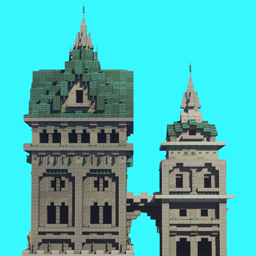
ATi Structures Mod untuk Minecraft 1.20.1, 26.3
Pack yang menambahkan berbagai struktur yang ditemukan di overworld
 Fabric
 Forge
Forge NeoForge
 Quilt
QuiltTentang mod ATi Structures




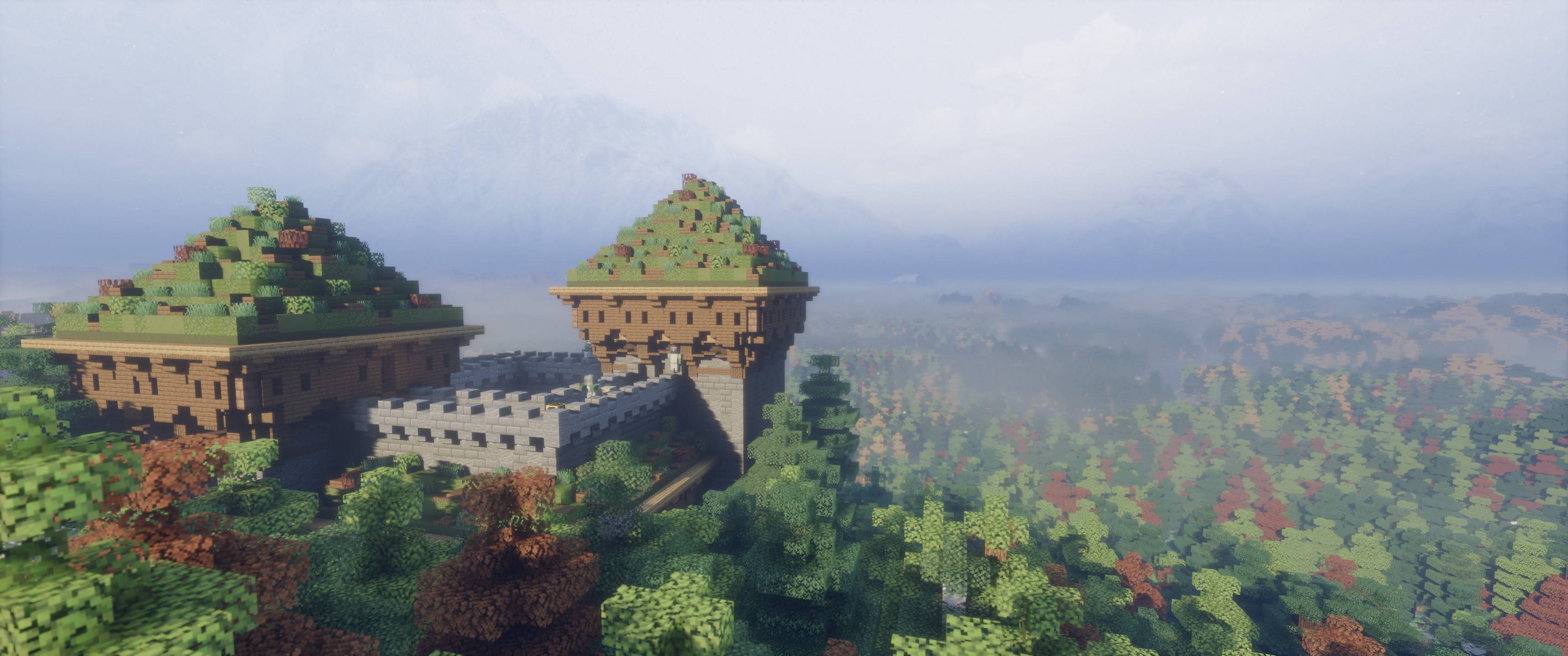
----- VERSI INI MENCAKUP ITEM KUSTOM DAN MOB YANG DIMODIFIKASI ----- ATi Structures menambahkan 56 struktur dan dungeon fantasi serta abad pertengahan buatan tangan ke dunia Minecraft Anda. Struktur ini dapat muncul di atas maupun di bawah tanah, semuanya dibangun hanya menggunakan fitur vanilla tanpa blok atau entitas kustom (SILAKAN TAMBAHKAN KE MODPACK APA PUN)

- 🆕 7 struktur baru
- 🌍 Menambahkan kompatibilitas Terralith + dukungan mod medan lainnya
- 🛠 Perubahan besar pada pembuatan struktur (tidak ada lagi yang melayang!)
- ⚖ Distribusi struktur yang lebih baik untuk spawn dunia yang lebih baik
- 🎁 Tabel loot yang diseimbangkan ulang

Seri mod baru telah dirilis! Versi Vanilla Edition yang diperbarui kini telah diunggah.

- ✅ Sepenuhnya kompatibel dengan Terralith
- ✅ Sepenuhnya kompatibel dengan Geophilic
- ✅ Sepenuhnya kompatibel dengan JJ Thunder to the Max
- ✅ Sepenuhnya kompatibel dengan William Wythers’ Overhauled Overworld
- ✅ Sepenuhnya kompatibel dengan William Wythers' Expanded Ecosphere
- ✅ Sepenuhnya kompatibel dengan Biomes O' Plenty
- ✅ Sepenuhnya kompatibel dengan Oh The Biomes We've Gone
Cara memasang ATi Structures
With Millida Launcher
Install Millida Launcher
The launcher is free: download it at millida.net/launcher and sign in with any nickname.
Click “Install” on this page
The launcher opens and installs the mod for Minecraft 1.19.4–26.3 on Fabric, Forge, NeoForge or Quilt automatically.
Launch the game
A profile with it appears in the launcher: click “Play”.
Manually
Install Fabric, Forge, NeoForge or Quilt
The loader must match the game version of the mod file, for example Minecraft 26.3. After installing it, a separate profile appears in your launcher.
Download the file for your version
In the version list above, pick the file ATi Structure V1.4.7 (26.3).jar (5.7 MB) for your game version and loader.
Put it in the mods folder
The folder is inside .minecraft (Windows: %appdata%\.minecraft\mods). If it does not exist, create it.
Launch the loader profile
Open “Mods” in the main menu: ATi Structures should be in the list.
Versi
Dengan dependensi
| Minecraft | Loader | File | Tanggal | Tindakan |
|---|---|---|---|---|
| 26.3 | Fabric, Forge, NeoForge, Quilt | ATi Structure V1.4.7 (26.3).jar5.7 MB 74 | ||
| 1.19.4 | Forge | ATi Structures V1.4.0 (1.19.4) FORGE.jar3 MB | ||
| 1.20.2 | NeoForge | ATi Structures v1.3.0 NEOFORGE 1.20+2.5 MB | ||
| 1.20.2 | Forge | ATi Structures Forge - 1.20+1.2 MB 38 | ||
| 1.20.2 | Fabric | ATi_Structures Fabric - 1.20+1.2 MB 20 |
FAQ
Which Minecraft versions does ATi Structures work on?
There are files for 26.3, 1.20.3, 1.20.2, 1.20.1, 1.20, 1.19.4. The newest is 26.3.
Is ATi Structures for Forge or Fabric?
There are files for Fabric: 1.20–26.3, for Forge: 1.19.4–26.3, for NeoForge: 1.20–26.3 and for Quilt: 26.3.
Does ATi Structures need other mods?
The author lists no required dependencies: the Fabric, Forge, NeoForge or Quilt loader is enough.
Where can I download ATi Structures safely?
On this page: the file ATi Structure V1.4.7 (26.3).jar (5.7 MB) is stored on Millida’s server, with no link shorteners. SHA-1 checksum: ec386fff151fe12e54403da07e42e8bb3ec9817b.
Ulasan
Jadilah yang pertama menilai ATi Structures


