
Aspects | Origins Addon Mod untuk Minecraft 1.20.1, 1.20.2
Addon Origins berbasis elemen.
- unduhan
- 1 unduhan
- dilihat
- 22 dilihat
- Diperbarui
- Diperbarui 18.10.2026
- 1.18 — 1.20.2
 Fabric
Tentang mod Aspects | Origins Addon
Fabric API | Origins | Origins Extra Keybinds
Intended to contribute to Minecraft's combat system, along with adding features that feel a bit more unique than the regular Origins that are out there, with types falling under the aspects.
[ ! ] Currently, as this project is new, it is open to discussion and change.
Please join the Discord for support.
(Also on Modrinth)
Overview
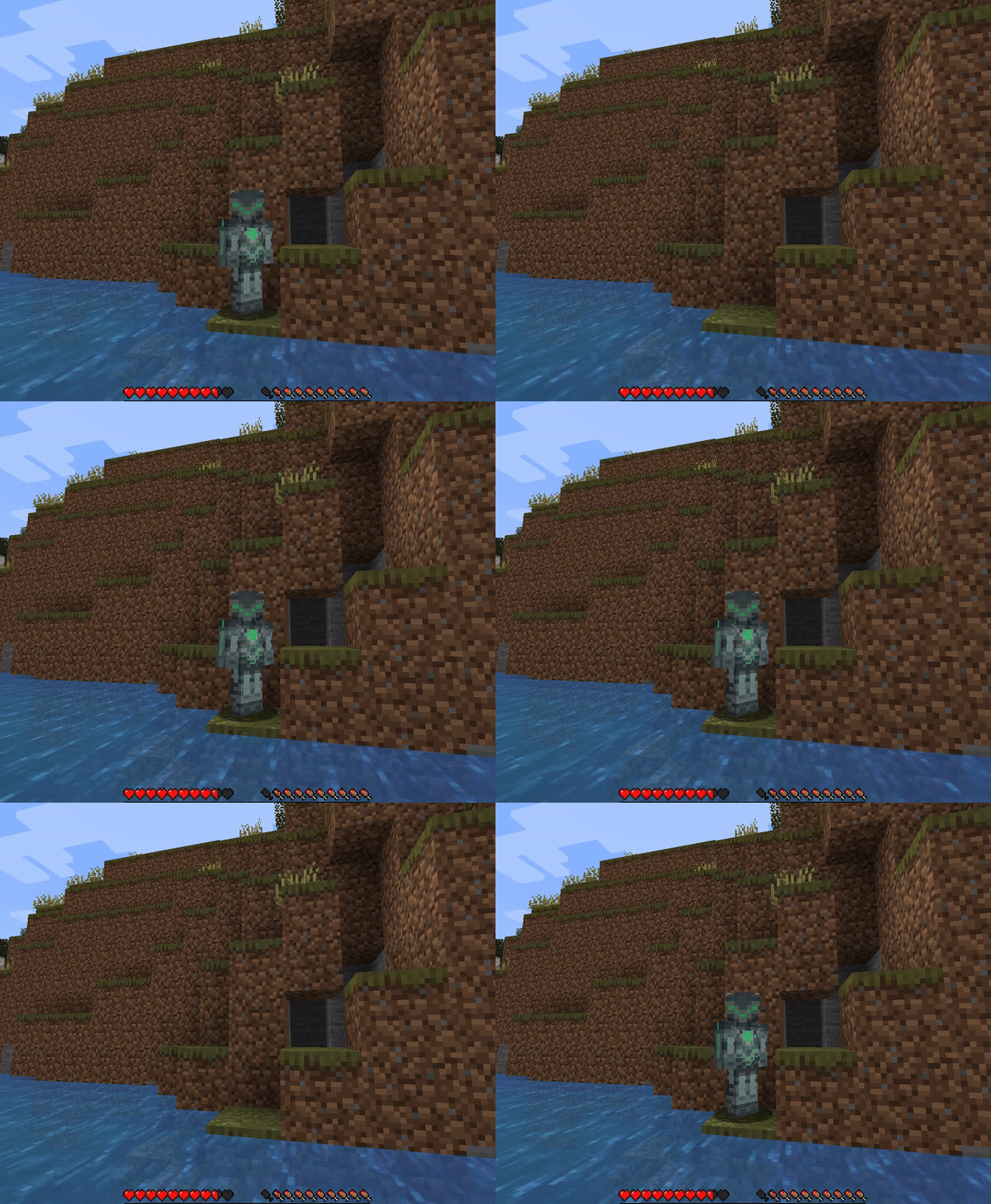
When you first join the game, you are taken to the Aspect selection screen. Each Aspect has its respective upsides and downsides. Your choice of Aspect determines your options for the second choice layer, the Types.
Required on both the server and client
Resources
Github: https://github.com/Fishplex/Aspects Issue Tracker: https://github.com/Fishplex/Aspects/issues Wiki: https://github.com/Fishplex/Aspects/wiki Trello: https://trello.com/b/N2qwbnWr/to-do
If you'd like to contact me directly, please do so through Curseforge or add me on Discord at foxglove#5663
Cara memasang Aspects | Origins Addon
With Millida Launcher
Install Millida Launcher
The launcher is free: download it at millida.net/launcher and sign in with any nickname.
Click “Install” on this page
The launcher opens and installs the mod for Minecraft 1.18–1.20.2 on Fabric automatically.
Launch the game
A profile with it appears in the launcher: click “Play”.
Manually
Install Fabric
The loader must match the game version of the mod file, for example Minecraft 1.20.2. After installing it, a separate profile appears in your launcher.
Download the file for your version
In the version list above, pick the file aspects-1.0.9-1.20.x.jar (167 KB) for your game version.
Put it in the mods folder
The folder is inside .minecraft (Windows: %appdata%\.minecraft\mods). If it does not exist, create it.
Launch the loader profile
Open “Mods” in the main menu: Aspects | Origins Addon should be in the list.
Minecraft 1.20.2 runs on Java 17: with a different Java version the game may close right after launch.
Versi
Dengan dependensi
| Minecraft | Loader | File | Tanggal | Tindakan |
|---|---|---|---|---|
| 1.20.2 | Fabric | aspects-1.0.9-1.20.x.jar167 KB 1 | ||
| 1.18 | Fabric | aspects-1.0.0.jar51 KB |
FAQ
Which Minecraft versions does Aspects | Origins Addon work on?
There are files for 1.20.2, 1.20.1, 1.20, 1.18. The newest is 1.20.2.
Is Aspects | Origins Addon for Forge or Fabric?
Only for Fabric: 1.18–1.20.2. There are no files for Forge or NeoForge: a mod for another loader will not start.
Does Aspects | Origins Addon need other mods?
The author lists no required dependencies: the Fabric loader is enough.
Which Java does Aspects | Origins Addon need?
Minecraft 1.20.2 runs on Java 17. If the game closes right after launch, the usual cause is the wrong Java version in the profile settings.
Where can I download Aspects | Origins Addon safely?
On this page: the file aspects-1.0.9-1.20.x.jar (167 KB) is stored on Millida’s server, with no link shorteners. SHA-1 checksum: d1d2561d628382225692a4df7209900b00d4508c.
Ulasan
Jadilah yang pertama menilai Aspects | Origins Addon


