
 Fabric
 Quilt
QuiltTentang mod Adorn
Mencari versi NeoForge/Forge?
Adorn adalah mod dekorasi dan furnitur yang menambahkan banyak blok dekorasi, seperti...
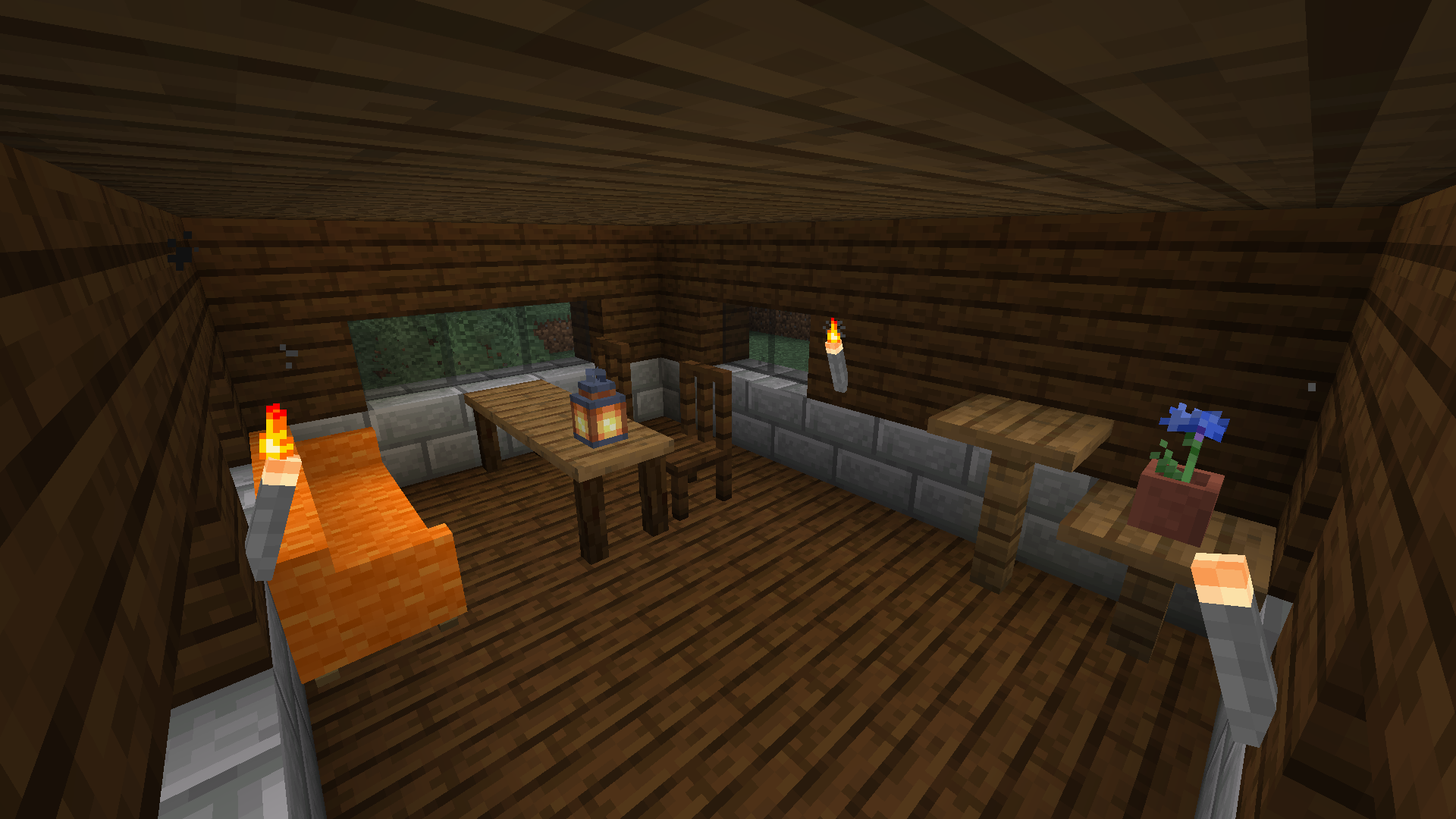
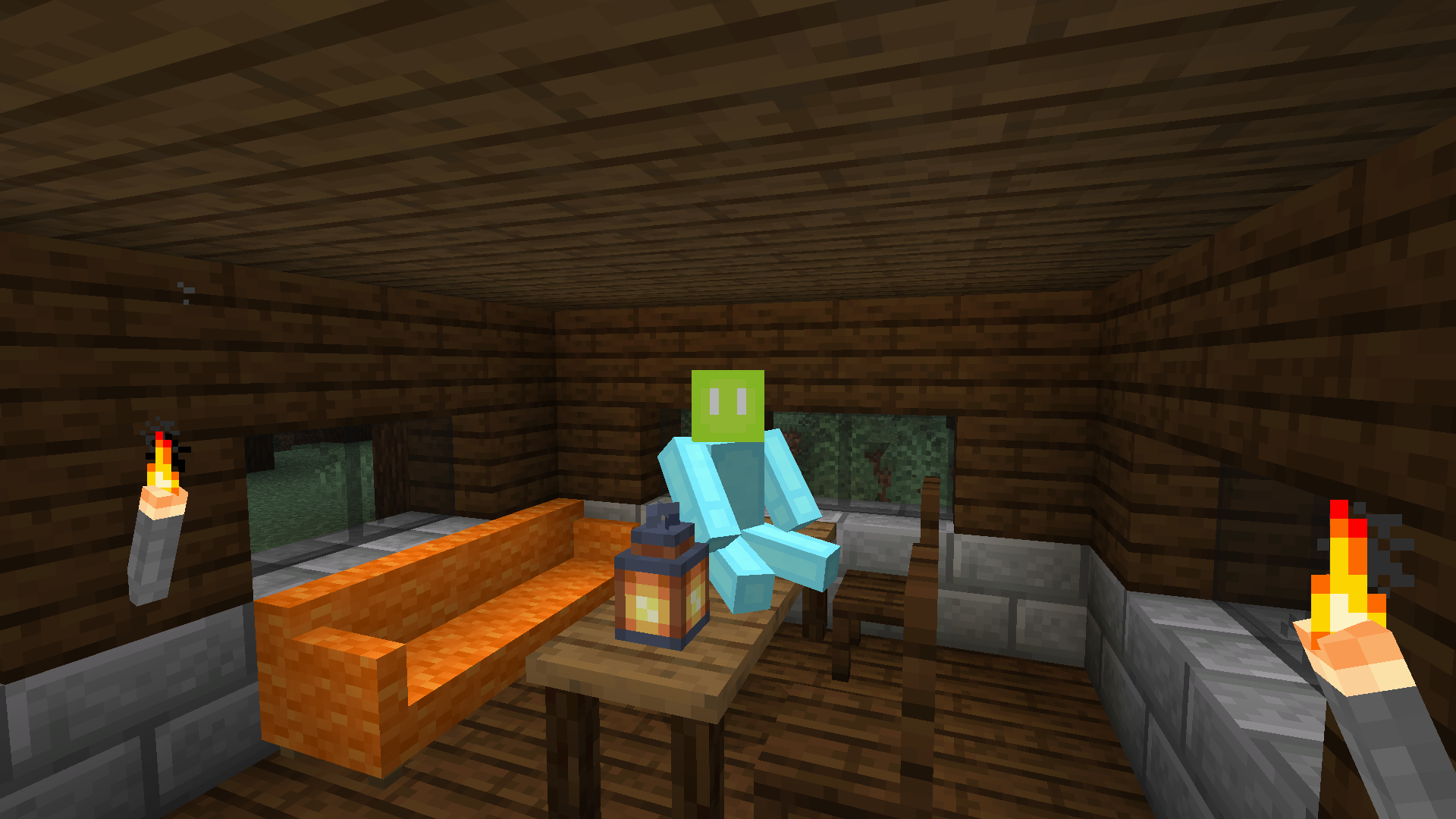
- Kursi dan sofa! Kamu bisa duduk dan bersantai di atasnya. Sofa juga tempat yang nyaman untuk tidur sejenak.
- Laci! Wadah yang lebih kecil dari peti, tetapi furnitur yang lebih mewah.
- Obor batu! Terbuat dari batu dan merupakan sumber cahaya yang lebih baik daripada obor kayu.
- Blok dapur! Kamu bisa mendekorasi dapurmu dengan meja dapur, lemari, dan wastafel (Sempurna untuk modpack kitchen sink!)
- Dan lainnya: meja, rak, pagar, cerobong asap...
Adorn menyertakan dukungan khusus untuk mod-mod ini:
- BYG (varian blok)
- Woods and Mires (varian blok)
- Terrestria (varian blok)
- Traverse (varian blok)
- Cinderscapes (varian blok)
- Biome Makeover (varian blok)
- Promenade (varian blok)
- Blockus (varian blok kayu)
- Tech Reborn (varian blok)
- Lil Tater Reloaded (power taters)
- Towelette (blok fluidloggable)
- Mod Menu (layar pengaturan)
- Roughly Enough Items (melihat resep brewer)
- EMI (melihat resep brewer, default pohon resep langsung pakai; sejak 3.6.0)
- DashLoader (caching model dengan properti block state Adorn)
Jangan laporkan bug di komentar CurseForge. Pelacak bug Adorn ada di GitHub.
Cara memasang Adorn
With Millida Launcher
Install Millida Launcher
The launcher is free: download it at millida.net/launcher and sign in with any nickname.
Click “Install” on this page
The launcher opens and installs the mod for Minecraft 1.14–26.2 on Fabric or Quilt automatically.
Launch the game
A profile with it appears in the launcher: click “Play”.
Manually
Install Fabric or Quilt
The loader must match the game version of the mod file, for example Minecraft 26.2. After installing it, a separate profile appears in your launcher.
Download the file for your version
In the version list above, pick the file Adorn-9.0.0+26.2-fabric.jar (2.7 MB) for your game version and loader.
Put it in the mods folder
The folder is inside .minecraft (Windows: %appdata%\.minecraft\mods). If it does not exist, create it.
Launch the loader profile
Open “Mods” in the main menu: Adorn should be in the list.
Versi
Dengan dependensi
| Minecraft | Loader | File | Tanggal | Tindakan |
|---|---|---|---|---|
| 26.2 | Fabric, Quilt | Adorn 9.0.0 for 26.22.7 MB 6 | ||
| — | Fabric, Quilt | Adorn 7.0.0-c for Craftmine5.1 MB 3 | ||
| 1.14.4 | — | Adorn 1.2.0 for 1.14.41 MB | ||
| 1.14 | — | Adorn 0.1.3 for 1.14723 KB |
FAQ
Which Minecraft versions does Adorn work on?
There are files for 26.2, 1.14.4, 1.14. The newest is 26.2.
Is Adorn for Forge or Fabric?
There are files for Fabric: 26.2 and for Quilt: 26.2. There are no files for Forge or NeoForge: a mod for another loader will not start.
Does Adorn need other mods?
The author lists no required dependencies: the Fabric or Quilt loader is enough.
Where can I download Adorn safely?
On this page: the file Adorn-9.0.0+26.2-fabric.jar (2.7 MB) is stored on Millida’s server, with no link shorteners. SHA-1 checksum: 6c944be5e72fe239c3776d782badcf65f7f0464d.
Ulasan
Jadilah yang pertama menilai Adorn


