

Big Globe Optimized (FORGE) Build untuk Minecraft 1.20.1
Big Globe Dioptimalkan agar lebih terang dan cepat seperti biasa
- dilihat
- 45 dilihat
- Diperbarui
- Diperbarui 18.10.2026
- 1.20.1
 Forge
Forge

My Other Modpacks:





Big Globe Optimized (Fabric Version)
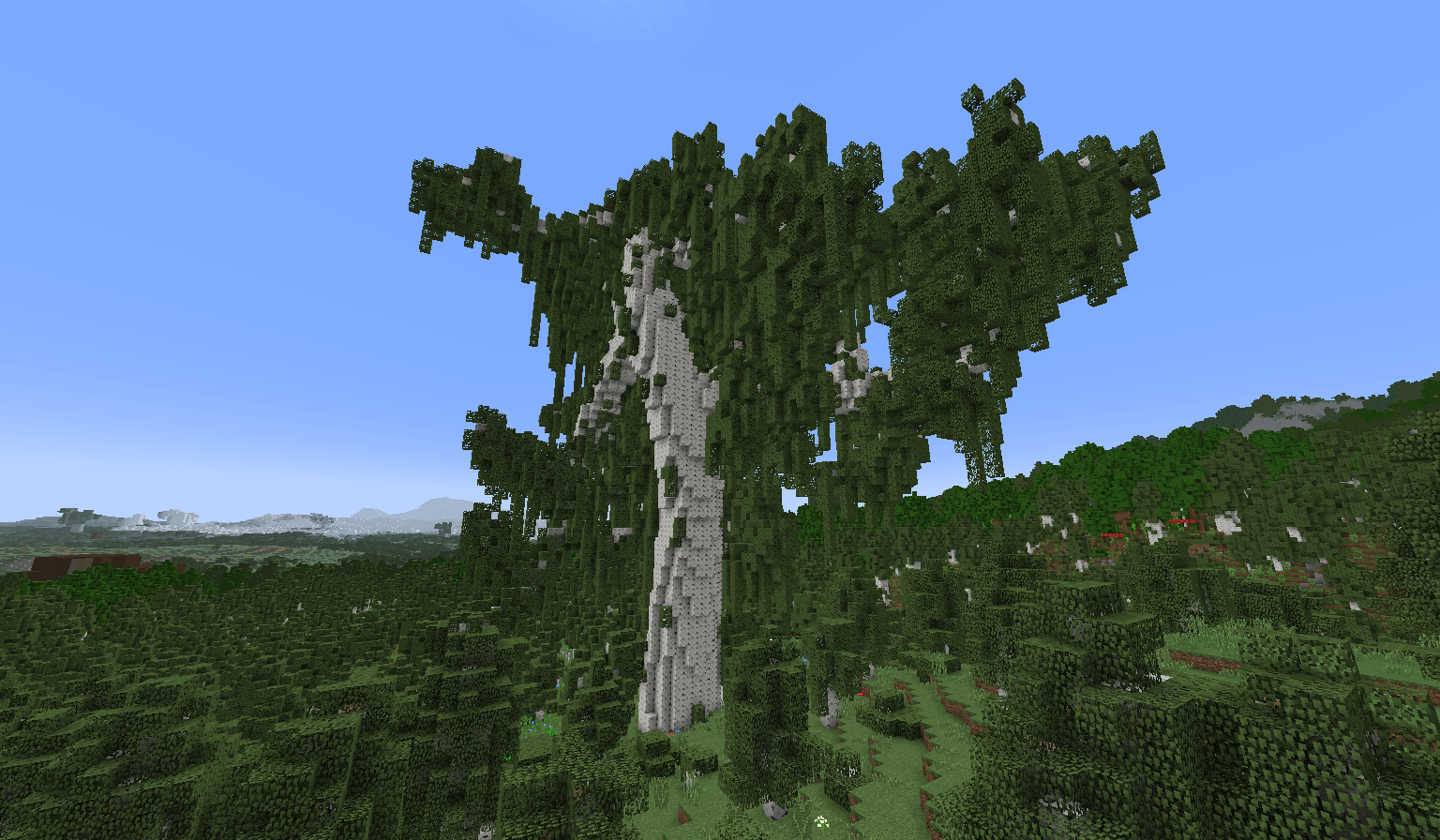
This Modpack is an optimized Big Globe template (1.20.1) to run with less resources than normally (this Modpack does not make magic but it helps to improve in general the performance and high load on the client or server side)
The default threads configuration is: 10, but in this Modpack it established it in: 1 because the CPU is very overload or generates a lot of TPS sometimes but you can increase it from the configuration of (config/bigglobe/Big Globe.json5) and modify the configuration.
"Threads": 3, (Modpack)
"Threads": 10, (Default Big Globe)
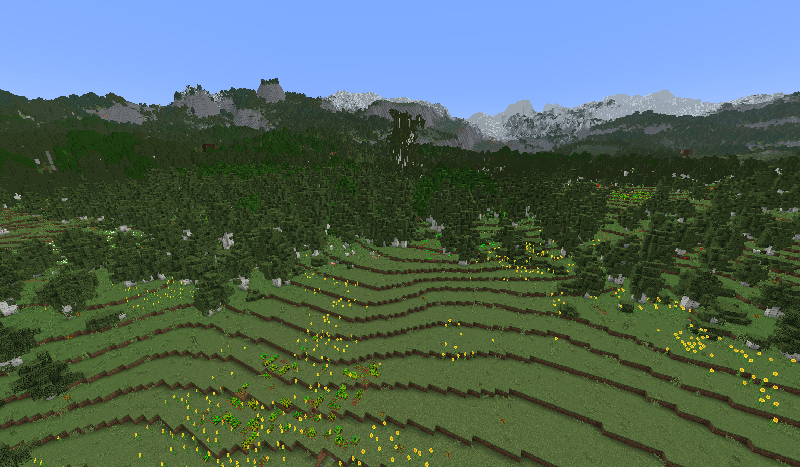
This high value, the higher the consumption of CPU and the general TPS, but the speed with which the chunks is loaded. (Increase according to convenience if established in 1 because it does not generate so much lag)
I recommend using 8GB of RAM or more if you are going to play singleplayer I recommend using 12 GB of RAM or more if you are going to play a multiplayer (depending on the amount you will need more RAM)
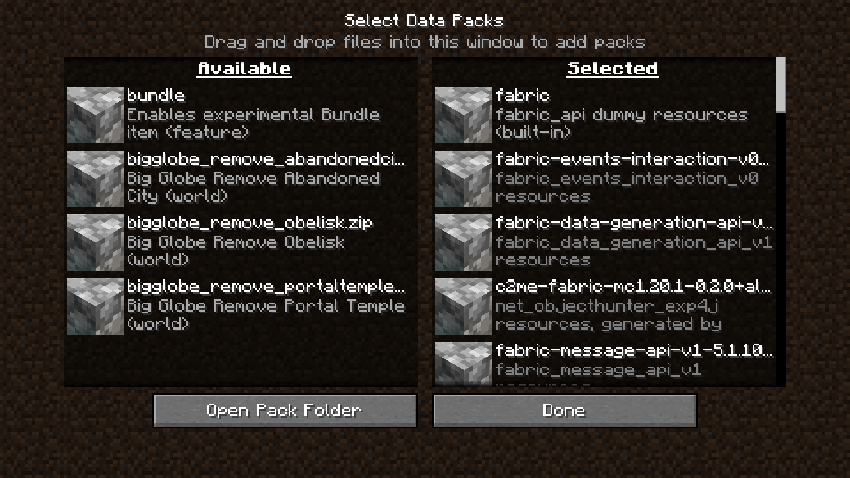
Optional Datapacks for Optimize or Customization
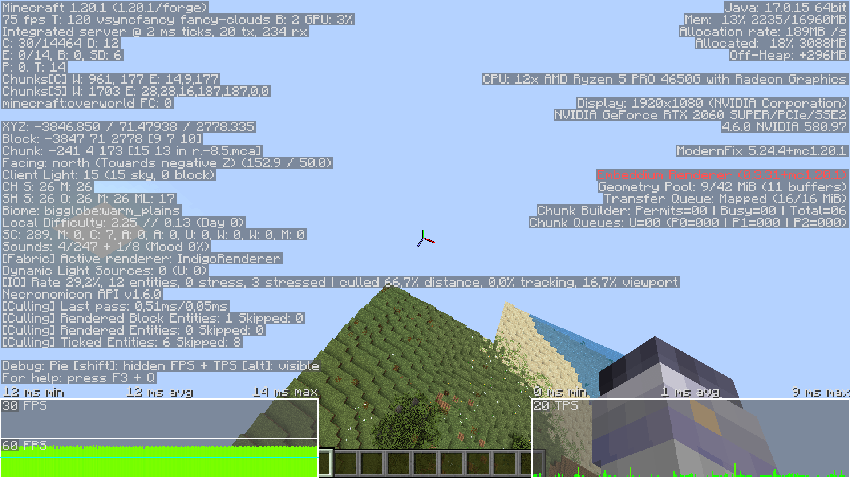
Screenshot:
Cara memasang Big Globe Optimized (FORGE)
With Millida Launcher
Install Millida Launcher
The launcher is free: download it at millida.net/launcher and sign in with any nickname.
Click “Install” on this page
The launcher opens and installs the modpack for Minecraft 1.20.1 on Forge automatically.
Launch the game
A profile with it appears in the launcher: click “Play”.
On a server
Use the “To server” button
On Millida Hosting, the button at the top of the page uploads the file to your server and restarts it for you.
Invite friends: they install the same modpack
To join the server, every player needs the same modpack version.
Minecraft 1.20.1 runs on Java 17: with a different Java version the game may close right after launch.
Versi
Dengan dependensi
| Minecraft | Loader | File | Tanggal | Tindakan |
|---|---|---|---|---|
| 1.20.1 | Forge | Big Globe Optimized (FORGE)-1.4.6.zip111 KB |
FAQ
Which Java does Big Globe Optimized (FORGE) need?
Minecraft 1.20.1 runs on Java 17. If the game closes right after launch, the usual cause is the wrong Java version in the profile settings.
How do I download Big Globe Optimized (FORGE)?
With Millida Launcher: it installs Big Globe Optimized (FORGE) into a modpack by itself, for the right game version and loader. The launcher is free.
Ulasan
Jadilah yang pertama menilai Big Globe Optimized (FORGE)


