

SQUID GAME Peta untuk Minecraft 26.40
Peta Survival Squid Game! Mainkan tantangan Red Light, Green Light yang seru dan bersaing dengan teman. Dilengkapi area tunggu multiplayer, permainan yang lancar, dan bangunan yang detail. Bertahanlah, capai garis finis, dan jadilah pemenang
🦑 SQUID GAME SURVIVAL MAP 🦑
Experience the excitement of Squid Game in Minecraft!
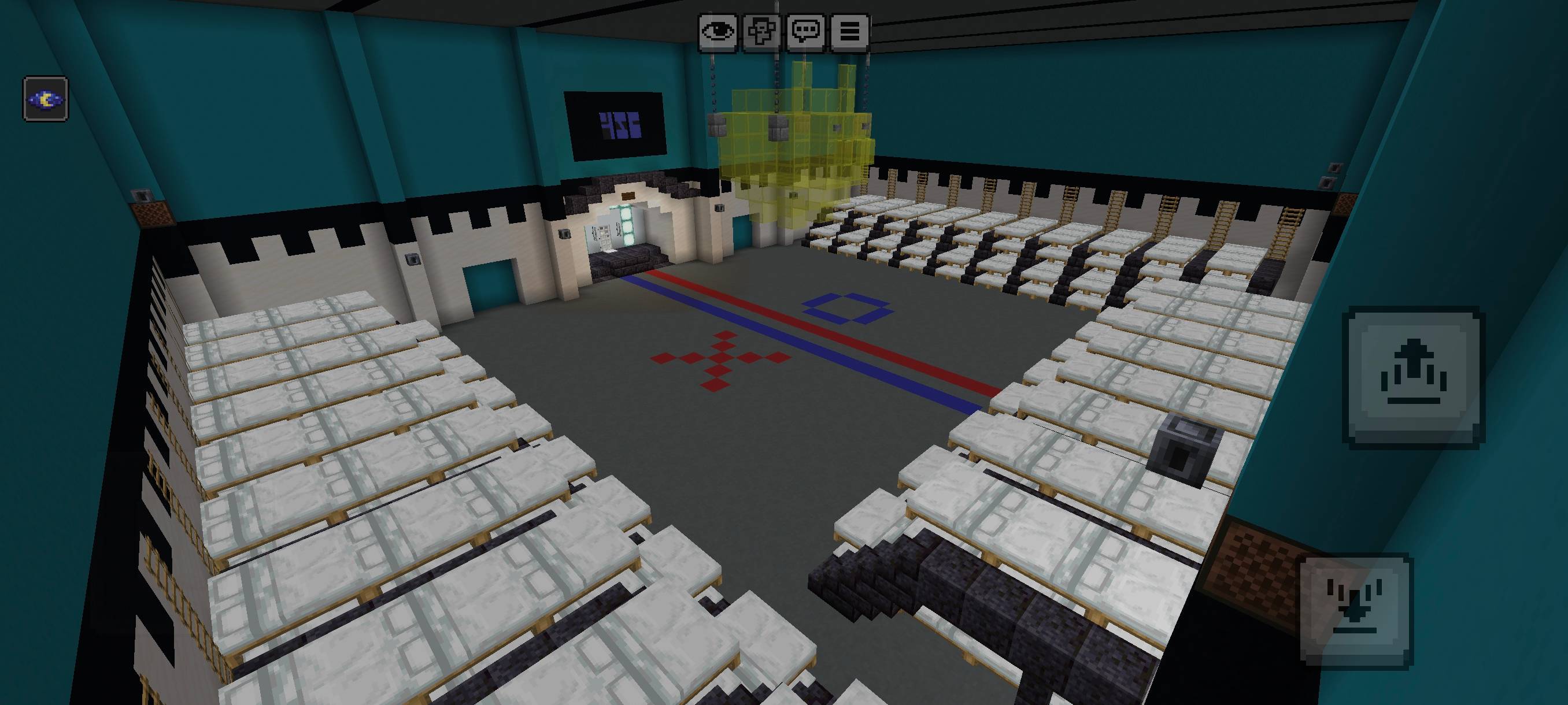
🏃 Red Light, Green Light
Test your reflexes and timing in the classic Red Light, Green Light challenge. Run when the light is green and stop instantly when it turns red.
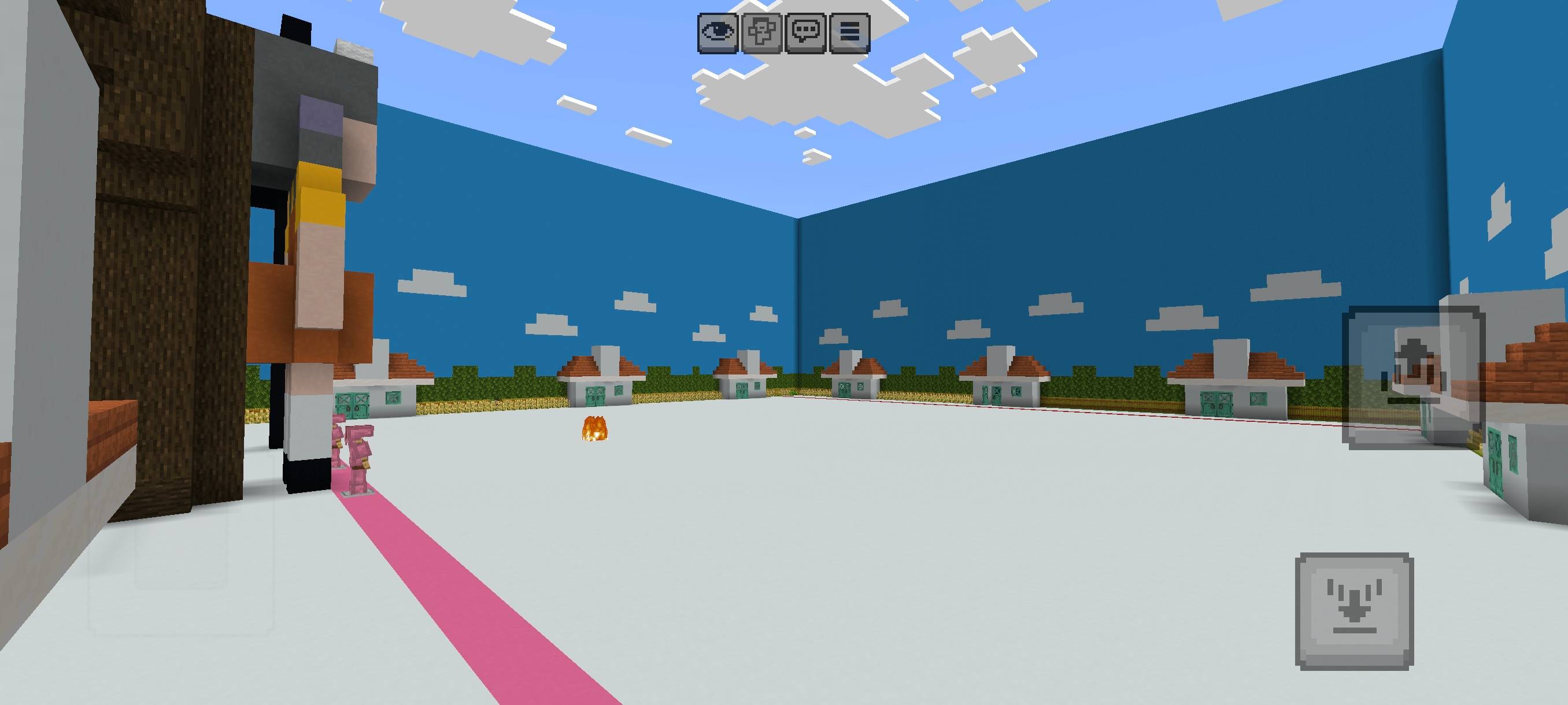
👥 Multiplayer Waiting Area
A dedicated waiting area allows players to gather and prepare before the game begins.
🎮 Features
- Red Light, Green Light Game
- Multiplayer Support
- Waiting Area
- Detailed Builds
- Smooth Gameplay
- Challenge-Based Survival Experience
⚠ Disclaimer
Images displayed may be AI-enhanced for presentation purposes. Actual gameplay may vary.
<center>👑 PREMIUM BUILD 👑 (c) FS_HERE - ALL RIGHTS RESERVED Unauthorized copying, redistribution, modification, or re-uploading of this map is prohibited.</center>
Cara memasang SQUID GAME
With Millida Launcher
Install Millida Launcher
The launcher is free: download it at millida.net/launcher and sign in with any nickname.
Click “Install” on this page
The launcher opens and installs the map for Minecraft 26.12–26.40 automatically.
Launch the game
A profile with it appears in the launcher: click “Play”.
On a server
Replace the world folder
Stop the server and put the map folder in place of world (or set its name in level-name).
Use the “To server” button
On Millida Hosting, the button at the top of the page uploads the file to your server and restarts it for you.
Versi
Dengan dependensi
| Minecraft | Loader | File | Tanggal | Tindakan |
|---|---|---|---|---|
| 26.12 | — | Squid game 3-fs_here263 KB 1 |
Ulasan
Jadilah yang pertama menilai SQUID GAME



