
ditmcpe (general) Peta untuk Minecraft 26.30
Maju dari kota. Saat ini mengalami semua dari kelanjutan yang membosankan
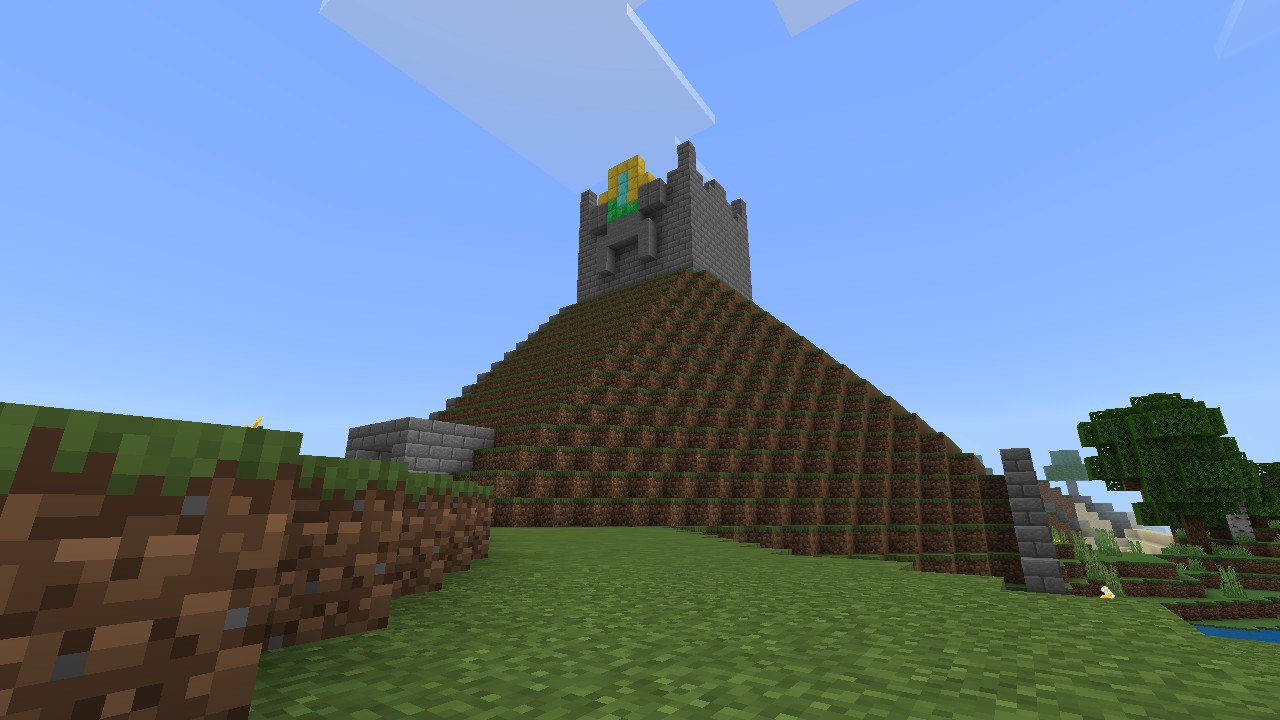
Tentang map ditmcpe (general)
-May 6 2024-
RE UPLOAD

In the Morning. Currently continuing boring
They Climb in the hills!
If you forgot close your gate. They enter your house
And you don't get it out
Anything not sleep in their house!
Local items are saved on the chest. Try check the chest above you on the home
To see the about latest notes, check out the youtube posts :
https://youtube.com/post/Ugkxv6q05nmHdkZnq8TnG6w_4zRyBq9ECNWC?si=3mN4nsulUN7jAgzg
Example
(c)2025 ikdali1. Apache License 2.0
Maybe this map uses my own texture pack. And those three buttons above are just like before.
Good luck for attention! Coincidence is just a mistake
No achievement available.
Cara memasang ditmcpe (general)
With Millida Launcher
Install Millida Launcher
The launcher is free: download it at millida.net/launcher and sign in with any nickname.
Click “Install” on this page
The launcher opens and installs the map for Minecraft 1.21.93–26.30 automatically.
Launch the game
A profile with it appears in the launcher: click “Play”.
Manually
Download the map archive
Pick the file ditmcpe-hostile.mcworld (14 MB).
Unpack it into the saves folder
The world folder (with level.dat inside) must sit directly in .minecraft/saves.
Open the world
“Singleplayer”: the map will be in your world list.
On a server
Replace the world folder
Stop the server and put the map folder in place of world (or set its name in level-name).
Use the “To server” button
On Millida Hosting, the button at the top of the page uploads the file to your server and restarts it for you.
Versi
Dengan dependensi
| Minecraft | Loader | File | Tanggal | Tindakan |
|---|---|---|---|---|
| 1.21.93 | — | Hostile13.5 MB |
FAQ
Which Minecraft versions does ditmcpe (general) work on?
There are files for 26.30, 26.20, 1.21.132, 1.21.93. The newest is 26.30.
Where can I download ditmcpe (general) safely?
On this page: the file ditmcpe-hostile.mcworld (14 MB) is stored on Millida’s server, with no link shorteners. SHA-1 checksum: 939f2433cf3a4ebf100246cdd1cd6e994551f404.
Ulasan
Jadilah yang pertama menilai ditmcpe (general)



