

Tidal Towns Paket data untuk Minecraft 1.20.1, 1.21.1
Beberapa potong kayu apung telah dikumpulkan untuk membentuk desa yang mengapung di atas ombak.
- unduhan
- 64 unduhan
- dilihat
- 277 dilihat
- Diperbarui
- Diperbarui 26.09.2026
- 1.19 — 26.3
 Paket data
- Klien dan server
Tentang paket data Tidal Towns
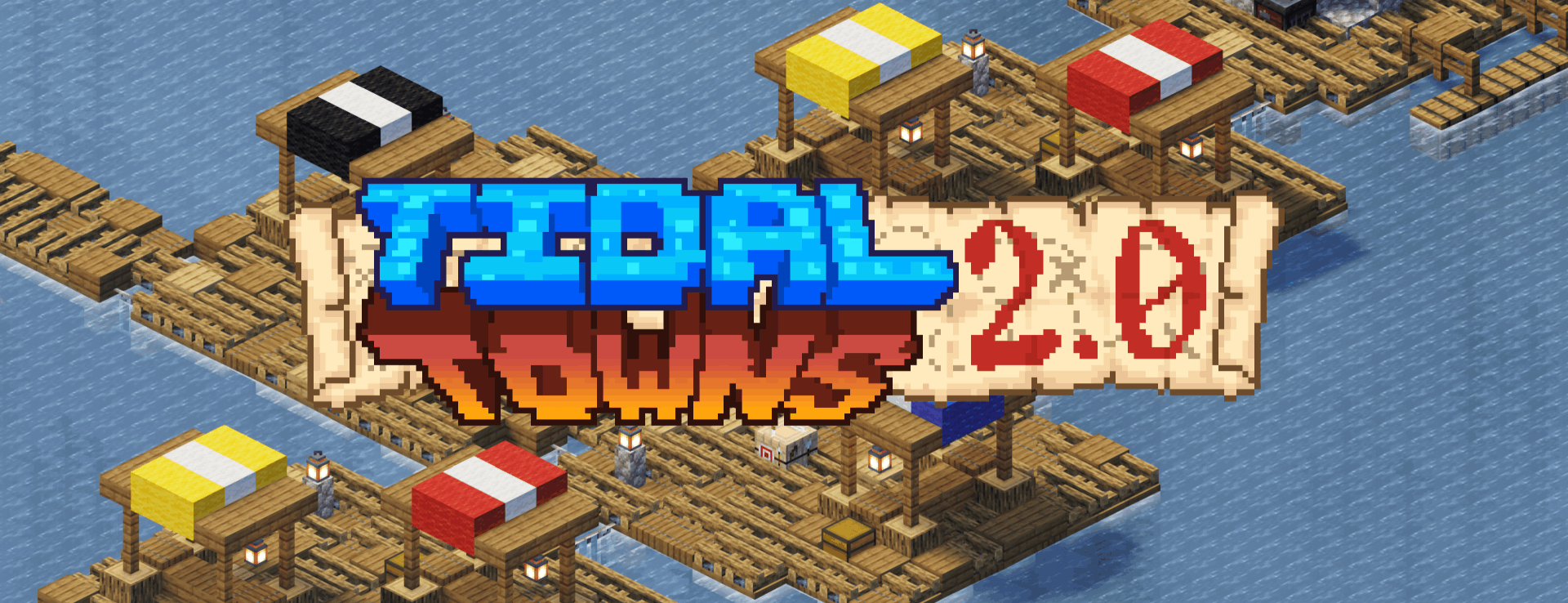
These crafty villagers have embarked on a new voyage: sailing the seas. You can now find ocean villages throughout the seas. They have maps, farms, houses, and even a blacksmith on these Tidal Towns.
Generates in the vanilla deep_ocean.
How do I find one?
- Explore the ocean or use the command /locate structure joshie:ocean_village.
Where do I find one?
- Generates in the vanilla deep_ocean.
Can I use this on my server?
- The structure uses vanilla blocks, so server owners can install the datapack and vanilla clients will be able to join fine.
Can I use this in my modpack/video/world/server?
- You are more than welcome to use Tidal Towns in any of these contexts.

Cara memasang Tidal Towns
With Millida Launcher
Install Millida Launcher
The launcher is free: download it at millida.net/launcher and sign in with any nickname.
Click “Install” on this page
The launcher opens and installs the data pack for Minecraft 1.19–26.3 automatically.
Launch the game
A profile with it appears in the launcher: click “Play”.
Manually
Download the archive
Pick the file tidal_towns_2.0_1.20-26.3.zip (326 KB) for your game version.
New world: “Data Packs”
When creating a world, click “Data Packs”, drag the archive into the window, then move it to “Selected”.
Existing world: the datapacks folder
Put the archive into saves/<world>/datapacks and type /reload in game.
On a server
Archive goes into the server world’s datapacks
The world/datapacks folder on the server; players do not need to install anything.
Reload the data
Type /reload in the server console or restart the server.
Use the “To server” button
On Millida Hosting, the button at the top of the page uploads the file to your server and restarts it for you.
Versi
Dengan dependensi
| Minecraft | Loader | File | Tanggal | Tindakan |
|---|---|---|---|---|
| 26.3 | Paket data | 26.3326 KB 64 | ||
| 1.21.1 | Paket data | 1.21.154.9 KB | — | |
| 1.21 | Paket data | 1.2154.9 KB | — | |
| 1.20.4 | Paket data | 1.20.455 KB | — | |
| 1.20.1 | Paket data | 1.20.155 KB | — | |
| 1.19.2 | Paket data | 1.19.236 KB | — |
Konten yang membutuhkannya
FAQ
Which Minecraft versions does Tidal Towns work on?
There are files for 1.19–26.3, 29 versions in total. The newest is 26.3.
Does Tidal Towns work on a server?
Yes: the data pack goes into the datapacks folder of the server world, and players do not need to install anything.
Where can I download Tidal Towns safely?
On this page: the file tidal_towns_2.0_1.20-26.3.zip (326 KB) is stored on Millida’s server, with no link shorteners. SHA-1 checksum: bf1312865a43bb78e2e785d22890e44f047322c2.
Ulasan
Jadilah yang pertama menilai Tidal Towns


