
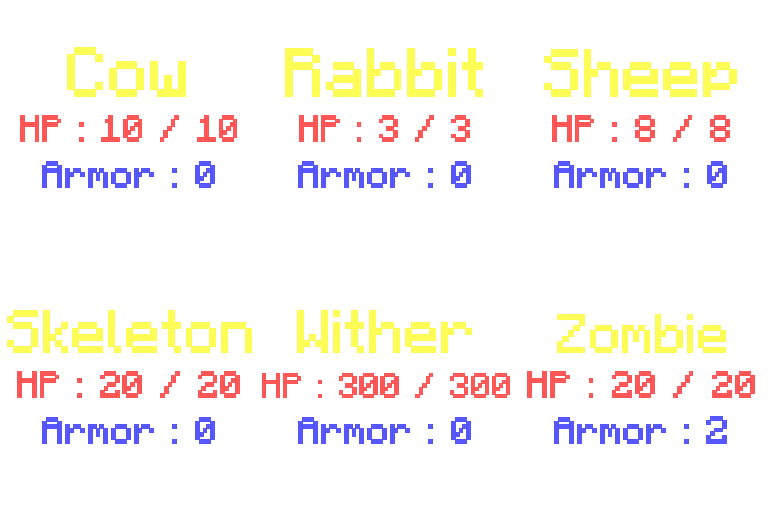
Mob Info Paket data untuk Minecraft 26.2
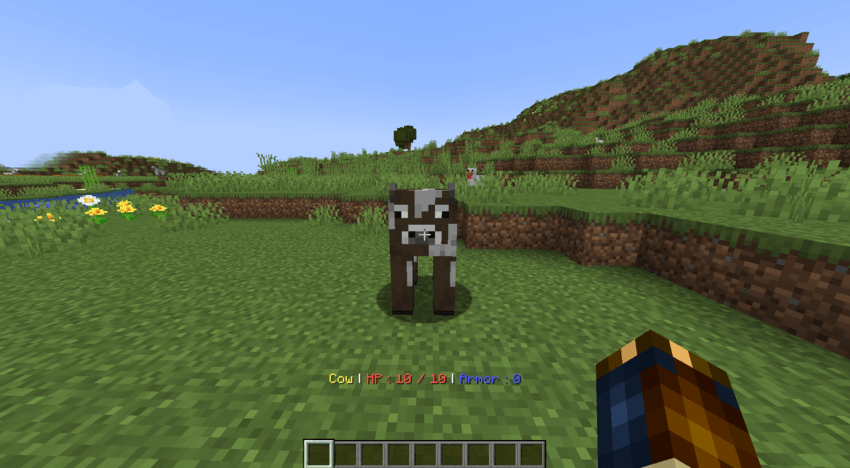
Datapack ini memungkinkan Anda melihat nama, kesehatan, dan armor dari mob yang sedang Anda lihat.
Mob Info
This datapack allows you to see the name, health, and armor of the mob you are looking at.
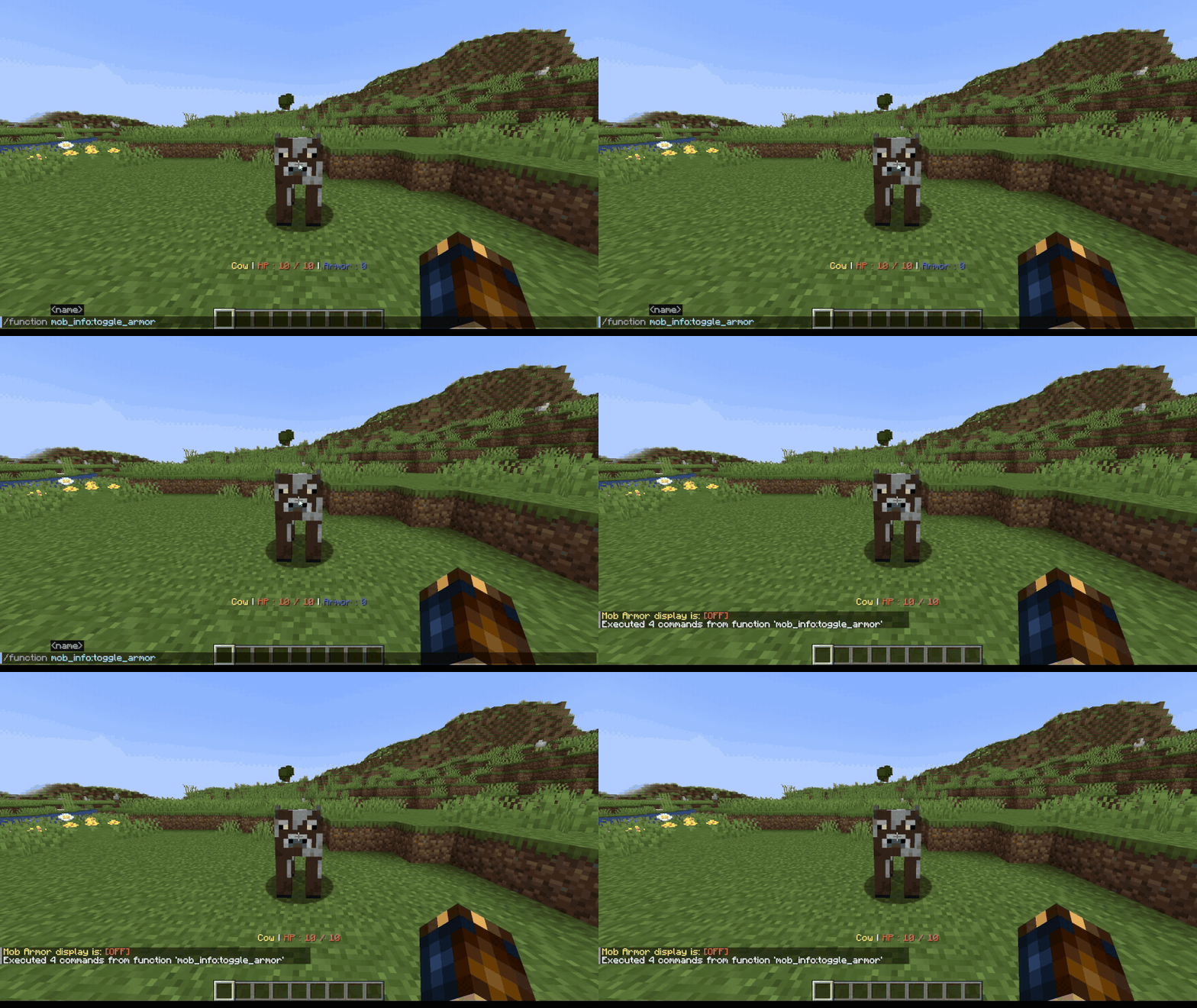
/function mob_info:toggle_armor
Hides the armor indicator.
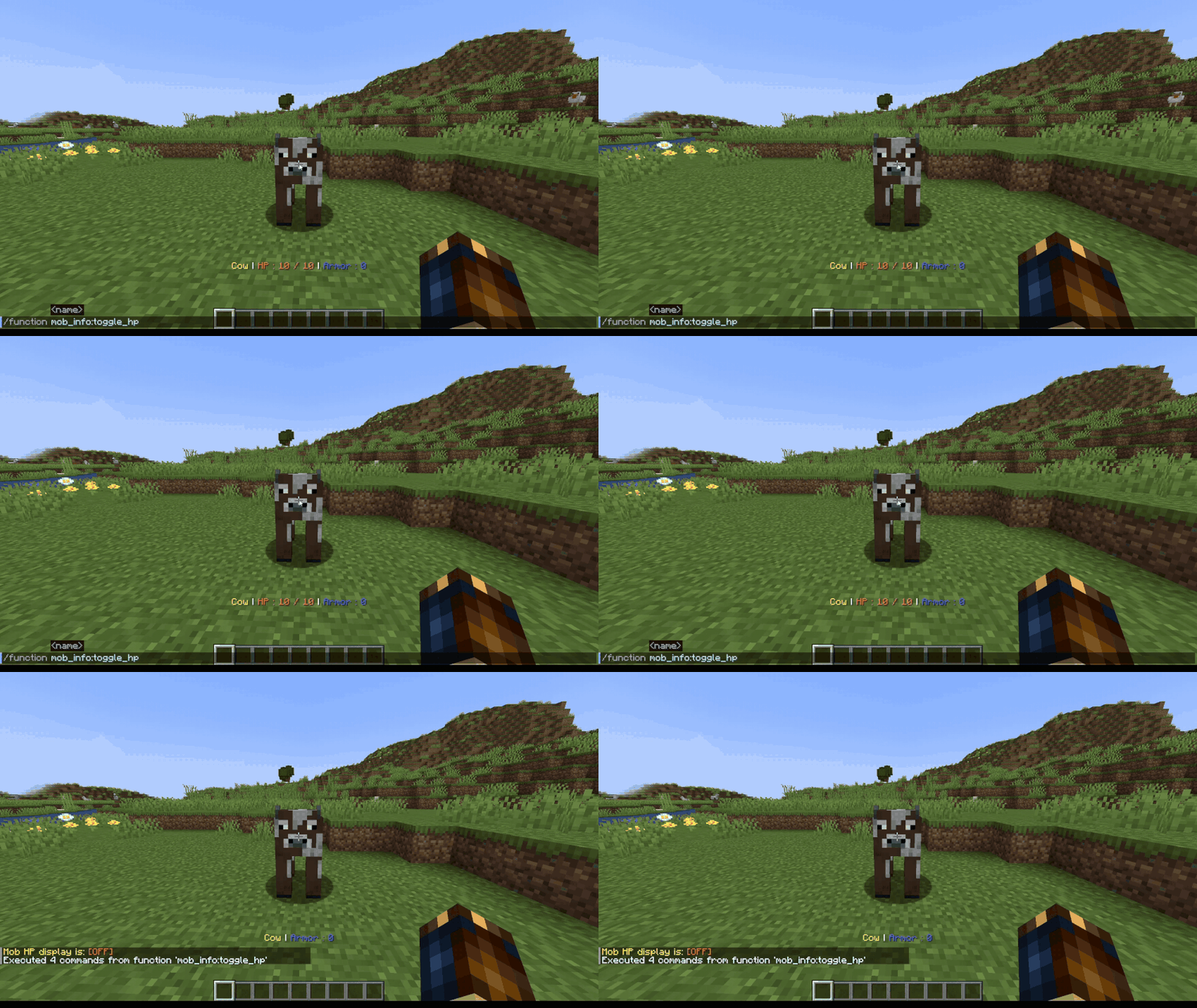
/function mob_info:toggle_hp
Hides the hp indicator.
/function mob_info:toggle_name
Hides the name indicator.
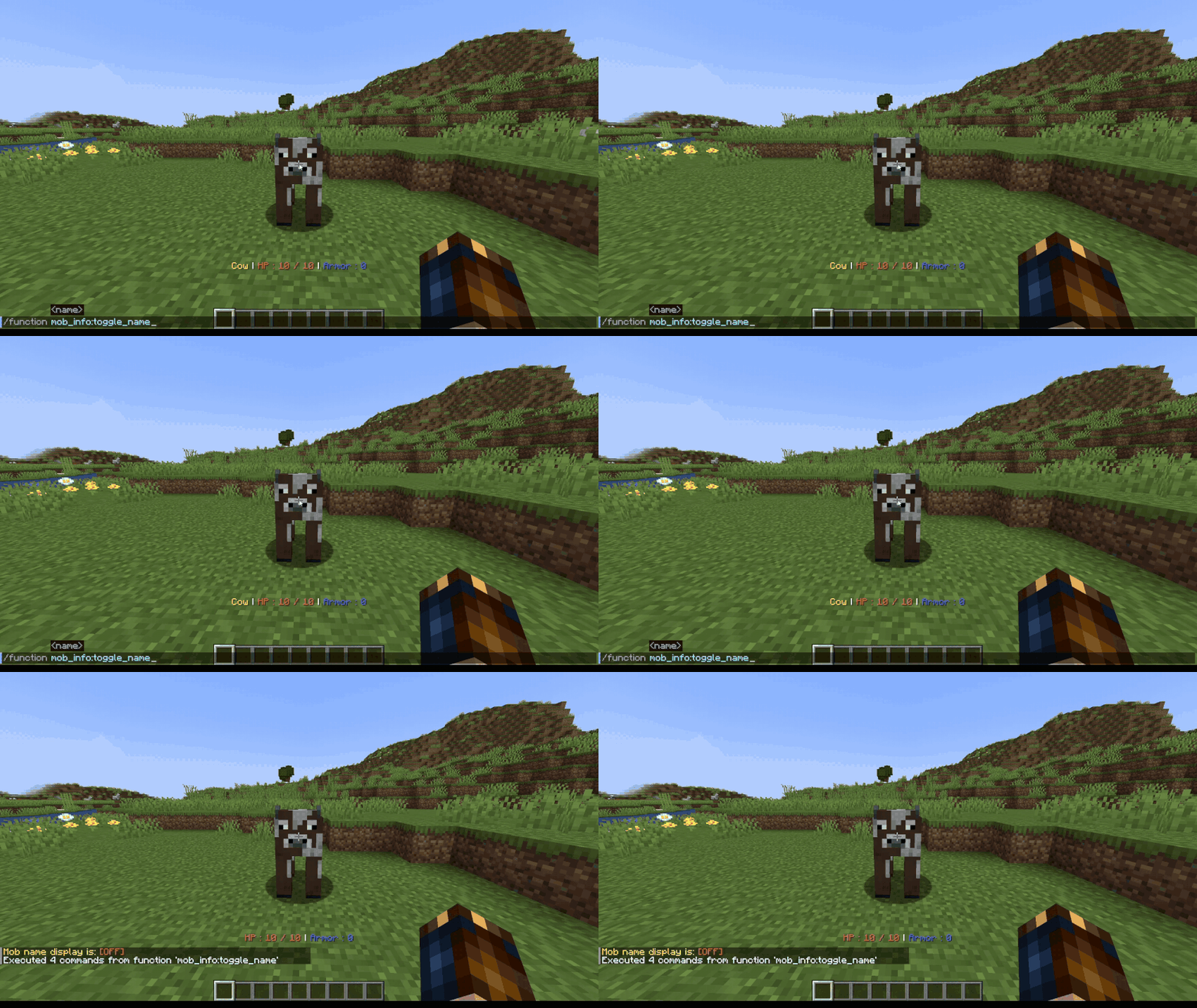
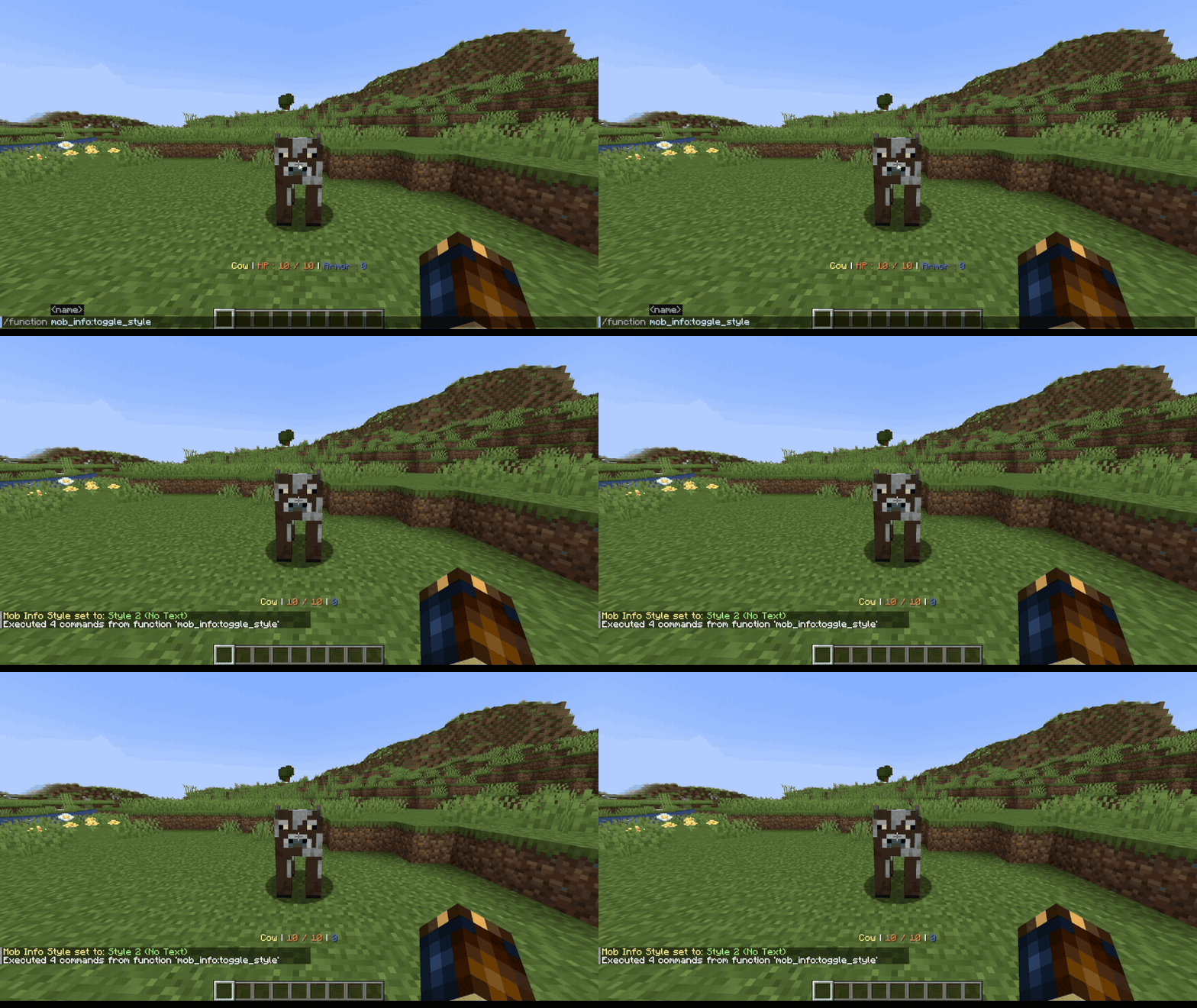
/function mob_info:toggle_style
Allows you to change the style.
Cara memasang Mob Info
With Millida Launcher
Install Millida Launcher
The launcher is free: download it at millida.net/launcher and sign in with any nickname.
Click “Install” on this page
The launcher opens and installs the data pack for Minecraft 26.2 automatically.
Launch the game
A profile with it appears in the launcher: click “Play”.
On a server
Archive goes into the server world’s datapacks
The world/datapacks folder on the server; players do not need to install anything.
Reload the data
Type /reload in the server console or restart the server.
Use the “To server” button
On Millida Hosting, the button at the top of the page uploads the file to your server and restarts it for you.
Versi
Dengan dependensi
| Minecraft | Loader | File | Tanggal | Tindakan |
|---|---|---|---|---|
| 26.2 | — | Mob Info7.1 KB |
Ulasan
Jadilah yang pertama menilai Mob Info


