

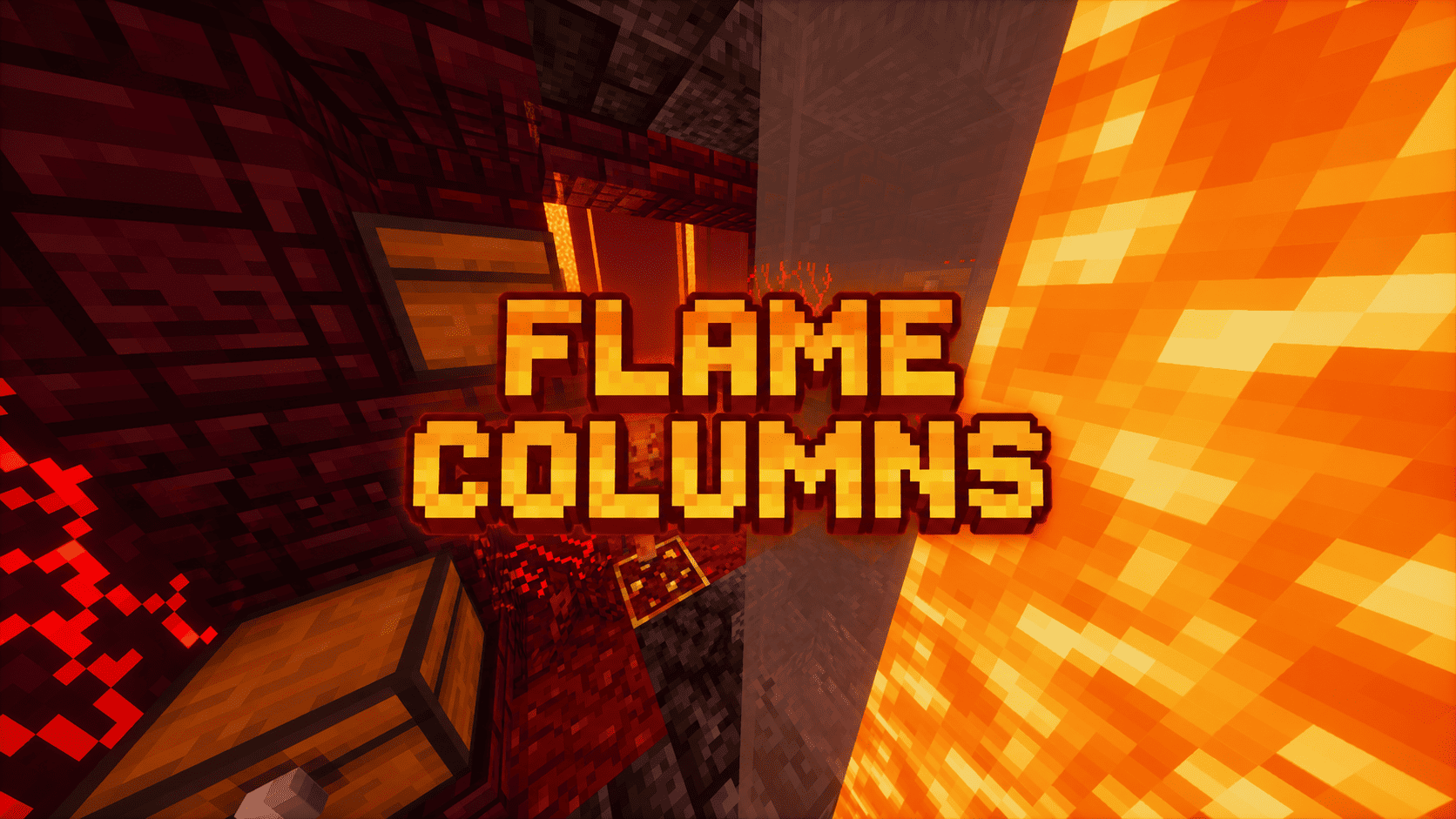
Flame Columns Paket data untuk Minecraft 1.20.1, 1.19.2
Datapack/mod ini menambahkan 3 struktur baru untuk nether
- dilihat
- 42 dilihat
- Diperbarui
- Diperbarui 23.10.2026
- 1.19 — 26.3
 Paket data
- Klien dan server
My social networks

Description👀
This datapack/mod adds 3 custom structures for Nether, each of which is generated in different biomes and has its own style, atmosphere and loot. While exploring the Nether, you will come across dangerous caves filled with treasures, lava and hostile mobs.

🧭 Explore the Nether in a new way
Each structure was created to look like a piece of vanilla Minecraft, maintaining the atmosphere of the Nether and adding more reasons to explore its depths.
This is what can spawn in chests
- Iron Ingot
- Gold Ingot
- Iron Nugget
- Gold Nugget
- Spectral Arrow
- Cooked Porkchop
- Golden Apple
- Lava Bucket
- Ender Pearl
- Random golden armor with enchantments
- Polished Basalt
- Smooth Basalt
- Netherrack
- Nether Wart Block
- Warped Planks
- Warped Wart Block

Useful Сommands🔧
- Use /locate structure elysianfields:flame_columns_crimson for see dungeon coordinates
- Use /place structure elysianfields:flame_columns_crimson for spawn dungeon
- Use /locate structure elysianfields:flame_columns_warped for see dungeon coordinates
- Use /place structure elysianfields:flame_columns_warped for spawn dungeon
- Use /locate structure elysianfields:flame_columns_basalt for see dungeon coordinates
- Use /place structure elysianfields:flame_columns_basalt for spawn dungeon
Cara memasang Flame Columns
With Millida Launcher
Install Millida Launcher
The launcher is free: download it at millida.net/launcher and sign in with any nickname.
Click “Install” on this page
The launcher opens and installs the data pack for Minecraft 1.19–26.3 automatically.
Launch the game
A profile with it appears in the launcher: click “Play”.
Manually
Download the archive
Pick the file Flame Columns v1.0.zip (300 KB) for your game version.
New world: “Data Packs”
When creating a world, click “Data Packs”, drag the archive into the window, then move it to “Selected”.
Existing world: the datapacks folder
Put the archive into saves/<world>/datapacks and type /reload in game.
On a server
Archive goes into the server world’s datapacks
The world/datapacks folder on the server; players do not need to install anything.
Reload the data
Type /reload in the server console or restart the server.
Use the “To server” button
On Millida Hosting, the button at the top of the page uploads the file to your server and restarts it for you.
Versi
Dengan dependensi
| Minecraft | Loader | File | Tanggal | Tindakan |
|---|---|---|---|---|
| 26.3 | Paket data | 26.3300 KB | ||
| 26.2 | Paket data | 26.2300 KB | ||
| 1.19.2 | Paket data | 1.19.2300 KB |
FAQ
Which Minecraft versions does Flame Columns work on?
There are files for 1.19–26.3, 14 versions in total. The newest is 26.3.
Does Flame Columns work on a server?
Yes: the data pack goes into the datapacks folder of the server world, and players do not need to install anything.
Where can I download Flame Columns safely?
On this page: the file Flame Columns v1.0.zip (300 KB) is stored on Millida’s server, with no link shorteners. SHA-1 checksum: 1a234174d9fb77cf694241685a945c46ea21e347.
Ulasan
Jadilah yang pertama menilai Flame Columns


