
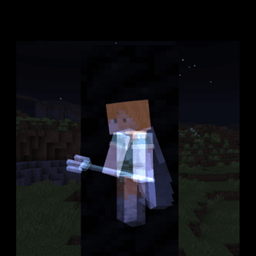
Minecraft 1.21.90 के लिए Toggle ESP रिसोर्स पैक
एक रिसोर्स पैक जो आपको दीवारों और ब्लॉकों के माध्यम से खिलाड़ियों/एंटिटीज को देखने की अनुमति देता है!
To enable esp features, turn on fancy or fast graphics. Custom Toggle is no longer due to OreUI replacing the old settings screen.
Warning: Using this on servers MAY get your account banned!
I am not responsible for the consiquences of using this pack.
This texture pack adds these toggles inside the settings page of Minecraft.

Which allows you to toggle the Esp Feature On/Off.
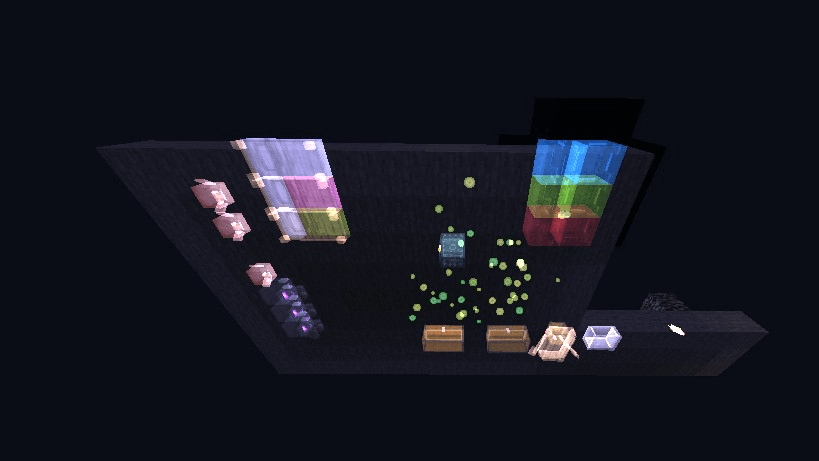
With that, this pack will allow you to see players, mobs, tile entities, projectiles and npc's through blocks.
Player behind some coal blocks:
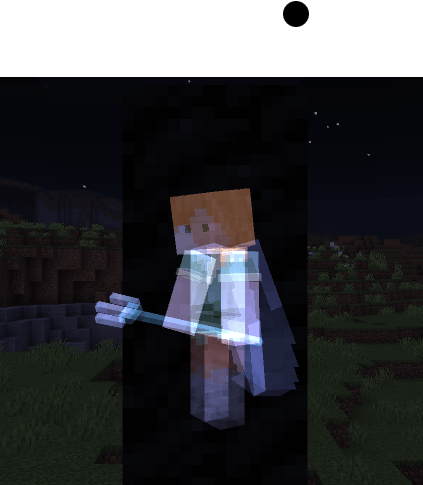
Preview:
Toggle ESP कैसे इंस्टॉल करें
Install Millida Launcher
The launcher is free: download it at millida.net/launcher and sign in with any nickname.
Click “Install” on this page
The launcher opens and installs the resource pack for Minecraft 1.21.90 automatically.
Launch the game
A profile with it appears in the launcher: click “Play”.
वर्ज़न
डिपेंडेंसी के साथ
| Minecraft | लोडर | फ़ाइल | तारीख़ | क्रियाएँ |
|---|---|---|---|---|
| 1.21.90 | — | Toggle Emissive ESP_v3.mcpack78.2 KB |
FAQ
Which Minecraft versions does Toggle ESP work on?
Only Minecraft 1.21.90: there are no files for other versions.
How do I download Toggle ESP?
With Millida Launcher: it installs Toggle ESP into a modpack by itself, for the right game version and loader. The launcher is free.
रिव्यू
Toggle ESP को सबसे पहले रेट करें



