

Minecraft 1.20.1, 1.21.1 के लिए Sky Inventory Background रिसोर्स पैक
आपके inventory के अंदर के लिए एक अच्छा sky background, कोई mods आवश्यक नहीं
- डाउनलोड
- 66 डाउनलोड
- व्यूज़
- 399 व्यूज़
- अपडेट किया गया
- अपडेट किया गया 22.12.2024
- 1.18 — 26.2
 वनीला गेम
- क्लाइंट

Sky Inventory Background
about
a simple texture pack which stylizes the inventory gui

terms of use
- do not plagiarise this pack
- (optional)if you are making a social media post eg. youtube video please use the card version and leave original download link
- do not give alternitive download links
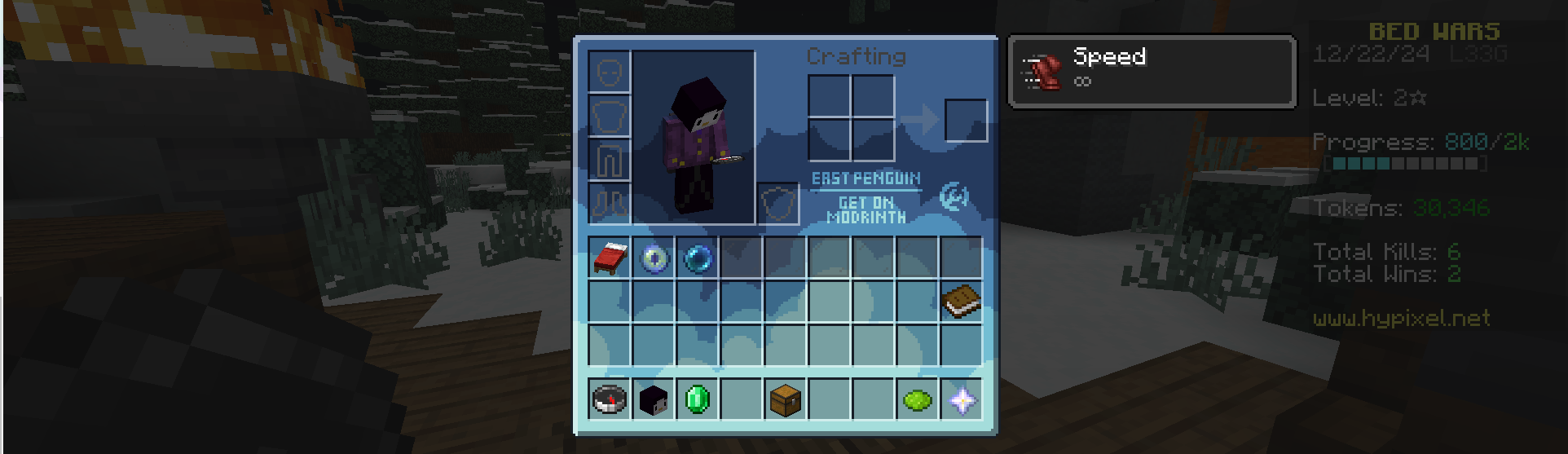
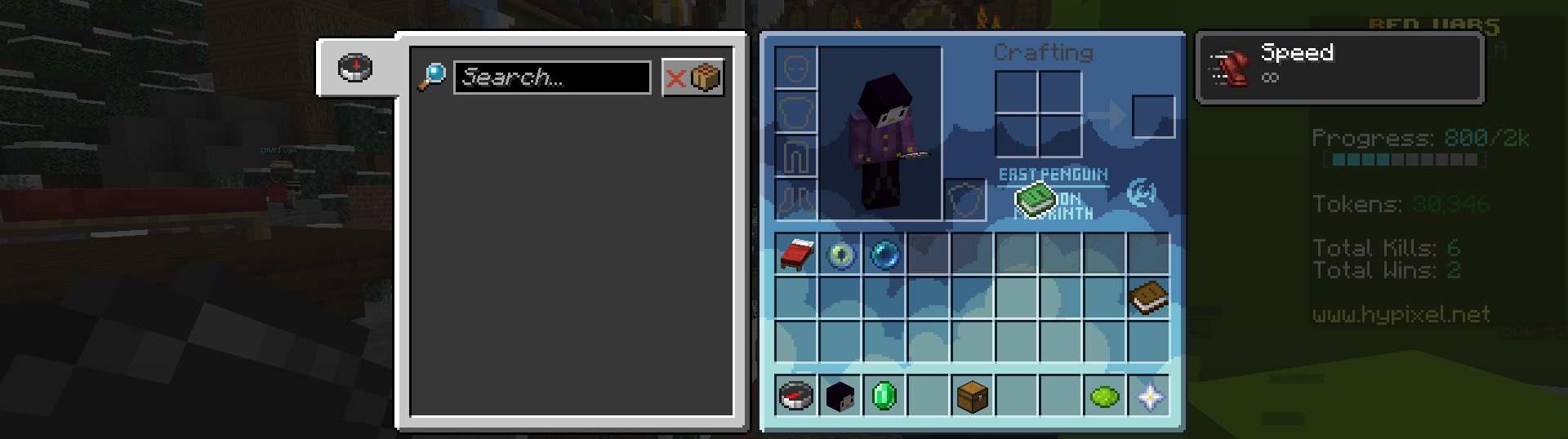
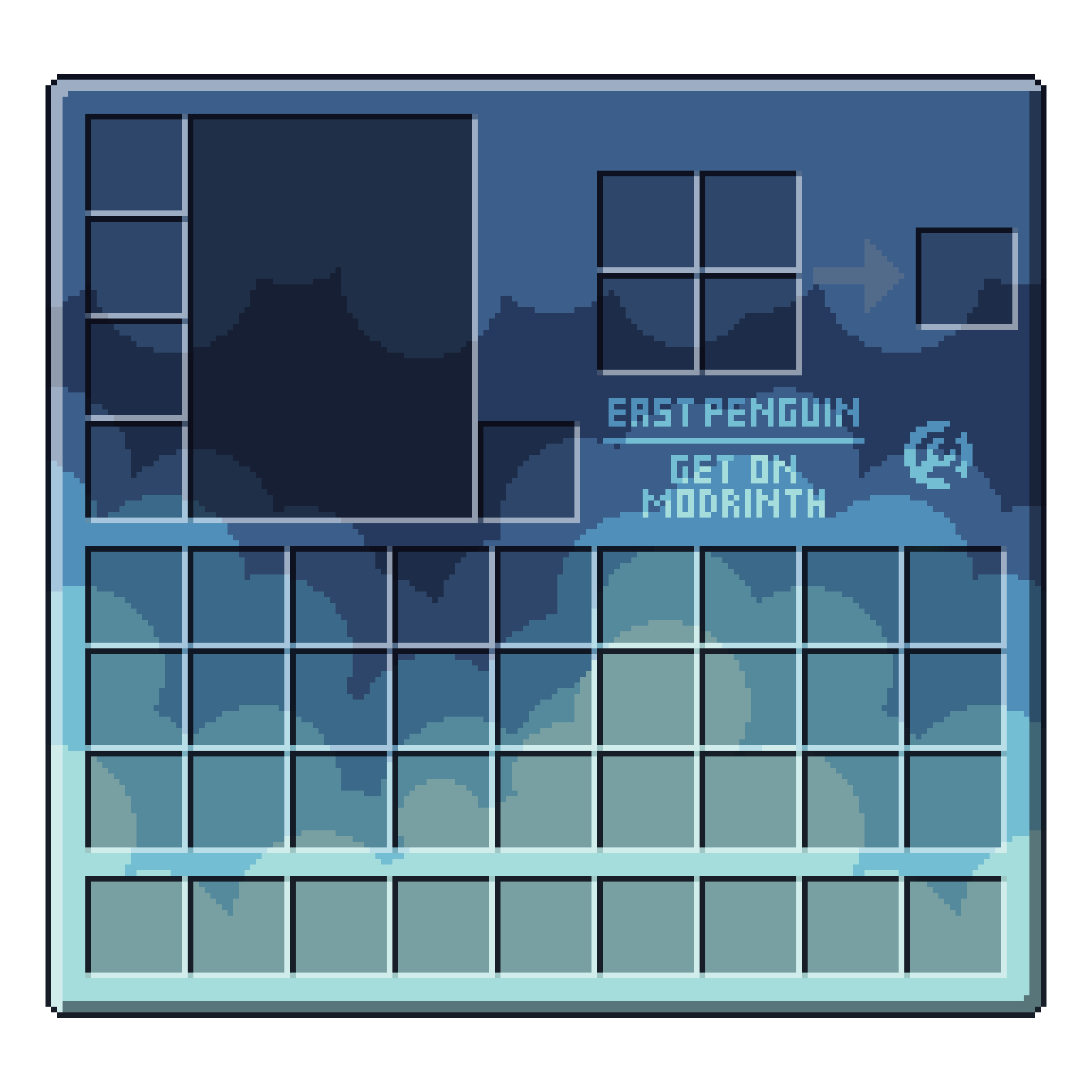
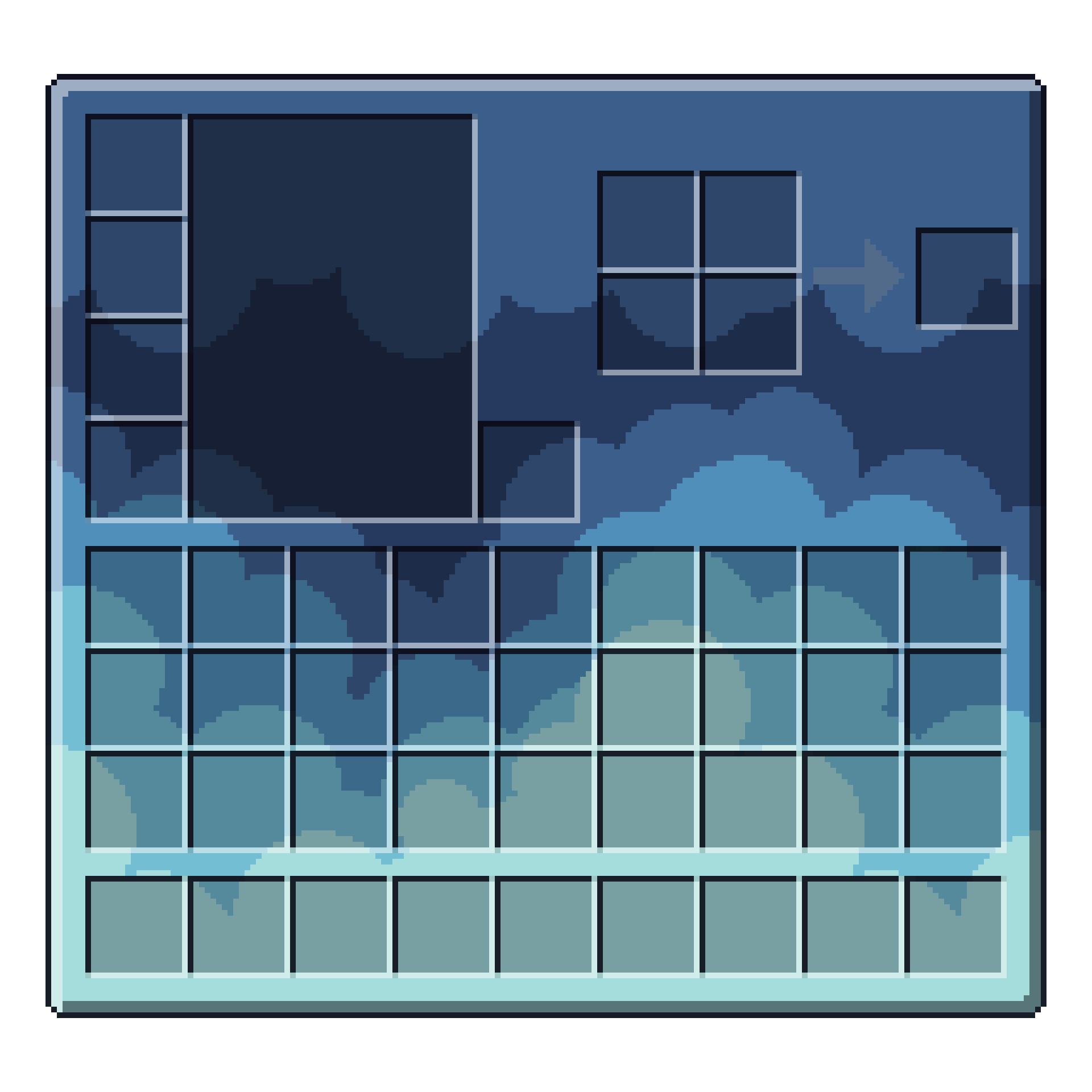
Sky Inventory Background कैसे इंस्टॉल करें
With Millida Launcher
Install Millida Launcher
The launcher is free: download it at millida.net/launcher and sign in with any nickname.
Click “Install” on this page
The launcher opens and installs the resource pack for Minecraft 1.18–26.2 automatically.
Launch the game
A profile with it appears in the launcher: click “Play”.
Manually
Download the archive
Pick the file Sky Inventory-no card-1.21.zip (27 KB) for your game version. No need to unpack it.
Put it in the resourcepacks folder
The easiest way: “Options”, then “Resource Packs”, then “Open Pack Folder”, and drag the archive there.
Enable the pack
In the same window, move the pack to the right-hand “Selected” column and click “Done”.
वर्ज़न
डिपेंडेंसी के साथ
| Minecraft | लोडर | फ़ाइल | तारीख़ | क्रियाएँ |
|---|---|---|---|---|
| 26.2 | — | 26.227.2 KB 39 |
रिव्यू
Sky Inventory Background को सबसे पहले रेट करें


