
Minecraft 1.15 के लिए PixelPrinter प्लगइन
इन-गेम ब्लॉक्स का उपयोग करके छवियाँ और पिक्सेल-आर्ट बनाता है
PixelPrinter
PixelPrinter क्या है
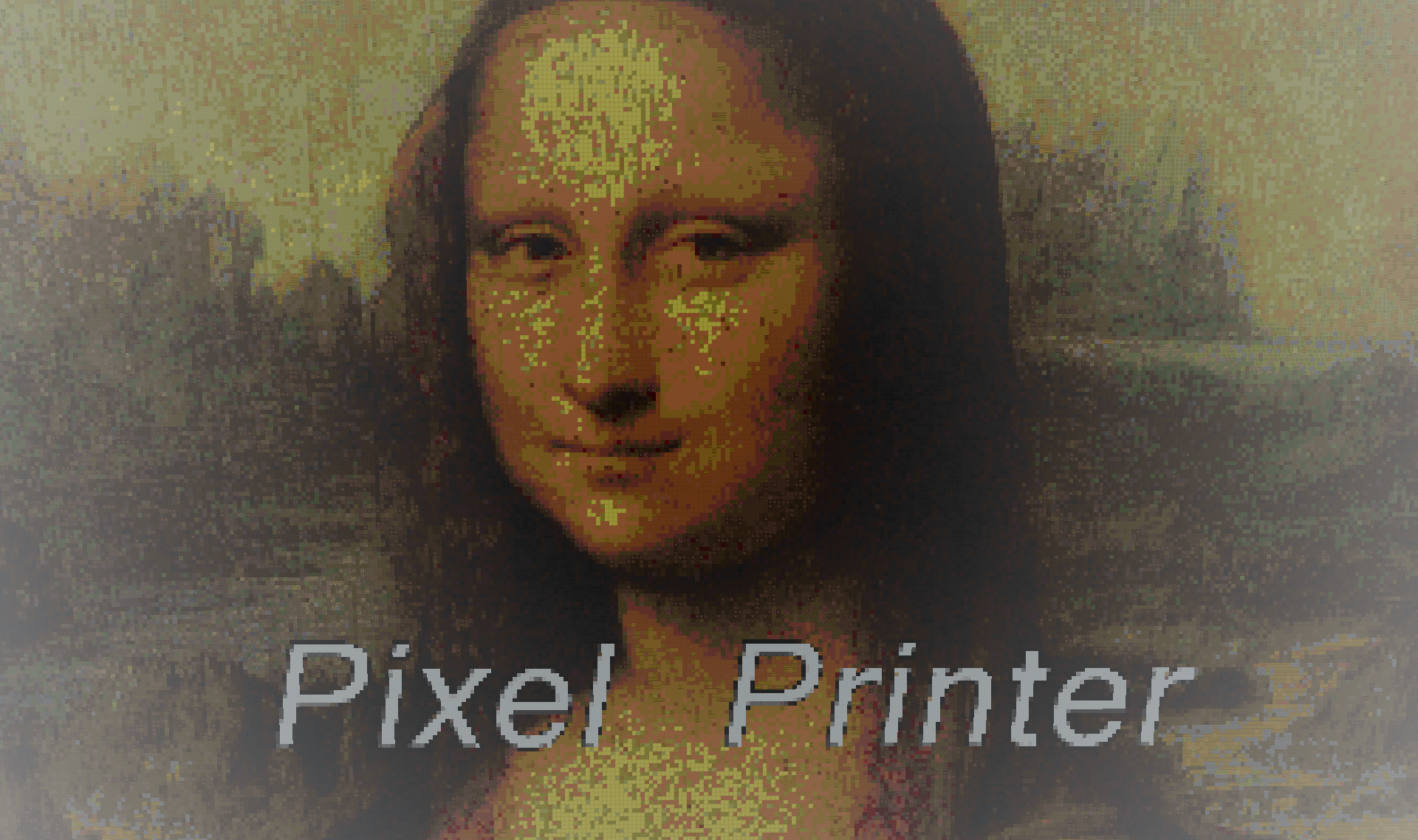
PixelPrinter एक प्रदर्शन है कि आप THIS resource का उपयोग करके क्या कर सकते हैं। इस plugin का उपयोग करके, आप अपने server पर images या gifs लोड कर सकते हैं, चाहे blocks या maps का उपयोग करके। यह plugin images या gifs डाउनलोड कर सकता है, उन्हें resize कर सकता है, और आपको अपने पूरे server पर आसानी से Sky-Boxes, Movies, और pixel art बनाने की अनुमति देता है।
विशेषताएँ
- in game blocks का उपयोग करके images, movies, या pixel art बनाएँ
- skin statues बनाएँ।
- JPegs, PNGs, और Gifs का समर्थन करता है!
- Custom resourcepack समर्थन।
- सभी Versions पर काम करता है
वीडियो
चित्र
Custom resourcepack समर्थन:
1.0.14 patch के अनुसार, Pixelprinter server-wide resourcepack समर्थन की अनुमति देता है। इस सुविधा का उपयोग करने से custom resourcepacks का उपयोग करते समय images की बेहतर गुणवत्ता और सटीकता की अनुमति मिलेगी। Custom resourcepack समर्थन जोड़ने के लिए, निम्नलिखित करें:
- <Server>/plugins/PixelPrinter/customtextures/ directory में जाएँ।
- एक नई window में, resourcepack zip file खोलें और Minecraft>textures>blocks folder पर जाएँ।
- वहाँ, सभी textures को customtextures directory में drag करें।
और बस इतना ही। Pixelprinter बाकी सब संभाल लेगा।
Commands
(आप /pixelprinter या /pp का उपयोग करके सभी PixelPrinter commands access कर सकते हैं)
/pp
सभी commands और उनके usages की सूची देता है
/pp download <Filename> <url>
/pp d <filename> <url>
एक image के location को txt file में डाउनलोड करता है। memory कम करने के लिए अच्छा।
/pp downloadimage <filename><url>
/pp di <filename> <url>
image को png, jpg, या gif file में डाउनलोड करता है।
/pp create <direction> <File name> <Height> image का in-game block version बनाता है, <direction> direction में move करता है और <Height> की height होगी। width image height के अनुसार scale होगी।
/pp createFrames <direction> <File name> <Height> /pp cf <direction> <File name> <Height> image का in-game item-frame version बनाता है, <direction> direction में move करता है और <Height> की height होगी। width image height के अनुसार scale होगी।
/pp createskin <direction> <player's name or UUID> निर्दिष्ट player की skin के साथ 16x48x16 player character बनाएँ। Note: player's name का उपयोग करने के लिए, player को एक बार server में join होना चाहिए।
/pp delete <filename> filename <file name> वाली file को delete करता है
/pp stopGif <id> id <Id> वाले gif को रोकता है
/pp stopAllGifs server पर सभी gifs को रोकता है।
/pp listGifs server पर active सभी gifs की सूची देता है। यदि आप किसी gif की ID नहीं जानते तो इसका उपयोग करें
/pp preview आप जो image बनाने जा रहे हैं उसका preview बनाता है। यह केवल image का boarder दिखाता है, और इसका उपयोग यह बताने के लिए किया जाना चाहिए कि यह image किसी existing blocks के माध्यम से "clip" करेगी या नहीं
/pp specs image की specifications दिखाता है।
/pp list
server पर डाउनलोड की गई सभी images दिखाता है
/pp help OR /pp ?
commands और उनके उपयोग दिखाता है
Permissions
pixelprinter. सभी permissions देता है
pixelprinter.stop player को gifs रोकने की permission देता है
pixelprinter.delete player को image files delete करने की permission देता है
pixelprinter.create player को in-game image बनाने की permission देता है
pixelprinter.download player को URL से image डाउनलोड करने की permission देता है
यह plugin स्वचालित रूप से update होता है:
यह plugin updates की जाँच करता है और updates डाउनलोड करेगा। यदि आप नहीं चाहते कि यह plugin स्वचालित रूप से update हो, तो आपको बस "plugins\AUpdater\global.yml" file में एक line edit करनी है। बस वहाँ एक variable को false में बदलें (या, यदि आपको कोई समस्या आती है, तो नीचे दिया गया code copy करें)
ArsenArsen द्वारा Updater
Global config
क्या updates globally डाउनलोड होने चाहिए सेट करता है
update: false
कैसे Install करें
इस plugin को अपने plugins folder में drop करें और अपने server को restart करें।
यह plugin bStats का उपयोग करता है:
bStats एक metrics service है जो मुझे यह देखने की अनुमति देती है कि कितने servers मेरे plugins का उपयोग करते हैं, उनके कितने players हैं, और कौन से देश मेरे plugin का सबसे अधिक उपयोग करते हैं। सभी जानकारी anonymized है, इसलिए कोई भी जानकारी सीधे आपसे linked नहीं की जा सकती, और इसके बजाय plugin का उपयोग करने वाले सभी severs के average में जोड़ी जाती है।
PixelPrinter कैसे इंस्टॉल करें
A server on Paper or Spigot
The plugin runs on the server core for Minecraft 1.7.4–1.15; players do not need to install anything.
File goes into the plugins folder
Download the file PixelPrinter.jar (220 KB) and put it into the server’s plugins folder.
Restart the server
On startup the plugin creates its own settings folder in plugins.
Use the “To server” button
On Millida Hosting, the button at the top of the page uploads the file to your server and restarts it for you.
Minecraft 1.15 runs on Java 8: with a different Java version the game may close right after launch.
वर्ज़न
डिपेंडेंसी के साथ
| Minecraft | लोडर | फ़ाइल | तारीख़ | क्रियाएँ |
|---|---|---|---|---|
| 1.9 | — | PixelPrinter V1.0.46220 KB 4 |
रिव्यू
PixelPrinter को सबसे पहले रेट करें


