
 NeoForge
 Forge
XyCraft: World मॉड के बारे में
विश्व निर्माण और अयस्क यहाँ हैं! पूरे विश्व में खोजने के लिए रहस्य हैं, जिनमें से एक है चमकदार Xychorium!
सारांश:
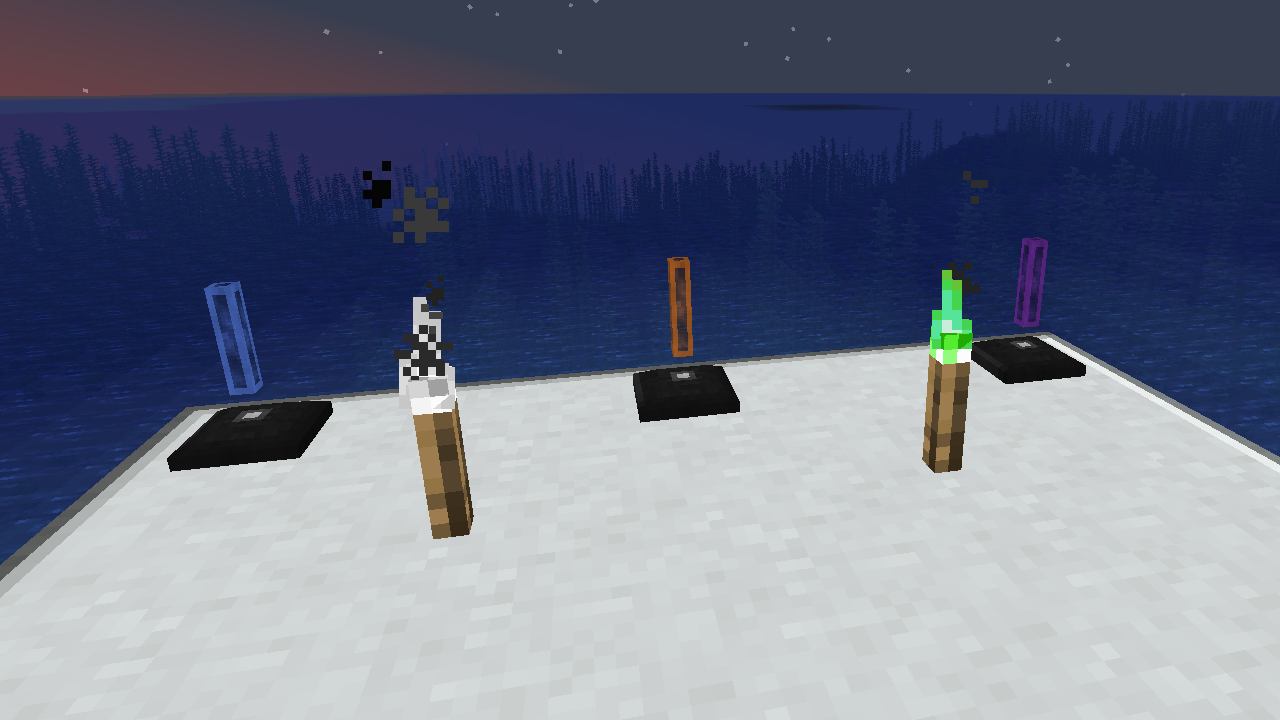
XyCraft World अधिकांश मॉड्स का एक आवश्यक घटक है, और हालाँकि इसे संभवतः Core में शामिल किया जा सकता था, बाहरी डेवलपर्स को विश्व निर्माण पहलू की आवश्यकता के बिना उपकरण प्रदान करने पर कुछ बहस हुई थी। इसी कारण से इसे अलग किया गया। कोई भी और सभी विश्व निर्माण या अन्वेषण इस मॉड्यूल में रहेगा।
विशेषताएँ:
- सभी XyCraft मॉड्यूल्स के लिए विश्व निर्माण प्रदान करता है
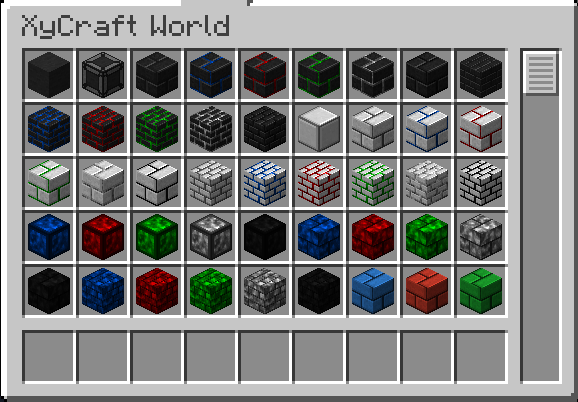
- Xychorium और Aluminum जैसी सामग्री उचित टैग्स के साथ
- प्रतिष्ठित XyCraft क्लाउड और ग्लो प्रभाव का उपयोग करके सजावटी ब्लॉक जोड़ता है
नियोजित:
- कुछ अवधारणा में Satisfactory जैसे अयस्क नोड्स।
- खिलाड़ी के लिए अधिक अन्वेषण पुरस्कार
- सामग्री कहाँ मिलेंगी और उनका क्या करना है, इसके लिए इन-गेम मार्गदर्शन।
- मक्का और टमाटर जैसे भोजन/पौधे आइटम।
- संभवतः एक डाइमेंशन, लेकिन यदि ऐसा होता है तो यह वर्तमान रोडमैप पर नहीं है।
- अयस्कों की खनन से गिरने वाला अनुभव।
- अधिक ब्लॉक विविधताएँ और विकल्प।
XyCraft: World कैसे इंस्टॉल करें
With Millida Launcher
Install Millida Launcher
The launcher is free: download it at millida.net/launcher and sign in with any nickname.
Click “Install” on this page
The launcher opens and installs the mod for Minecraft 1.20.1–26.1.2 on Forge or NeoForge automatically.
Launch the game
A profile with it appears in the launcher: click “Play”.
Manually
Install Forge or NeoForge
The loader must match the game version of the mod file, for example Minecraft 26.1.2. After installing it, a separate profile appears in your launcher.
Download the file for your version
In the version list above, pick the file xycraft-world-0.9.2.jar (1.8 MB) for your game version and loader.
Put it in the mods folder
The folder is inside .minecraft (Windows: %appdata%\.minecraft\mods). If it does not exist, create it.
Launch the loader profile
Open “Mods” in the main menu: XyCraft: World should be in the list.
वर्ज़न
डिपेंडेंसी के साथ
| Minecraft | लोडर | फ़ाइल | तारीख़ | क्रियाएँ |
|---|---|---|---|---|
| 26.1.2 | NeoForge | XyCraft World 0.9.21.8 MB | ||
| 26.1.2 | NeoForge | XyCraft World 0.9.0-beta.211.8 MB | ||
| 1.20.1 | NeoForge, Forge | XyCraft World v0.6.222.7 MB |
FAQ
Which Minecraft versions does XyCraft: World work on?
There are files for 26.1.2, 1.20.1. The newest is 26.1.2.
Is XyCraft: World for Forge or Fabric?
There are files for Forge: 1.20.1 and for NeoForge: 1.20.1–26.1.2. There are no files for Fabric: a mod for another loader will not start.
Does XyCraft: World need other mods?
The author lists no required dependencies: the Forge or NeoForge loader is enough.
Where can I download XyCraft: World safely?
On this page: the file xycraft-world-0.9.2.jar (1.8 MB) is stored on Millida’s server, with no link shorteners. SHA-1 checksum: 7ecf6a0a0efb57e97b1b768e264f444259a325d0.
रिव्यू
XyCraft: World को सबसे पहले रेट करें


