

 Forge
Transport मॉड के बारे में
ट्रांसपोर्ट मेरे सभी विचारों के लिए एक संयुक्त मॉड है जो माइनकार्ट/नावों से संबंधित हैं। अभी मॉड कुछ अतिरिक्त माइनकार्ट ट्रैक और लोडर का समर्थन करता है, योजना है कि न केवल इसे बढ़ाया जाए, बल्कि ट्रेनें, कार्ट लिंकिंग, स्वचालित नावें, और इसी तरह घोड़े के रास्ते, पनडुब्बियाँ और बहुत कुछ जोड़ा जाए।
यह मॉड मेरे अन्य विचारों जैसे वाहन इंजीनियरिंग, ओपनट्रांसपोर्ट, मैजिकल रेलवे और अन्य मॉड्स को शामिल करने के लिए है जो मेरे पास थे, बिना चीजों को 20 मॉड्स में बदले।
वर्तमान में दो सेट सुविधाएँ लागू हैं।
रेल: होल्डिंग, डायमंड क्रॉसिंग, एलिवेटर स्विच, स्कैफोल्डिंग रेल
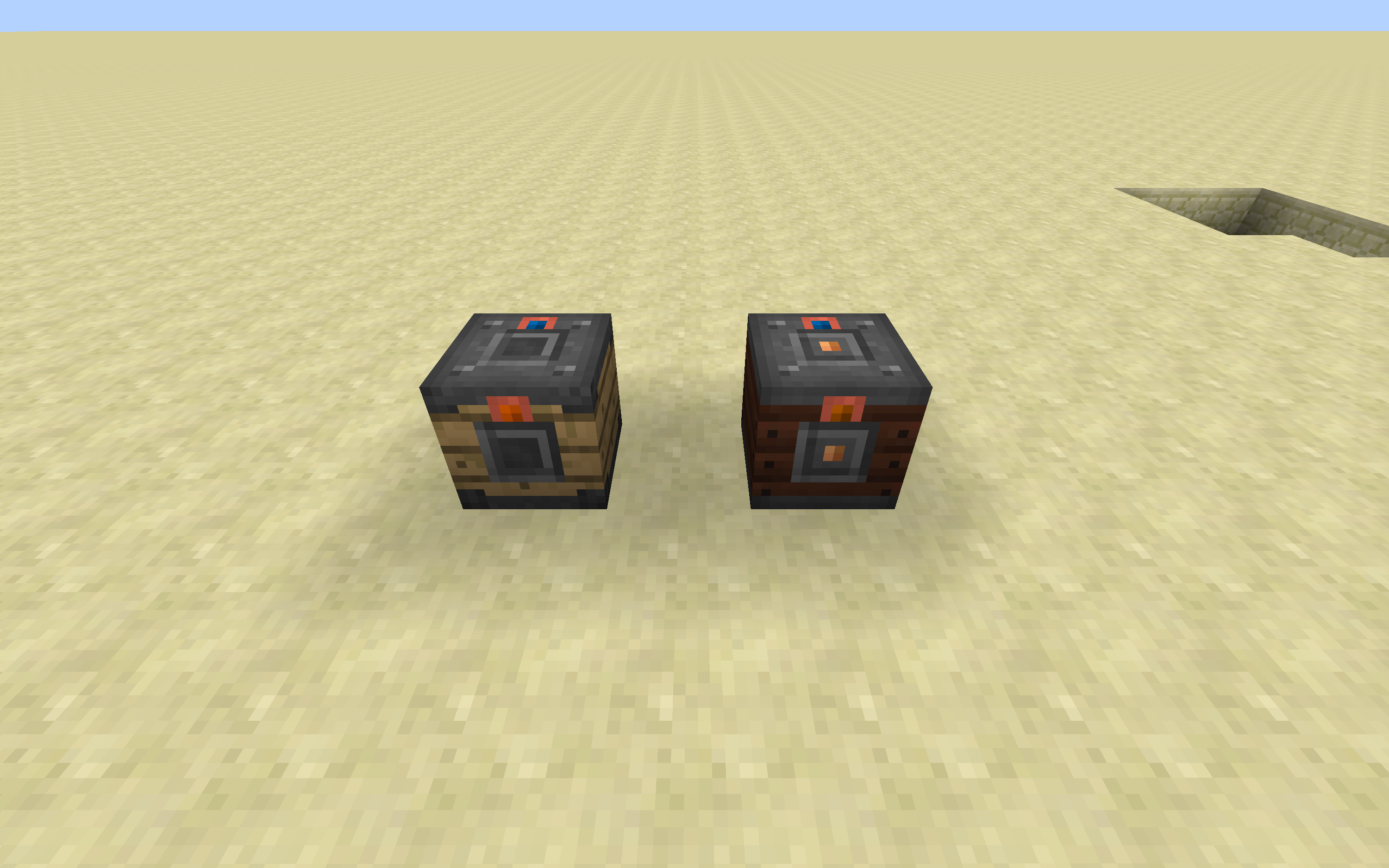
लोडर: इन्वेंटरी, फोर्ज एनर्जी, फ्लुइड टैंक
कार्ट: इन्वेंटरी, फोर्ज एनर्जी, फ्लुइड टैंक
लोडर के साथ वे शुरू में बिना किसी इनपुट या एक्सपोर्ट साइड के होते हैं। "forge:wrenches" टैग से चिह्नित किसी भी आइटम का उपयोग करके (ध्यान दें कि यह डिफ़ॉल्ट रूप से एक स्टिक है), आप साइड्स को इनपुट या आउटपुट के रूप में कॉन्फ़िगर कर सकते हैं। साइड्स ब्लॉक्स और एंटिटीज़ (खिलाड़ियों सहित) दोनों का समर्थन करते हैं।
डिस्कॉर्ड में हमसे जुड़ें: https://discordapp.com/invite/0h9DNazfyABqZMeC
Transport कैसे इंस्टॉल करें
With Millida Launcher
Install Millida Launcher
The launcher is free: download it at millida.net/launcher and sign in with any nickname.
Click “Install” on this page
The launcher opens and installs the mod for Minecraft 1.16.5 on Forge automatically.
Launch the game
A profile with it appears in the launcher: click “Play”.
Manually
Install Forge
The loader must match the game version of the mod file, for example Minecraft 1.16.5. After installing it, a separate profile appears in your launcher.
Download the file for your version
In the version list above, pick the file Transport-1.16.5-3.7.0.jar (1.1 MB) for your game version.
Put it in the mods folder
The folder is inside .minecraft (Windows: %appdata%\.minecraft\mods). If it does not exist, create it.
Launch the loader profile
Open “Mods” in the main menu: Transport should be in the list.
Minecraft 1.16.5 runs on Java 8: with a different Java version the game may close right after launch.
वर्ज़न
डिपेंडेंसी के साथ
| Minecraft | लोडर | फ़ाइल | तारीख़ | क्रियाएँ |
|---|---|---|---|---|
| 1.16.5 | Forge | Transport-1.16.5-3.7.0.jar1.1 MB 1 | ||
| 1.16.5 | — | Transport-1.16.5-3.5.1.jar1005 KB |
FAQ
Which Minecraft versions does Transport work on?
Only Minecraft 1.16.5: there are no files for other versions.
Is Transport for Forge or Fabric?
Only for Forge: 1.16.5. There are no files for Fabric or NeoForge: a mod for another loader will not start.
Does Transport need other mods?
The author lists no required dependencies: the Forge loader is enough.
Which Java does Transport need?
Minecraft 1.16.5 runs on Java 8. If the game closes right after launch, the usual cause is the wrong Java version in the profile settings.
Where can I download Transport safely?
On this page: the file Transport-1.16.5-3.7.0.jar (1.1 MB) is stored on Millida’s server, with no link shorteners. SHA-1 checksum: 1bb22c300d636feafb2da3462470429955f61c10.
रिव्यू
Transport को सबसे पहले रेट करें


