

Minecraft 1.20.1 के लिए Spelunkery मॉड
खनन प्रगति का पूर्ण सुधार और साथ में उपकरण व उपयोगिताएँ
 Forge
 Fabric
Spelunkery मॉड के बारे में
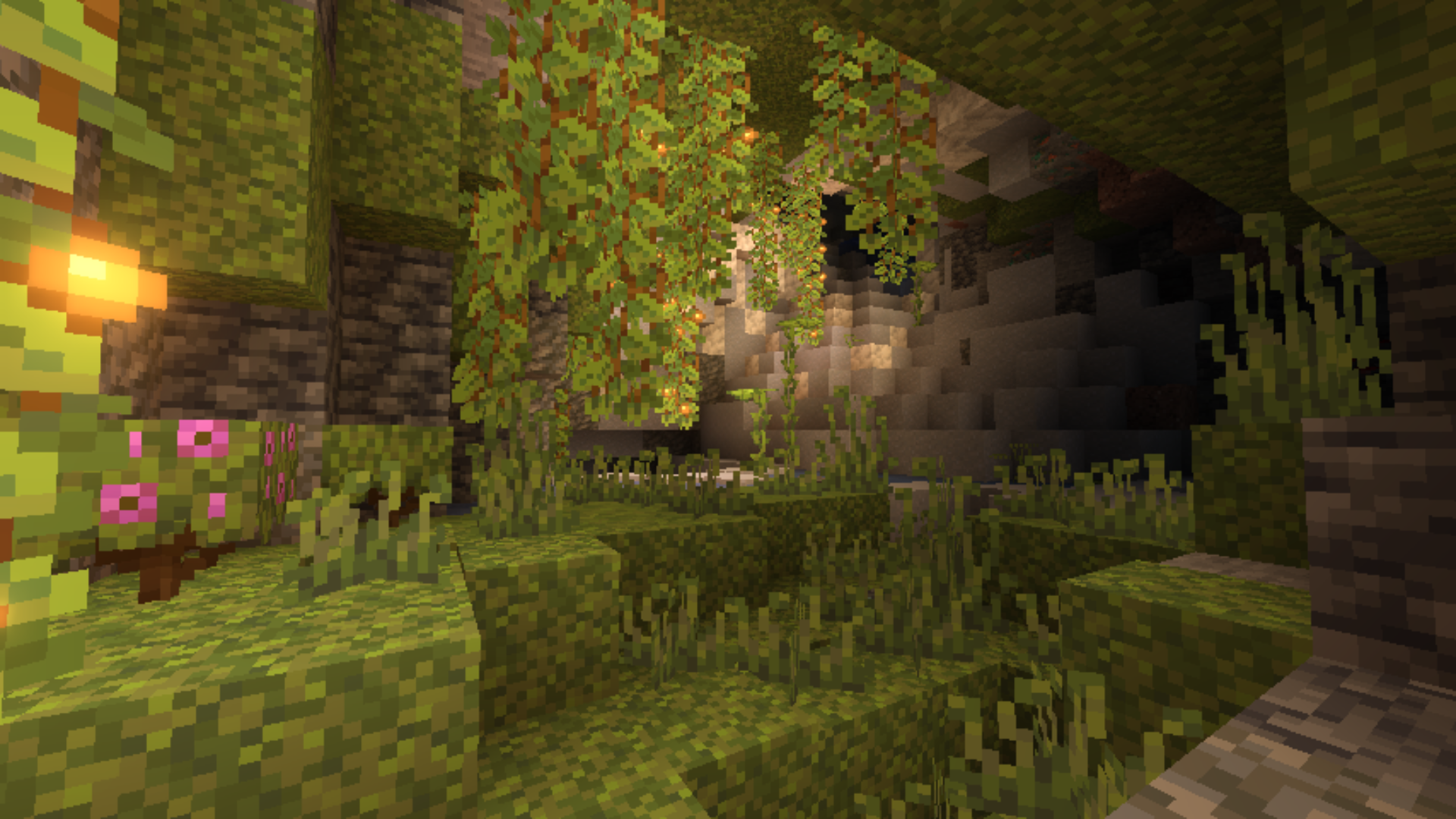
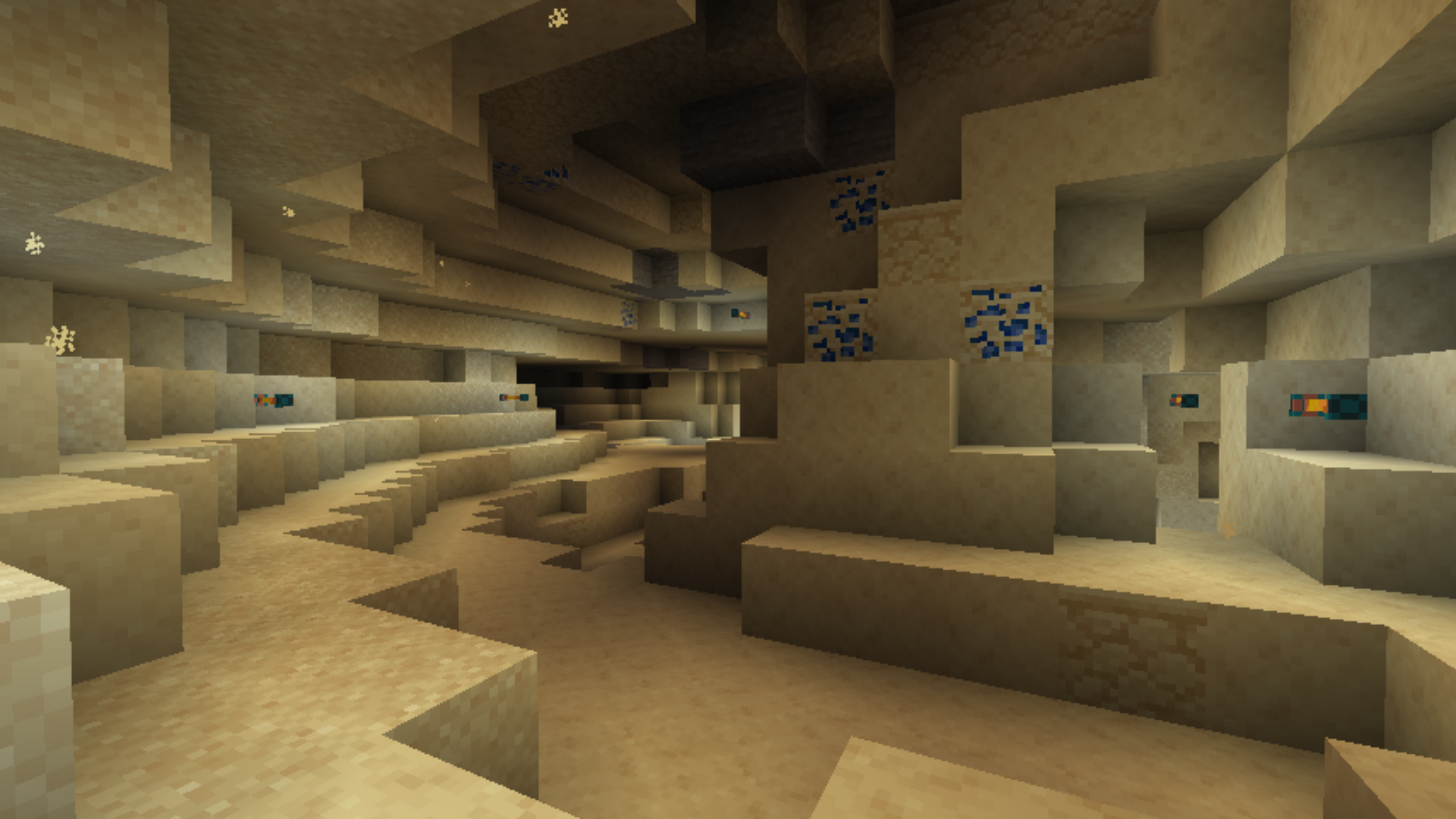
Spelunkery एक मॉड है जो Minecraft में संसाधन खनन प्रक्रिया को नया रूप देता है। यह खनन के दौरान नए प्रगति चरण पेश करता है, जिससे सामग्रियों का परिचित क्रम बदल जाता है। भूमिगत नए आकर्षण स्थल दिखाई देते हैं: अनोखी गुफा संरचनाएँ, बदले हुए अयस्क उत्पादन पैटर्न, साथ ही नए ब्लॉक और संसाधन जो अलग-अलग गहराइयों पर मिलते हैं। इससे गुफाओं में हर अभियान अधिक विविध और ठोस बन जाता है। मॉड उपयोगी औज़ार भी जोड़ता है, जैसे मजबूत की गई पिकैक्स और लालटेनें जो अधिक कुशलता से काम करती हैं और अलग दिखती हैं।
यह Fabric और Forge दोनों पर काम करता है, दोनों संस्करण Minecraft 1.20.1 के साथ संगत हैं। फ़ाइलें एक-दूसरे की जगह इस्तेमाल नहीं की जा सकतीं: Fabric को अपनी अलग jar चाहिए, Forge को दूसरी। इंस्टॉलेशन के लिए संबंधित लोडर ज़रूरी है। मॉड क्लाइंट और सर्वर दोनों पर काम करता है, दोनों तरफ़ इसका होना ज़रूरी है। इसकी कोई अनिवार्य निर्भरता नहीं है, लेकिन इसे उन अन्य मॉड्स के साथ मॉडपैक के हिस्से के रूप में इस्तेमाल किया जा सकता है जो विश्व जनरेशन या क्राफ्टिंग सिस्टम को बेहतर बनाते हैं। यह उन लोगों के लिए उपयोगी होगा जो नीरस खनन से थक चुके हैं और गुफाओं में अधिक गहरी, अधिक व्यवस्थित प्रगति चाहते हैं।
अक्सर पूछे जाने वाले प्रश्न
कौन सा लोडर ज़रूरी है?
मॉड Fabric और Forge दोनों के लिए उपलब्ध है, अपने लोडर से मेल खाता संस्करण चुनें।
क्या इसे सर्वर पर इंस्टॉल करना ज़रूरी है?
हाँ, मॉड क्लाइंट और सर्वर दोनों पर काम करता है, दोनों तरफ़ इसका होना ज़रूरी है।
यह किस गेम संस्करण के लिए उपयुक्त है?
यह केवल Minecraft 1.20.1 पर काम करता है, अन्य बिल्ड्स के लिए कोई संस्करण जारी नहीं किया गया।
Spelunkery कैसे इंस्टॉल करें
With Millida Launcher
Install Millida Launcher
The launcher is free: download it at millida.net/launcher and sign in with any nickname.
Click “Install” on this page
The launcher opens and installs the mod for Minecraft 1.20.1 on Fabric or Forge automatically.
Launch the game
A profile with it appears in the launcher: click “Play”.
Manually
Install Fabric or Forge
The loader must match the game version of the mod file, for example Minecraft 1.20.1. After installing it, a separate profile appears in your launcher.
Download the file for your version
In the version list above, pick the file spelunkery-1.20.1-0.3.16-forge.jar (2.6 MB) for your game version and loader.
Put it in the mods folder
The folder is inside .minecraft (Windows: %appdata%\.minecraft\mods). If it does not exist, create it.
Launch the loader profile
Open “Mods” in the main menu: Spelunkery should be in the list.
Minecraft 1.20.1 runs on Java 17: with a different Java version the game may close right after launch.
वर्ज़न
डिपेंडेंसी के साथ
| Minecraft | लोडर | फ़ाइल | तारीख़ | क्रियाएँ |
|---|---|---|---|---|
| 1.20.1 | Forge | spelunkery-1.20.1-0.3.16-forge.jar2.6 MB 1 | ||
| 1.20.1 | Fabric | spelunkery-1.20.1-0.3.16-fabric.jar2.6 MB 2 |
FAQ
Which Minecraft versions does Spelunkery work on?
Only Minecraft 1.20.1: there are no files for other versions.
Is Spelunkery for Forge or Fabric?
There are files for Fabric: 1.20.1 and for Forge: 1.20.1. There are no files for NeoForge: a mod for another loader will not start.
Does Spelunkery need other mods?
The author lists no required dependencies: the Fabric or Forge loader is enough.
Which Java does Spelunkery need?
Minecraft 1.20.1 runs on Java 17. If the game closes right after launch, the usual cause is the wrong Java version in the profile settings.
Where can I download Spelunkery safely?
On this page: the file spelunkery-1.20.1-0.3.16-forge.jar (2.6 MB) is stored on Millida’s server, with no link shorteners. SHA-1 checksum: d6de614c207775d0522e53d88dea75226e34955b.
रिव्यू
Spelunkery को सबसे पहले रेट करें


