
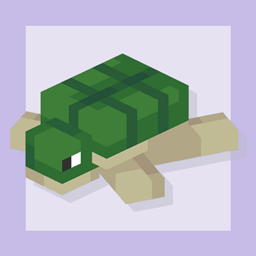
Minecraft 1.20.1 के लिए Perfect Plushies मॉड
Minecraft में विभिन्न सजावटी प्लशीज़ जोड़ता है, साथ ही कुछ ईस्टर एग्स भी!
 Fabric
 Forge
इस मॉड के 1.1.0 और उसके बाद के सभी संस्करणों के लिए GeckoLib आवश्यक है।
सामान्य जानकारी
Perfect Plushies एक सरल मॉड है जो Minecraft में कई उच्च-गुणवत्ता वाले जानवरों के प्लशी वेरिएंट जोड़ता है, जिन्हें किसी भी तरह की सजावट के लिए इस्तेमाल किया जा सकता है। अपने बेडरूम, लिविंग रूम, गार्डन, या सचमुच किसी भी चीज़ को इनसे सजाएँ, जो हमेशा आपके चेहरे पर मुस्कान लाना निश्चित है! अगर आप v1.9 या उसके बाद का संस्करण इस्तेमाल कर रहे हैं, तो आप इन सभी को अपने सिर पर भी पहन सकते हैं और इस क्यूटनेस को अपने साथ ले जा सकते हैं! यह मॉड कई संग्रहणीय प्लेयर प्लशीज़ भी जोड़ता है, और कुछ दुर्लभ वेरिएंट भी। यह जानने के लिए कि वे कौन हैं, उनका टूलटिप पढ़ें!
अधिक जानकारी
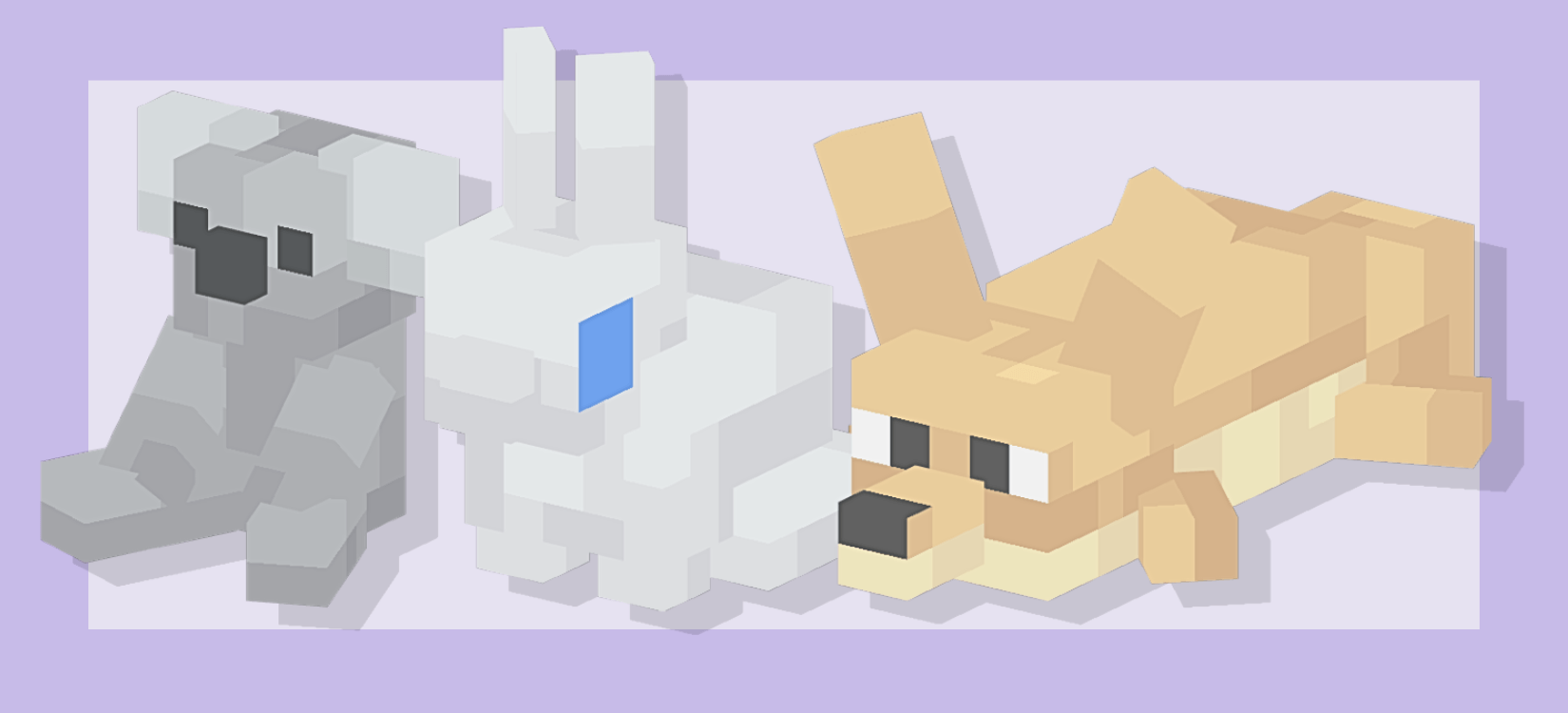
इनमें से कोई भी प्लशी गेम में क्राफ्ट नहीं की जा सकती। सर्वाइवल में, जानवरों की प्लशीज़ गाँव के चेस्ट में मिलती हैं, और प्लेयर प्लशीज़ दुनिया भर के ट्रेज़र चेस्ट और शिपरेक में मिल सकती हैं। हालाँकि, ये ब्लॉक कुछ नहीं करते ऐसा नहीं है। उन पर राइट क्लिक करके देखें। छिपे हुए ईस्टर एग्स आपके चेहरे पर मुस्कान लाना निश्चित हैं :) यह मॉड Forge और Fabric दोनों को सपोर्ट करता है और दोनों के लिए अलग-अलग फ़ाइल डाउनलोड हैं! सभी प्लशीज़ की गैलरी के लिए मॉड का Images सेक्शन देखें।
भविष्य के लिए क्या योजना है?
हम सर्वाइवल में प्राप्त की जा सकने वाली प्लशीज़ का एक अधिक संपूर्ण संग्रह जोड़ने की योजना बना रहे हैं, साथ ही प्लशीज़ में कई अन्य सुविधाएँ और इंटरैक्टिव फीचर्स भी!
लिंक
Discord सर्वर: https://discord.gg/wM4CKTbFVN Perfect Birbs: https://www.curseforge.com/minecraft/mc-mods/perfect-birbs
Perfect Plushies कैसे इंस्टॉल करें
With Millida Launcher
Install Millida Launcher
The launcher is free: download it at millida.net/launcher and sign in with any nickname.
Click “Install” on this page
The launcher opens and installs the mod for Minecraft 1.20.1 on Fabric or Forge automatically.
Launch the game
A profile with it appears in the launcher: click “Play”.
Manually
Install Fabric or Forge
The loader must match the game version of the mod file, for example Minecraft 1.20.1. After installing it, a separate profile appears in your launcher.
Download the file for your version
In the version list above, pick the file perfectplushies-fabric-1.20.1-1.13.3.jar (1.2 MB) for your game version and loader.
Put it in the mods folder
The folder is inside .minecraft (Windows: %appdata%\.minecraft\mods). If it does not exist, create it.
Launch the loader profile
Open “Mods” in the main menu: Perfect Plushies should be in the list.
Minecraft 1.20.1 runs on Java 17: with a different Java version the game may close right after launch.
वर्ज़न
डिपेंडेंसी के साथ
| Minecraft | लोडर | फ़ाइल | तारीख़ | क्रियाएँ |
|---|---|---|---|---|
| 1.20.1 | Fabric | Perfect Plushies 1.13.3 [Fabric]1.2 MB 3 | ||
| 1.20.1 | Forge | Perfect Plushies 1.13.3 [Forge]427 KB 1 | ||
| 1.20.1 | Forge | Perfect Plushies 1.10.0 [Forge]308 KB |
FAQ
Which Minecraft versions does Perfect Plushies work on?
Only Minecraft 1.20.1: there are no files for other versions.
Is Perfect Plushies for Forge or Fabric?
There are files for Fabric: 1.20.1 and for Forge: 1.20.1. There are no files for NeoForge: a mod for another loader will not start.
Does Perfect Plushies need other mods?
The author lists no required dependencies: the Fabric or Forge loader is enough.
Which Java does Perfect Plushies need?
Minecraft 1.20.1 runs on Java 17. If the game closes right after launch, the usual cause is the wrong Java version in the profile settings.
Where can I download Perfect Plushies safely?
On this page: the file perfectplushies-fabric-1.20.1-1.13.3.jar (1.2 MB) is stored on Millida’s server, with no link shorteners. SHA-1 checksum: 1d16c42e67b4ff65a94ca9b695bfe7dee8011a8e.
रिव्यू
Perfect Plushies को सबसे पहले रेट करें


