

Minecraft 1.19.2 के लिए Creatures and Beasts मॉड
आपकी दुनियाओं में विभिन्न मिलनसार और शत्रुतापूर्ण नए जीव जोड़ता है!
- डाउनलोड
- 1 डाउनलोड
- व्यूज़
- 27 व्यूज़
- अपडेट किया गया
- अपडेट किया गया 18.10.2026
- 1.16.3 — 1.19.2
 Forge
Forge
Creatures and Beasts मॉड के बारे में
हमें सपोर्ट करें

नए कंटेंट के प्रीव्यू और अर्ली एक्सेस के लिए!
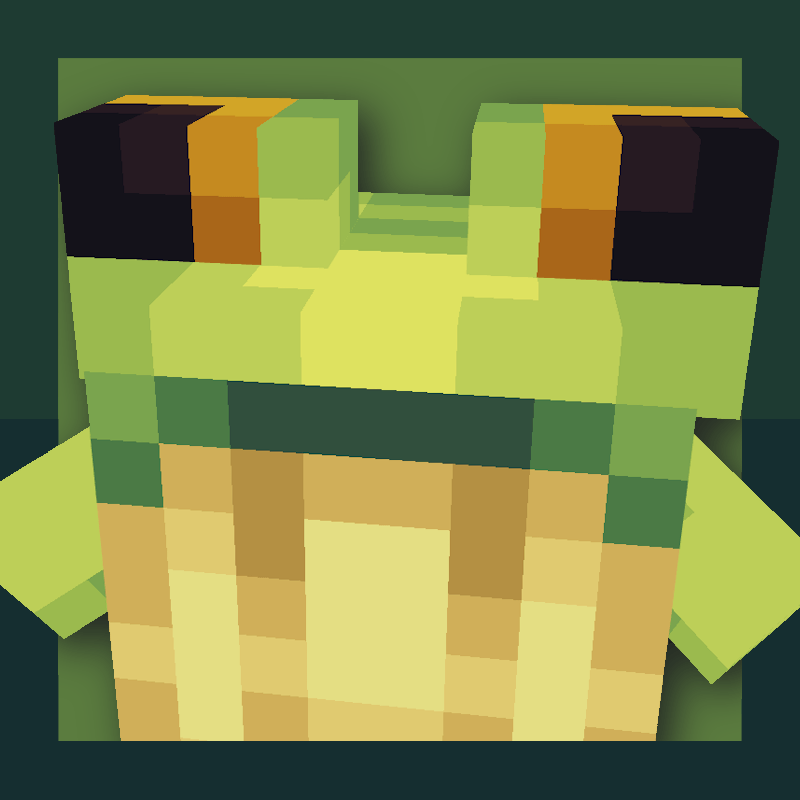
Creatures and Beasts एक फैंटेसी क्रिचर मॉड है जो हर बायोम को नए मॉब्स से भर देता है, ओवरवर्ल्ड के मैदानों से लेकर द एंड के वॉइड तक!

मौजूदा मॉब्स:
-The little grebe: प्यारे नन्हे पक्षी जो नदियों और झीलों में रहते हैं। उन्हें मछली खाना पसंद है और वे अपने बच्चों को अपनी पीठ पर लेकर चलते हैं!
-The lizards: जंगलों और रेगिस्तानों से एक छोटा दोस्त। अगर आपको कोई उदास मिले, तो आप उसे सेब की स्लाइस से खुश कर सकते हैं, जो उसका पसंदीदा स्नैक है। उन्हें संगीत भी पसंद है!
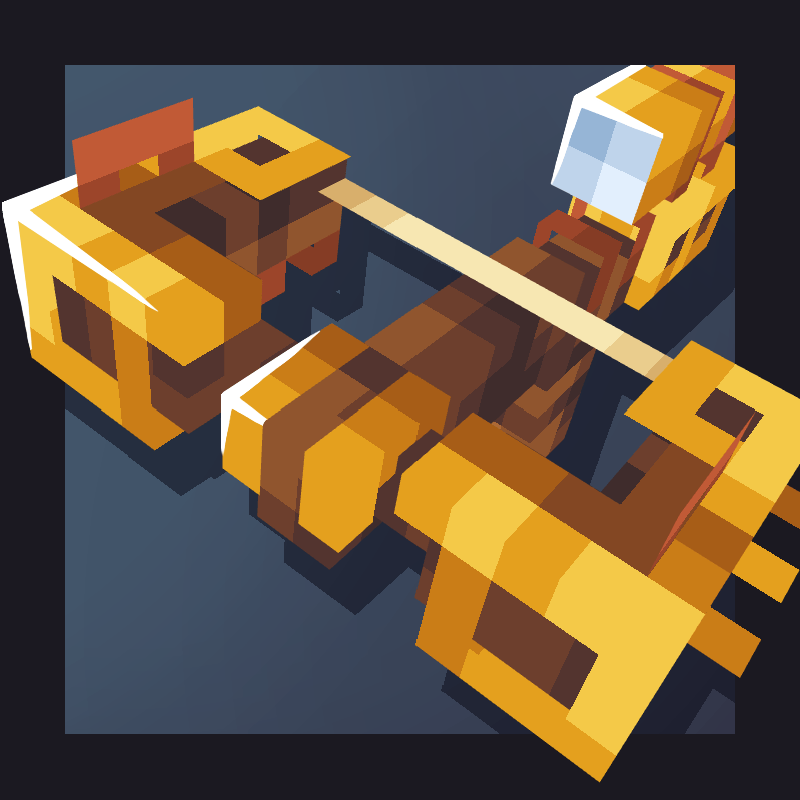
-The cindershell: ये शांत ज्वालामुखीय कछुए नेदर वेस्ट में घूमते हुए फंगस खाते हैं। मारे जाने पर, वे अपने खोल के टुकड़े गिराते हैं, जिनसे एक तलवार बनती है जिसे लावा से भरा जा सकता है। इन्हें एक cinder furnace के साथ भी लगाया जा सकता है जो ईंधन का असीमित स्रोत देता है!
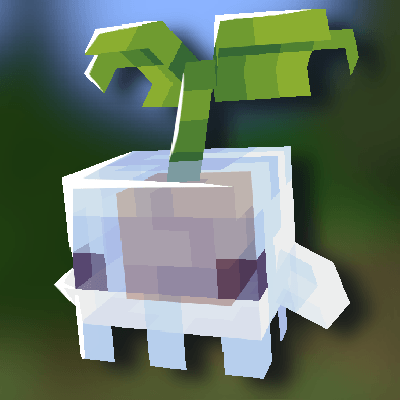
-The sporelings: Sporelings छोटे मशरूम जीव हैं जो पूरे नेदर और ओवरवर्ल्ड में मिलते हैं। वे आपके गियर से कोई भी श्राप हटाने की पूरी कोशिश करेंगे बिना उसे बहुत ज़्यादा तोड़े, और इन्हें bonemeal से टेम किया जा सकता है :D टेम होने पर, आप एक sporeling backpack पहनकर और उन पर shift right click करके उन्हें उठा सकते हैं।
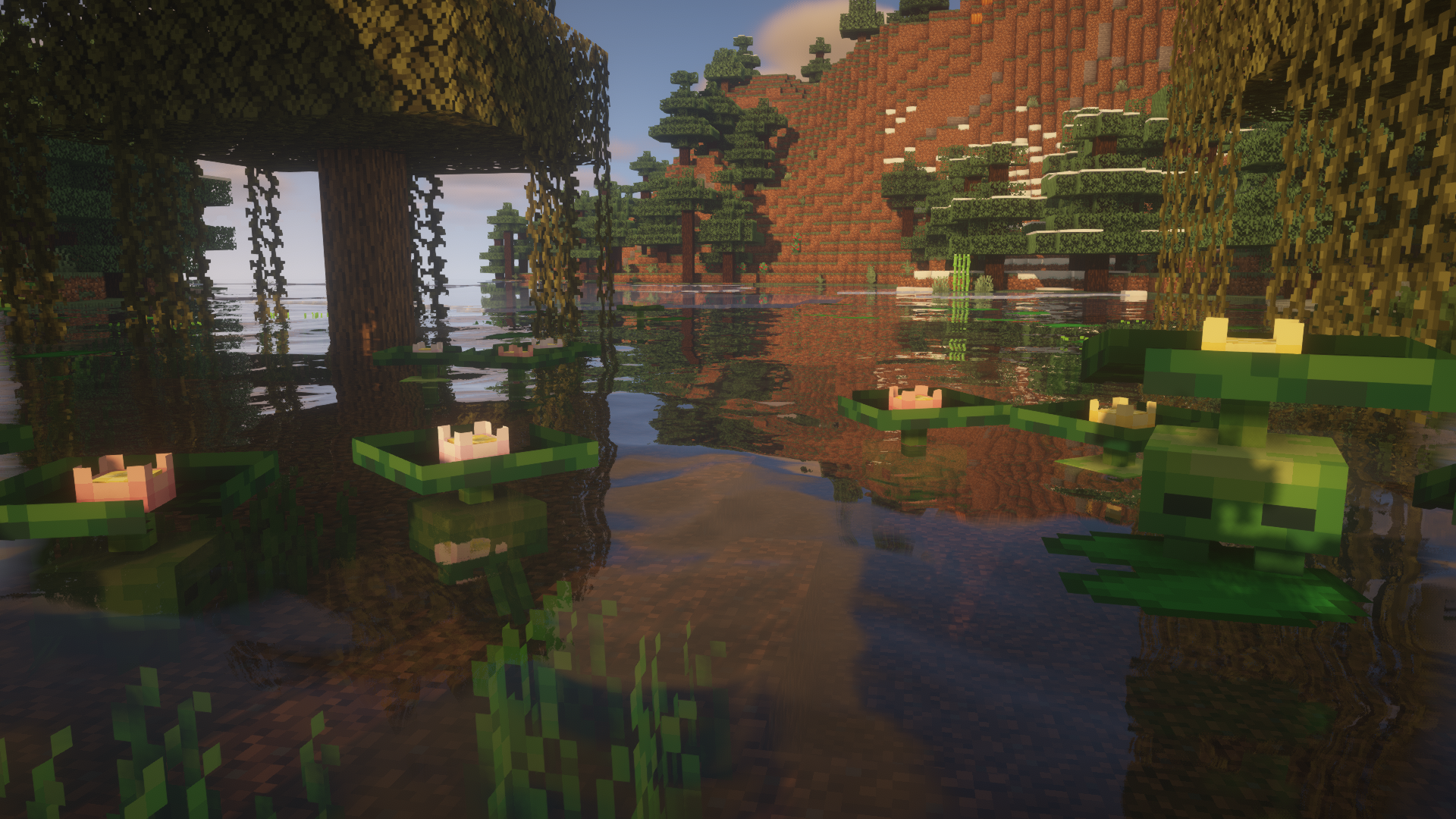
-The lilytad: एक शर्मीला छोटा दलदल में रहने वाला जीव जो उथले पानी में छिपना पसंद करता है, खुद को लिलीपैड के रूप में छिपाता है। इसके फूल को shears से काटा जा सकता है और यह 15 मिनट बाद वापस उग आएगा।
-The minipad: ये lilytads की axolotl जैसी उपप्रजाति हैं। रात में, वे अपने चमकते फूलों से दलदलों को रोशन करते हैं, जिनका उपयोग flower crowns बनाने के लिए किया जा सकता है!
-The yeti: ये शक्तिशाली जीव बर्फीले टुंड्रा बायोम में spawn होते हैं और तब तक न्यूट्रल रहते हैं जब तक खिलाड़ी उनके बच्चों के बहुत करीब न चला जाए, लेकिन आप तरबूज़ की स्लाइस से उनका भरोसा जीत सकते हैं, या उन्हें berries से ब्रीड कर सकते हैं। अगर एक बेबी yeti खिलाड़ी पर भरोसा करते हुए बड़ा होता है, तो वह टेम हो जाएगा। टेम किए गए yetis खिलाड़ी का पीछा नहीं करेंगे, लेकिन वे उसकी रक्षा करेंगे।
-The cactem: कांटेदार छोटे रेगिस्तानी दोस्त जो एक एल्डर के नेतृत्व वाली ट्राइब्स में रहते हैं। Cactem elders गिरे हुए totems उठाते हैं और बदले में आपको या तो कुछ कीमती देते हैं, या कुछ पूरी तरह बेकार।
-The end whale: ये दिग्गज द एंड के वॉइड में घूमते हैं, और इन्हें chorus fruit और एक saddle से टेम और राइड किया जा सकता है। लेकिन टेम की गई whales आपका पीछा नहीं करेंगी जब तक आप खाना नहीं पकड़े हों।
Josh/Joosh - Art HellionGames - Coding Christian9544 और AzureDoom3690 - कोड में योगदान





Creatures and Beasts कैसे इंस्टॉल करें
With Millida Launcher
Install Millida Launcher
The launcher is free: download it at millida.net/launcher and sign in with any nickname.
Click “Install” on this page
The launcher opens and installs the mod for Minecraft 1.16.3–1.19.2 on Forge automatically.
Launch the game
A profile with it appears in the launcher: click “Play”.
Manually
Install Forge
The loader must match the game version of the mod file, for example Minecraft 1.19.2. After installing it, a separate profile appears in your launcher.
Download the file for your version
In the version list above, pick the file CNB-1.19-1.5.4.jar (1.3 MB) for your game version.
Put it in the mods folder
The folder is inside .minecraft (Windows: %appdata%\.minecraft\mods). If it does not exist, create it.
Launch the loader profile
Open “Mods” in the main menu: Creatures and Beasts should be in the list.
Minecraft 1.19.2 runs on Java 17: with a different Java version the game may close right after launch.
वर्ज़न
डिपेंडेंसी के साथ
| Minecraft | लोडर | फ़ाइल | तारीख़ | क्रियाएँ |
|---|---|---|---|---|
| 1.19.2 | Forge | Creatures and Beasts 1.5.4 for Minecraft 1.19.21.3 MB 1 | ||
| 1.16.3 | — | Creatures and beasts 1.2.7.1558 KB |
FAQ
Which Minecraft versions does Creatures and Beasts work on?
There are files for 1.19.2, 1.16.4, 1.16.3. The newest is 1.19.2.
Is Creatures and Beasts for Forge or Fabric?
Only for Forge: 1.19.2. There are no files for Fabric or NeoForge: a mod for another loader will not start.
Does Creatures and Beasts need other mods?
The author lists no required dependencies: the Forge loader is enough.
Which Java does Creatures and Beasts need?
Minecraft 1.19.2 runs on Java 17. If the game closes right after launch, the usual cause is the wrong Java version in the profile settings.
Where can I download Creatures and Beasts safely?
On this page: the file CNB-1.19-1.5.4.jar (1.3 MB) is stored on Millida’s server, with no link shorteners. SHA-1 checksum: 0941e384d4ecd947bc442d9bcbd5a77dfedc4ddb.
रिव्यू
Creatures and Beasts को सबसे पहले रेट करें


