

 NeoForge
 Forge
Corpse x Curios API Compat
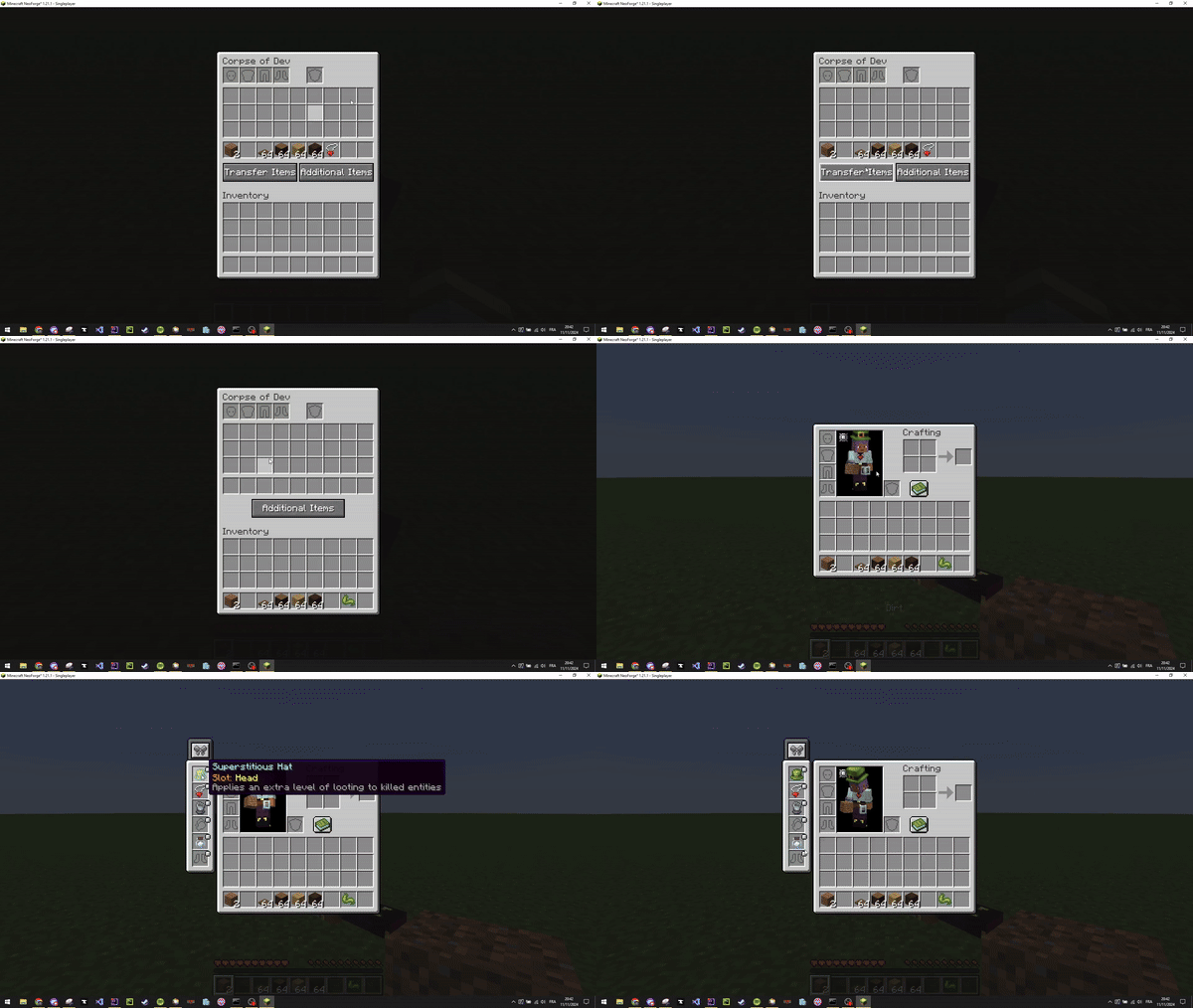
यह छोटा मॉड आपको अपने Curios आइटम सीधे संबंधित स्लॉट में लगाने की सुविधा देता है
सहायता Discord पर उपलब्ध है
अगर आप मुझे और मेरे मॉड्स के विकास का समर्थन करना चाहते हैं, तो मैं BisectHosting आज़माने की सलाह देता हूँ। नए ग्राहकों के लिए गेमिंग सर्वर के अपने पहले महीने पर 25% छूट पाने के लिए कोड "project8gbderam" का उपयोग करें। वे 24/7 सहायता और बिजली-तेज़ प्रतिक्रिया समय प्रदान करते हैं, जिससे आप सुरक्षित हाथों में रहते हैं और आपकी सभी गेमिंग ज़रूरतों के लिए असाधारण सहायता मिलती है।
https://www.bisecthosting.com/project8gbderam
Corpse x Curios API Compat कैसे इंस्टॉल करें
With Millida Launcher
Install Millida Launcher
The launcher is free: download it at millida.net/launcher and sign in with any nickname.
Click “Install” on this page
The launcher opens and installs the mod for Minecraft 1.20.1–26.1.2 on Forge or NeoForge automatically.
Launch the game
A profile with it appears in the launcher: click “Play”.
Manually
Install Forge or NeoForge
The loader must match the game version of the mod file, for example Minecraft 26.1.2. After installing it, a separate profile appears in your launcher.
Download the file for your version
In the version list above, pick the file corpsecurioscompat-26.1-NeoForge-4.0.2.jar (18 KB) for your game version and loader.
Put it in the mods folder
The folder is inside .minecraft (Windows: %appdata%\.minecraft\mods). If it does not exist, create it.
Launch the loader profile
Open “Mods” in the main menu: Corpse x Curios API Compat should be in the list.
वर्ज़न
डिपेंडेंसी के साथ
| Minecraft | लोडर | फ़ाइल | तारीख़ | क्रियाएँ |
|---|---|---|---|---|
| 26.1 | NeoForge | corpsecurioscompat-26.1-NeoForge-4.0.2.jar18 KB 1 | ||
| 1.20.1 | Forge | corpsecurioscompat-1.20.1-Forge-4.0.1.jar22 KB 28 | ||
| 1.21.1 | NeoForge | corpsecurioscompat-1.21.1-NeoForge-3.1.3.jar24.1 KB 71 | ||
| 1.20.1 | Forge | corpsecurioscompat-1.20.1-Forge-3.1.3.jar23.1 KB |
रिव्यू
Corpse x Curios API Compat को सबसे पहले रेट करें


