

Minecraft 1.21.1, 1.21 के लिए Beautify! मॉड
आपके बिल्ड्स को रोचक बनाने के लिए बहुत सारे वनीला शैली के तरीके जोड़ता है।
 NeoForge
 Forge
ForgeBeautify! मॉड के बारे में
Beautify क्या है?
Beautify एक क्लाइंट और सर्वरसाइड डेको-मॉड है जो कस्टम मॉडल के साथ आपके बिल्ड्स को सजाने के लिए वनीला-शैली के बहुत सारे तरीके जोड़ता है।
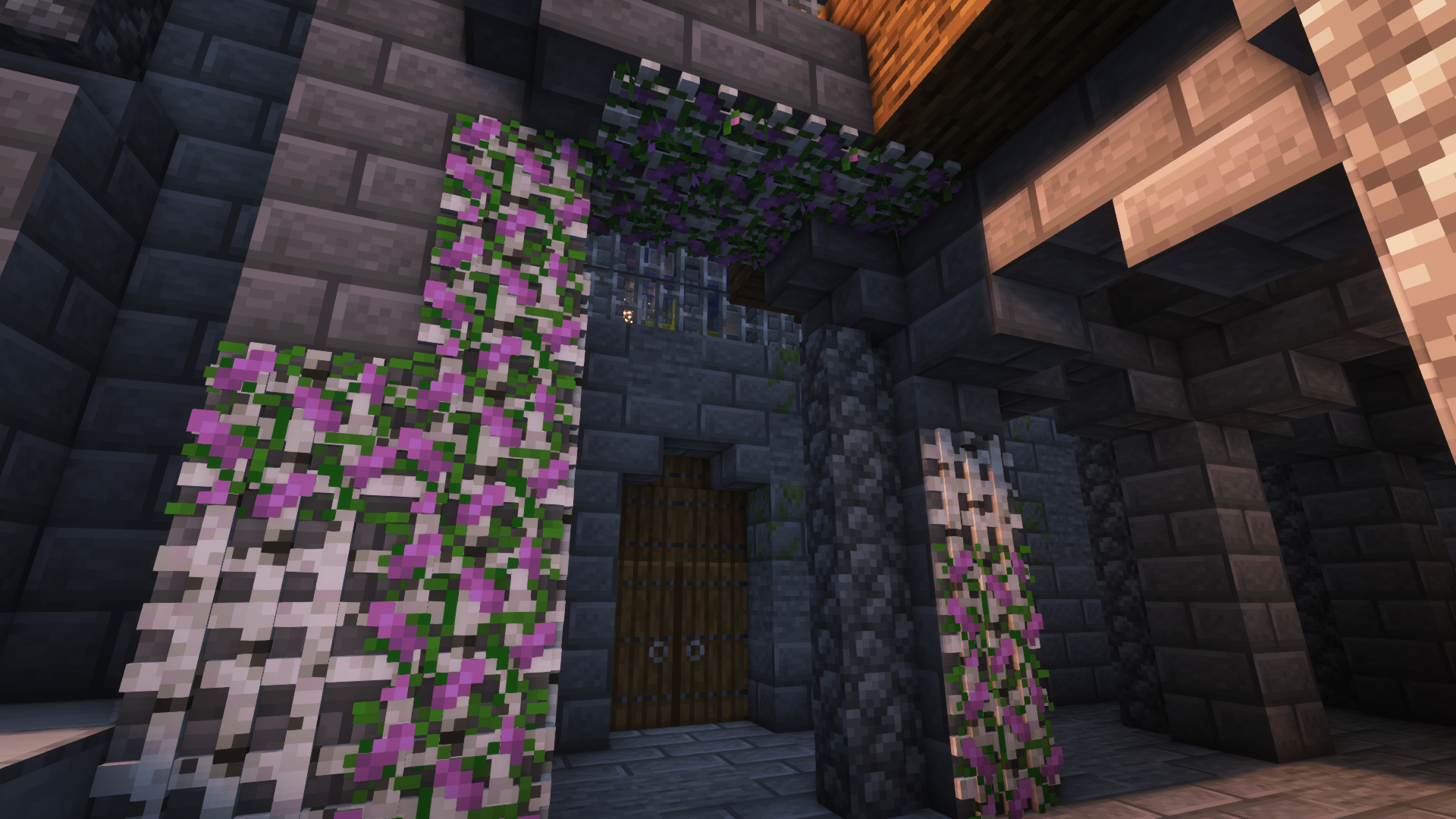
इस मॉड के साथ मेरा लक्ष्य है बिल्ड्स में डिटेल बढ़ाना, बिना कल्पना और रचनात्मकता की ज़रूरत को खत्म किए। इसके अलावा, ज़्यादातर ब्लॉक्स में नए फीचर्स शामिल हैं। उदाहरण के लिए, potted plants (जैसे 1 tall flowers) को bone meal का उपयोग करके डुप्लिकेट किया जा सकता है।
वर्शन [Forge]: 1.18.2 | 1.19 | 1.19.1 | 1.19.2 | 1.20.1
और तस्वीरें:
और उदाहरण तस्वीरें
Jeikir द्वारा शोकेस वीडियो:
फीचर्स का सारांश:
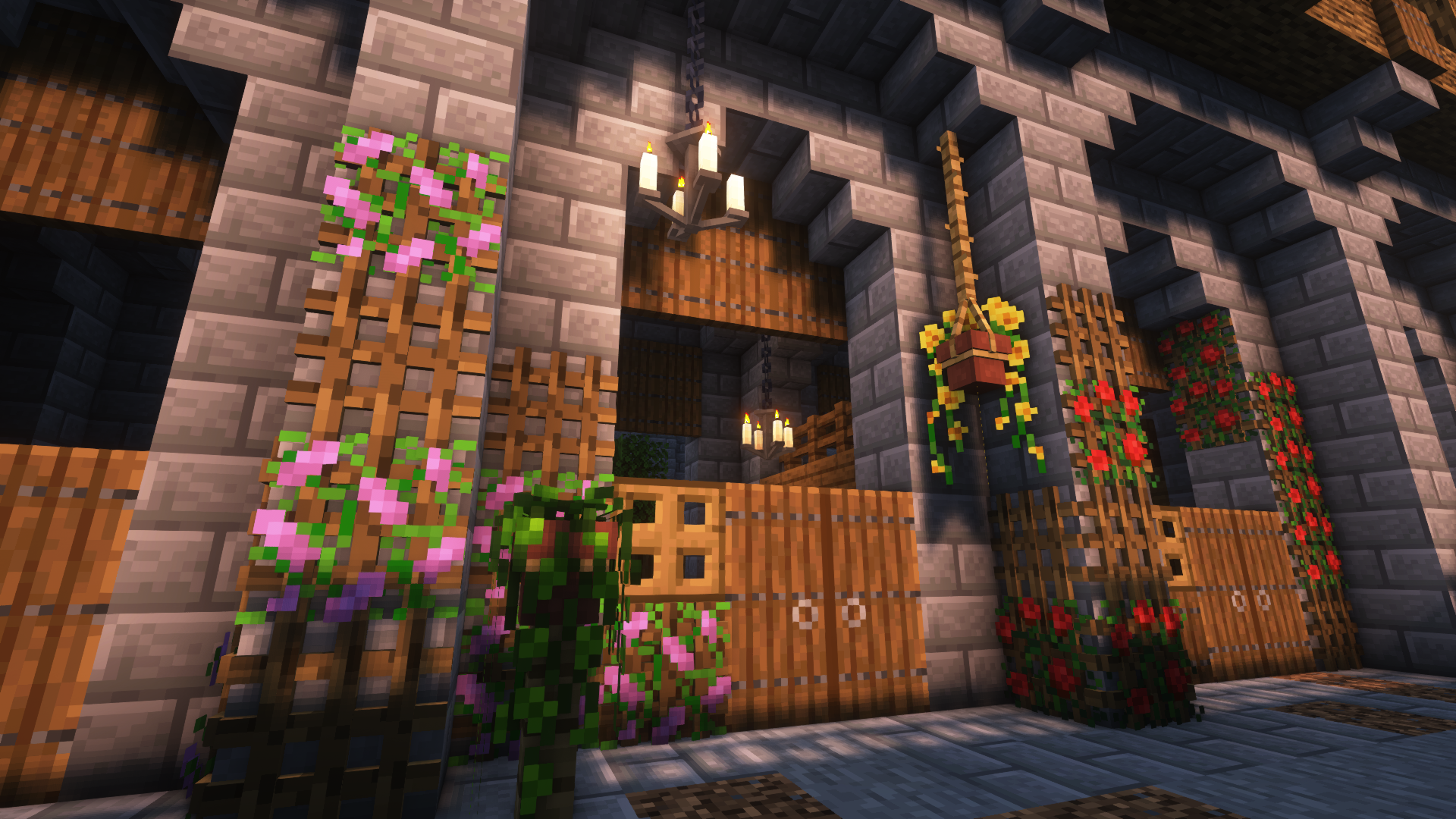
- कस्टम फूल मॉडल और कई तरह के समर्थित पौधों वाले Hanging Pots
- अलग-अलग मॉडल वाले Book Stacks जो enchantment table को पावर दे सकते हैं
- आपकी खिड़कियों में डिटेल जोड़ने या नए तरह के प्रवेश द्वार बनाने के लिए Blinds
- सभी 16x16 Vanilla Painting मोटिफ़ और उससे ज़्यादा वाले Picture Frames
- Rope जिससे Hanging Pots और अन्य Blocks जोड़े जा सकते हैं और Players उस पर चढ़ सकते हैं
- रोशनी के नए रूप: Bamboo Lantern, Candelabras/ Chandeliers, Glowessence Jar, Light Bulbs
- दीवारों और छतों पर पौधे लगाने के लिए Lattices
- और बहुत कुछ जल्द आ रहा है
ब्लॉक्स और उनके उपयोगों के बारे में और जानकारी के लिए, कृपया wiki पर जाएँ!
चूँकि यह मेरा पहला मॉड है, मैं किसी भी सुझाव, फीडबैक आदि के लिए आभारी हूँ और भविष्य में इस पर काम करता रहूँगा!
Beautify! कैसे इंस्टॉल करें
With Millida Launcher
Install Millida Launcher
The launcher is free: download it at millida.net/launcher and sign in with any nickname.
Click “Install” on this page
The launcher opens and installs the mod for Minecraft 1.21–1.21.1 on Forge or NeoForge automatically.
Launch the game
A profile with it appears in the launcher: click “Play”.
Manually
Install Forge or NeoForge
The loader must match the game version of the mod file, for example Minecraft 1.21.1. After installing it, a separate profile appears in your launcher.
Download the file for your version
In the version list above, pick the file beautify-neoforge-1.21.1-2.0.2.jar (910 KB) for your game version and loader.
Put it in the mods folder
The folder is inside .minecraft (Windows: %appdata%\.minecraft\mods). If it does not exist, create it.
Launch the loader profile
Open “Mods” in the main menu: Beautify! should be in the list.
Minecraft 1.21.1 runs on Java 21: with a different Java version the game may close right after launch.
वर्ज़न
डिपेंडेंसी के साथ
| Minecraft | लोडर | फ़ाइल | तारीख़ | क्रियाएँ |
|---|---|---|---|---|
| 1.21 | NeoForge | Beautify 1.21-V.2.0.2 [NeoForge]910 KB 2 | ||
| 1.21 | Forge | Beautify 1.21-V.2.0.2 [Forge]808 KB 3 |
रिव्यू
Beautify! को सबसे पहले रेट करें


