
Minecraft 1.20.1, 1.21.1 के लिए Backpacked मॉड
एक वैनिला-अनुकूल बैकपैक मॉड, जिसमें अनलॉक-आधारित प्रगति, ऑगमेंट सिस्टम, कस्टमाइज़ेशन, पिकपॉकेटिंग और ऐडऑन सपोर्ट है!
 NeoForge
 Fabric
 Forge
Forge






Backpacked 3.0.0 अब उपलब्ध है!
21 जनवरी 2026 को रिलीज़ हो रहा है
मैं इस विवरण को जल्द ही अपडेट करूँगा, क्षमा करें - MrCrayfish
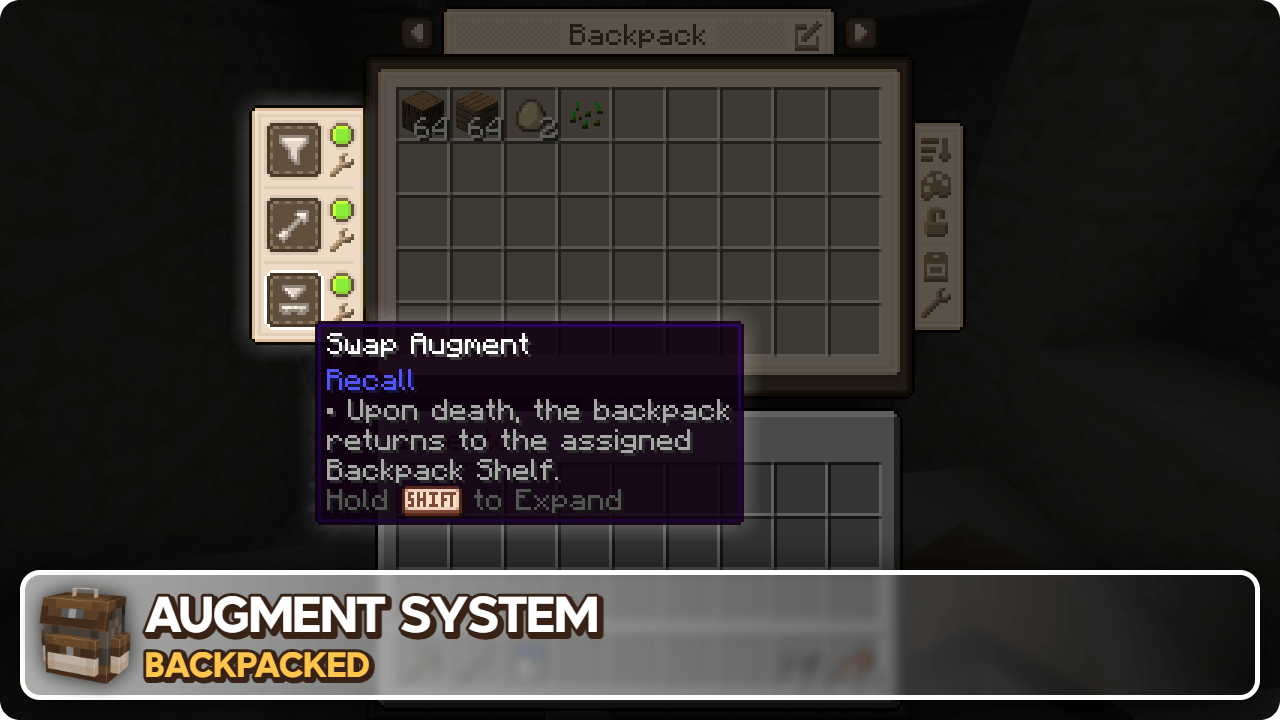
🏘️ कम्युनिटी ऐडऑन ये ऐडऑन और भी बैकपैक्स जोड़ते हैं जिन्हें आप खोज सकते हैं!
Backpacked: Shells by Beast135 (https://www.curseforge.com/minecraft/mc-mods/backpacked-shells) अनलॉक करने के लिए दो नए बैकपैक्स जोड़ता है, Snail Shell और Nautilus Shell
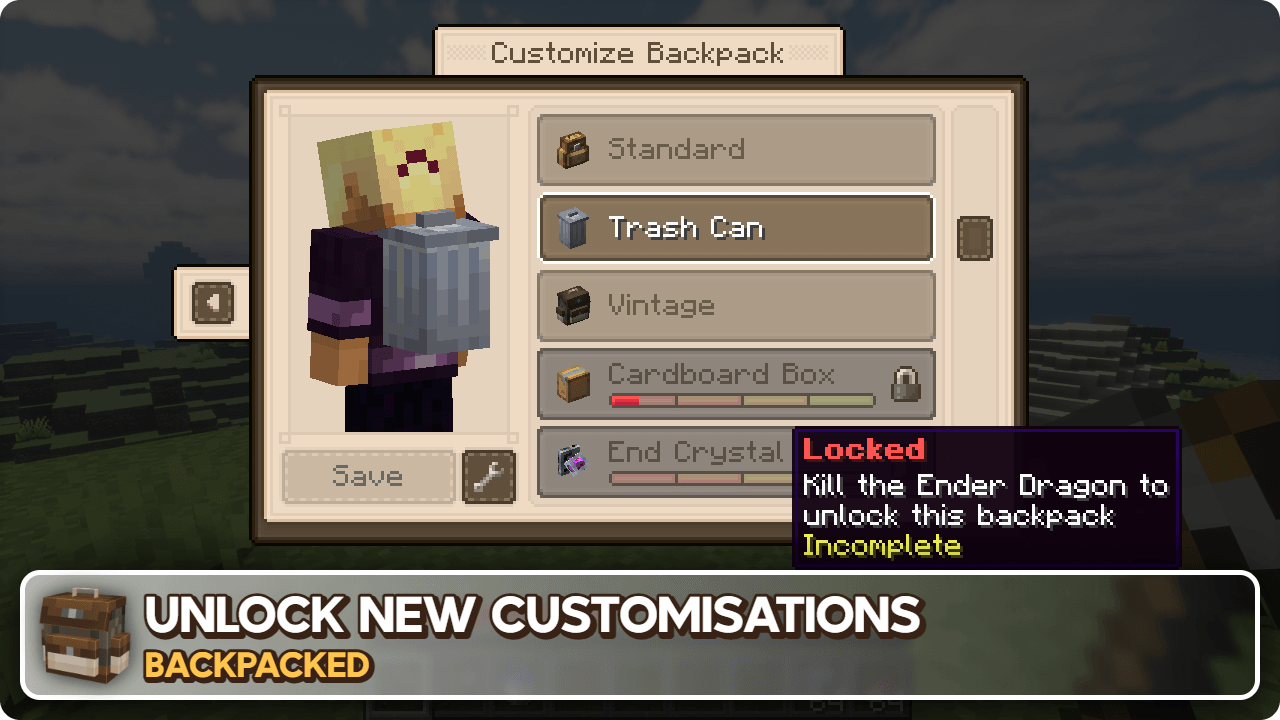
Backpacked: World of Color by Beast135 (https://www.curseforge.com/minecraft/mc-mods/backpacked-world-of-color) Standard Backpack के डाई वेरिएंट जोड़ता है
MrCrayfish's Furniture Mod: Refurbished by MrCrayfish (https://www.curseforge.com/minecraft/mc-mods/refurbished-furniture) जब यह मॉड Backpacked के साथ इंस्टॉल होता है तो एक एक्सक्लूसिव Storage Cabinet बैकपैक जोड़ता है।
🙋♀️ सहायता चाहिए? आधिकारिक Discord सर्वर से जुड़ें:
कमेंट सेक्शन सहायता के लिए अच्छा नहीं है, आधिकारिक discord सर्वर से जुड़ें। आप मॉड्स इंस्टॉल और कॉन्फ़िगर करने, क्रैश ठीक करने और बहुत कुछ में मदद पा सकते हैं! साथ ही आपको मॉड अपडेट और डेवलपमेंट की खबरें भी मिलेंगी (कहीं और से पहले)।

Backpacked कैसे इंस्टॉल करें
With Millida Launcher
Install Millida Launcher
The launcher is free: download it at millida.net/launcher and sign in with any nickname.
Click “Install” on this page
The launcher opens and installs the mod for Minecraft 1.12.2–26.1.2 on Fabric, Forge or NeoForge automatically.
Launch the game
A profile with it appears in the launcher: click “Play”.
Manually
Install Fabric, Forge or NeoForge
The loader must match the game version of the mod file, for example Minecraft 26.1.2. After installing it, a separate profile appears in your launcher.
Download the file for your version
In the version list above, pick the file backpacked-neoforge-26.1.2-3.0.4.jar (1.2 MB) for your game version and loader.
Put it in the mods folder
The folder is inside .minecraft (Windows: %appdata%\.minecraft\mods). If it does not exist, create it.
Launch the loader profile
Open “Mods” in the main menu: Backpacked should be in the list.
वर्ज़न
डिपेंडेंसी के साथ
| Minecraft | लोडर | फ़ाइल | तारीख़ | क्रियाएँ |
|---|---|---|---|---|
| 26.1.2 | NeoForge | Backpacked 3.0.41.2 MB 2 | ||
| 26.1.2 | Fabric | Backpacked 3.0.41.3 MB 14 | ||
| 1.20.1 | Forge | Backpacked 3.0.91.1 MB 91 | ||
| 1.20.1 | Forge | Backpacked 3.0.3-rc.41.1 MB | ||
| 1.20.1 | Fabric | Backpacked 3.0.3-rc.41.1 MB 49 | ||
| 1.21.1 | NeoForge | Backpacked 3.0.0-beta.201.2 MB 67 | ||
| 1.21.1 | Fabric | Backpacked 3.0.0-beta.201.2 MB 73 | ||
| 1.21.1 | NeoForge | Backpacked 3.0.0-beta.10624 KB |
रिव्यू
Backpacked को सबसे पहले रेट करें


