
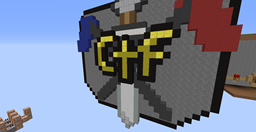
Minecraft 1.8.1 के लिए Minecraft Capture the Flag मैप
Minecraft में Capture the Flag! इस Strategic Teambuilder में दोस्तों के साथ PvP करें! (4-10 खिलाड़ियों की सलाह दी जाती है)
Minecraft Capture the Flag मैप के बारे में
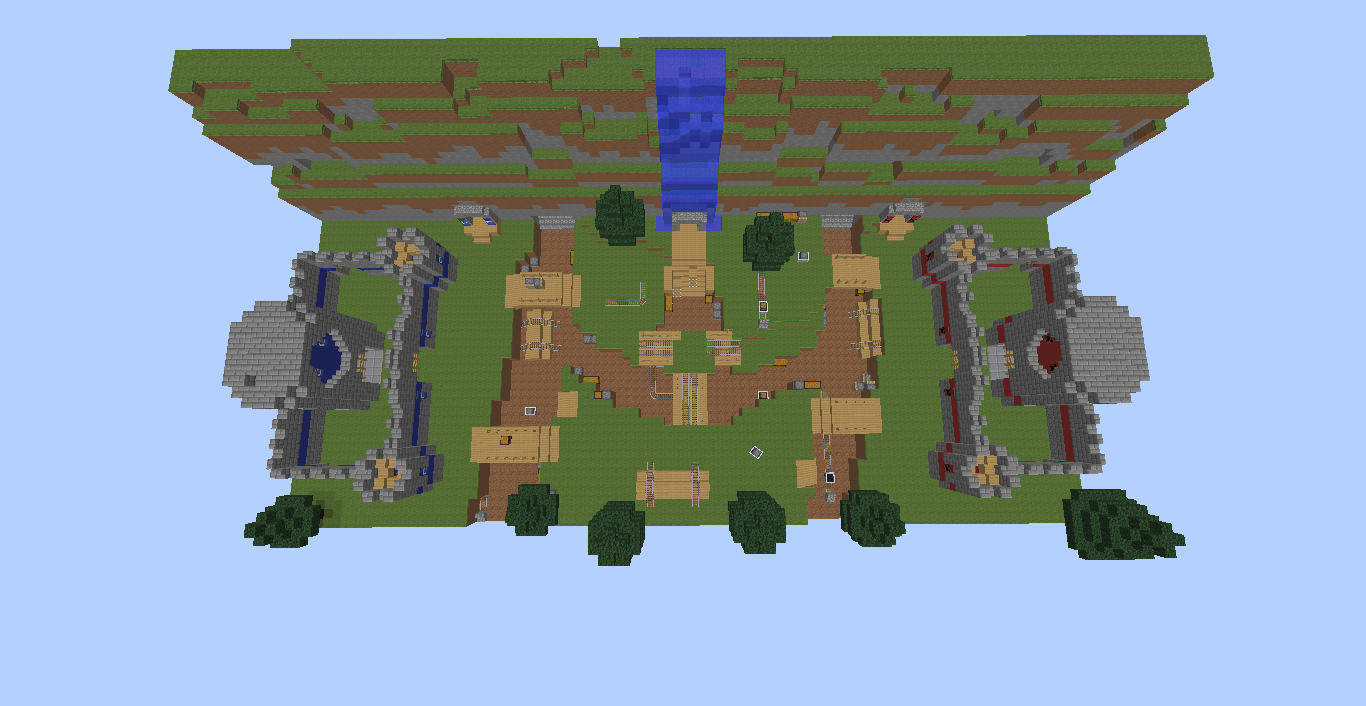
Appropriately named, my map is based around Capture the Flag, a game in which players must steal an opponent's flag and return it to their base. Using over 100 Command Blocks, I have recreated this the best I possibly could. Check out the thread on MinecraftForum! Please leave some type of review, and I hope you enjoy my map!
Minecraft Capture the Flag कैसे इंस्टॉल करें
With Millida Launcher
Install Millida Launcher
The launcher is free: download it at millida.net/launcher and sign in with any nickname.
Click “Install” on this page
The launcher opens and installs the map for Minecraft 1.8–1.8.1 automatically.
Launch the game
A profile with it appears in the launcher: click “Play”.
Manually
Download the map archive
Pick the file donkusmap.zip (335 KB).
Unpack it into the saves folder
The world folder (with level.dat inside) must sit directly in .minecraft/saves.
Open the world
“Singleplayer”: the map will be in your world list.
On a server
Replace the world folder
Stop the server and put the map folder in place of world (or set its name in level-name).
Use the “To server” button
On Millida Hosting, the button at the top of the page uploads the file to your server and restarts it for you.
वर्ज़न
डिपेंडेंसी के साथ
| Minecraft | लोडर | फ़ाइल | तारीख़ | क्रियाएँ |
|---|---|---|---|---|
| 1.8 | — | donkusmap.zip335 KB |
FAQ
Which Minecraft versions does Minecraft Capture the Flag work on?
There are files for 1.8.1, 1.8. The newest is 1.8.1.
Where can I download Minecraft Capture the Flag safely?
On this page: the file donkusmap.zip (335 KB) is stored on Millida’s server, with no link shorteners. SHA-1 checksum: 7f3f8894aa24a1f0a0f8a5b7337fe3d3dda97421.
रिव्यू
Minecraft Capture the Flag को सबसे पहले रेट करें



