
Superior Scrolls Resource pack for Minecraft 1.21.8
Replaces books with scrolls!
Inferior books, Superior Scrolls.
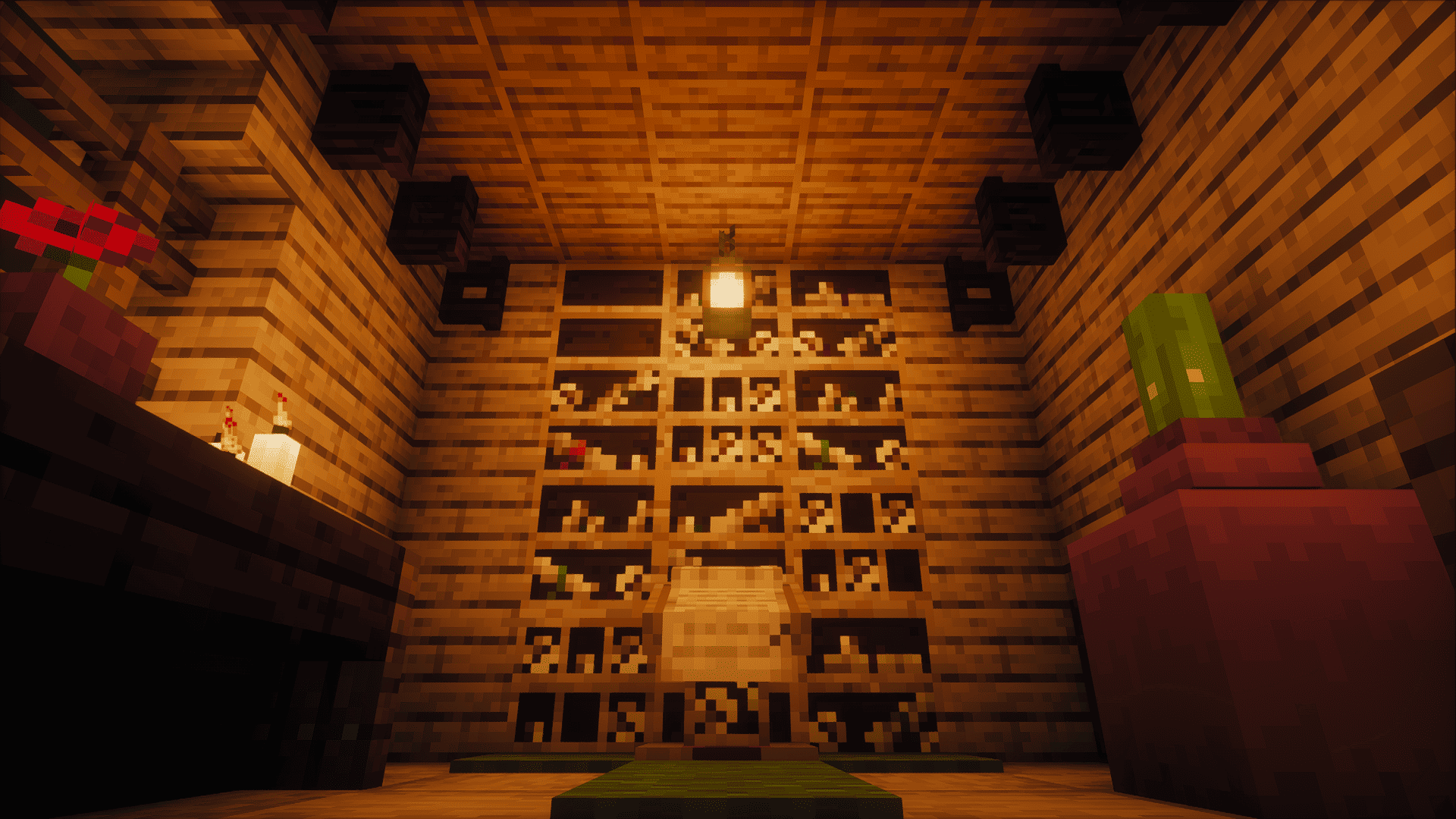
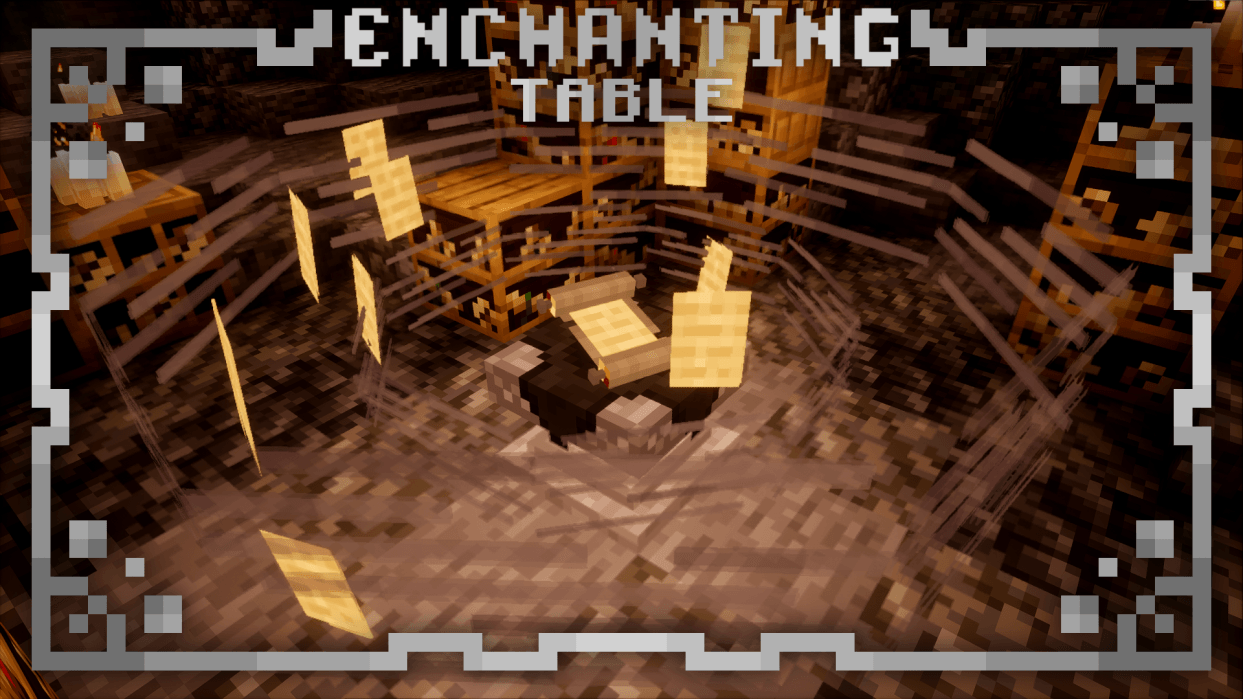
Have you ever felt like books were a little too... irrelevant to the vibe you were going for? I've got you covered. This resource pack replaces all the books with scrolls. This includes regular books, enchanted books, recipe books, book and quill, signed books and even lectern and enchanting table books! Not only the textures, but the names too.
That's right, this pack also has CIT! It's purely a decorative feature. Rename a regular scroll to get 3D scrolls which you can put on item frames to decorate your builds.
NOTICE: This feature requires CIT RESEWN (Fabric), Forge CIT (Forge) to work on versions older than 1.21.5. On versions 1.21.5+, this feature is available in vanilla and doesn't require any mods to work. Just make sure you download the correct version of the resource pack.
### The CIT Name List:
- ANCIENT SCROLL
- BLACK SCROLL
- BLUE SCROLL
- BROWN SCROLL
- CYAN SCROLL
- DARKSTALKER'S SCROLL (Wings of Fire, anyone?)
- ENCHANTED SCROLL
- SCROLL (Regular Scroll)
- GRAY SCROLL
- GREEN SCROLL
- LIGHT BLUE SCROLL
- LIGHT GRAY SCROLL
- LIGHT GREEN SCROLL
- LIME SCROLL
- MAGENTA SCROLL
- ORANGE SCROLL
- PINK SCROLL
- PURPLE SCROLL
- RED SCROLL
- TATTERED SCROLL
- WHITE SCROLL
- YELLOW SCROLL
- SCROLL PILE
- ENCHANTED SCROLL PILE
- RANDOM SCROLL PILE
PARCHMENT AND QUILL (You need to rename a Parchment and Quill for this one)
This resource pack is compatible with
and .
ENTITY MODEL FEATURES ENTITY TEXTURE FEATURES
### Image Credits: Photon and Rethinking Voxels shaders were used.
How to install Superior Scrolls
With Millida Launcher
Install Millida Launcher
The launcher is free: download it at millida.net/launcher and sign in with any nickname.
Click “Install” on this page
The launcher opens and installs the resource pack for Minecraft 1.21.5–1.21.8 automatically.
Launch the game
A profile with it appears in the launcher: click “Play”.
Manually
Download the archive
Pick the file Superior Scrolls (1.21.5+_v0.4).zip (1.6 MB) for your game version. No need to unpack it.
Put it in the resourcepacks folder
The easiest way: “Options”, then “Resource Packs”, then “Open Pack Folder”, and drag the archive there.
Enable the pack
In the same window, move the pack to the right-hand “Selected” column and click “Done”.
Versions
With dependencies
| Minecraft | Loader | File | Date | Actions |
|---|---|---|---|---|
| 1.21.5 | — | Superior Scrolls 1.21.5+ v0.41.6 MB |
FAQ
Which Minecraft versions does Superior Scrolls work on?
There are files for 1.21.8, 1.21.7, 1.21.6, 1.21.5. The newest is 1.21.8.
Where can I download Superior Scrolls safely?
On this page: the file Superior Scrolls (1.21.5+_v0.4).zip (1.6 MB) is stored on Millida’s server, with no link shorteners. SHA-1 checksum: 6bedf26a5ed133b8ef14ed6e6f2cef99acb01008.
Reviews
Be the first to rate Superior Scrolls



