
Summerset Visuals Resource pack for Minecraft 26.40
A Vibrant Visuals pack that gives an air of summer to Minecraft.
About the Summerset Visuals resource pack
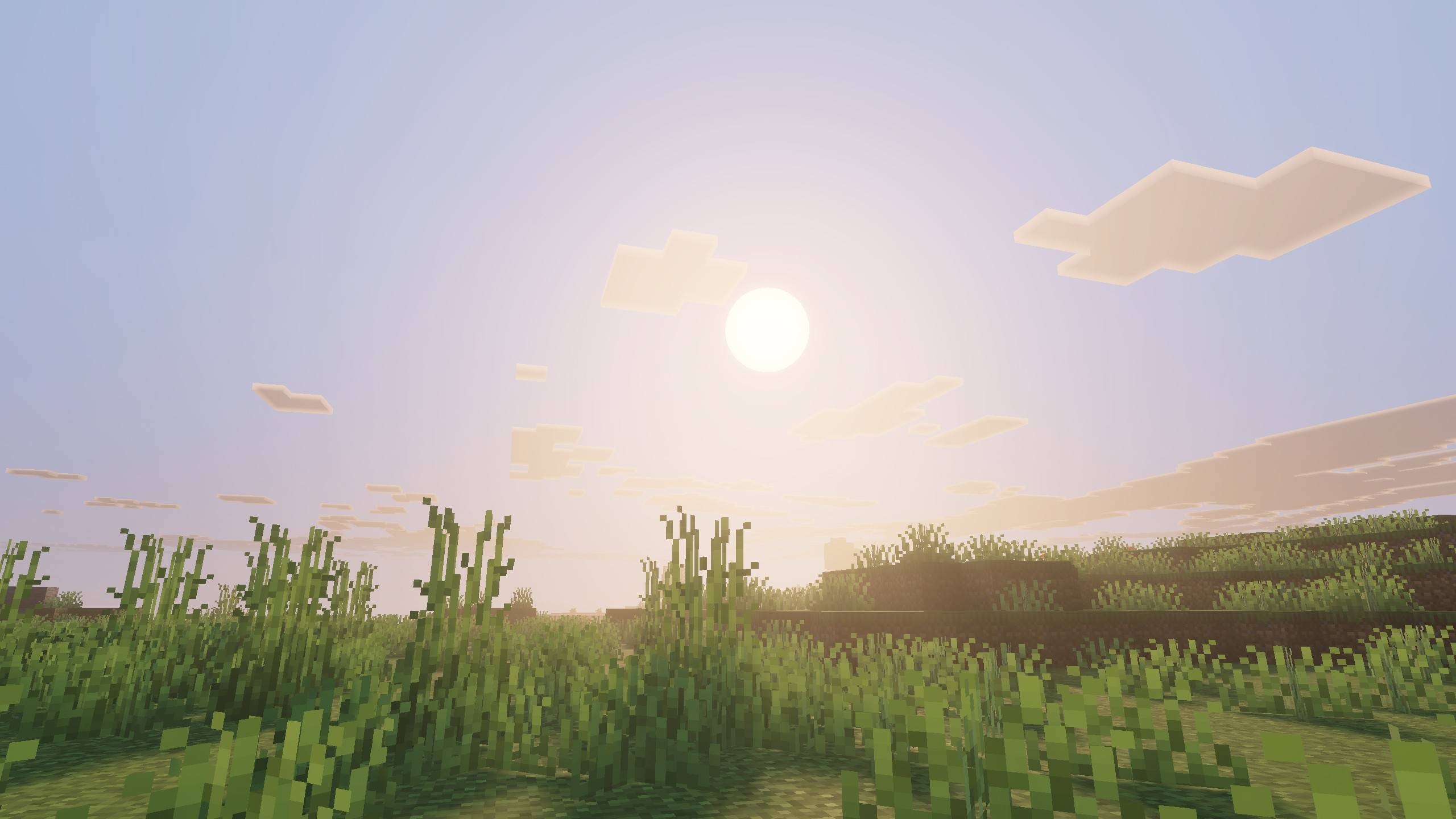
A pack for Vibrant Visuals that aims to give the feeling of late summer into the game.
Featuring PBR maps for various reflective surfaces including ore blocks, as well as colored lighting for the majority of light sources. The sun and moon have been given realistic textures, and the cloud pattern has been updated to a custom texture done by me.
I greatly appreciate any feedback!
How to install Summerset Visuals
With Millida Launcher
Install Millida Launcher
The launcher is free: download it at millida.net/launcher and sign in with any nickname.
Click “Install” on this page
The launcher opens and installs the resource pack for Minecraft 26.40 automatically.
Launch the game
A profile with it appears in the launcher: click “Play”.
Manually
Download the archive
Pick the file Summerset Visuals v1.8.1.mcpack (2.2 MB) for your game version. No need to unpack it.
Put it in the resourcepacks folder
The easiest way: “Options”, then “Resource Packs”, then “Open Pack Folder”, and drag the archive there.
Enable the pack
In the same window, move the pack to the right-hand “Selected” column and click “Done”.
Versions
With dependencies
| Minecraft | Loader | File | Date | Actions |
|---|---|---|---|---|
| 26.40 | — | Summerset Visuals v1.8.1.mcpack2.2 MB |
FAQ
Which Minecraft versions does Summerset Visuals work on?
Only Minecraft 26.40: there are no files for other versions.
Where can I download Summerset Visuals safely?
On this page: the file Summerset Visuals v1.8.1.mcpack (2.2 MB) is stored on Millida’s server, with no link shorteners. SHA-1 checksum: f8182316a67379086b76add4a393b9b24592bcb5.
Reviews
Be the first to rate Summerset Visuals



