
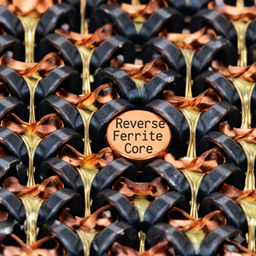
ReverseFerriteCore v1 Resource pack for Minecraft 26.30
ReverseFerriteCore makes your GPU work smarter.
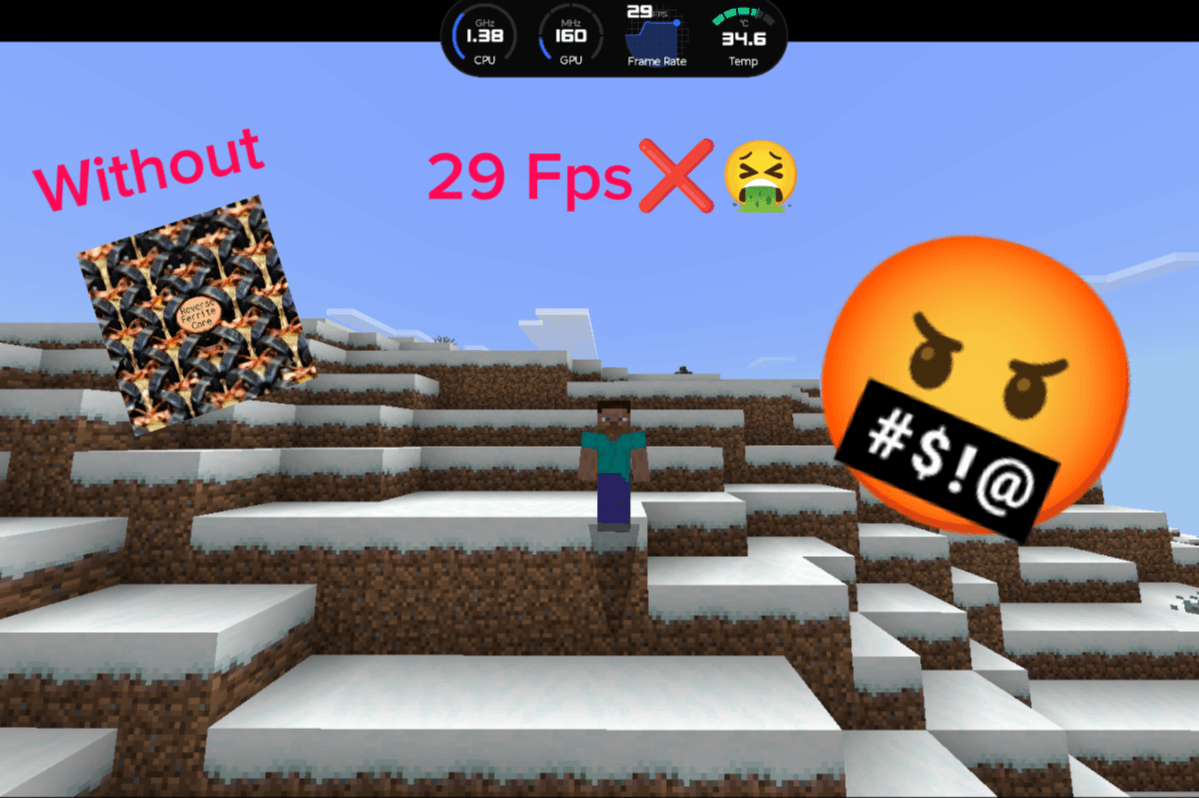
ReverseFerriteCore Is a very advanced texturepack which turns textures into flat, basic colors which tells ur GPU to stop working that hard and work smarter, making your gameplay stable and speedy.
What It Does: Remove Stutter, Fps drop and lag⚡🌟 Very good for PvP⚡
This project is in its first stage. So don't expect much out of it. YouTube account @scubymcpe5
Developed by scubymcpe5 inspired by lleafzx and his texturepacks Vulkancore, And LithiumReverse.
How to install ReverseFerriteCore v1
Install Millida Launcher
The launcher is free: download it at millida.net/launcher and sign in with any nickname.
Click “Install” on this page
The launcher opens and installs the resource pack for Minecraft 26.13–26.30 automatically.
Launch the game
A profile with it appears in the launcher: click “Play”.
Versions
With dependencies
| Minecraft | Loader | File | Date | Actions |
|---|---|---|---|---|
| 26.20 | — | §6Reverse Ferrite Core - ULTIMATE GPU OPTIMIZER! .mcpack1.8 MB 1 |
FAQ
Which Minecraft versions does ReverseFerriteCore v1 work on?
There are files for 26.30, 26.20, 26.13. The newest is 26.30.
How do I download ReverseFerriteCore v1?
With Millida Launcher: it installs ReverseFerriteCore v1 into a modpack by itself, for the right game version and loader. The launcher is free.
Reviews
Be the first to rate ReverseFerriteCore v1



