
Quart! Resource pack for Minecraft 1.20.1, 1.20.4
Minecraft's smallest resource pack yet! 4x
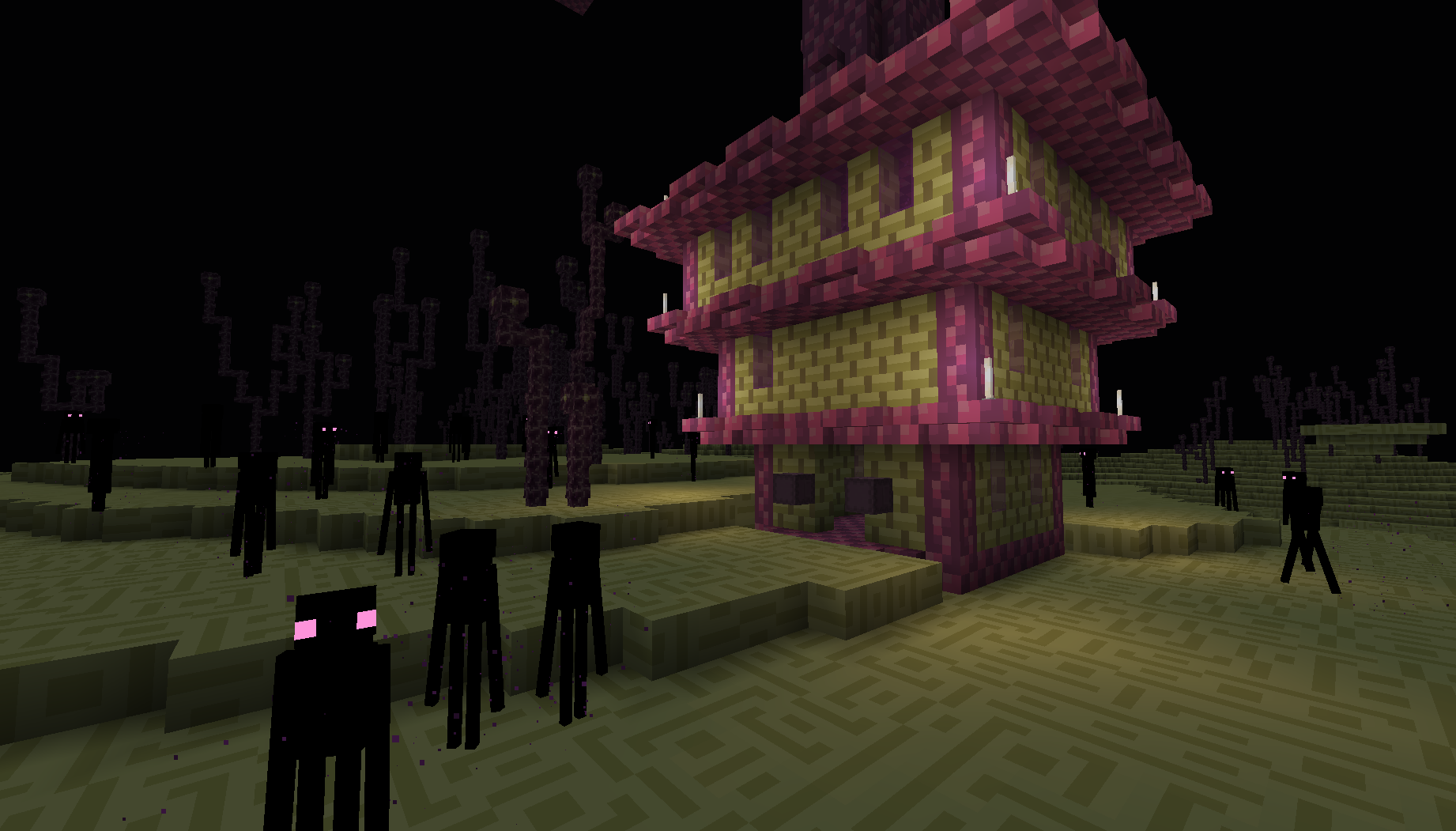
A simple 4x4 pack which originally started out as a joke. Aims to help reduce lag by simplifying models and reducing elements which are normally rendered on screen, giving me, personally about 10-20 extra frames and maybe even more for you! Great for those who use redstone or PvP.
Up-to-date info and progress is
also available on the official discord.
How to install Quart!
With Millida Launcher
Install Millida Launcher
The launcher is free: download it at millida.net/launcher and sign in with any nickname.
Click “Install” on this page
The launcher opens and installs the resource pack for Minecraft 1.20–1.20.4 automatically.
Launch the game
A profile with it appears in the launcher: click “Play”.
Manually
Download the archive
Pick the file Quart.zip (1.1 MB) for your game version. No need to unpack it.
Put it in the resourcepacks folder
The easiest way: “Options”, then “Resource Packs”, then “Open Pack Folder”, and drag the archive there.
Enable the pack
In the same window, move the pack to the right-hand “Selected” column and click “Done”.
Versions
With dependencies
| Minecraft | Loader | File | Date | Actions |
|---|---|---|---|---|
| 1.20.2 | — | Quart.zip1.1 MB 1 |
FAQ
Which Minecraft versions does Quart! work on?
There are files for 1.20.4, 1.20.3, 1.20.2, 1.20.1, 1.20. The newest is 1.20.4.
Where can I download Quart! safely?
On this page: the file Quart.zip (1.1 MB) is stored on Millida’s server, with no link shorteners. SHA-1 checksum: 247724c2b6911db93d6a5c732dfb2fa555239bfb.
Reviews
Be the first to rate Quart!



