
Monsterley Resource pack for Minecraft 1.16.2
Monsterley [1.9.x -1.16.x]
About the Monsterley resource pack
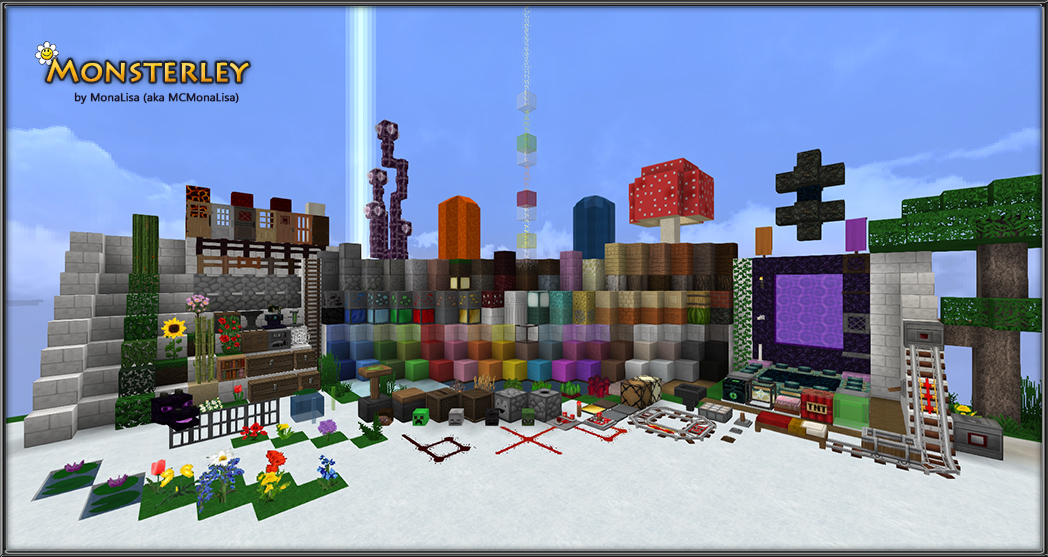
This resource pack conceptionally based on the standard texture pack. It contains all blocks available in the standard texture pack. Special features of this resource pack are more detailed textures of blocks and a more diverse style of the nature.
Resource Pack Video
Resource pack video with KUDA-Shaders v6.4.56: https://youtu.be/7Ej-tOlrOoU
It contains:
- several random alternative textures for plants and other blocks
- varieties of flowers and lily pads partially including blossoms
- rotating ground block textures (grass, dirt, snow, etc.) for a better and more diverse visualization
- a lightmap considering the characteristics of biomes
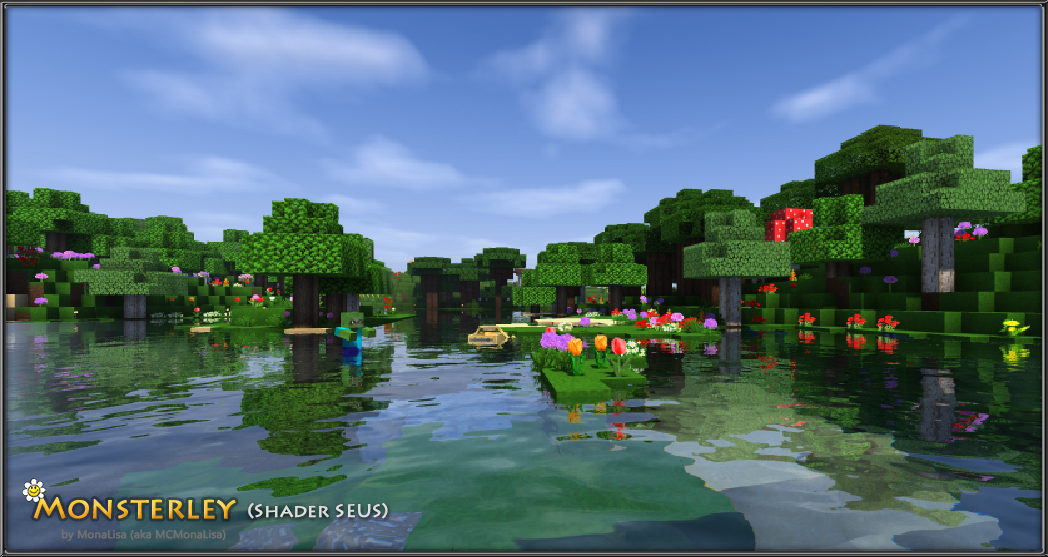
- a varied texturing of the trees foliage
- 3D models (rail system, furnace, ladder, doors and more)
- additional animations
- optional random alternative peaceful mobs (OptiFine required to use this feature)
- optional custom sky (OptiFine required to use this feature)
- Glowstone presented as glowing stone in Nether but as lamp in the Overworld (OptiFine required to use this feature)
- clear structured GUI with good legibility
- non-standard paintings
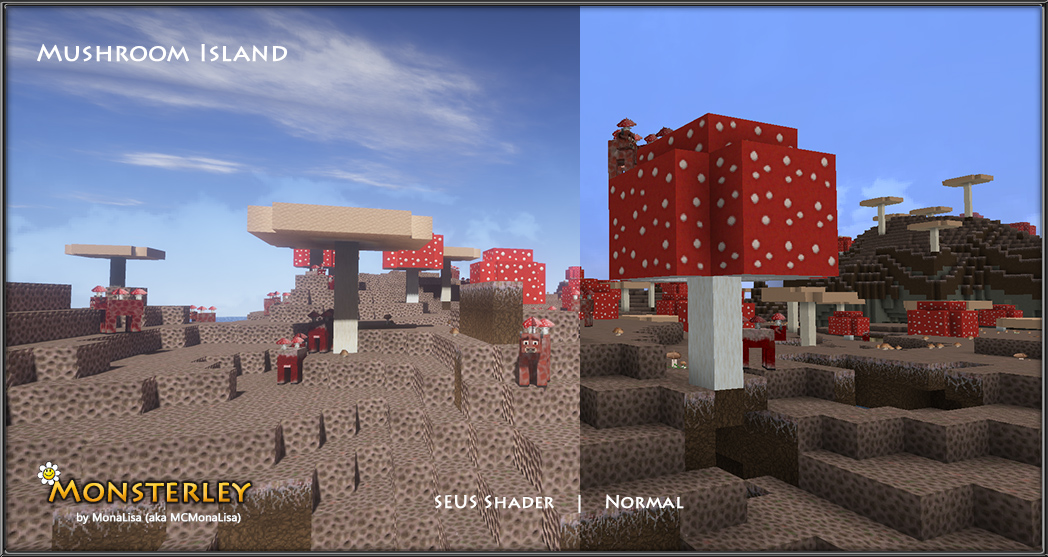
- Bump mapping and parallax occlusion mapping shader support - Support for a more realistic look. Gives more depth and structure to the textures. (Final look depends on the selected shader)
When "Random Mobs" in OptiFine are enabled, you might rarely see a blue cow. This is not a bug, but an easter egg of this resource pack. (MCPatcher or OptiFine required to use this feature)
License: https://creativecommons.org/licenses/by-nc-nd/4.0/
Monsterley HD Universal 128px high-resolution semi-realistic resource pack

How to install Monsterley
With Millida Launcher
Install Millida Launcher
The launcher is free: download it at millida.net/launcher and sign in with any nickname.
Click “Install” on this page
The launcher opens and installs the resource pack for Minecraft 1.16.2 automatically.
Launch the game
A profile with it appears in the launcher: click “Play”.
Manually
Download the archive
Pick the file Monsterley_32_16_200818.zip (31 MB) for your game version. No need to unpack it.
Put it in the resourcepacks folder
The easiest way: “Options”, then “Resource Packs”, then “Open Pack Folder”, and drag the archive there.
Enable the pack
In the same window, move the pack to the right-hand “Selected” column and click “Done”.
Versions
With dependencies
| Minecraft | Loader | File | Date | Actions |
|---|---|---|---|---|
| 1.16.2 | — | Monsterley_32_16_200818.zip31.4 MB |
FAQ
Which Minecraft versions does Monsterley work on?
Only Minecraft 1.16.2: there are no files for other versions.
Where can I download Monsterley safely?
On this page: the file Monsterley_32_16_200818.zip (31 MB) is stored on Millida’s server, with no link shorteners. SHA-1 checksum: 6f45b59ff4c0895741edc6029a81078550dc23c4.
Reviews
Be the first to rate Monsterley


