
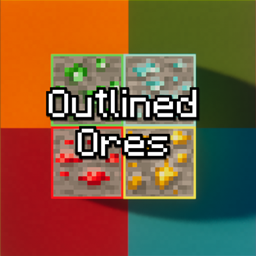
Minecraft Outlined Ore Resource pack for Minecraft 1.21.101
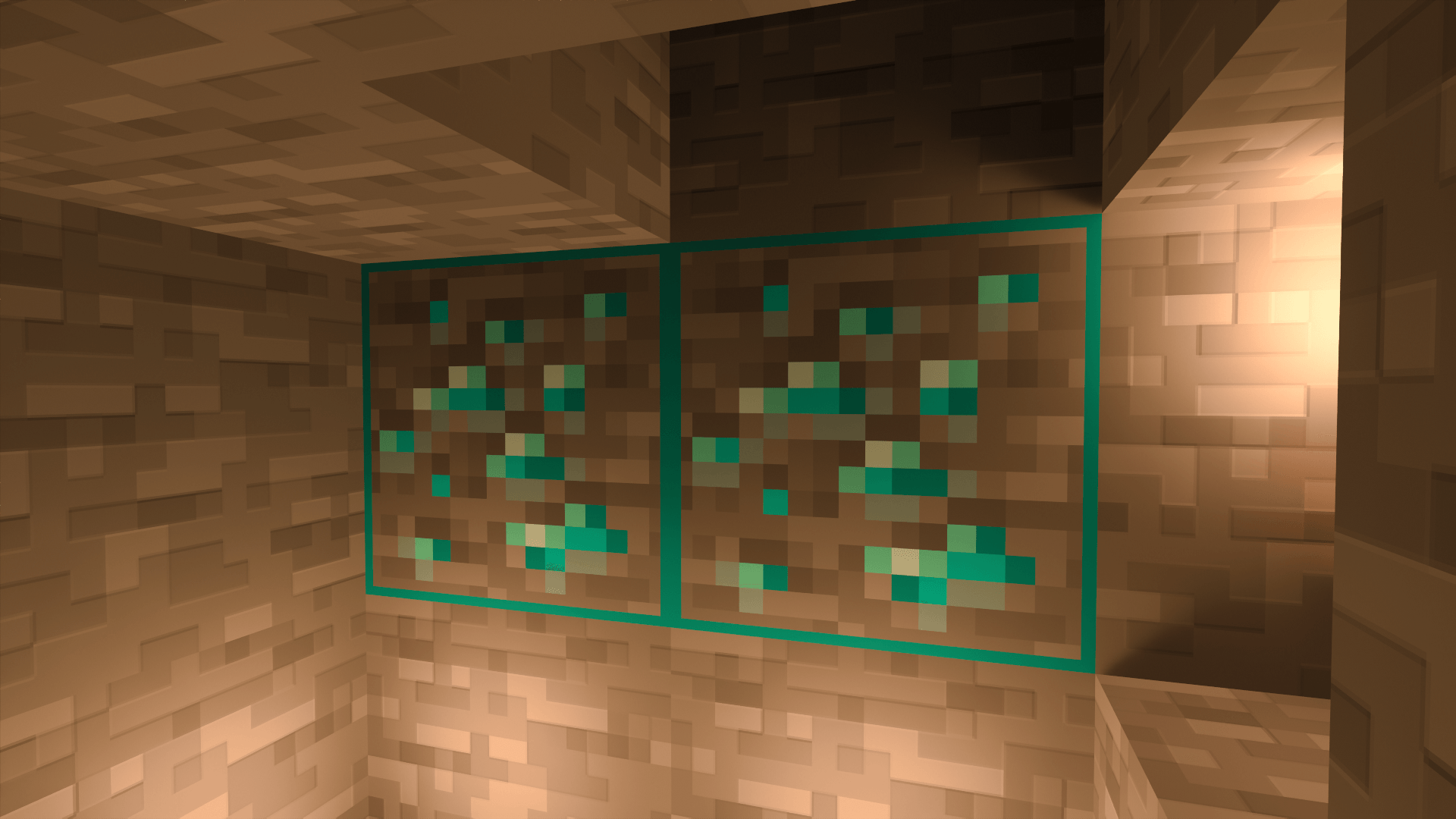
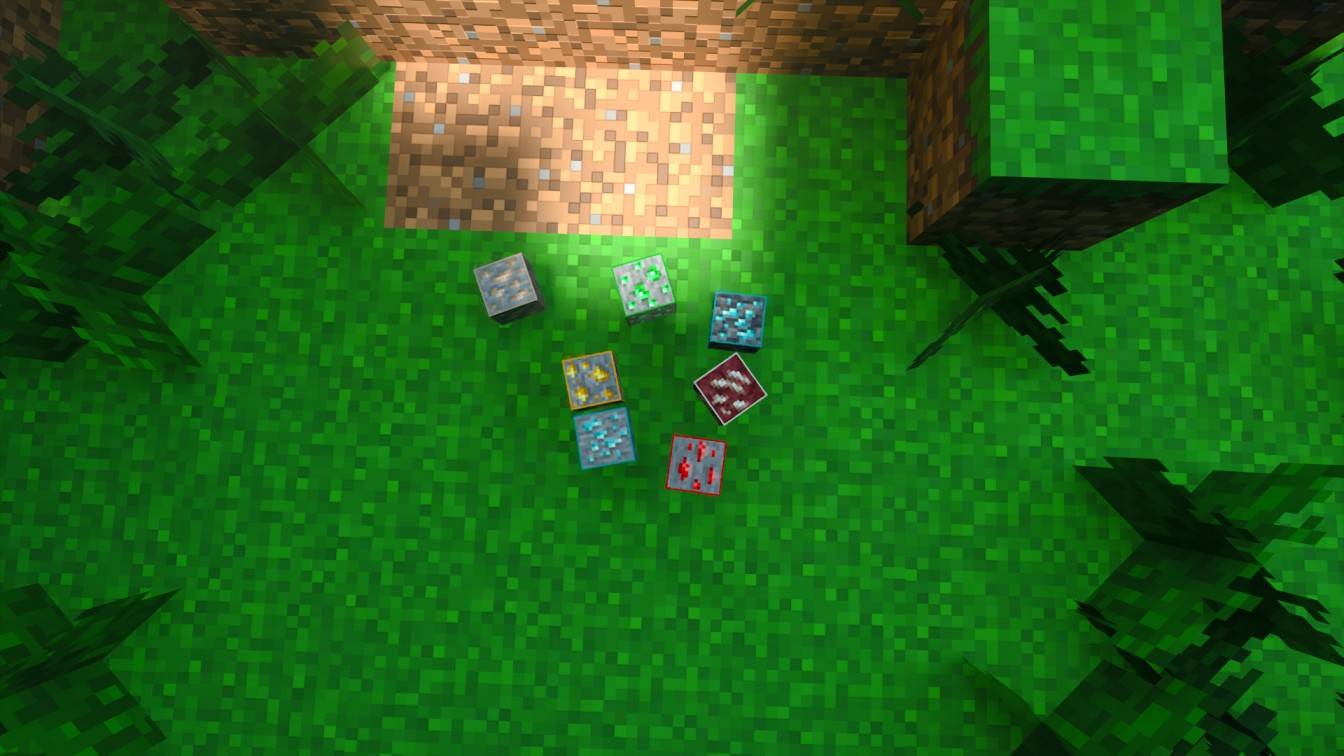
Minecraft's outlined ore outlines diamonds, gold, and iron.
Outlined Ore

Preview
Installation Guide (.mcpack / .zip)
- Download the .mcpack or .zip file from the Files tab.
- For .mcpack: Double-click it to open Minecraft and automatically import it.
- For .zip: Extract it manually to the games/com.mojang/resource_packs folder on your device.
- Launch Minecraft → Settings → Global Resources → Apply "Outlined Ore".
Compatibility
- Minecraft Bedrock Edition 1.16+
- Pocket Edition on Android & iOS
Found a bug or got a cool idea? Come hang out in our Discord server! Discord Server Link : https://discord.gg/ffuXxfD6cW
How to install Minecraft Outlined Ore
With Millida Launcher
Install Millida Launcher
The launcher is free: download it at millida.net/launcher and sign in with any nickname.
Click “Install” on this page
The launcher opens and installs the resource pack for Minecraft 1.21.90–1.21.101 automatically.
Launch the game
A profile with it appears in the launcher: click “Play”.
Manually
Download the archive
Pick the file Outlined_Ores.mcpack (52 KB) for your game version. No need to unpack it.
Put it in the resourcepacks folder
The easiest way: “Options”, then “Resource Packs”, then “Open Pack Folder”, and drag the archive there.
Enable the pack
In the same window, move the pack to the right-hand “Selected” column and click “Done”.
Versions
With dependencies
| Minecraft | Loader | File | Date | Actions |
|---|---|---|---|---|
| 1.21.93 | — | Outlined_Ores.mcpack51.6 KB |
Reviews
Be the first to rate Minecraft Outlined Ore



