

Kenui's Default Resource pack for Minecraft 1.20.1, 1.21.1
An enhanced look from default Minecraft!
from KenuiZ · CurseForge
1 / 3
Kenui's Default
A resource pack that reimagines Minecraft's style while maintaining the classic feel of the vanilla game!
Featuring:
- Emissive Ores!
- Variated Bookshelves!
- Improved general GUI and HUD!
- Custom/Variated Beds!
- Custom Item Textures!
- Stylized Font!
- New pack picture!
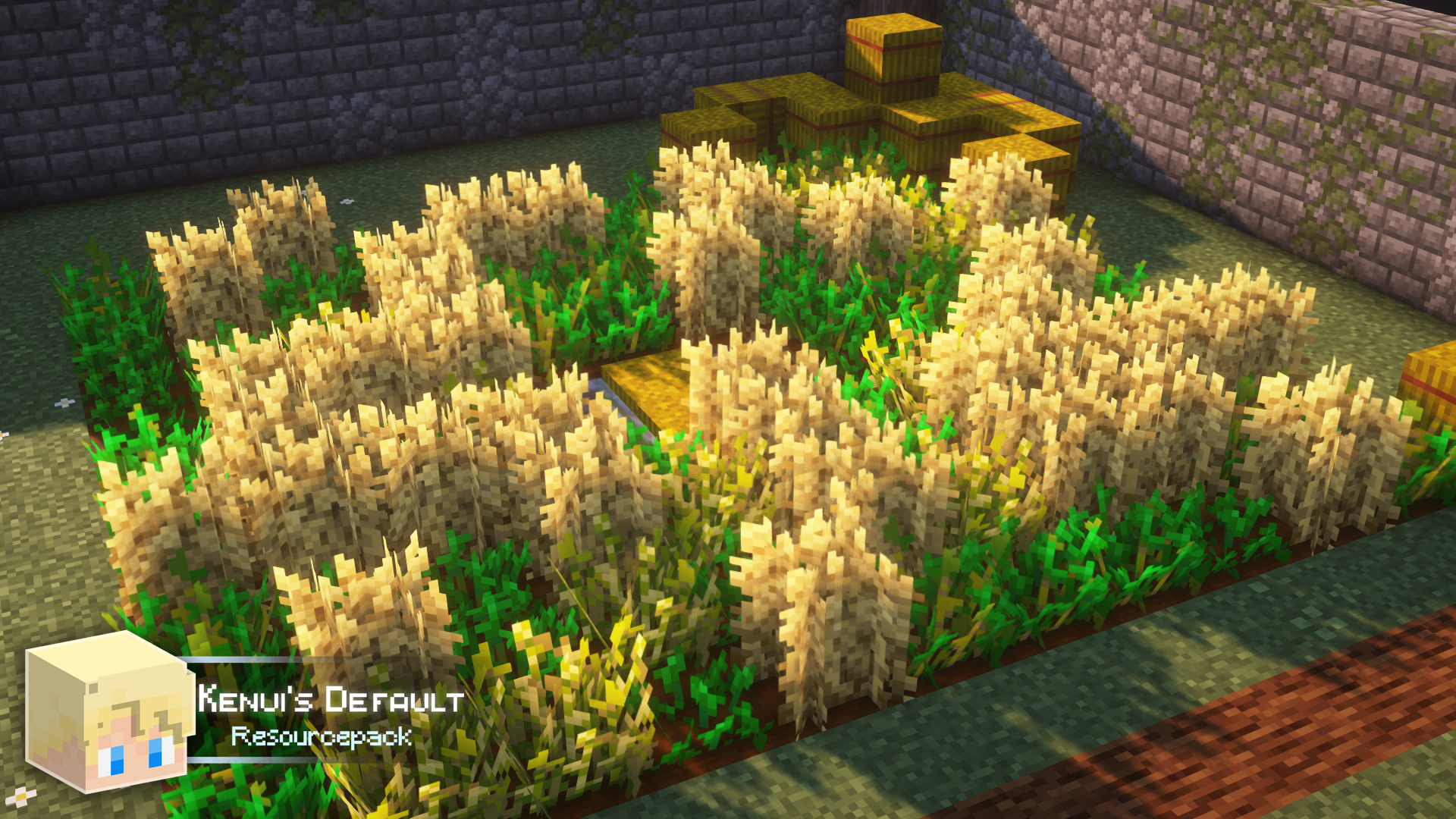
- Higher Wheat Crops!
- Enchanted Book custom textures!
- Reworked netherite textures!
How to install Kenui's Default
Install Millida Launcher
The launcher is free: download it at millida.net/launcher and sign in with any nickname.
Click “Install” on this page
The launcher opens and installs the resource pack for Minecraft 1.13–26.2 automatically.
Launch the game
A profile with it appears in the launcher: click “Play”.
Versions
With dependencies
| Minecraft | Loader | File | Date | Actions |
|---|---|---|---|---|
| 1.16.3 | — | Kenui's Default [1.20+] v6.1.zip2.7 MB | ||
| 1.16.3 | — | Kenui's Default [1.20+] v6.0 (beta).zip4.6 MB |
Reviews
Be the first to rate Kenui's Default
Comments 0
Sign in to commentSign in



