

Complex Left Hand Resource pack for Minecraft 26.10
Struggling to find an excellent left hand resource pack? For those who use their left hand or just want to, it does the job and is great for content creators; the pack is almost fully functional.
[ Note ]
Compatible extension with Blurry's Java PvP
Pack isn't compatible with Blurry's Java PvP if this pack is in global resources
There are still a few bugs that needs fixing. The pack will have more updates on improvement.
Version +26.2.0 uses player.entity.json.
Version 26.2.1 stops using the cape method
Riley came up with the idea for this pack; therefore, I have to give him credit for it as I didn't intend to create a left handed texture pack.
Check him out - 65KRiley - YouTube
Other left hand texture packs change the position to make it look like you're using left hand; however, that's not the case with this one. You actually use your left hand as your main hand and your right hand stays in the same position.
Picture example - Visible Offhand
Picture - Complex Left Hand
Items that go in the off hand which is now right hand show in your right hand and not the left hand.
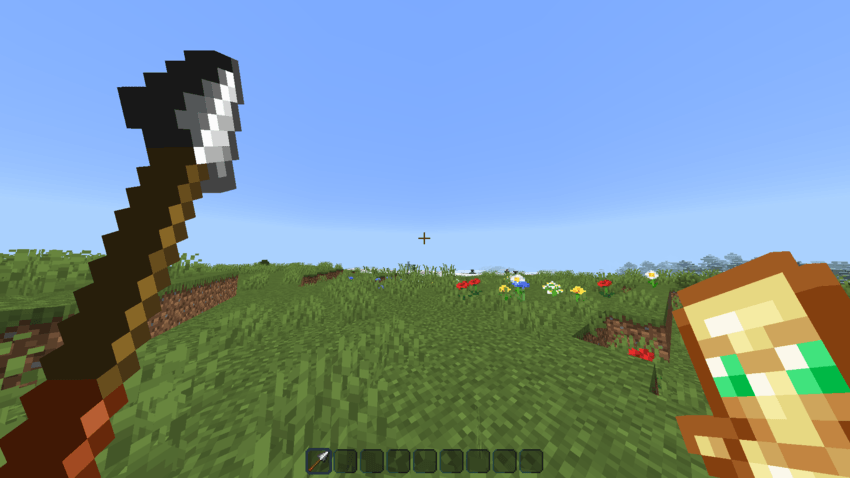
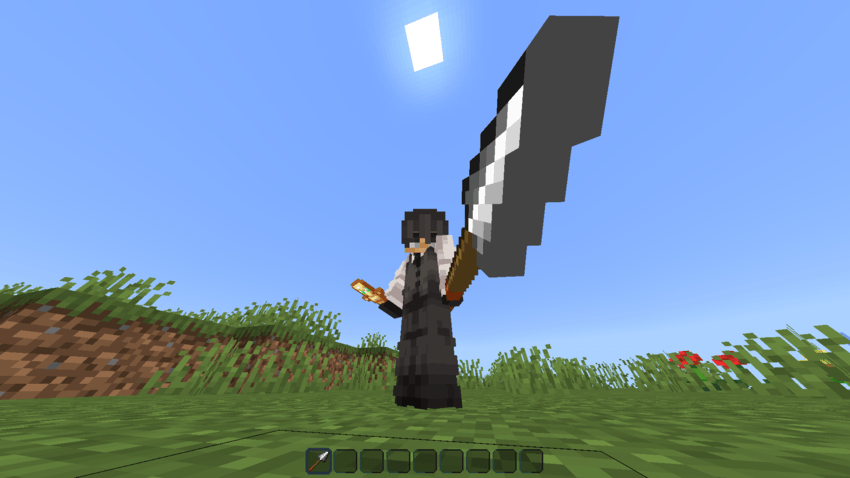
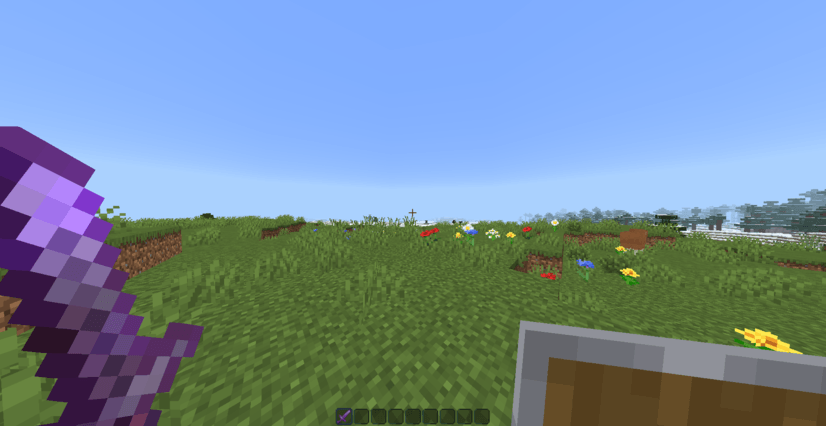
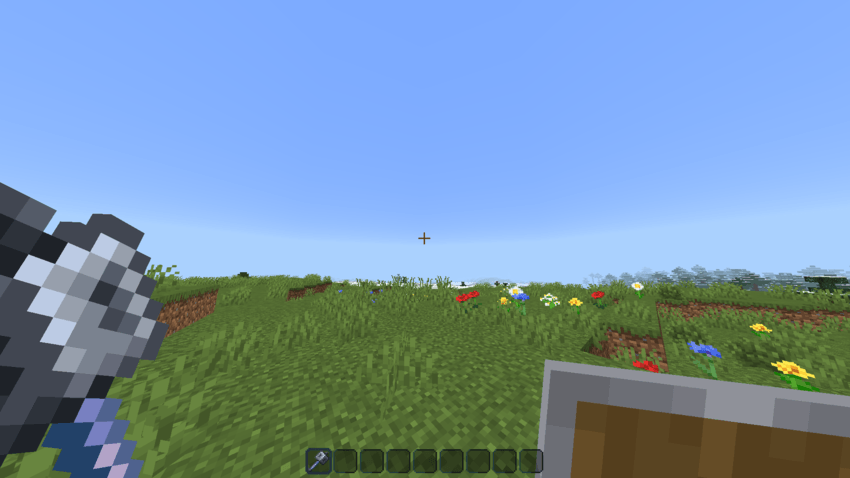
Blocks are supported for both hands, left hand and right hand
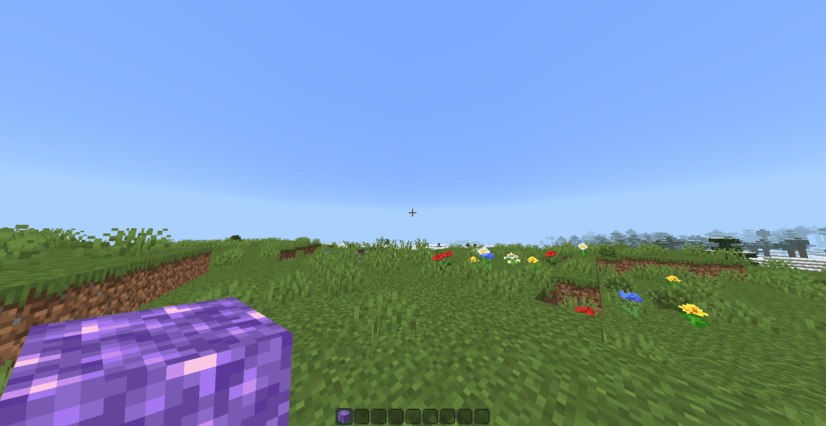
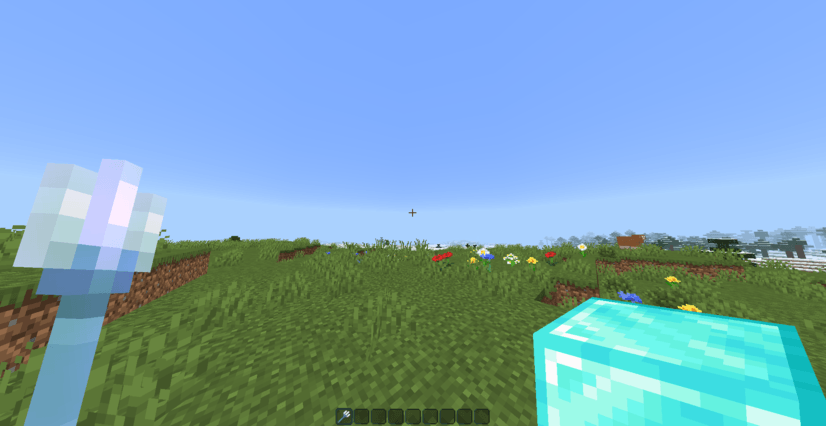
Pack Config will be in the pack settings

If you want to change the position and rotation of the hands, you can to adjust to your liking.
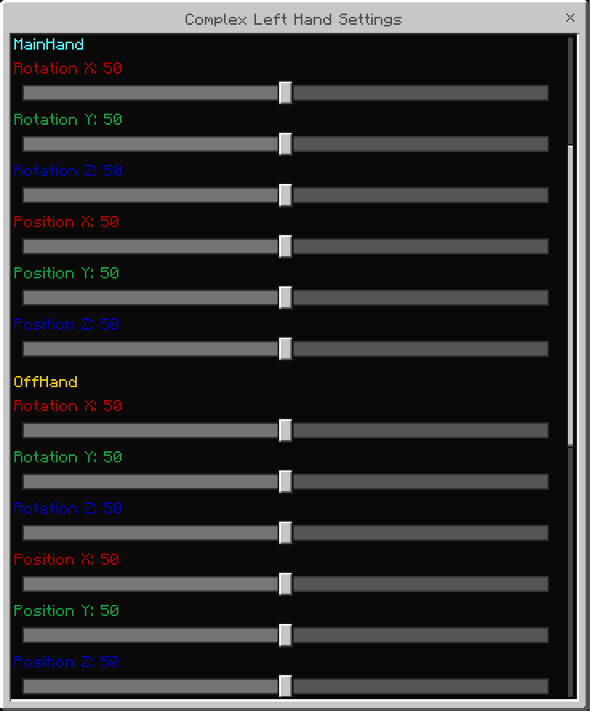
How to install Complex Left Hand
With Millida Launcher
Install Millida Launcher
The launcher is free: download it at millida.net/launcher and sign in with any nickname.
Click “Install” on this page
The launcher opens and installs the resource pack for Minecraft 26.10 automatically.
Launch the game
A profile with it appears in the launcher: click “Play”.
Manually
Download the archive
Pick the file Complex Left Hand V26.2.2.mcpack (641 KB) for your game version. No need to unpack it.
Put it in the resourcepacks folder
The easiest way: “Options”, then “Resource Packs”, then “Open Pack Folder”, and drag the archive there.
Enable the pack
In the same window, move the pack to the right-hand “Selected” column and click “Done”.
Versions
With dependencies
| Minecraft | Loader | File | Date | Actions |
|---|---|---|---|---|
| 26.10 | — | Complex Left Hand V26.2.2.mcpack641 KB |
FAQ
Which Minecraft versions does Complex Left Hand work on?
Only Minecraft 26.10: there are no files for other versions.
Where can I download Complex Left Hand safely?
On this page: the file Complex Left Hand V26.2.2.mcpack (641 KB) is stored on Millida’s server, with no link shorteners. SHA-1 checksum: 3346240c6ecb6d7fb7c3330628020caa7b40e69a.
Reviews
Be the first to rate Complex Left Hand


