
About the Cat RTX resource pack
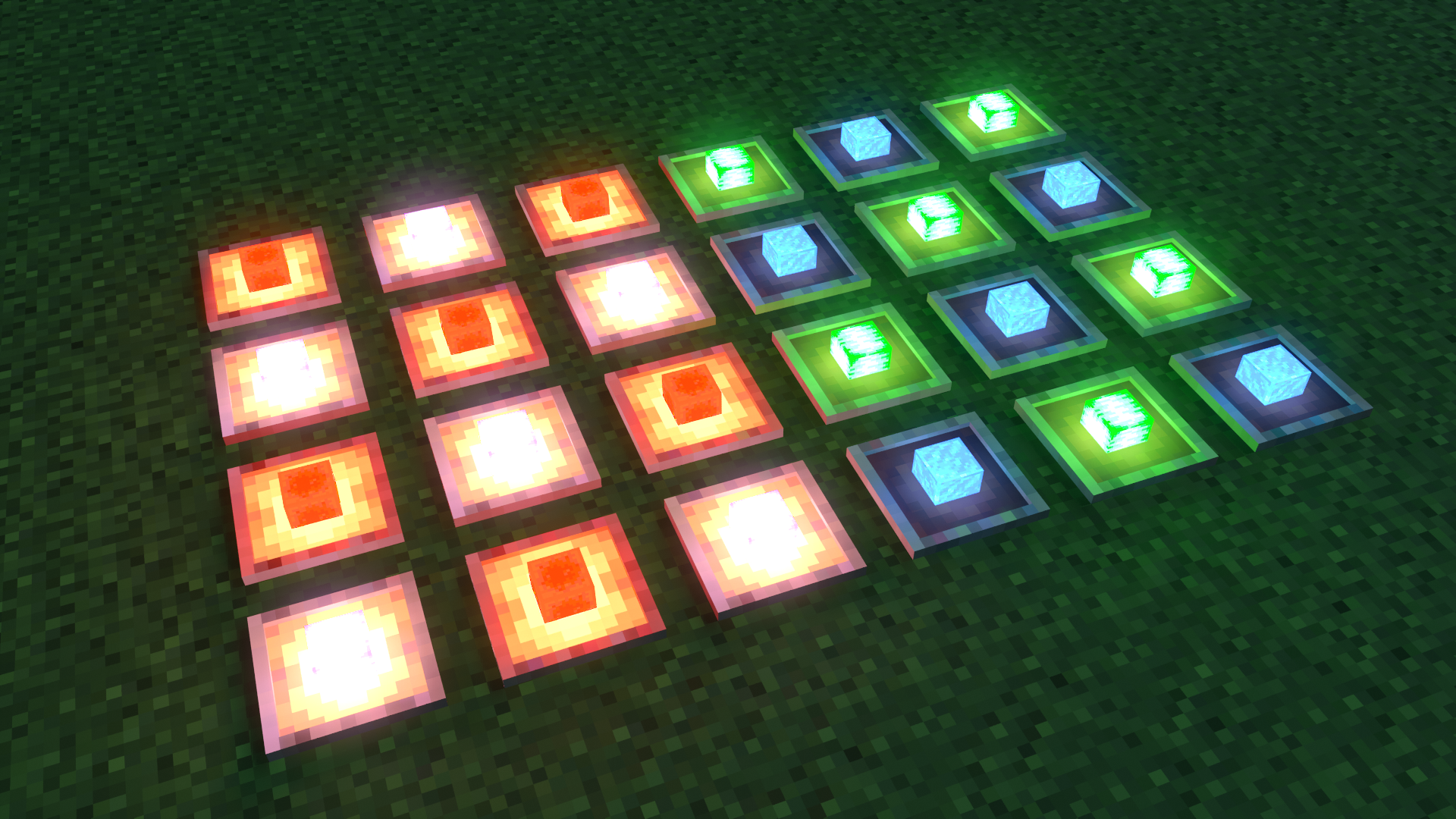
Cat RTX is a Ray Tracing pack for Minecraft Bedrock (Win10/11) that uses normal maps! The goal of Cat RTX is to make the world ambience much better whilst keeping lights and everything else very vibrant!
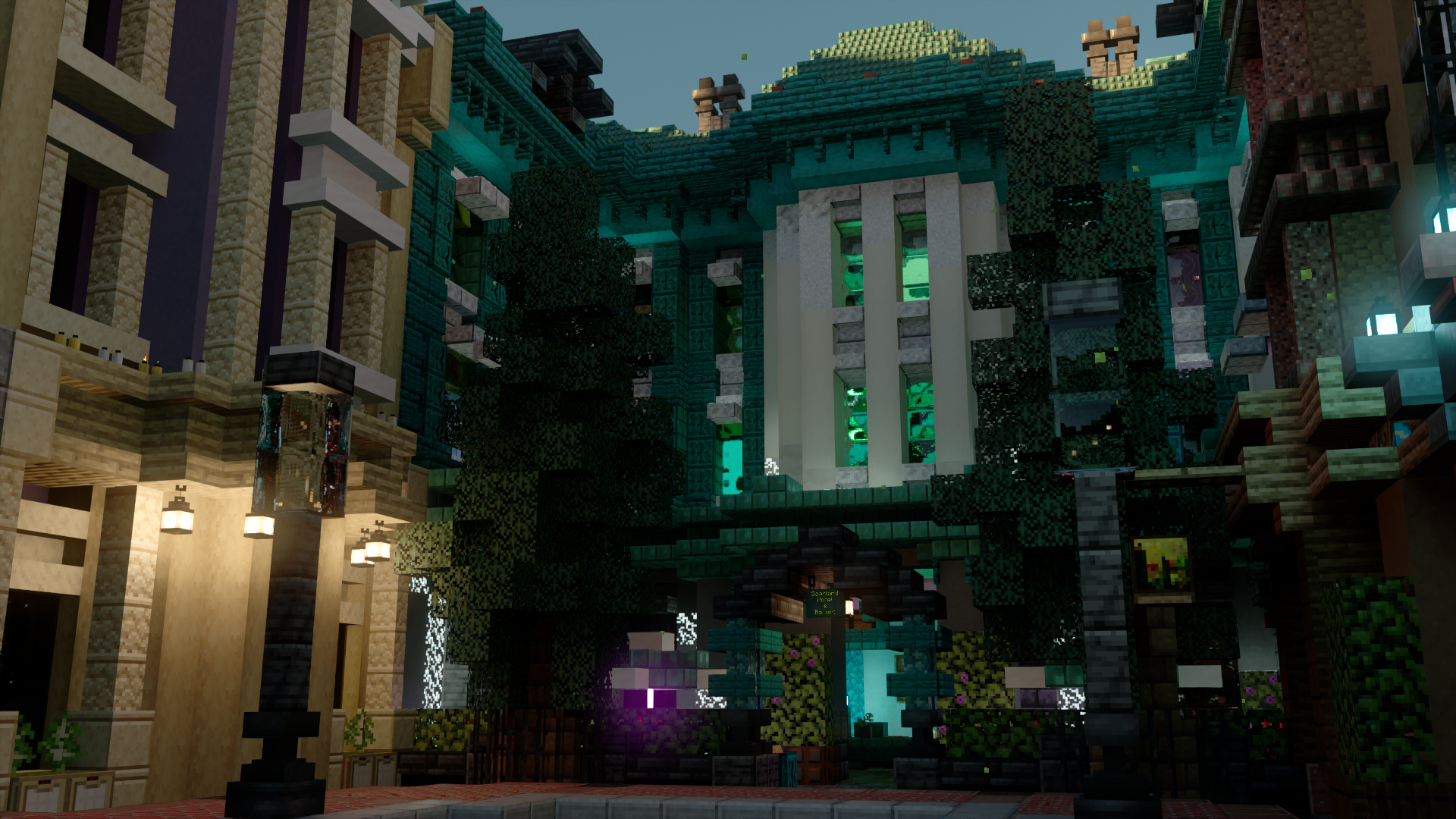
DISCLAIMER: TO USE THIS PACK YOU ARE REQUIRED TO HAVE A COMPUTER WITH RTX COMPATIBLE CAPABILITIES!!! THIS WILL NOT WORK ON MOBILE DEVICES!!!
Cat RTX is in a very early state and most blocks are not yet given RTX materials.
Join The Cat’s Labs Discord:
https://discord.gg/53xeS2n5tx
Special Add-On Packs, Discussions, and More!
INSTALLING BetterRTX
Here are the instructions on how to get Better RTX:
-Visit the Minecraft RTX discord: https://discord.gg/minecraft-rtx-691547840463241267
-Go to #brtx-install-info
-Get the latest version of BetterRTX through the most recent GitHub link (Or Use the GUI Installer)
-All install instructions for BetterRTX are provided in the Minecraft RTX discord and if it is not working it is best to ask for help
Upon installing Better RTX install this pack as normal and it should work (If it doesn't work go to #betterrtx-help)
How to install Cat RTX
With Millida Launcher
Install Millida Launcher
The launcher is free: download it at millida.net/launcher and sign in with any nickname.
Click “Install” on this page
The launcher opens and installs the resource pack for Minecraft 1.20–1.21.94 automatically.
Launch the game
A profile with it appears in the launcher: click “Play”.
Manually
Download the archive
Pick the file CatRTX (1.12).mcpack (4.0 MB) for your game version. No need to unpack it.
Put it in the resourcepacks folder
The easiest way: “Options”, then “Resource Packs”, then “Open Pack Folder”, and drag the archive there.
Enable the pack
In the same window, move the pack to the right-hand “Selected” column and click “Done”.
Versions
With dependencies
| Minecraft | Loader | File | Date | Actions |
|---|---|---|---|---|
| 1.21.90 | — | CatRTX (1.12)4 MB | ||
| 1.20.40 | — | Cat RTX (1.5.0 Pre-Release1)1.9 MB | ||
| 1.20.40 | — | 1.2.0 pre-release11.6 MB |
FAQ
Which Minecraft versions does Cat RTX work on?
There are files for 1.20–1.21.94, 8 versions in total. The newest is 1.21.94.
Where can I download Cat RTX safely?
On this page: the file CatRTX (1.12).mcpack (4.0 MB) is stored on Millida’s server, with no link shorteners. SHA-1 checksum: d87748a3e4ef184bb4145abcb0e072e327e8ad92.
Reviews
Be the first to rate Cat RTX


