
BSLD Shaders Resource pack for Minecraft 1.21, 26.50
BSLD Shaders is a full PBR resource pack for Minecraft Bedrock featuring a violet-magenta cinematic aesthetic, custom sky and atmosphere tuning, and reworked lighting across every biome.
About the BSLD Shaders resource pack
BSLD Shaders is a full PBR resource pack for Minecraft Bedrock that reworks lighting, skies, and atmosphere into a violet-magenta cinematic experience - built to shine with Vibrant Visuals enabled.

🎨 Reimagined Visual Style
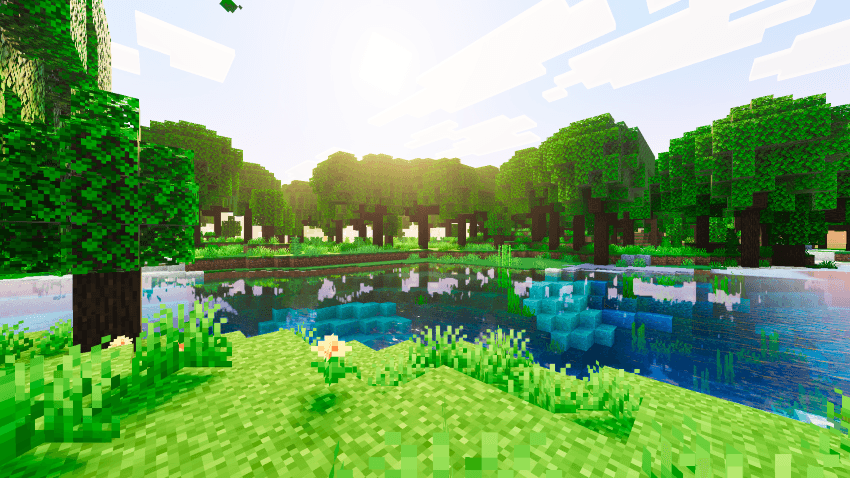
- Bold violet-magenta color identity carried through skies, fog, and lighting
- Consistent atmospheric styling applied across all 85+ vanilla biomes
- Adds mood and depth to builds while keeping vanilla terrain readable
- Cinematic ACES tone mapping with a warm 6400K color temperature for punchy, filmic tones
☀️ Advanced Atmospherics System
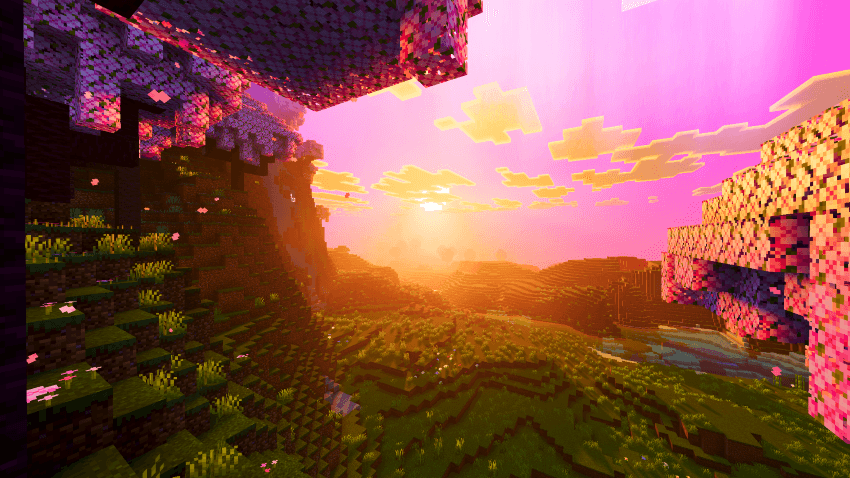
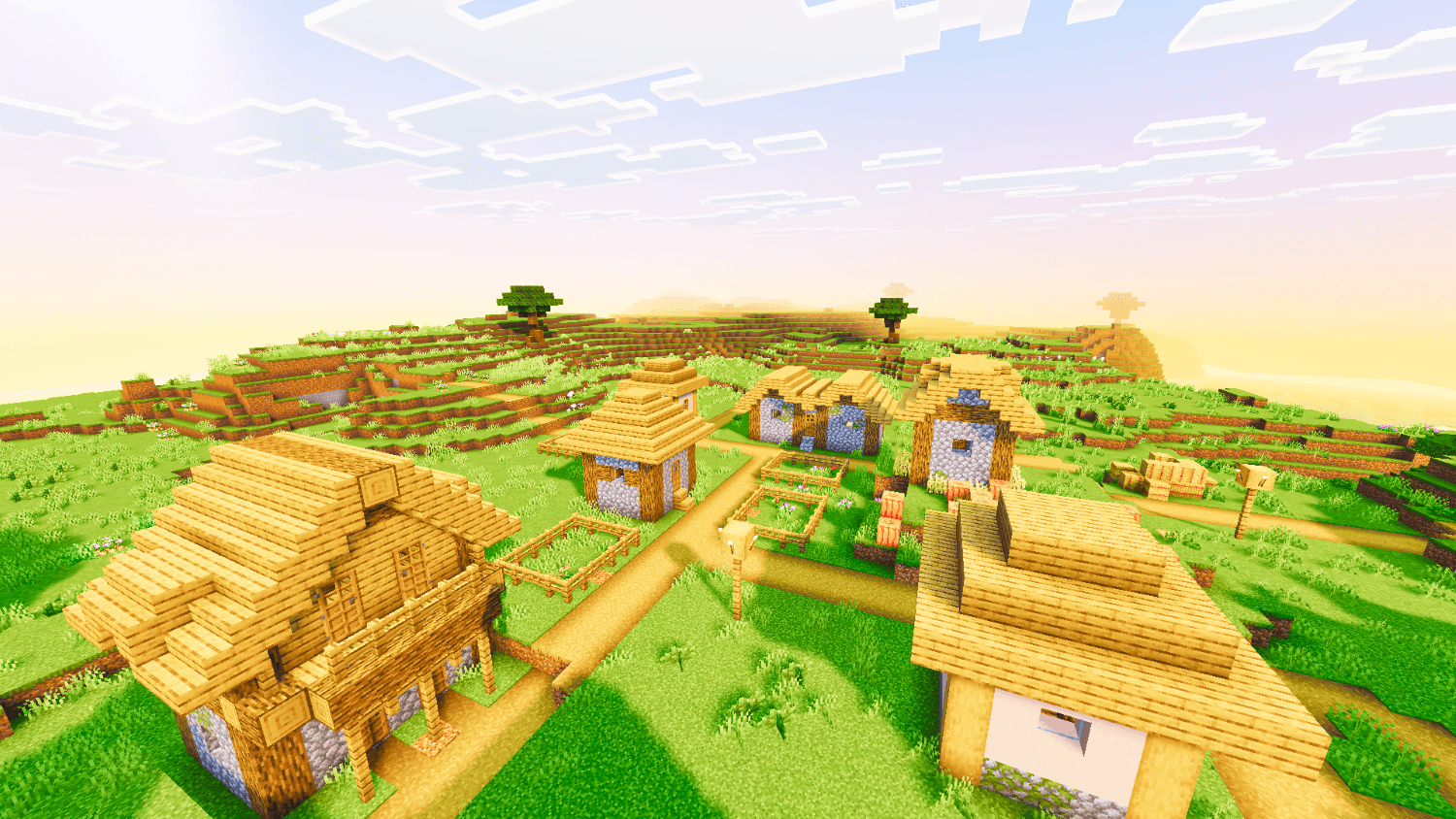
- Hand-tuned sky zenith and horizon curves for a smooth transition across the full day cycle
- Bold orange-gold horizon blend at sunrise and sunset for dramatic transitions
- Deep blue zenith through midday for contrast against the warm horizon
- Balanced Rayleigh scattering values to keep skies vivid without washing out or going flat black
🔥 Reworked Local & Global Lighting
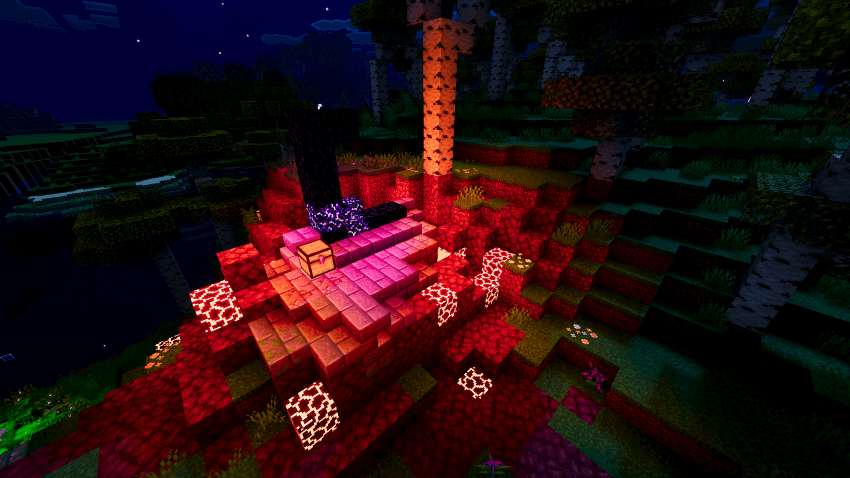
- Retuned light colors for torches, lanterns, campfires, and other emissive blocks
- Accurate glow tones for soul fire, redstone, amethyst, and copper block variants
- Adds richer, warmer ambient lighting to interiors and builds with no gameplay changes
💎 Full PBR Material Support
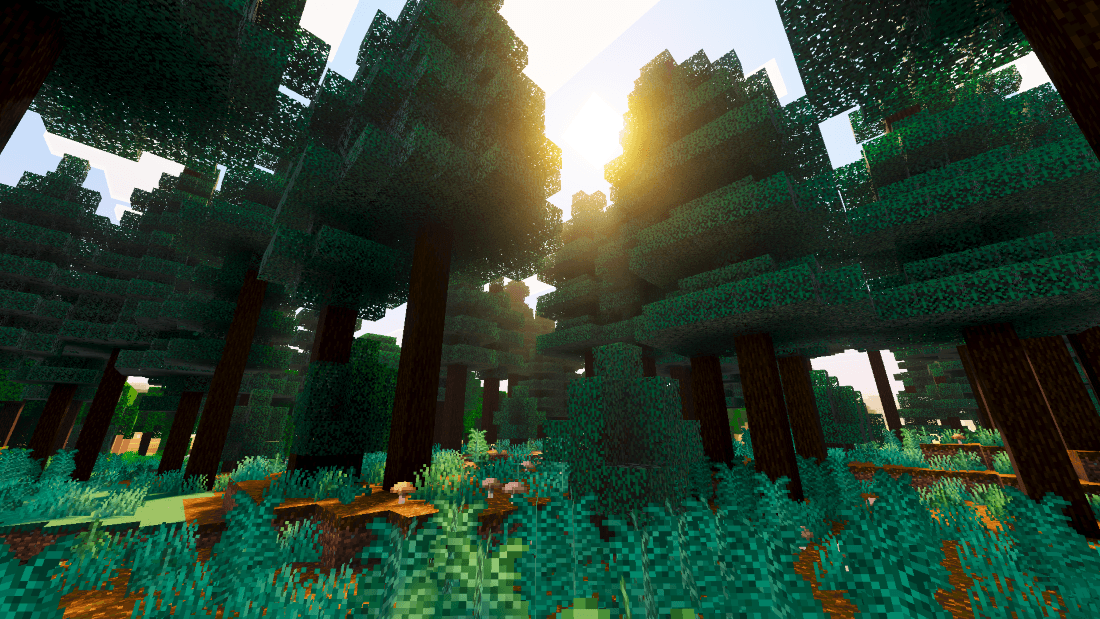
- Metalness, emissive, roughness, and subsurface values tuned separately for blocks, actors, particles, and items
- PBR detailing on all ore types, including every deepslate variant and ancient debris
- Custom still and flowing water with dedicated normal maps and MER maps, plus animated caustics for realistic underwater light
✨ Violet Aurora Effect
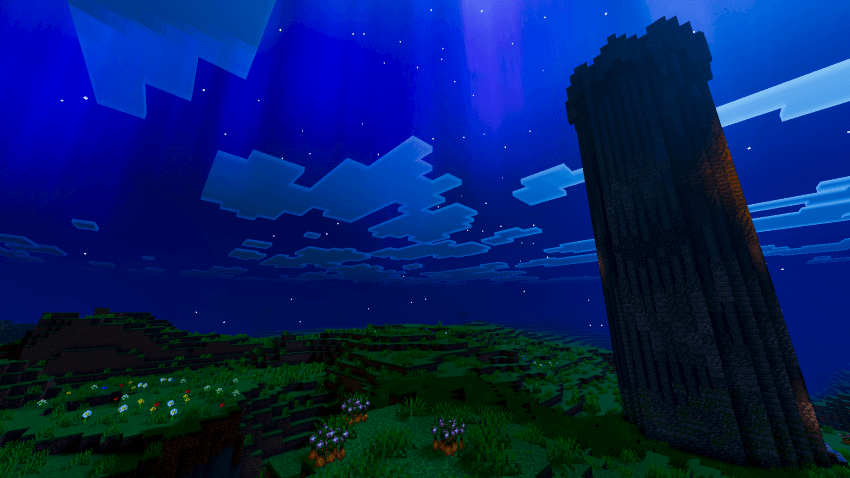
- Custom curve-driven aurora particle animation drifting across the sky
- Adds a signature atmospheric touch without pulling focus from gameplay
📋 Requirements BSLD Shaders requires Minecraft Bedrock/PE 1.21.0 or higher, with Vibrant Visuals (PBR rendering) enabled in video settings.
📥 Installation
- Download the .mcpack file
- Open it to import into Minecraft
- Enable BSLD Shaders under Global Resources
- Turn on Vibrant Visuals in video settings
BSLD Shaders - Ghoulcat_studios
How to install BSLD Shaders
With Millida Launcher
Install Millida Launcher
The launcher is free: download it at millida.net/launcher and sign in with any nickname.
Click “Install” on this page
The launcher opens and installs the resource pack for Minecraft 1.21–26.50 automatically.
Launch the game
A profile with it appears in the launcher: click “Play”.
Manually
Download the archive
Pick the file BSLD Shaders v1.0.mcpack (801 KB) for your game version. No need to unpack it.
Put it in the resourcepacks folder
The easiest way: “Options”, then “Resource Packs”, then “Open Pack Folder”, and drag the archive there.
Enable the pack
In the same window, move the pack to the right-hand “Selected” column and click “Done”.
Versions
With dependencies
| Minecraft | Loader | File | Date | Actions |
|---|---|---|---|---|
| 1.21.50 | — | BSLD Shaders v1.0.mcpack801 KB 5 |
FAQ
Which Minecraft versions does BSLD Shaders work on?
There are files for 1.21–26.50, 21 versions in total. The newest is 26.50.
Where can I download BSLD Shaders safely?
On this page: the file BSLD Shaders v1.0.mcpack (801 KB) is stored on Millida’s server, with no link shorteners. SHA-1 checksum: 916690c800821b2dfe1e3479b8c4dd133a4ffefe.
Reviews
Be the first to rate BSLD Shaders



