
Breaking Bar Resource pack for Minecraft 1.20.1, 1.21
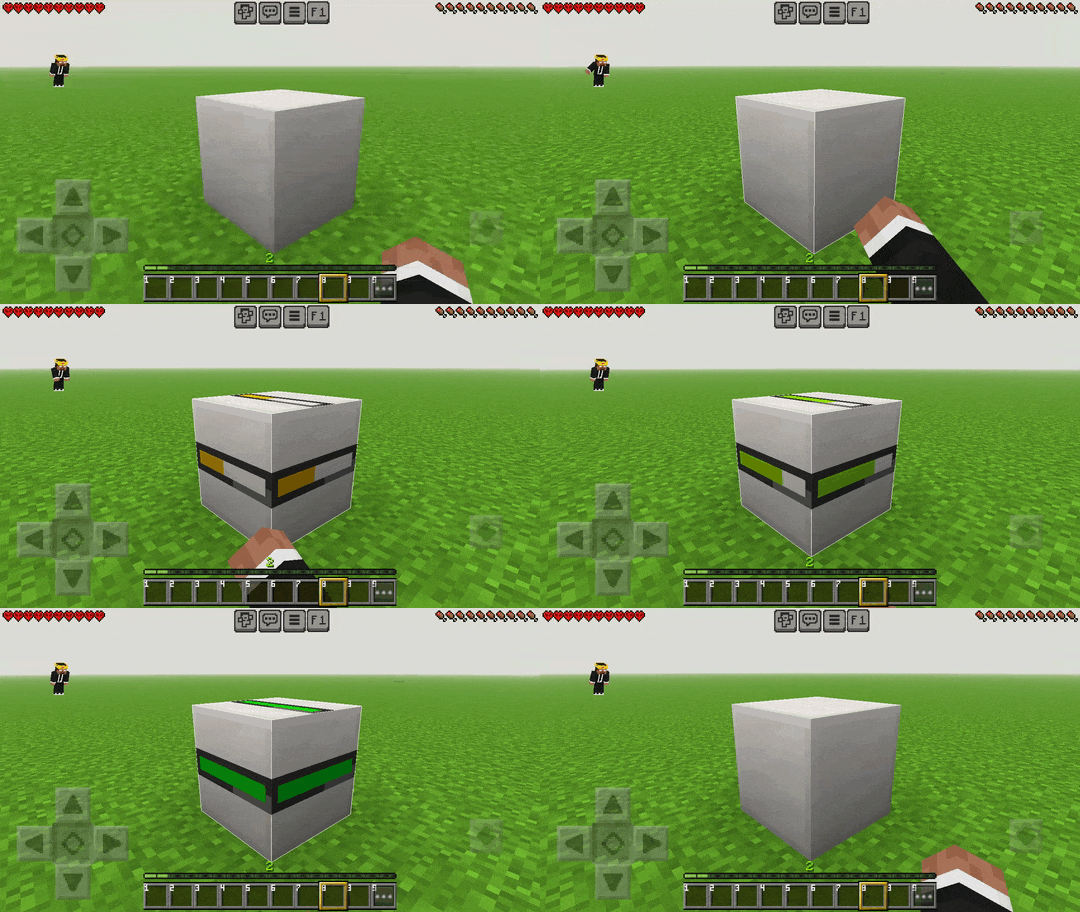
Default Breaking Animation converted into Breaking Bar Animation
Breaking Bar
Tired of the default block-breaking animation cracks covering your screen? Breaking Bar is a very useful utility resource pack (.mcpack) for Minecraft Bedrock Edition that replaces the classic ugly cracks with a clean, modern progress bar animation!
Now you can clearly see exactly how much time is left before a block breaks, making your mining and building experience much more smooth and precise.
Update:
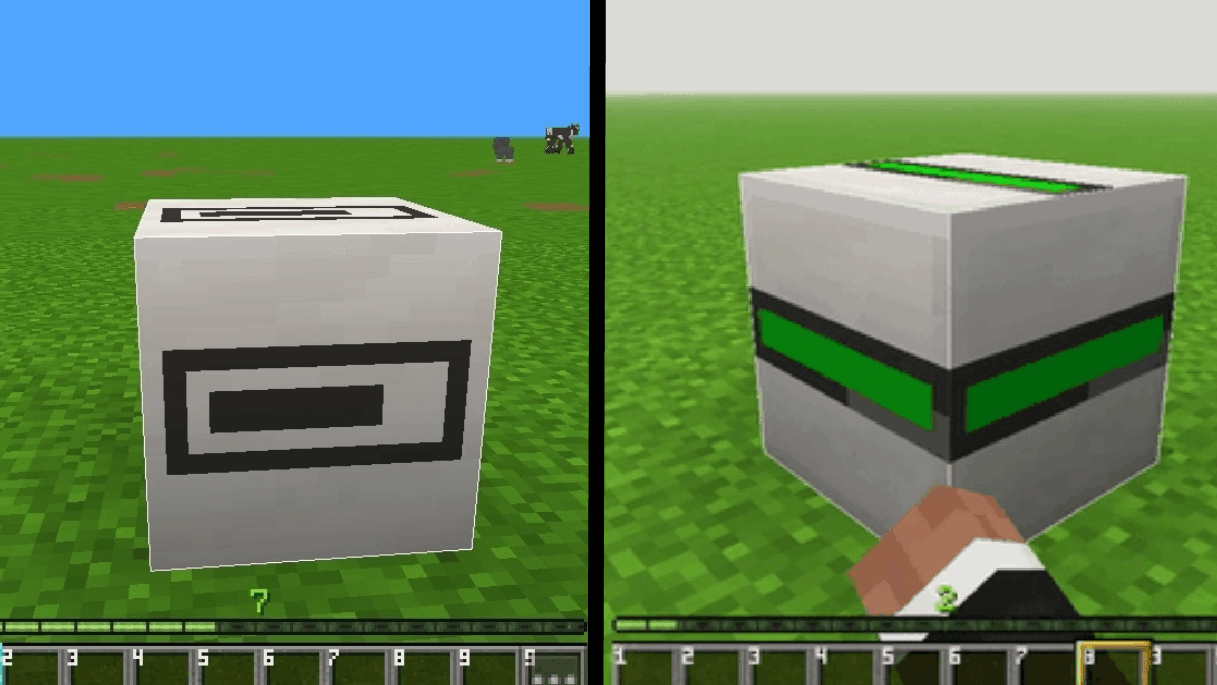
Add Classic (Java) like breaking bar

Features:
- Multi-Version Support: Completely compatible and works perfectly with Minecraft versions 1.20+ all the way up to 1.26+.
- Clean Progress Bar: Replaces all 10 stages of the default block destruction cracks (destroy_stage_0 to destroy_stage_9) with a neat visual loading bar.
- Better Visibility: Helps you keep an eye on your surroundings while mining, without annoying cracks blocking your view.
How to Use:
- Download the .mcpack file.
- Double-click or open the file to automatically import it into Minecraft Bedrock Edition.
- Go to Settings > Global Resources > My Packs and activate Breaking Bar.
- Restart your game or reload your world to enjoy the clean loading bar animation!
Note: This resource pack is built specifically for Bedrock Edition platforms (Windows, Android, iOS, Xbox, PlayStation, and Switch).
How to install Breaking Bar
With Millida Launcher
Install Millida Launcher
The launcher is free: download it at millida.net/launcher and sign in with any nickname.
Click “Install” on this page
The launcher opens and installs the resource pack for Minecraft 1.20–26.30 automatically.
Launch the game
A profile with it appears in the launcher: click “Play”.
Manually
Download the archive
Pick the file Breaking-Bar.mcpack (43 KB) for your game version. No need to unpack it.
Put it in the resourcepacks folder
The easiest way: “Options”, then “Resource Packs”, then “Open Pack Folder”, and drag the archive there.
Enable the pack
In the same window, move the pack to the right-hand “Selected” column and click “Done”.
Versions
With dependencies
| Minecraft | Loader | File | Date | Actions |
|---|---|---|---|---|
| 1.20.40 | — | Breaking-Bar v1.3.mcpack43.1 KB |
Reviews
Be the first to rate Breaking Bar



