
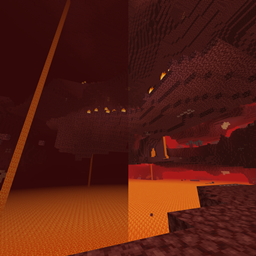
Boosted Render Distance Resource pack for Minecraft 1.21, 1.21.94
Can't see in the nether or underwater properly? This pack extends the maximum render distance in the Overworld, Nether, End, Lava, Powder Snow, and underwater!
About the Boosted Render Distance resource pack
This pack also includes options to make the fog still fade in the nether and/or to make the nether and end sky bright.
Note: This is not compatible with most resource packs that modifiy the fog. Pleaes make sure it is above other packs you are using that contain files and folders such as biomes_client.json or fogs. Be sure to check the subpacks folders of your existing packs too.
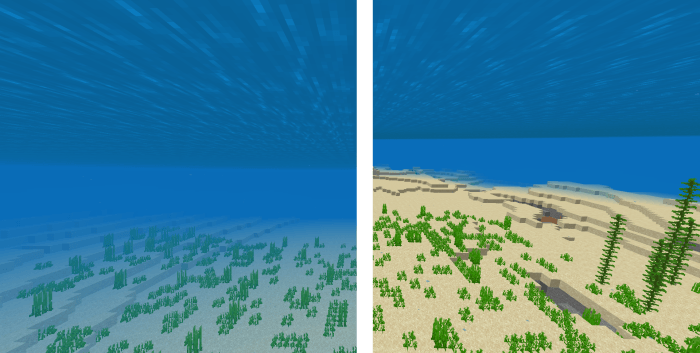
Water visibility - The color for each biome remains the same
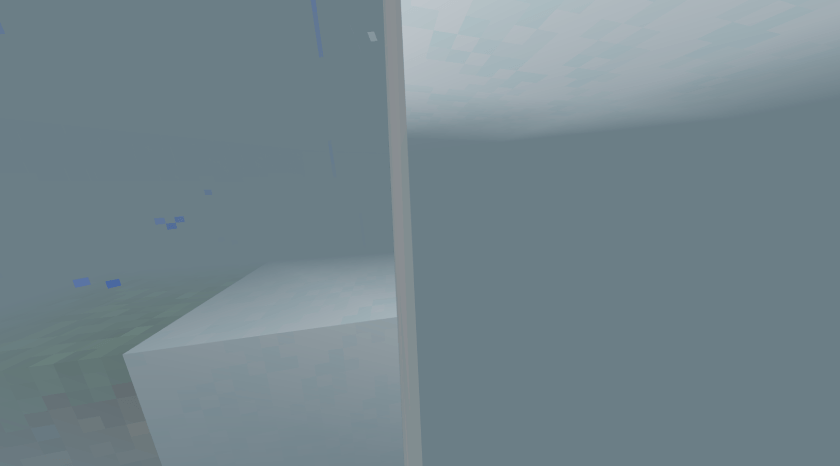
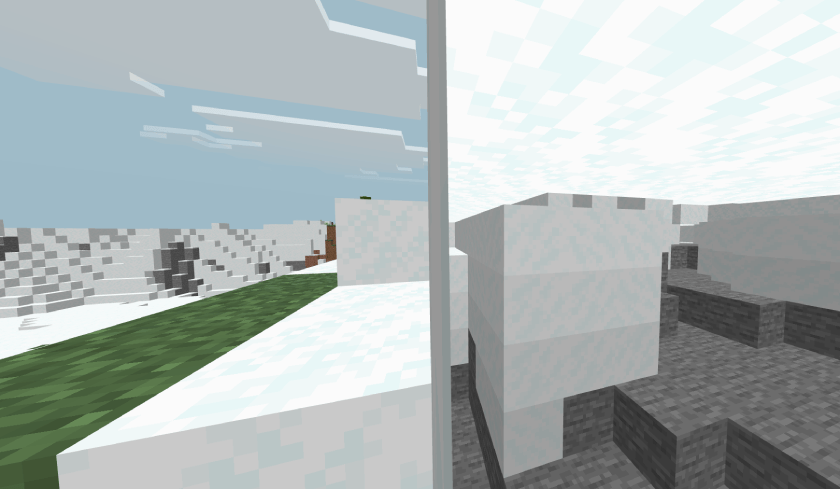
Powder snow visibility
Nether wastes - Pack disabled vs bright sky mode
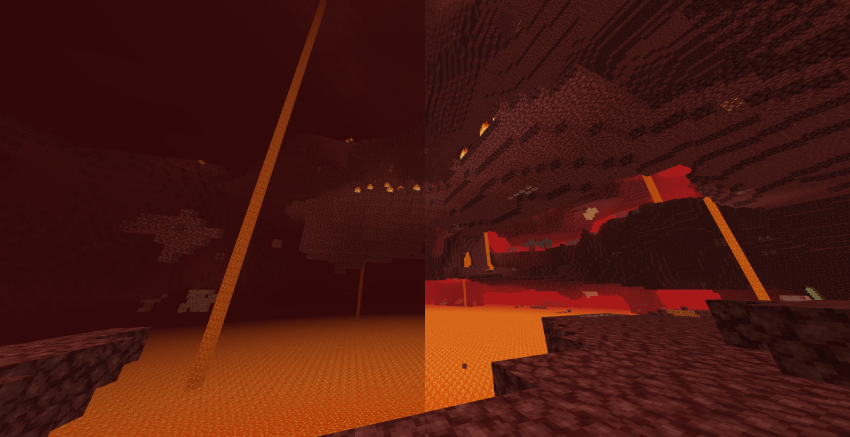

Basalt Deltas - Sky color is very similar between the default and bright options
Crimson Forest
Warped Forest - i guess this looks similar to the end sky?
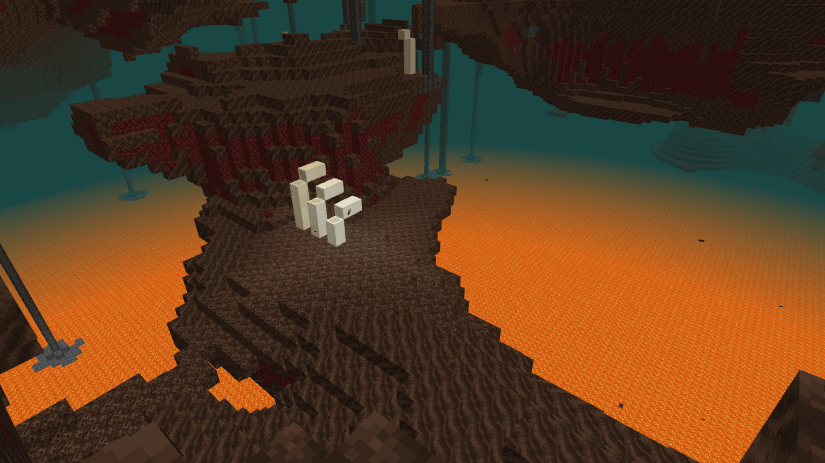
Soul Sand Valley
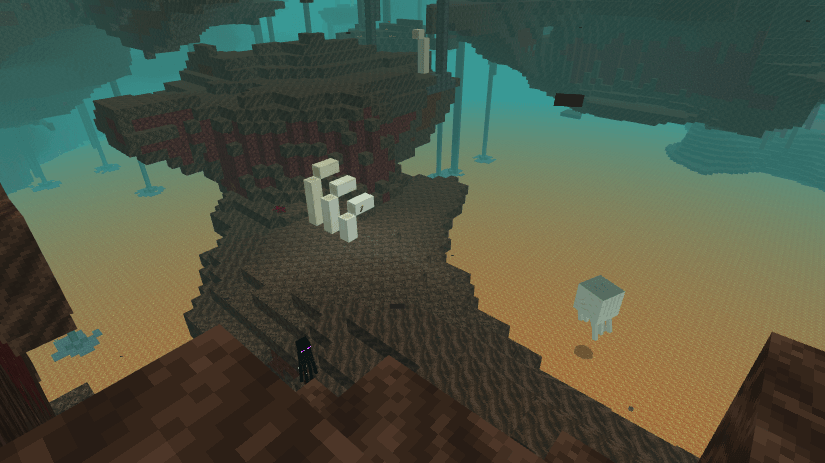
Comparison of all 4 modes in the soul sand valley:
Left to right: Default, Bright. Render distance of 10 used

Default, Bright, but with fading fog. Render distance of 15 was used for screenshot

Lava visibility:
There are two packs to install. The environment one changes the fog for underwater, in lava, powder snow, and overworld rain. It is not possible to change the darkness effect range.
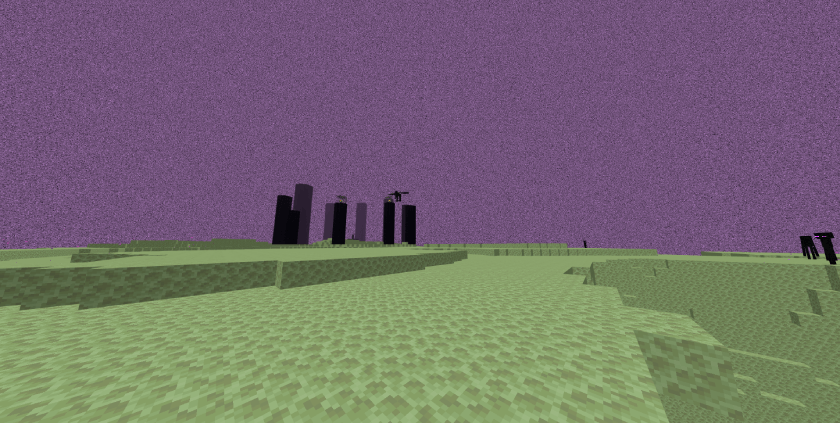
The nether + end one changes the fogs in the nether and the end, and includes bright sky options.
How to install Boosted Render Distance
With Millida Launcher
Install Millida Launcher
The launcher is free: download it at millida.net/launcher and sign in with any nickname.
Click “Install” on this page
The launcher opens and installs the resource pack for Minecraft 1.19–1.21.94 automatically.
Launch the game
A profile with it appears in the launcher: click “Play”.
Manually
Download the archive
Pick the file Boosted Render Distance Environmental.mcpack (335 KB) for your game version. No need to unpack it.
Put it in the resourcepacks folder
The easiest way: “Options”, then “Resource Packs”, then “Open Pack Folder”, and drag the archive there.
Enable the pack
In the same window, move the pack to the right-hand “Selected” column and click “Done”.
Versions
With dependencies
| Minecraft | Loader | File | Date | Actions |
|---|---|---|---|---|
| 1.21.94 | — | Boosted Render Distance Environmental335 KB |
FAQ
Which Minecraft versions does Boosted Render Distance work on?
There are files for 1.21.94, 1.21, 1.20, 1.19. The newest is 1.21.94.
Where can I download Boosted Render Distance safely?
On this page: the file Boosted Render Distance Environmental.mcpack (335 KB) is stored on Millida’s server, with no link shorteners. SHA-1 checksum: 1d81447860012ebc949e1f732507a5443724ada1.
Reviews
Be the first to rate Boosted Render Distance



