
A Dark Mode Resource pack for Minecraft 1.12.2
Reskins minecraft and 250+ mods' guis to a dark theme
About the A Dark Mode resource pack
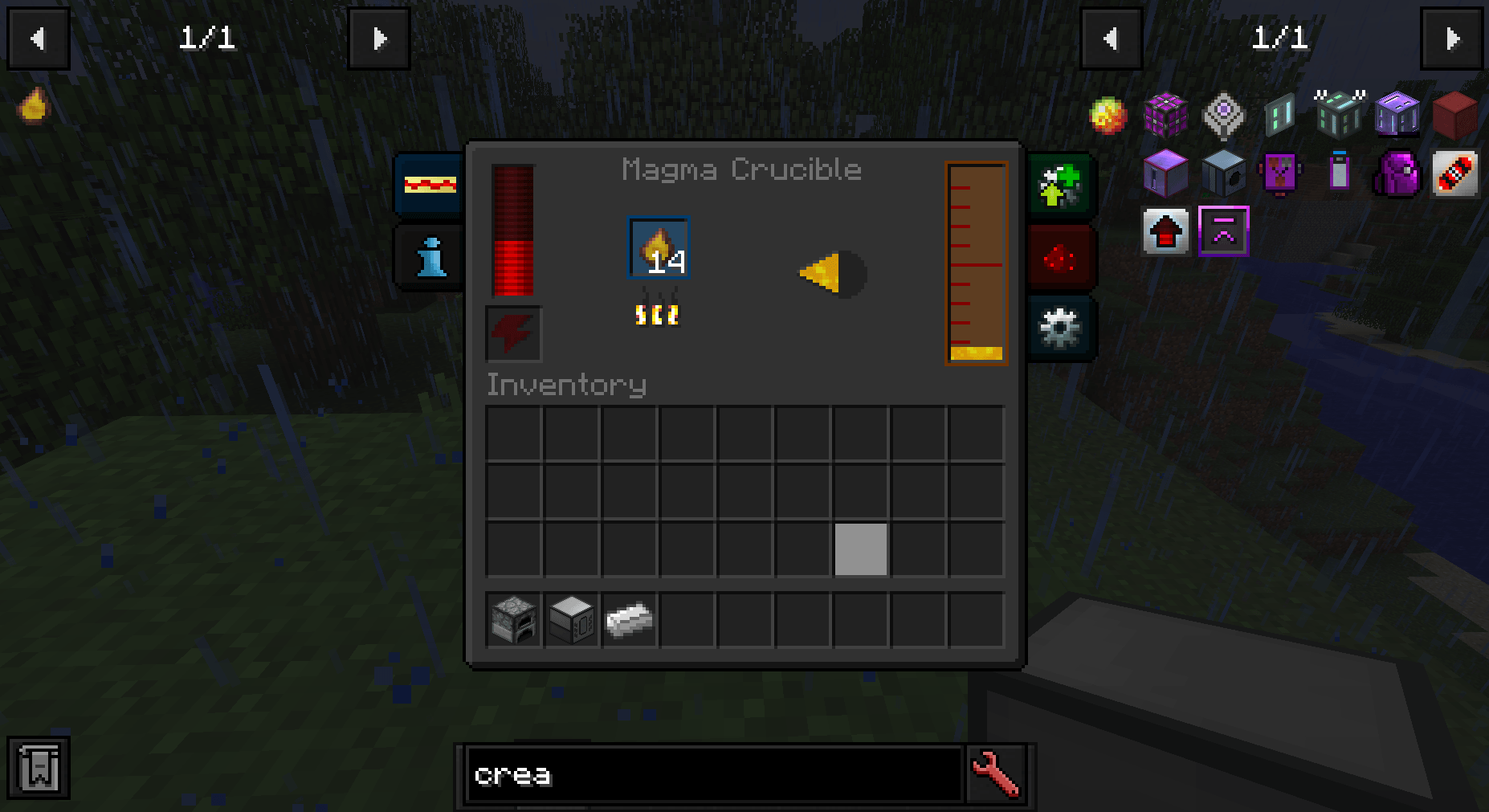
Reskins Minecraft and some (250+) mods to a dark mode
I recommend using Universal Tweaks alongside this resourcepack and changing Default GUI Text Color to 6F6F6F in config/Universal Tweaks - Tweaks. This change improves readability of GUI titles
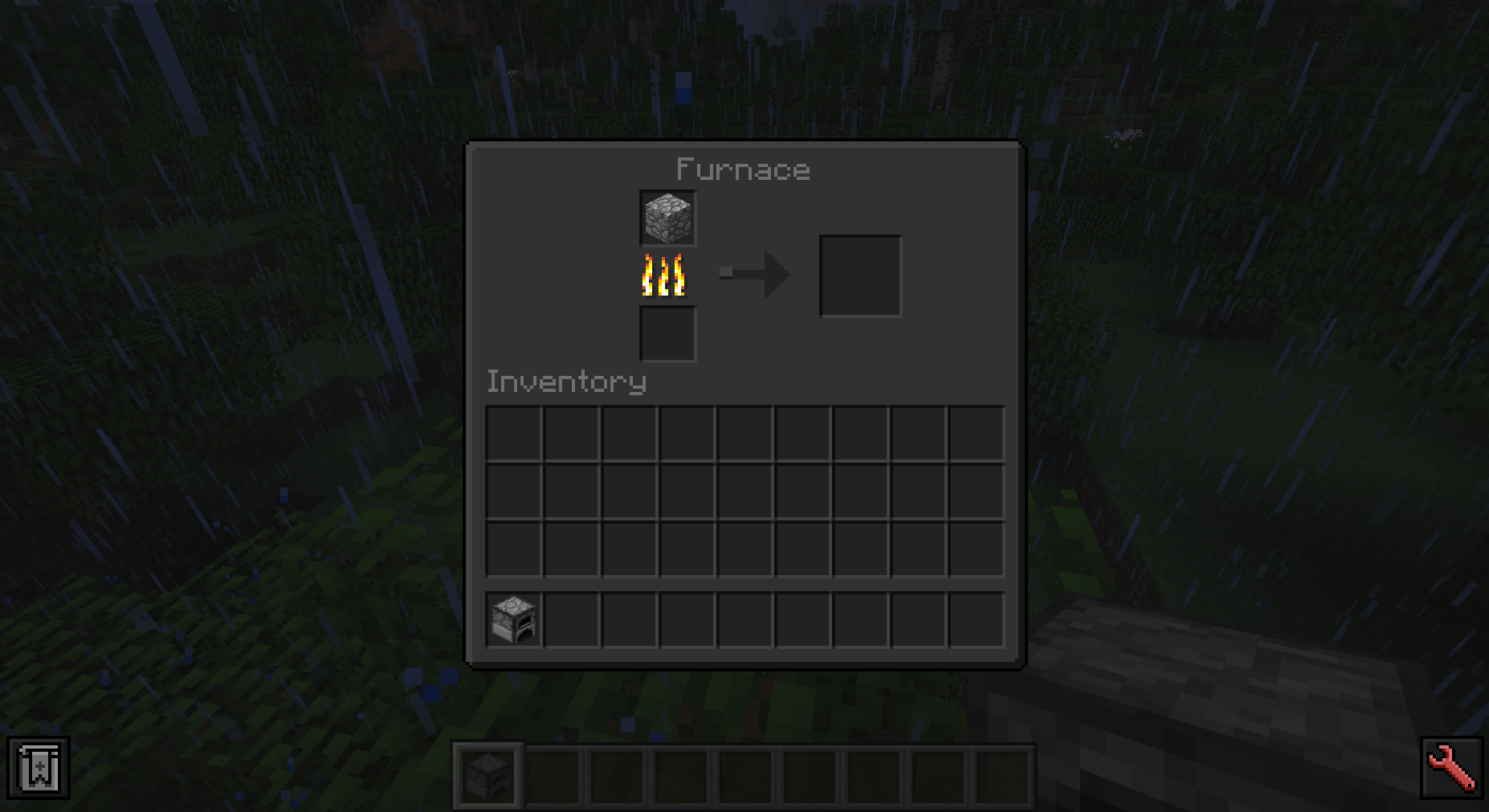
Supported mods (as of 2.5.1) :
- AbyssalCraft
- Actually Additions
- Advanced Generators
- Advanced Rocketry
- Advanced TFC Tech
- AE Additions
- AE2 Crafting Tree - Legacy
- AE2 Fluid Crafting Reworked
- AE2 Extended Tables
- AE2 Stuff
- AE2 Universal Wireless Terminal
- Applied Energistics 2
- Aetheworks
- ArchitectureCraft
- Applied Energistics & Unofficial Extended Life
- Agricraft
- Alchemistry & Redox
- Arcane Archives
- Arcane World
- Astral Sorcery
- Atum 2
- Auximlium Equivalence
- Avaritia
- Avaritia Addons
- Backpacked
- Banner Patterns Backport
- Baubles
- Baubley Heart Canisters
- Better Advancements
- Better P2P
- Better Questing
- Better Tabs
- BetterEndForge Backport
- Bewitchment
- Botania
- Bibliocraft
- Bigger Crafting Tables
- Blood Arsenal
- Blood Magic
- Brandon's Core
- Bring Me The Rings!
- Bubbles
- Builcraft
- Building Gadgets
- Bundles Backport
- Calculator
- CC:Tweaked
- Chargers
- Chicken Chunks
- Chickens
The Enigmatica 2: Expert - Extended (issue tracker) and Tainted Forces modpacks are explicitely supported. More might be added in the future
If you wish to request more mod support, you can make an PR on github. Just follow colour scheme. I will also try to implement mod requests in Github Issues, following my limited available time
How to install A Dark Mode
With Millida Launcher
Install Millida Launcher
The launcher is free: download it at millida.net/launcher and sign in with any nickname.
Click “Install” on this page
The launcher opens and installs the resource pack for Minecraft 1.12–1.12.2 automatically.
Launch the game
A profile with it appears in the launcher: click “Play”.
Manually
Download the archive
Pick the file Dark Mode-2.5.1.zip (7.1 MB) for your game version. No need to unpack it.
Put it in the resourcepacks folder
The easiest way: “Options”, then “Resource Packs”, then “Open Pack Folder”, and drag the archive there.
Enable the pack
In the same window, move the pack to the right-hand “Selected” column and click “Done”.
Versions
With dependencies
| Minecraft | Loader | File | Date | Actions |
|---|---|---|---|---|
| 1.12.1 | — | Dark Mode-2.5.17.1 MB 2 |
FAQ
Which Minecraft versions does A Dark Mode work on?
There are files for 1.12.2, 1.12.1, 1.12. The newest is 1.12.2.
Where can I download A Dark Mode safely?
On this page: the file Dark Mode-2.5.1.zip (7.1 MB) is stored on Millida’s server, with no link shorteners. SHA-1 checksum: 358f6a09ecc903644362c15f88ca2666d36eea61.
Reviews
Be the first to rate A Dark Mode



