
Inventory Sort Plugin for Minecraft
A plugin used to sort your inventory and chests
About the Inventory Sort plugin
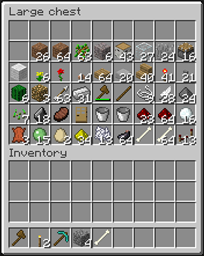
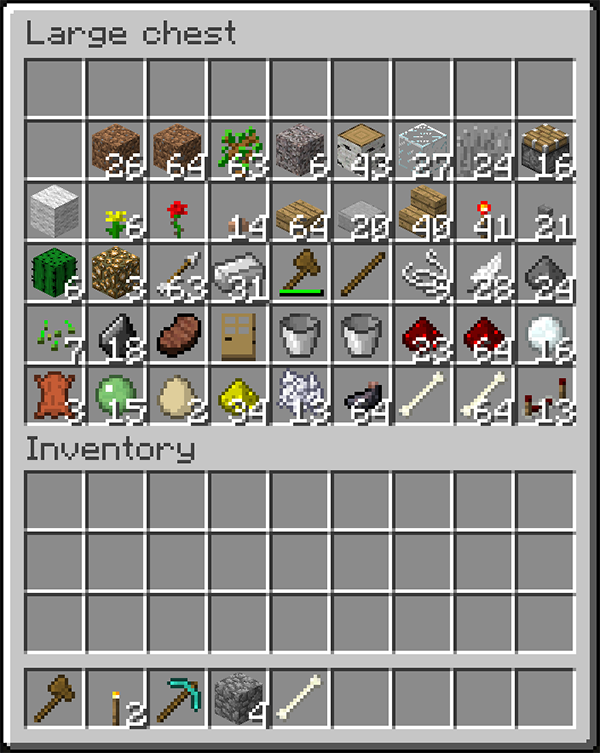
InventorySort - Sorts, Stacks, and toggle-able stacking, optional armor and tool stacking. But wait there's a wand for sorting chests. If you want an even better sorting system I'd suggest the client side mod Inventory Tweaks. InventorySort allows you to sort all or part of your inventory ordered on the block/item TypeId number. You can also sort chests in the same manner with the command or a wand. Version: 2.1.1 Download: Inventory Sort v2.1.1 Source: https://github.com/wolfwoodbrbu/InventorySort Supports As of 2.0 Bukkit's SuperPerms(nodes here) Before & After Screen Shots
Commands:
- /sort all - Sorts all of the slots in your inventory(slots 0-35)
- /sort top - Sorts the "Backpack" slots of your inventory(slots 9-35)
- /sort 4 35 - Sorts slots 4-35
- /sort 35 10 - Sorts slots 10-35
- /sortchest - Sorts all of the slots in a chest or doublechest (alias: /srtc) The wand is be used to sort chests!
- /sort stack - Toggles whether sorting stack's first (default off) will remember between sessions as long as the server hasn't been restarted.
- /sort reload - Reloads the config, useful if you just installed it and want to change the config without restarting the server.
New in v1.6 - v1.8:
- Quick Sort algorithm that first sorts by TypeID, then Damage value(for wool, dye, slabs, logs), and lastly by stack size(So smaller stacks are at the end and easy to find)
- A wand for sorting chests. Default is a Stick(280), but I personally like it to be Bone(352).
- Configurable stacking of Tools and Armor(This
How to install Inventory Sort
A server on Paper or Spigot
The plugin runs on the server core; players do not need to install anything.
File goes into the plugins folder
Download the file InventorySort.jar (36 KB) and put it into the server’s plugins folder.
Restart the server
On startup the plugin creates its own settings folder in plugins.
Use the “To server” button
On Millida Hosting, the button at the top of the page uploads the file to your server and restarts it for you.
Versions
With dependencies
| Minecraft | Loader | File | Date | Actions |
|---|---|---|---|---|
| — | — | InventorySort 2.235.6 KB |
FAQ
Do players need to install Inventory Sort?
No, the plugin goes only on the server, into the plugins folder: players do not need to download anything.
Where can I download Inventory Sort safely?
On this page: the file InventorySort.jar (36 KB) is stored on Millida’s server, with no link shorteners. SHA-1 checksum: 6b53168aafdc6db2bd5c3c6661f1b98bca3cea41.
Reviews
Be the first to rate Inventory Sort



