

ElectriCraft Plugin for Minecraft
Redstone-Powered Lightposts, Blocks, Bridges, And More
About the ElectriCraft plugin
ElectriCraft

Description
There are a lot of plugins that let you toggle/do something by simply hitting a Sign or typing a command. But that's a little unrealistic. If you can't hit a Piston with your hand to make it work, why should any other mechanism be any different? ElectriCraft lets you move mechanisms, build new block structures, control lighting, create electrical devices, and more ALL with the power of Redstone!
Features
- Details
- Redstone-powered electrical devices
- Mechanisms, structures, devices, and light control
- Particle effects and sounds
- Completely customizable
- Blocks are saved/protected on server restart!
- Bukkit Permissions support
- Mechanisms
- Bridge
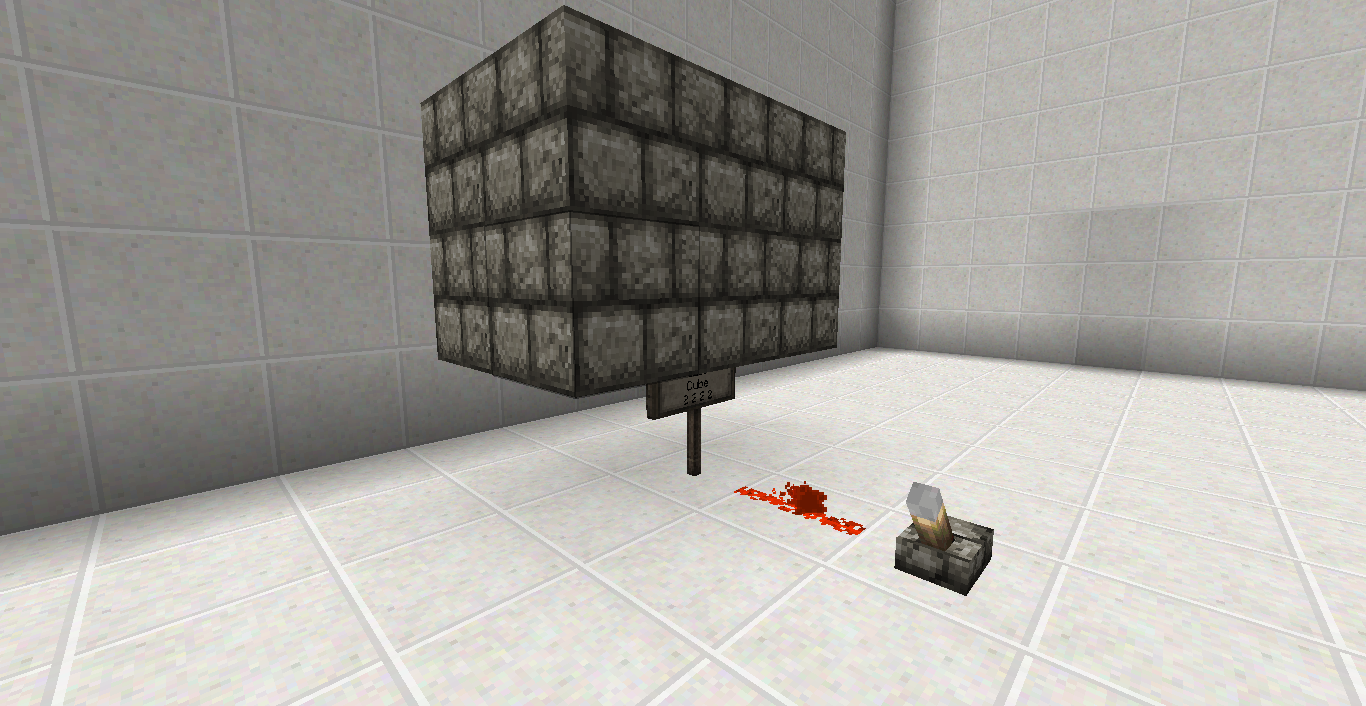
- Cube
- Door
- Gate
- Stairs
- Block Structures
- Light Post
- Custom-designed
- Supports all Toggle Blocks
- Lightning Rod
- Summon deadly/passive lightning strikes
- Electric Fence
- Protect property and damage players
- Quicksand
- Set traps in PvP and puzzle servers
- Toggle Blocks
- Chandelier
- Furnace
- Glowstone
- Pumpkin/Jack O' Lantern
- Redstone Ore
- Netherrack
- Devices
- Light Sensor
- Time Sensor
- Voltmeter
- Toggle Signs
- Lava
- Lift
- Torch
- Buttons/Pressure Plates change to Torches
- Water
Installation
- Place the ElectriCraft.jar into your /plugins folder
- Run and close the server to start ElectriCraft
- ElectriCraft's config.yml and .ecf block files will be auto-generated
- Customize it how you want!
How-To
- Click \/, or see the "Pages" tab /\
- Building Instructions
- Configuration/Permissions
Videos
Credit for the videos goes to colony88! Thanks for the tutorials! :)
To-Do
- Have a suggestion? Make a Ticket!
- Painting toggle/scroll? (Being kind of difficult...)
- TelePads?
Bugs/Issues
- Let me know what you find, please! Submit a Ticket if you have any issues.
- Furnaces currently don't maintain their direction when switching between on/off states. It looks best as floor/ceiling lights for now.
- Plugins that modify the drops of blocks MIGHT conflict with protected blocks and drop them anyway.
How to install ElectriCraft
A server on Paper or Spigot
The plugin runs on the server core; players do not need to install anything.
File goes into the plugins folder
Download the file ElectriCraft.jar (67 KB) and put it into the server’s plugins folder.
Restart the server
On startup the plugin creates its own settings folder in plugins.
Or use the “To hosting” button
On Millida Hosting, the button at the top of the page uploads the file to your server and restarts it for you.
Versions
With dependencies
| Minecraft | Loader | File | Date | Actions |
|---|---|---|---|---|
| — | — | ElectriCraft v3.2.367.3 KB |
FAQ
Where can I download ElectriCraft safely?
On this page: the file ElectriCraft.jar (67 KB) is stored on Millida’s server, with no link shorteners. SHA-1 checksum: ea938ebdda24d092375621a89f7146fed9721d43.
Reviews
Be the first to rate ElectriCraft


