

Bukkit Games Plugin for Minecraft 1.20.1, 1.20.2
The super customizable survival games experience
About the Bukkit Games plugin
Warning: This plugin is able to delete the world that has been set in the config. It's recommended to install this plugin on a clean server without any important world files, as the main world will be deleted every time the server restarts with this plugin installed, in order to generate a new random world to play on.
For a long time people have been playing survival games, and many people are still enjoying the gamemode to this day. Many of those players would love to make a survival games server themselves. Many survival games plugins have been released and used, but I'm hoping to provide you with an easy-to-use, super customizable, and fun version of survival games.
So, we have made for you: BukkitGames!
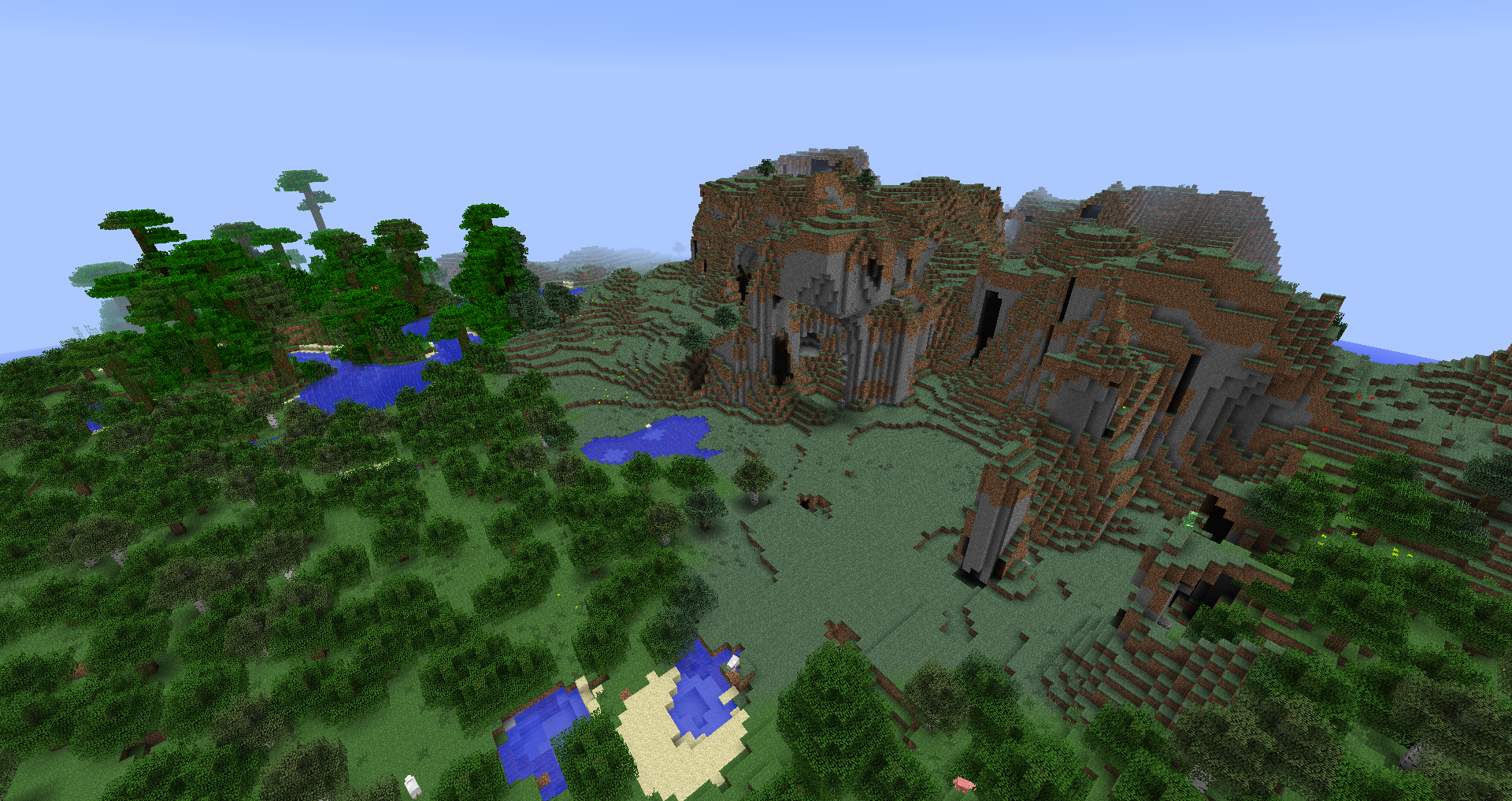
Features:
- Random generated worlds each round.
- Random crates spawn in the world.
- World border.
- Building can both be allowed or denied.
- Ranks.
- Spectating.
- Easy drag & drop setup.
- Custom plugin name in config.
- Force starting.
- Countdowns.
- Kits. (Fully customizable)
- A winner rank for 1 round after winning.
- Random spawn locations when the game starts.
- Arena shrink mechanics.
- Scoreboard system.
- Vote to start system.
- And much, much more!
Every game is completely random and different!
Installing:
Installing is easy! Drag and drop the files in the zip file into your plugin folder and you're ready to go!
Commands:
- [/bg] Main command.
- [/bg iron <playerName>] Set a player's rank to Iron member.
- [/bg gold <playerName>] Set a player's rank to Gold member.
- [/bg diamond <playerName>] Set a player's rank to Diamond member.
- [/bg emerld <playerName>] Set a player's rank to Emerald member.
- [/bg forcestart] Force start the round.
- [/bg addpoints <playerName> <points>] Give a player points.
- [/bg givekit <playerName> <kitName>] Give a player a kit.
- [/bg takekit <playerName> <kitName>] Remove a kit from a player's kits.
- [/bg vote] Vote start start the round.
Kits:
- kitName:
- logoItem: itemName
- kitLore: 'Text goes here.'
- price: The price in points.
- items:
- 'itemName': amountOfItem
- potions:
- potionNameInIdOrNormalName(Example: FIRE_RESISTANCE):
- amplifier: The level of the potion effect.
- duration: How long it should last. (In seconds.)
- effect: The special effect for this kit. (API tutorial: Click here)
- (Check the example configuration file for more insight!)
Config explanation:
- pluginDisplayName = The name that displays in front of all messages.
- worldName = Which world is going to be used for the game, has to match the default world.
- maxPlayers = The amount of players that can join the game.
- enableKits = If the game should have kits.
- deleteWorldOnServerBoot = If the world should be deleted and regenerated on server boot.
- saveWorldOnServerShutDown = If the world should be saved when the game has ended.
- votesNeededToAutostart = How many votes are needed to auto-start the game.
- deadPlayersCanChat = If dead player can chat or not.
- canBuild = If players can build during the game.
- randomWorldTime = If when the round starts the world time should be random or not.
- roundStartWaitTime = How long it will take for the round to start after a sufficient amount of players joining.
- graceperiod = How long players are invulnerable at the start of the round.
- dropCrates = If there should spawn Crates.
- playerSpreadRadius = The max distance a player can get teleported from the spawn when the round starts.
- createItemSpawnChance = The % chance that there spawns an item in a Crate slot.
- spawnCrateSpawnRadius = The max distance a spawn Crate can spawn away from the spawn. (Spawn Spawn Spawn)
- spawnCrateAmount = The number of spawn Crates.
- minimalCrates = The minimal amount of Crates.
- maximalCrates = The maximal amount of Crates.
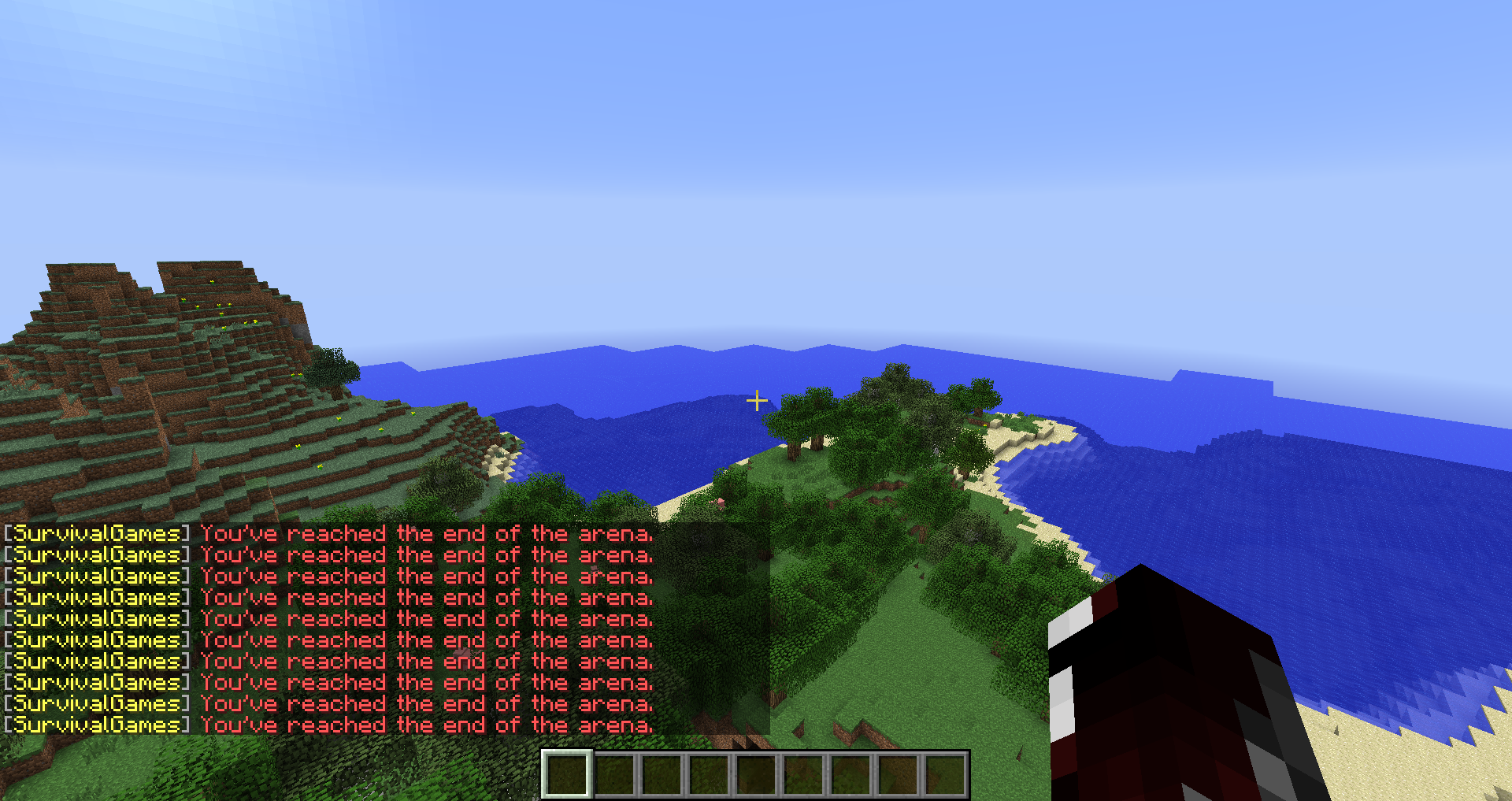
- arenaSize = The size of the arena, a player will get damage when it tries to escape. (For now)
- minimalArenaSize = The smallest radius the arena can get after shrinking.
- shrinkSpeedInSeconds = The time it takes to shrink the arena 1 block. (0 = No shrinking)
- enableScoreboard = If the scoreboard system should be enabled.
- winner = Don't touch this, it's to save the last winner for the next round.
How to restart the server after the game ended:
Use this in your start cmd to make the server auto-restart when the server shuts down:
- :start
- java -Xmx1G -jar (craftbukkit/spigot jar name).jar
- goto start
GitHub page: https://github.com/Markcreator/BukkitGames/
Made by Markcreator
How to install Bukkit Games
A server on Paper or Spigot
The plugin runs on the server core for Minecraft 1.8.1–1.20.2; players do not need to install anything.
File goes into the plugins folder
Download the file BukkitGames.jar (67 KB) and put it into the server’s plugins folder.
Restart the server
On startup the plugin creates its own settings folder in plugins.
Use the “To server” button
On Millida Hosting, the button at the top of the page uploads the file to your server and restarts it for you.
Minecraft 1.20.2 runs on Java 17: with a different Java version the game may close right after launch.
Versions
With dependencies
| Minecraft | Loader | File | Date | Actions |
|---|---|---|---|---|
| 1.20.2 | — | BukkitGames - V0.9266.8 KB | ||
| 1.8.1 | — | BukkitGames - V0.8760.1 KB |
FAQ
Which Minecraft versions does Bukkit Games work on?
There are files for 1.20.2, 1.20.1, 1.20, 1.8.1. The newest is 1.20.2.
Which Java does Bukkit Games need?
Minecraft 1.20.2 runs on Java 17. If the game closes right after launch, the usual cause is the wrong Java version in the profile settings.
Where can I download Bukkit Games safely?
On this page: the file BukkitGames.jar (67 KB) is stored on Millida’s server, with no link shorteners. SHA-1 checksum: 2054b481bef394616dae39a459afa5b4be490c74.
Reviews
Be the first to rate Bukkit Games



