
AdvancedKits Plugin for Minecraft 1.8.1
Advanced Kits is a simple way of creating custom kits for your server. Advanced Kits is easy on everyone.
Advanced Kits
Advanced Kits is a simple way of creating custom kits for your server. Advanced Kits is easy on both the players and the admins.
Features
- Named Kits
- Economy
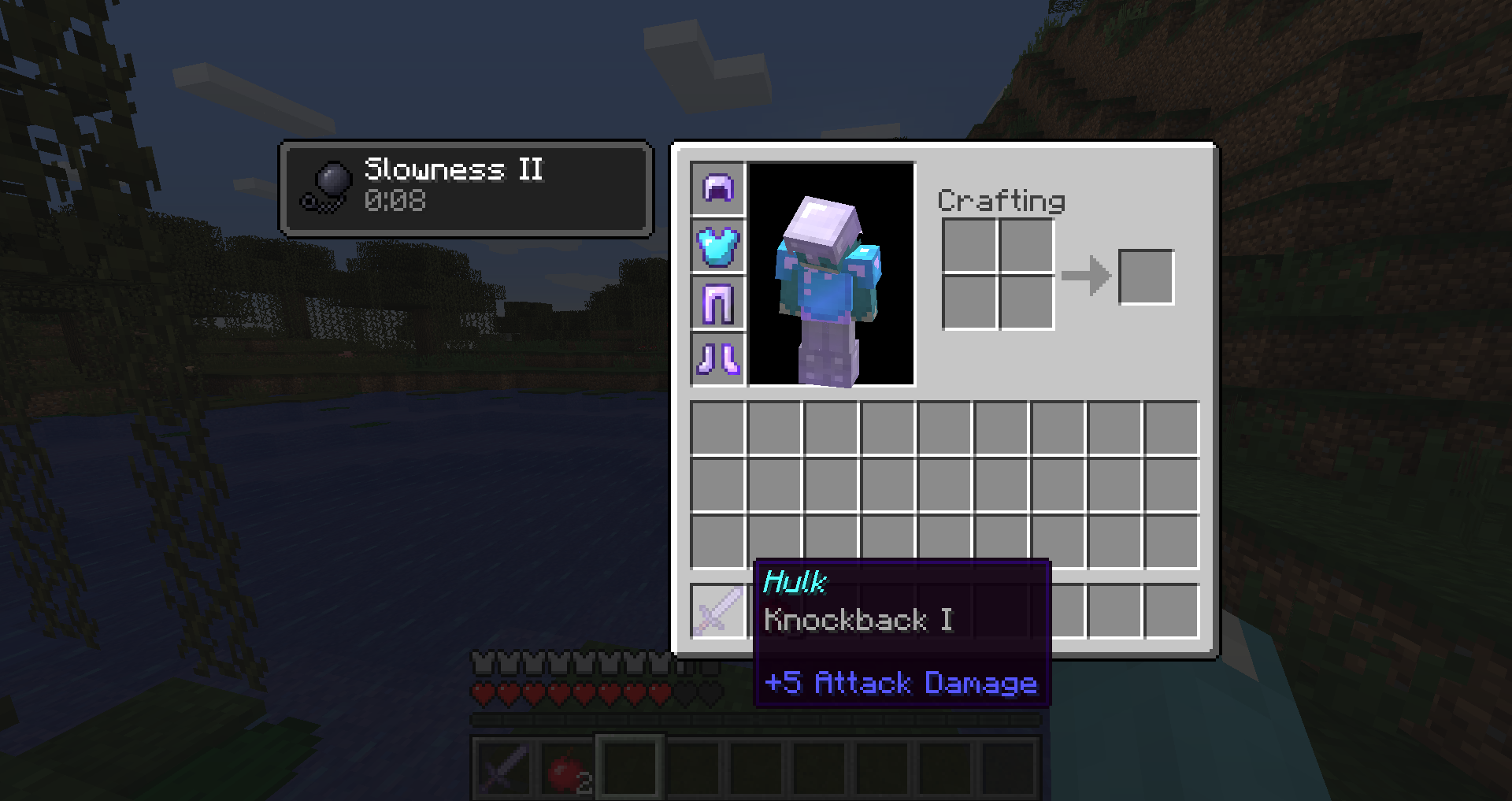
- Potion Effects
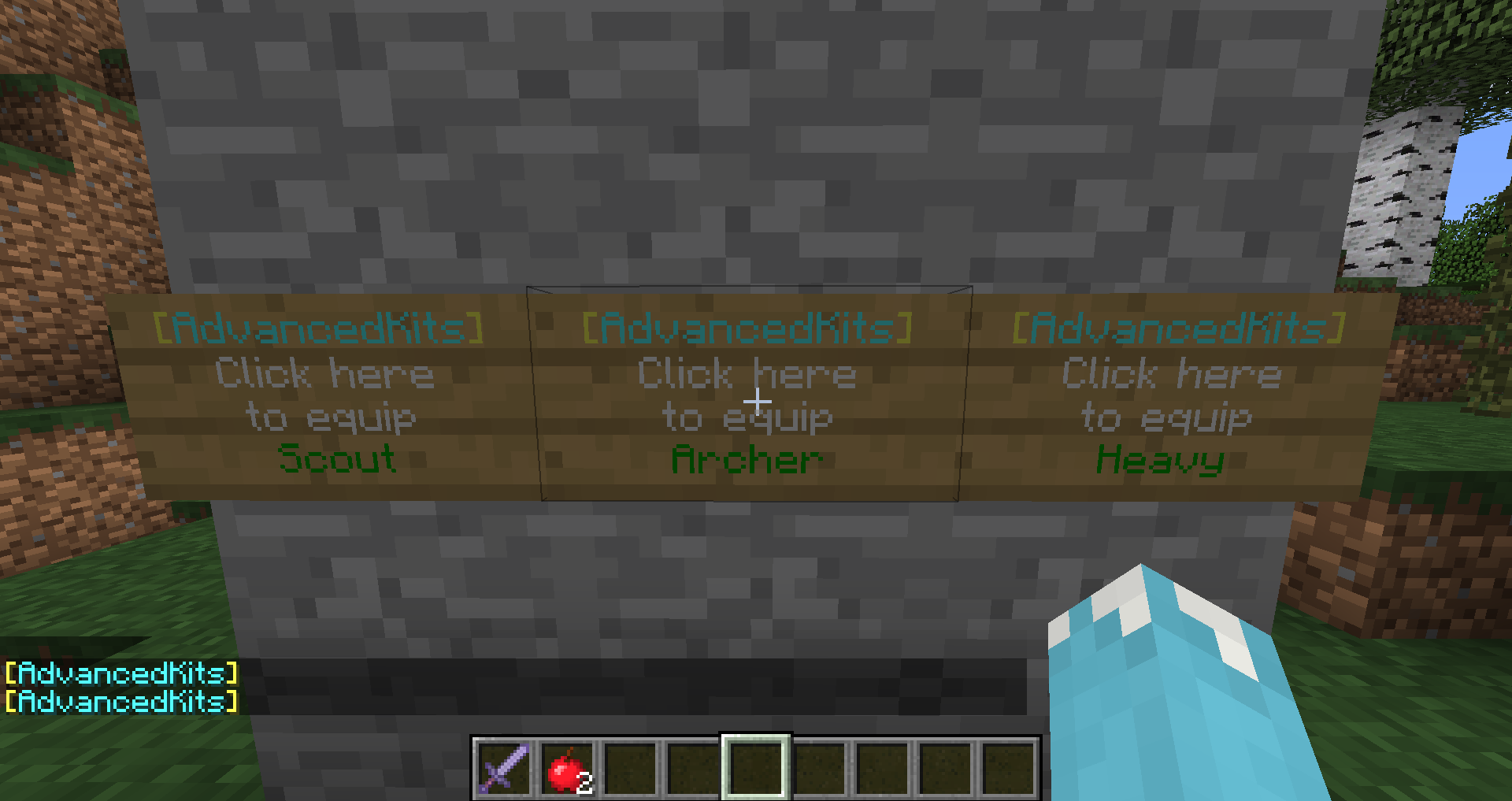
- Good Looking Signs
- Named Items and Armor
- Enchanted Items
- Unlimited Items Per Kit
Installation
All you have to do is just drag and drop the AdvancedKits.jar file into your plugins folder of your server. Then edit the config.yml and kits.yml to your liking!
Commands
/kit - Default kit command /kit list - Lists all available kits /kit [name] - Gives the player the specified kit
Permissions
kit.admin: Use all kit commands kit.player: Use all available kits
Config
Economy: True/False
Sign Creation
Requests
Please post any requests or bugs for improvement(Especially those involving kit creation) down in the comments below.
How to install AdvancedKits
A server on Paper or Spigot
The plugin runs on the server core for Minecraft 1.8.1; players do not need to install anything.
File goes into the plugins folder
Download the file AdvancedKits.jar (14 KB) and put it into the server’s plugins folder.
Restart the server
On startup the plugin creates its own settings folder in plugins.
Use the “To server” button
On Millida Hosting, the button at the top of the page uploads the file to your server and restarts it for you.
Minecraft 1.8.1 runs on Java 8: with a different Java version the game may close right after launch.
Versions
With dependencies
| Minecraft | Loader | File | Date | Actions |
|---|---|---|---|---|
| 1.8.1 | — | AdvancedKits 1.114.2 KB |
FAQ
Which Minecraft versions does AdvancedKits work on?
Only Minecraft 1.8.1: there are no files for other versions.
Which Java does AdvancedKits need?
Minecraft 1.8.1 runs on Java 8. If the game closes right after launch, the usual cause is the wrong Java version in the profile settings.
Where can I download AdvancedKits safely?
On this page: the file AdvancedKits.jar (14 KB) is stored on Millida’s server, with no link shorteners. SHA-1 checksum: 5cdfbce01c0de0a2c1775f304aa849eac4708ed1.
Reviews
Be the first to rate AdvancedKits



