
Wayfinder Mod for Minecraft 1.21.1, 26.3
A new Immersive exploration mob that takes you to your desired biome! This mob creates a more lore & balanced way of finding biomes and offers tons of customization to tailor to player experience!
 Forge
Forge NeoForge
 Fabric
 Quilt
QuiltAbout the Wayfinder mod



"From there to here, and here to there, funny things are everywhere." - Dr. Seuss
Wayfinder is a brand new mod that adds a new way to explore Minecraft like never before
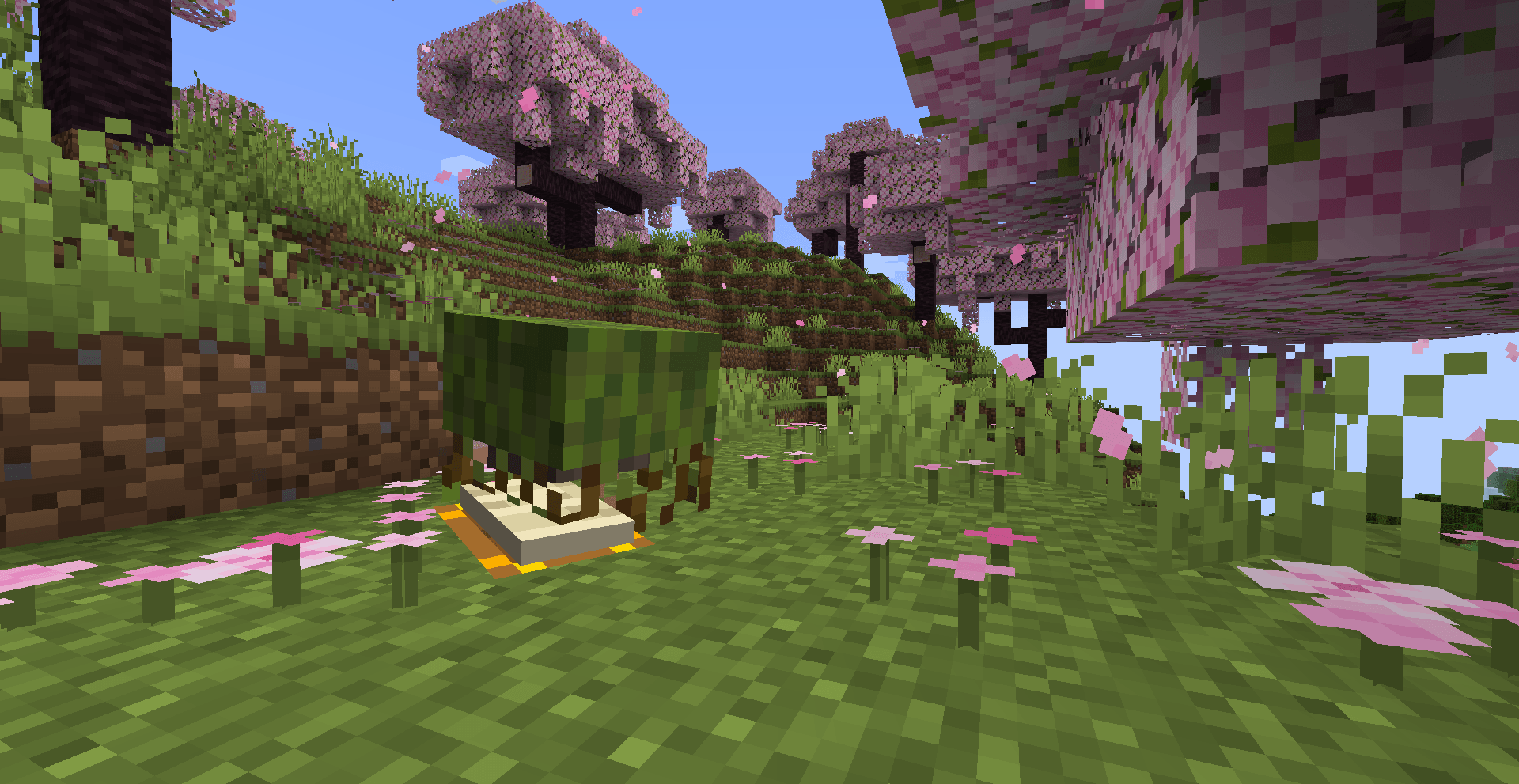
REQUIRES GECKOLIB


Meet The 'Wayfinder'
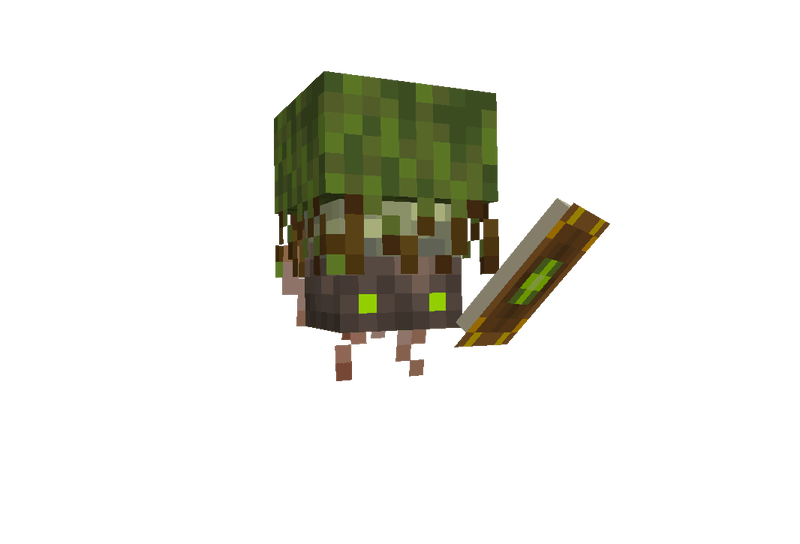
This new, unique mob will assist players in finding their dream biomes in a lore-friendly vanilla-styled gameplay that provides more character and an exploration journey.
GETTING STARTED:
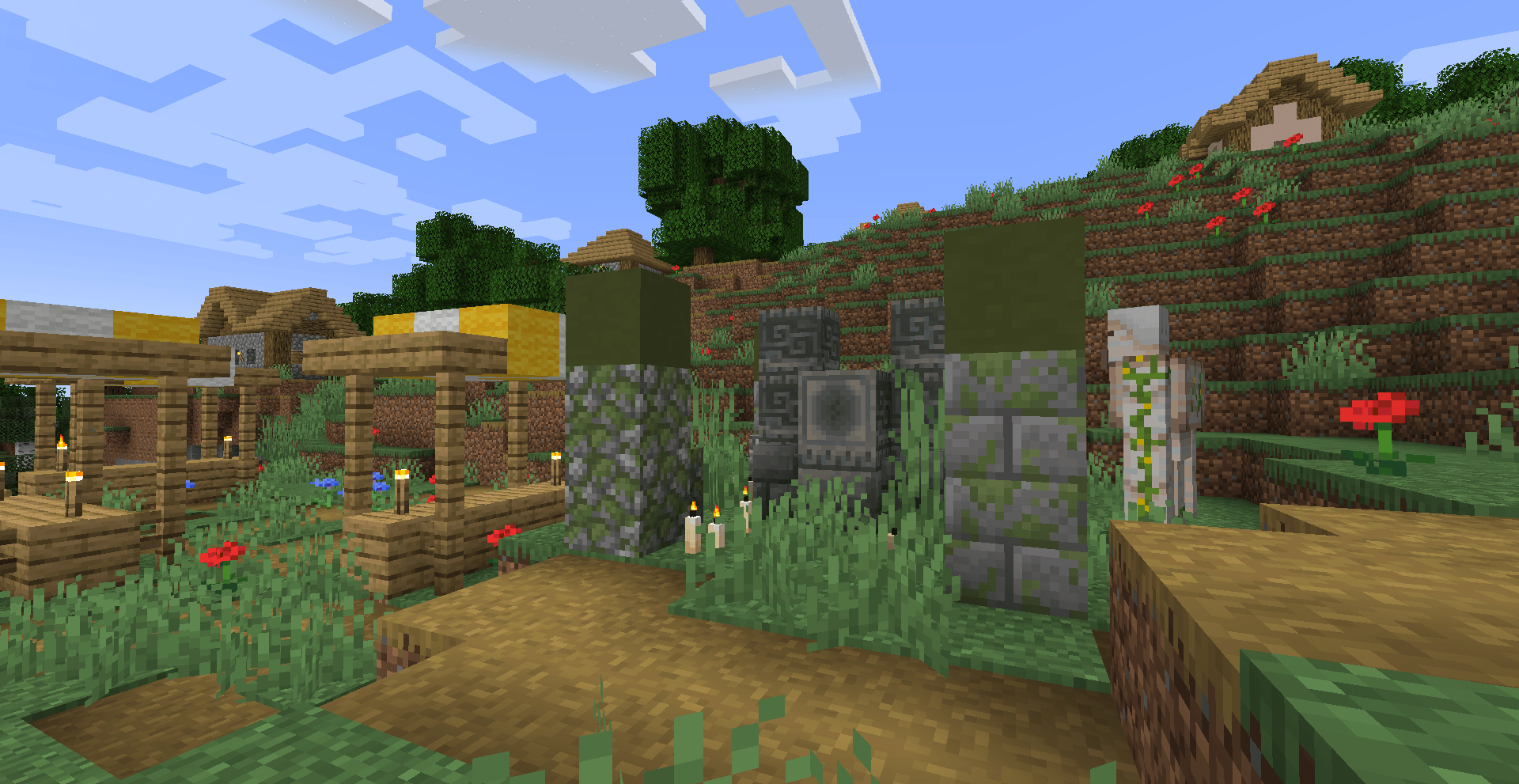
Wayfinder shrines can be found in Villages, and the player needs to offer up a few emeralds to summon a Wayfinder. Each player can also have their own Wayfinder, and when they aren't helping you find biomes, they can act just like any other 'pet' except this little being is definitely an ancient deity of some sort, so don't treat them like one.
HOW TO USE:
Right-click your new Wayfinder friend, and on the right side of the GUI, you will see all the biomes in the current dimension you are in. Click on the biome you want to search for and click 'Search'. If the Wayfinder cannot find the biome within a 10,000 block radius, it will shake its head no, and you will need to pick another biome to find. Once the Wayfinder finds a biome you want within its radius, it will begin journeying to the biome. If the Wayfinder gets too far away from its owner during a journey, it will teleport back to the owner. If you want to cancel the trip, right-click your Wayfinder and click the 'Cancel' button. Wayfinders do have a short cooldown in-between biome searching.
PROTECTING YOUR WAYFINDER:
Wayfinders are targeted by PROJECTILE BASED MOBS such as, but not limited to, Skeletons, Pillagers, Witches, and more. If the Wayfinder detects one of these mobs nearby, it will go into a panic state; the player must kill the nearby mobs for the Wayfinder to continue its journey. If the Wayfinder gets hurt, it will put up a shield that will block the following two instances of damage. Once the shield is broken, the Wayfinder will be vulnerable to death.
You can feed a Wayfinder 'Glowberries' to heal its health.
RESUMMONING YOUR WAYFINDER:
If your Wayfinder dies, you can resummon them at a Shrine; however, it will cost 2x more than the previous Emerald amount. The starting summon value is 1, so resummoning once will cost two emeralds, then 4, 6, 12, 24, etc., up to a max of 64 emeralds. But you won't let that happen... right?
FUTURE PLANS & UPDATES
-Skins! We want to let you customize your Wayfinder and give it that extra flair!
-New exploration mechanics such as Glowberry charges to increase the biome distance search range
-New journey completion rewards, such as a new music disc or hero of the village, for completing long journeys!
-Tweaking movement for the Wayfinder
-And so much more!
THIS MOD IS CURRENTLY IN BETA SO BUGS MAY HAPPEN | PLEASE REPORT ALL BUGS TO GITHUB

How to install Wayfinder
With Millida Launcher
Install Millida Launcher
The launcher is free: download it at millida.net/launcher and sign in with any nickname.
Click “Install” on this page
The launcher opens and installs the mod for Minecraft 1.21.1–26.3 on Fabric, Forge, NeoForge or Quilt automatically.
Launch the game
A profile with it appears in the launcher: click “Play”.
Manually
Install Fabric, Forge, NeoForge or Quilt
The loader must match the game version of the mod file, for example Minecraft 26.3. After installing it, a separate profile appears in your launcher.
Download the file for your version
In the version list above, pick the file Wayfinder-Forge-1.2.4-mc26.3.jar (1.8 MB) for your game version and loader.
Put it in the mods folder
The folder is inside .minecraft (Windows: %appdata%\.minecraft\mods). If it does not exist, create it.
Launch the loader profile
Open “Mods” in the main menu: Wayfinder should be in the list.
Versions
With dependencies
| Minecraft | Loader | File | Date | Actions |
|---|---|---|---|---|
| 26.3 | Forge | Wayfinder-Forge-1.2.4-mc26.31.8 MB | ||
| 26.3 | NeoForge | Wayfinder-NeoForge-1.2.4-mc26.31.8 MB | ||
| 26.3 | Fabric, Quilt | Wayfinder-Fabric-1.2.4-mc26.31.8 MB | ||
| 1.21.1 | NeoForge | Wayfinder-NeoForge-1.0.2-Beta1.9 MB | ||
| 1.21.1 | Forge | Wayfinder-Forge-1.0.2-Beta1.9 MB | ||
| 1.21.1 | Fabric, Quilt | Wayfinder-Fabric-1.0.2-Beta1.9 MB |
FAQ
Which Minecraft versions does Wayfinder work on?
There are files for 26.3, 1.21.1. The newest is 26.3.
Is Wayfinder for Forge or Fabric?
There are files for Fabric: 1.21.1–26.3, for Forge: 1.21.1–26.3, for NeoForge: 1.21.1–26.3 and for Quilt: 1.21.1–26.3.
Does Wayfinder need other mods?
The author lists no required dependencies: the Fabric, Forge, NeoForge or Quilt loader is enough.
Where can I download Wayfinder safely?
On this page: the file Wayfinder-Forge-1.2.4-mc26.3.jar (1.8 MB) is stored on Millida’s server, with no link shorteners. SHA-1 checksum: 4f6a6ba5dcfb6595dc80bdc6cde679694dfce8bd.
Reviews
Be the first to rate Wayfinder


