
Shrines Structures Mod for Minecraft 1.20.1, 1.18.2
A customizable structure generation mod that provides new structures like shrines, temples, houses, and more for Minecraft Forge
- downloads
- 3 downloads
- views
- 8 views
- Updated
- Updated 19.10.2026
- 1.18.2 — 1.20.1
 Forge
Forge
News
Shrines for 1.20.1 is out, now even as datapack to be used with vanilla minecrfat. For this reason, some features were removed.
For information on version for old Minecraft versions and their features visit GitHub
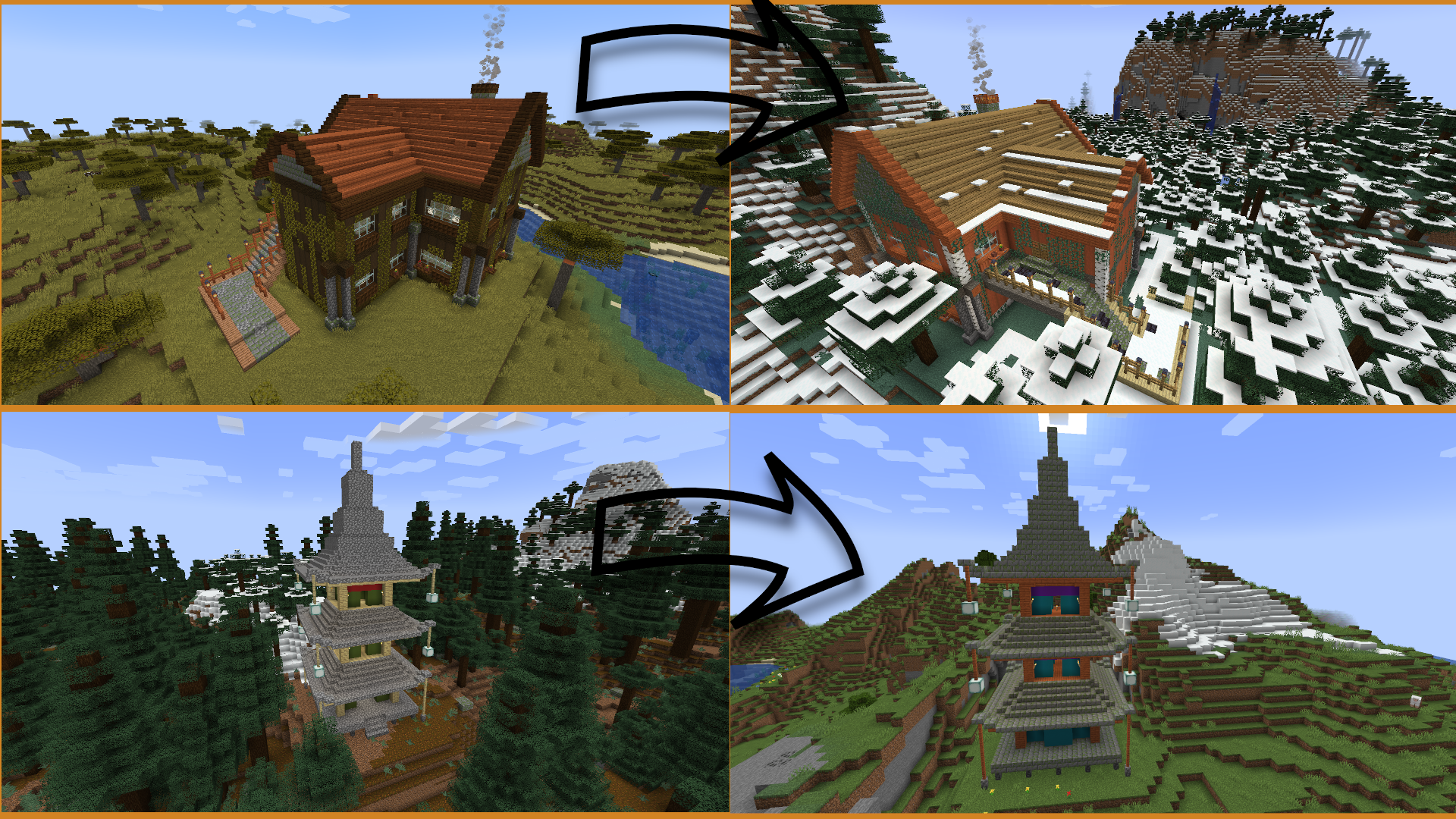
All credits to the content creator of these Spotlights (Lady Jessa aka lady_jessa on CurseForge)
(Content creator is a project collaborator. This video content was created with full support from the Shrines Structures mod and exclusive permission was granted for use on this page)
(Poke me if I should add some more here)
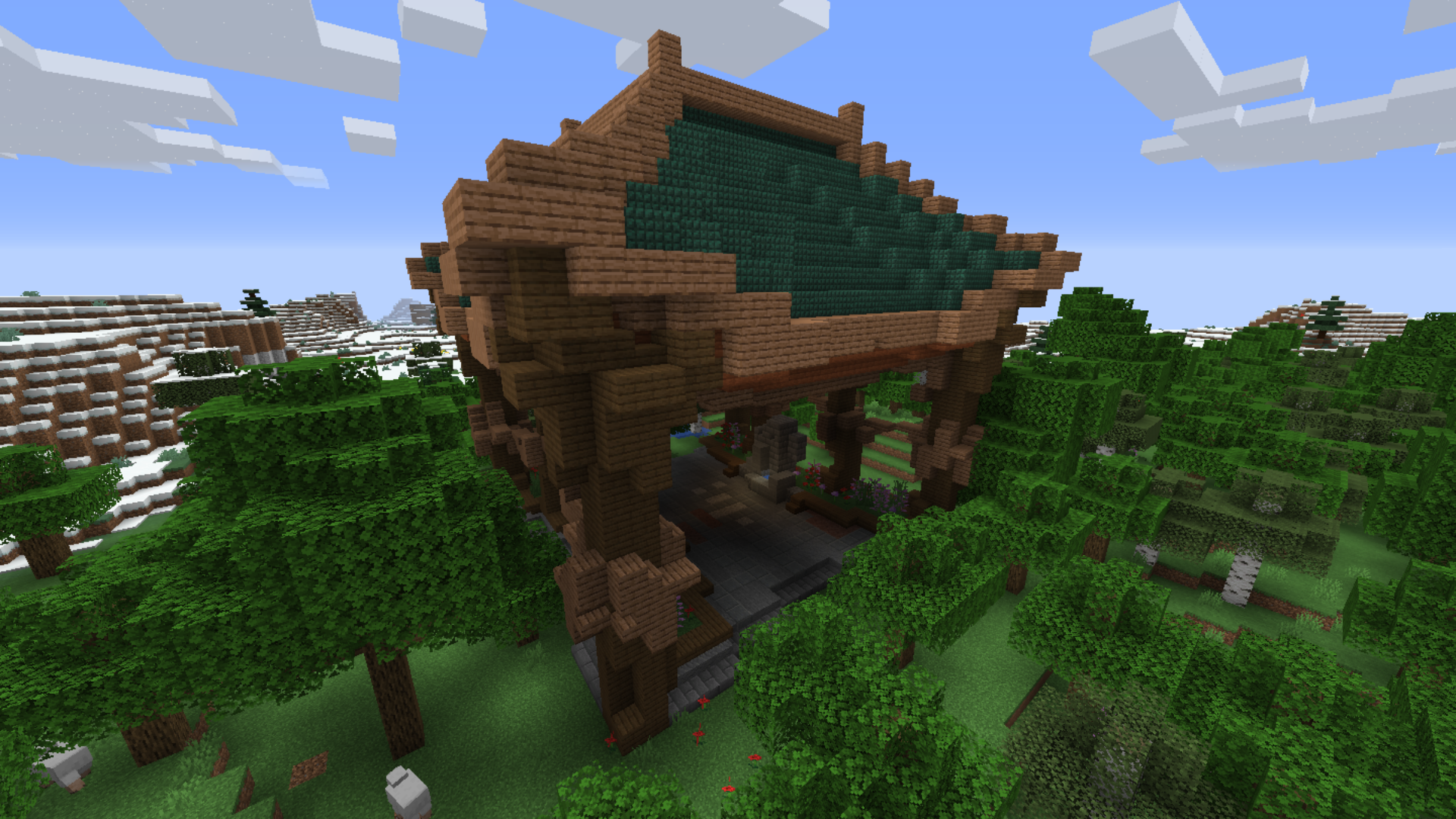
Shrines is a uniquely customizable, rapidly expanding structure generation mod that is updated from time to time. Minecraft's structures have their own style that should be respected, so Shrines never replaces pre-existing structures. Instead, this mod adds a new variety of diverse builds custom created to enhance Minecraft gameplay. A shrine is a monument, a structure with a distinctive purpose. Each one has a story to tell. Be a part of the story!
There so many people who deserve a thank you. First of all I want to say thank you to all people that contributed to Shrines in any way, but weren't listed here, just because the space is limited. Furthermore, a big thank you to everyone who downloaded Shrines, especially in the first three month. Without you downloading shrines, this mod wouldn't be as popular as it is right now.
Thank you to every one that reported bugs, proposed ideas and contributed to Shrines code. Your feedback is valued!
Here I would like to mention once again the names of the most hard-working staff members (I hope I haven't forgotten anyone - please note that I can't list everything a single person did. That would just exceed the space of this page):
- S1fy (Thank you for all your patience, constructive reviews and amazing builds)
- LadyJessa (lady_jessa) (Thank you for all your hard work. You've created so much amazing content that I can't name everything. Some examples: Shrines icons, Spotlight videos (linked), Abandoned Villa, Modern Villa, Luxury Villa, World Tree Manor and so on)
- LegoSorterman (Thank you for your patience when Shrines came up freshly and you helped out with code)
- CHPTR1 (Thank you for your reviews, structures and innovative ideas)
- pea_sh0ter (Thank you for your never ending pool of ideas. Some of them like the Novel system already found their way into the mod. Thank you for writing these amazing novels for all the structures)
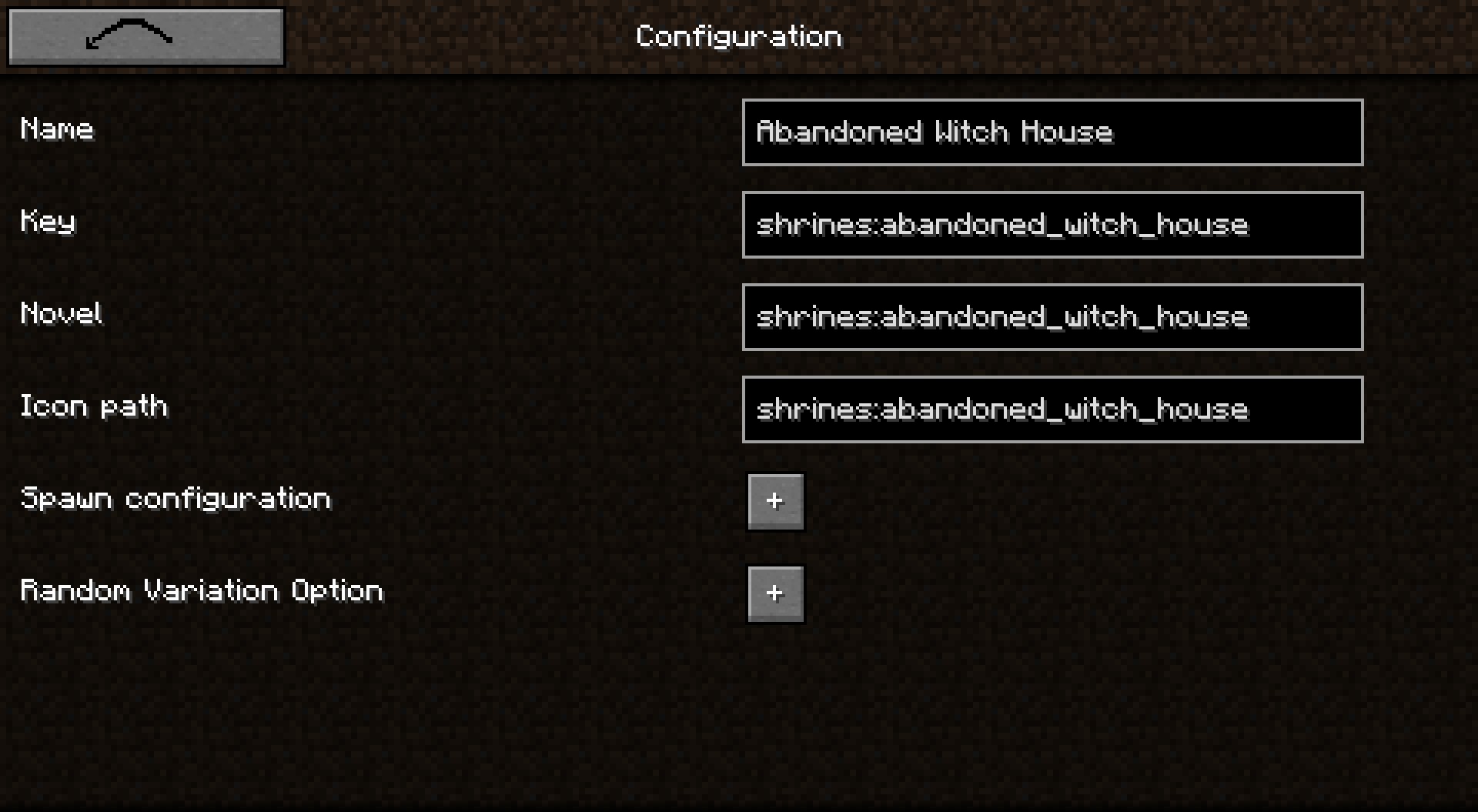
- SamhitApple (Your Infested Prison, Minerla temple, Jungle Tower, Abandoned Witch House and Flooded Temple are so bautiful. Keep on the great work. Thank you)
- Forscher09 (Thank you for reviews, ideas, thoughts, criticism and structures)
- Tikofan (You've build amazing structures for this mod. Thank you)
- Aurelj (Oriental Sanctuary is an amazing structure. Thank you for building it)
- ThanatosLP_ (You've created many beautiful structures. Thank you)
- MEME Man77 (Thank you for two incredible structures. They really enhance this mod)
- Every person that helped out with ideas or concerns in real life
Signed Silverminer
How to install Shrines Structures
With Millida Launcher
Install Millida Launcher
The launcher is free: download it at millida.net/launcher and sign in with any nickname.
Click “Install” on this page
The launcher opens and installs the mod for Minecraft 1.18.2–1.20.1 on Forge automatically.
Launch the game
A profile with it appears in the launcher: click “Play”.
Manually
Install Forge
The loader must match the game version of the mod file, for example Minecraft 1.20.1. After installing it, a separate profile appears in your launcher.
Download the file for your version
In the version list above, pick the file Shrines-1.20.1-6.0.2.jar (761 KB) for your game version.
Put it in the mods folder
The folder is inside .minecraft (Windows: %appdata%\.minecraft\mods). If it does not exist, create it.
Launch the loader profile
Open “Mods” in the main menu: Shrines Structures should be in the list.
Minecraft 1.20.1 runs on Java 17: with a different Java version the game may close right after launch.
Versions
With dependencies
| Minecraft | Loader | File | Date | Actions |
|---|---|---|---|---|
| 1.20.1 | Forge | Shrines-1.20.1-6.0.2.jar761 KB 3 | ||
| 1.19 | Forge | Shrines-1.19.2-5.0.0-alpha4.jar831 KB | ||
| 1.18.2 | Forge | Shrines-1.18.2-4.0.0-beta4.jar904 KB |
FAQ
Which Minecraft versions does Shrines Structures work on?
There are files for 1.20.1, 1.19, 1.18.2. The newest is 1.20.1.
Is Shrines Structures for Forge or Fabric?
Only for Forge: 1.18.2–1.20.1. There are no files for Fabric or NeoForge: a mod for another loader will not start.
Does Shrines Structures need other mods?
The author lists no required dependencies: the Forge loader is enough.
Which Java does Shrines Structures need?
Minecraft 1.20.1 runs on Java 17. If the game closes right after launch, the usual cause is the wrong Java version in the profile settings.
Where can I download Shrines Structures safely?
On this page: the file Shrines-1.20.1-6.0.2.jar (761 KB) is stored on Millida’s server, with no link shorteners. SHA-1 checksum: e4b7c41083c2c51ae8c2dcedc0b008ba5eb3fed7.
Reviews
Be the first to rate Shrines Structures


